
Rune Kubernetes Client
Debug Kubernetes faster on Mac.
Details
- Follow on
- @compilererrors
- Target Audience
- Backend DevelopersDevelopersSoftware Developers
- Pricing
- One-time from $3.99
- Featured in
- Best Server Monitoring Tools
Discovery signals
How AI and people discover Rune Kubernetes Client on PeerPush
- ChatGPT
- Perplexity
- +3 other AI crawlers
Reads by these AI engines
Crawlers behind these engines read this listing on PeerPush.About Rune Kubernetes Client
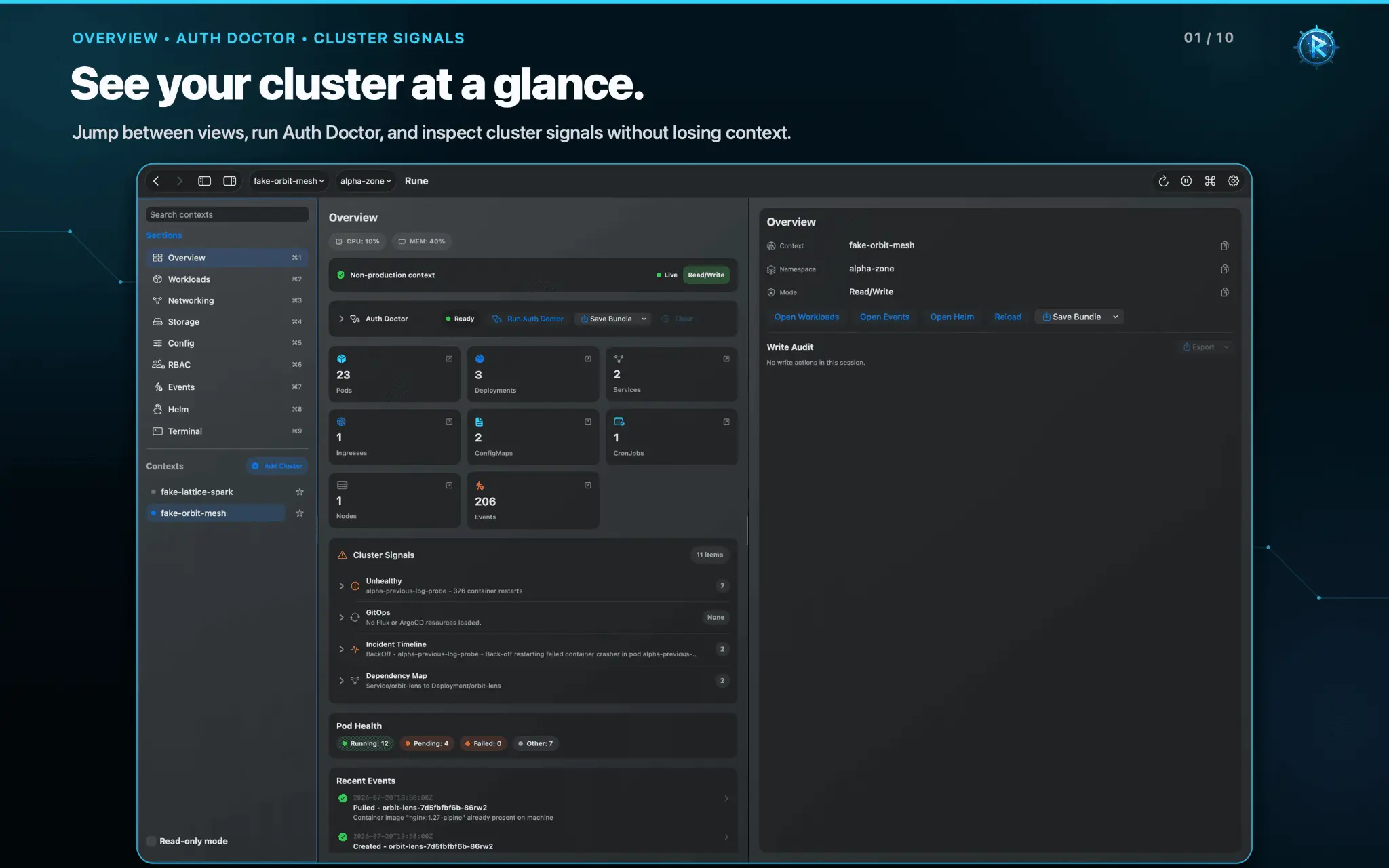
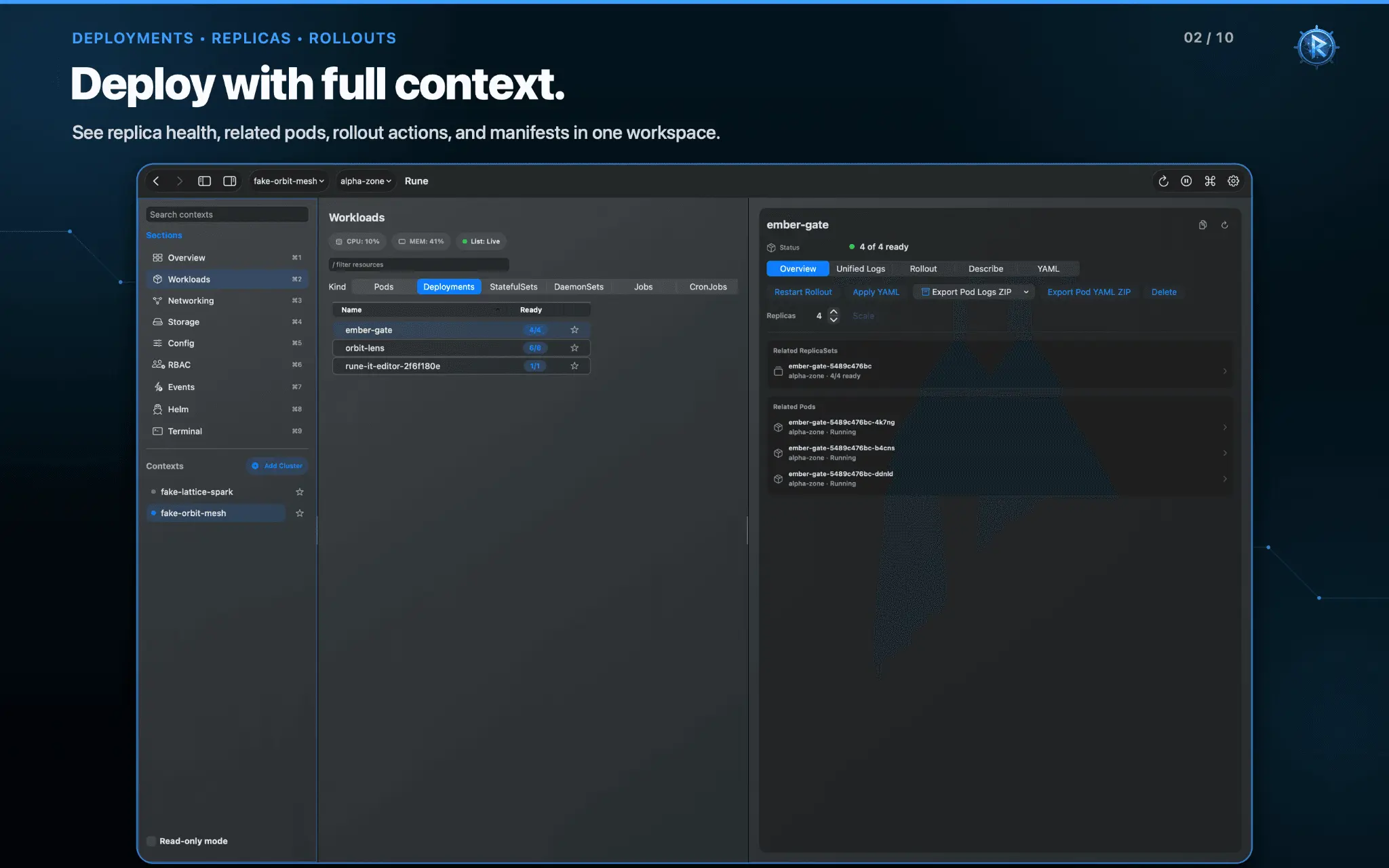
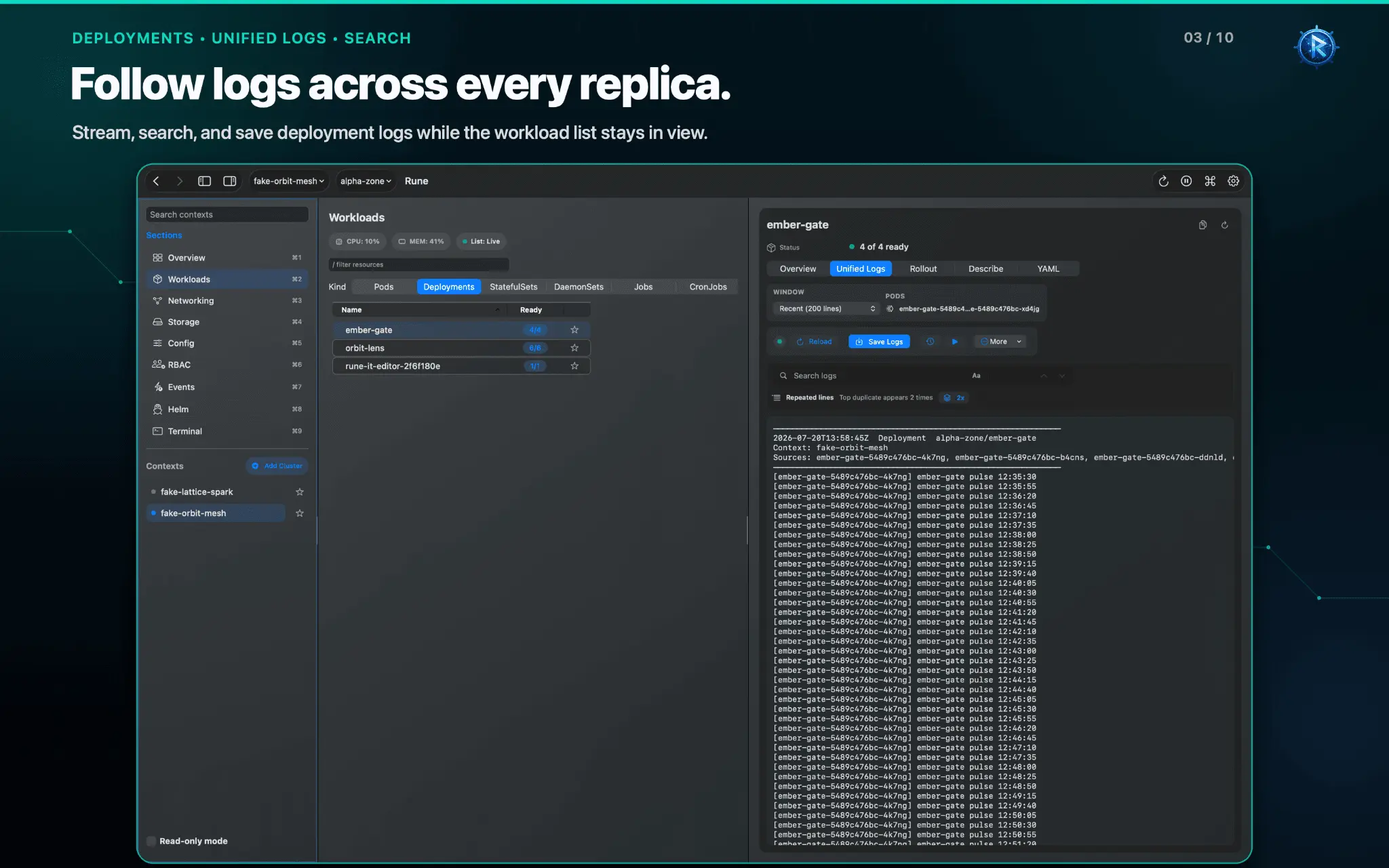
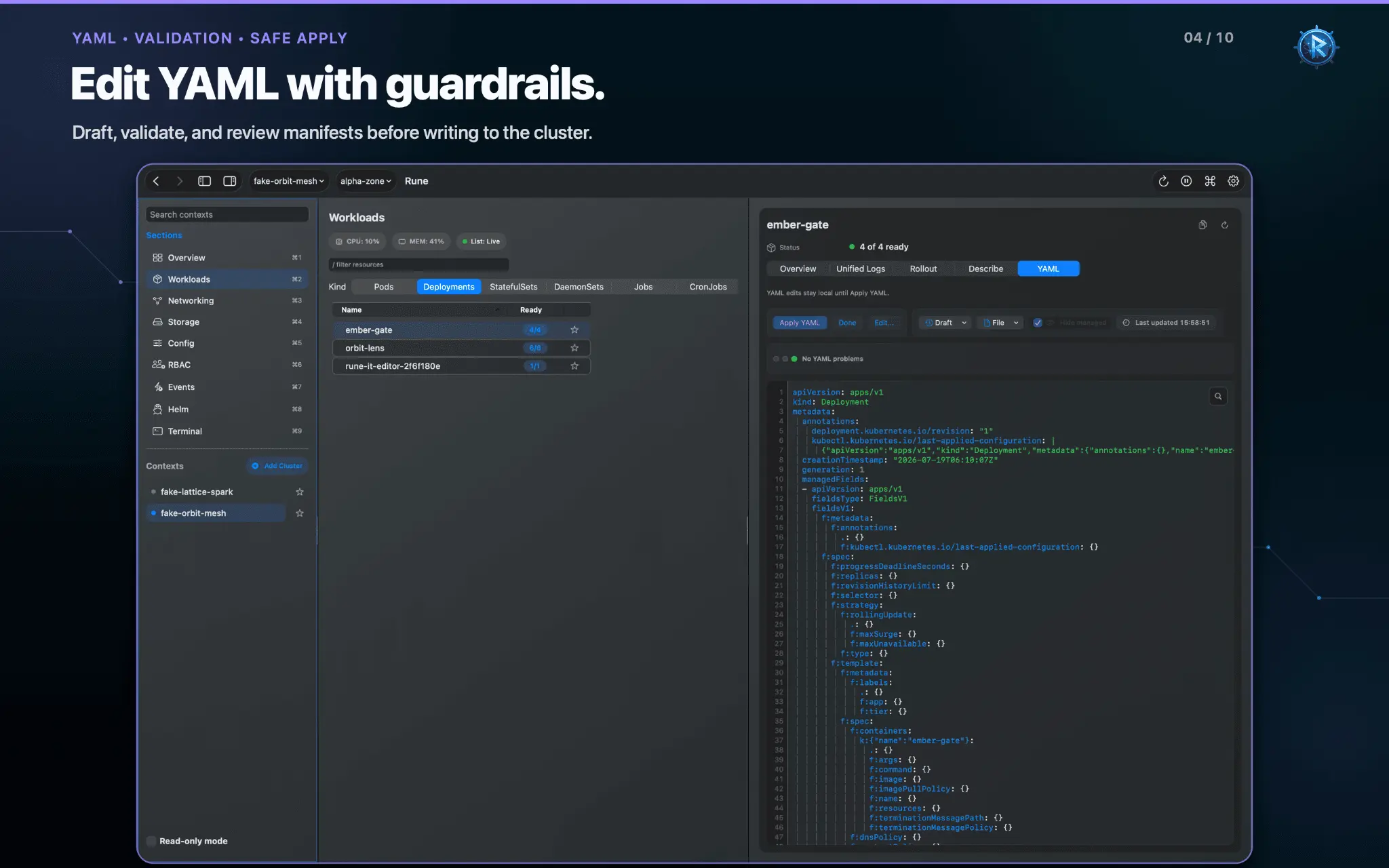
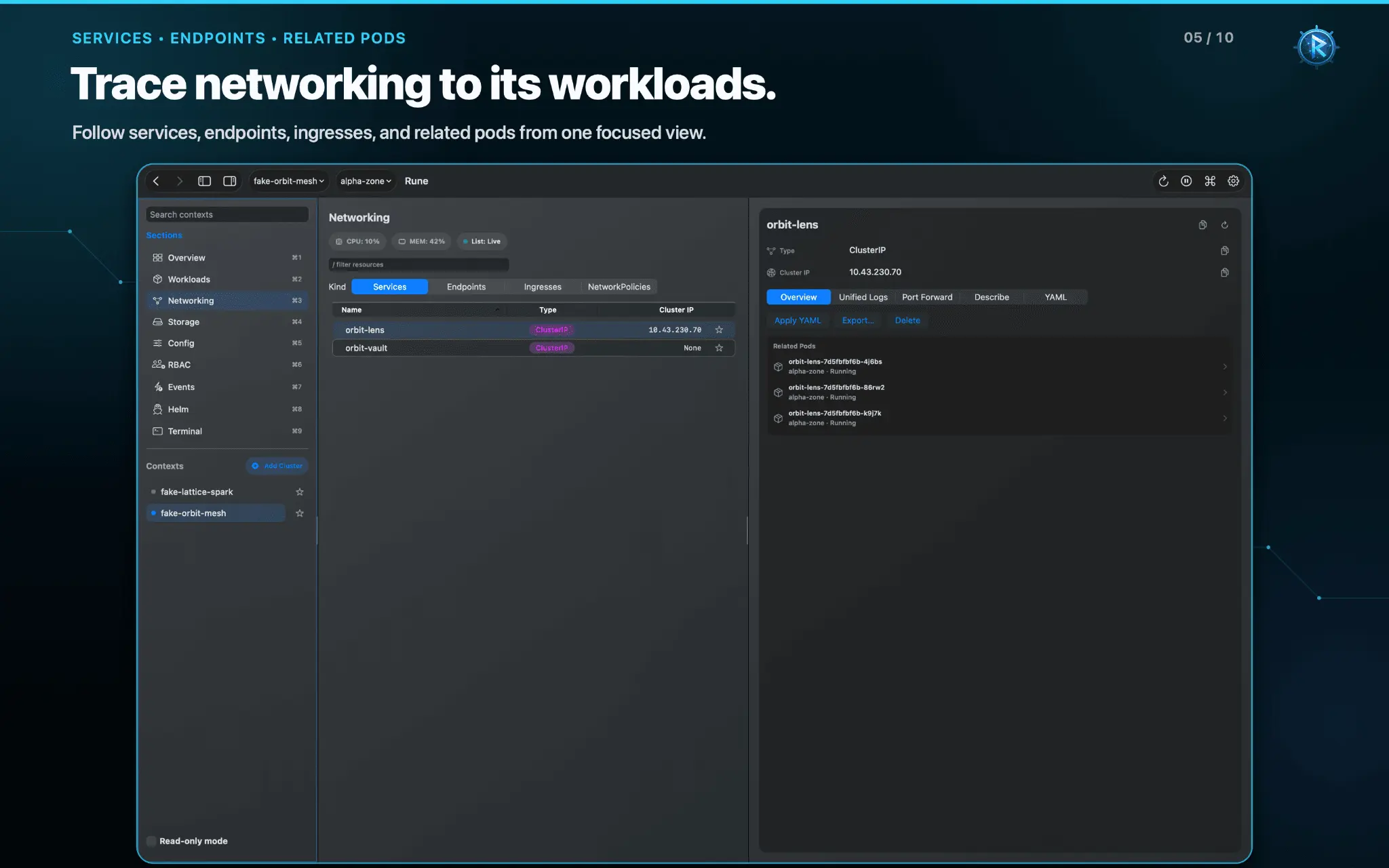
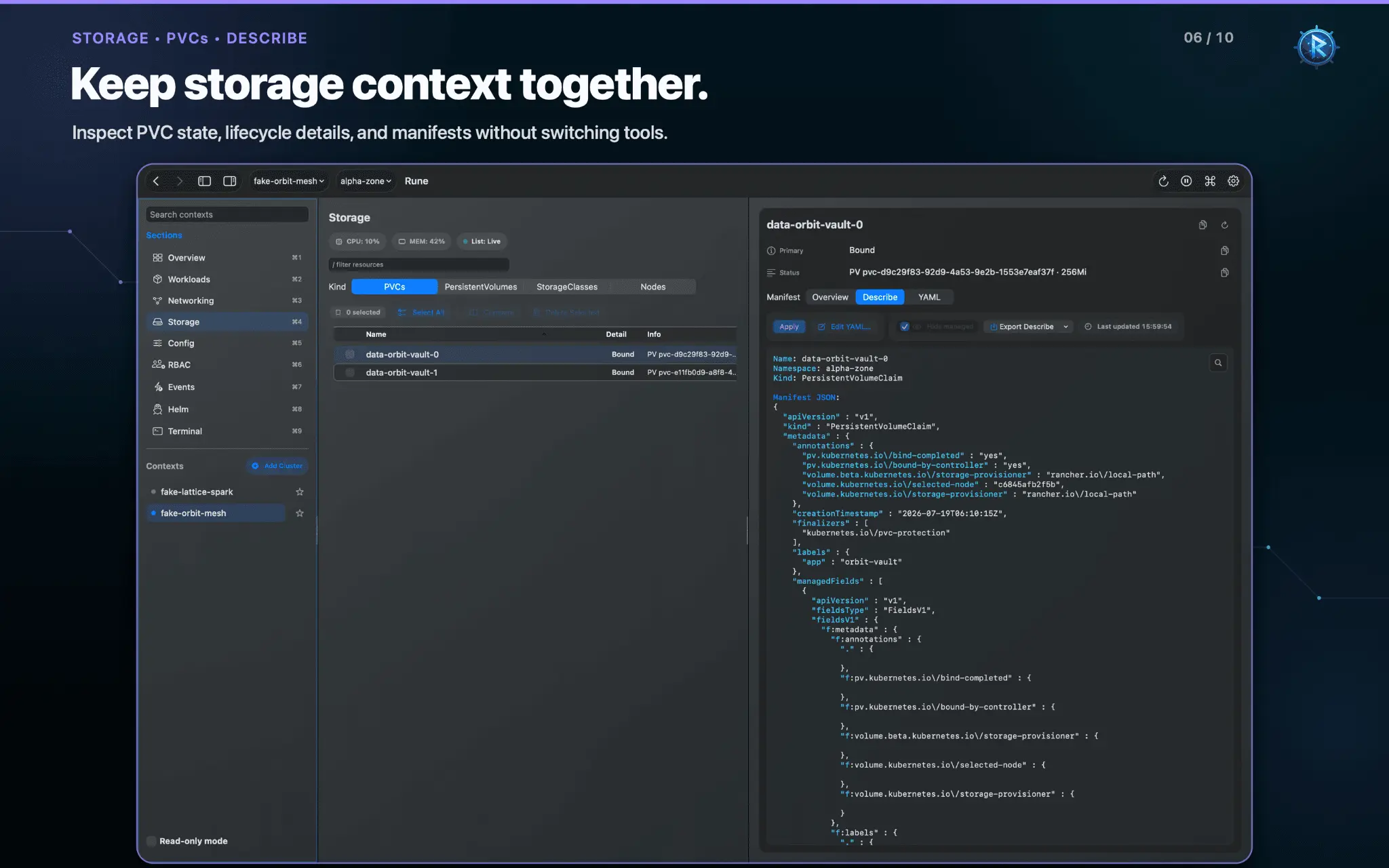
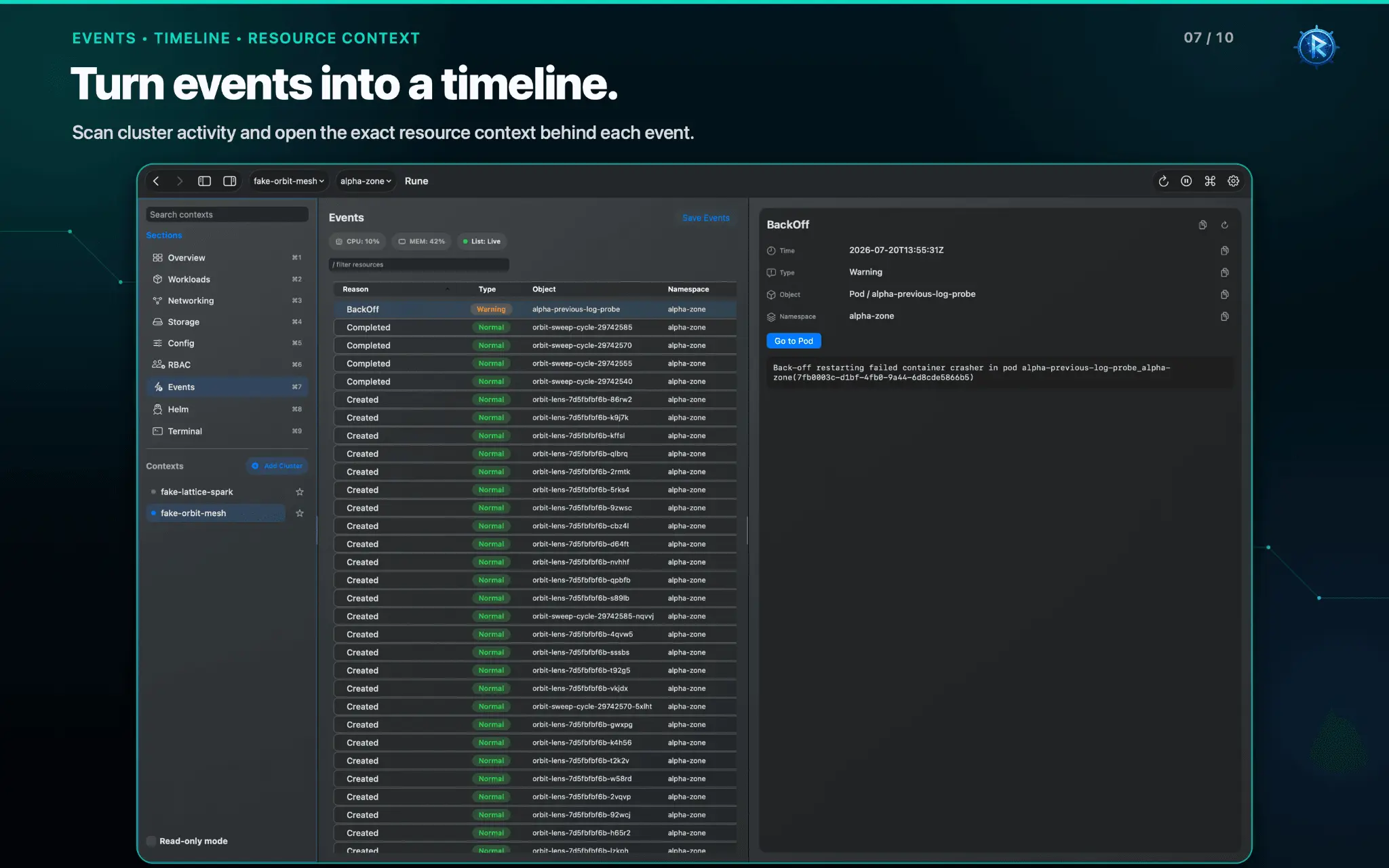
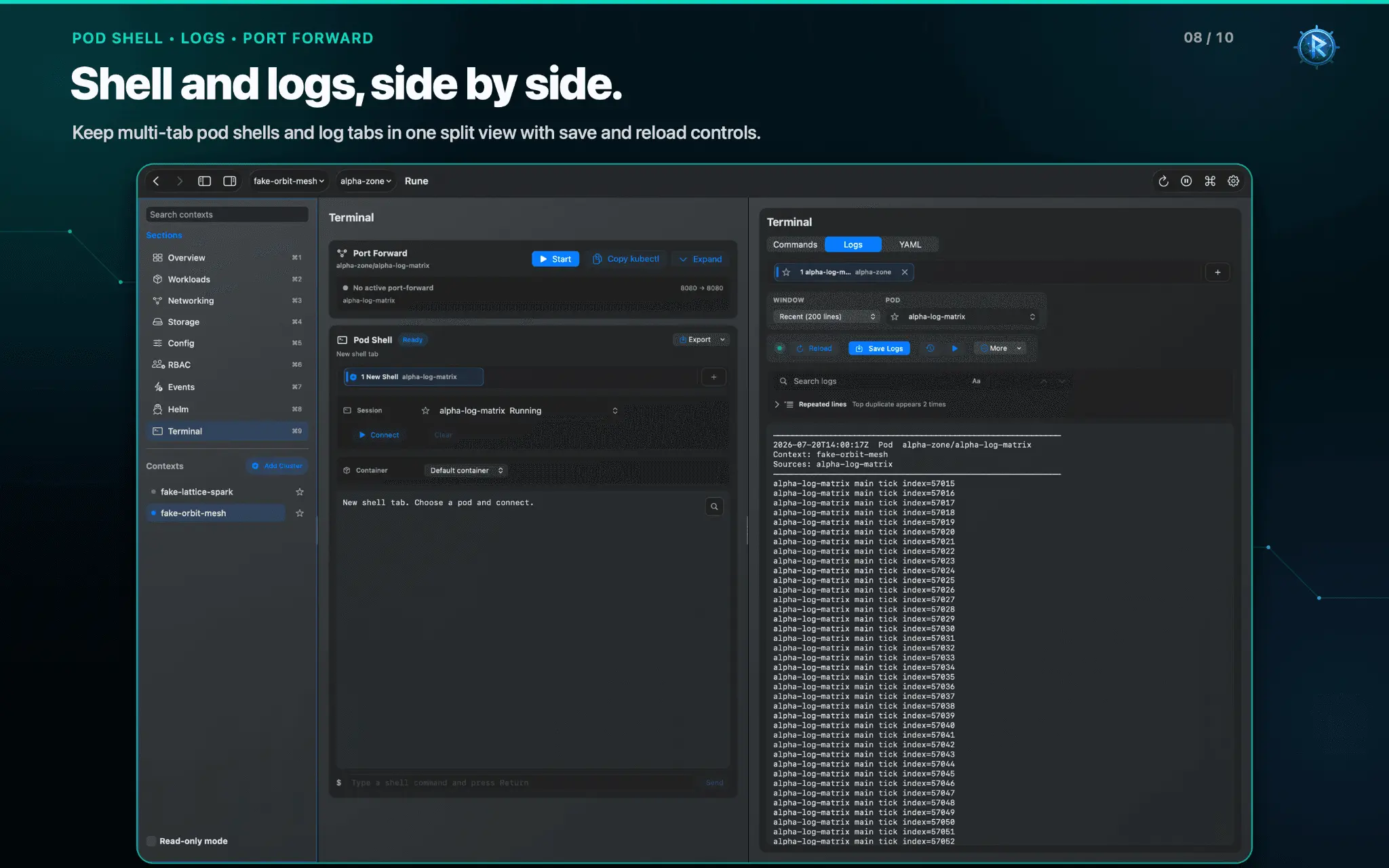
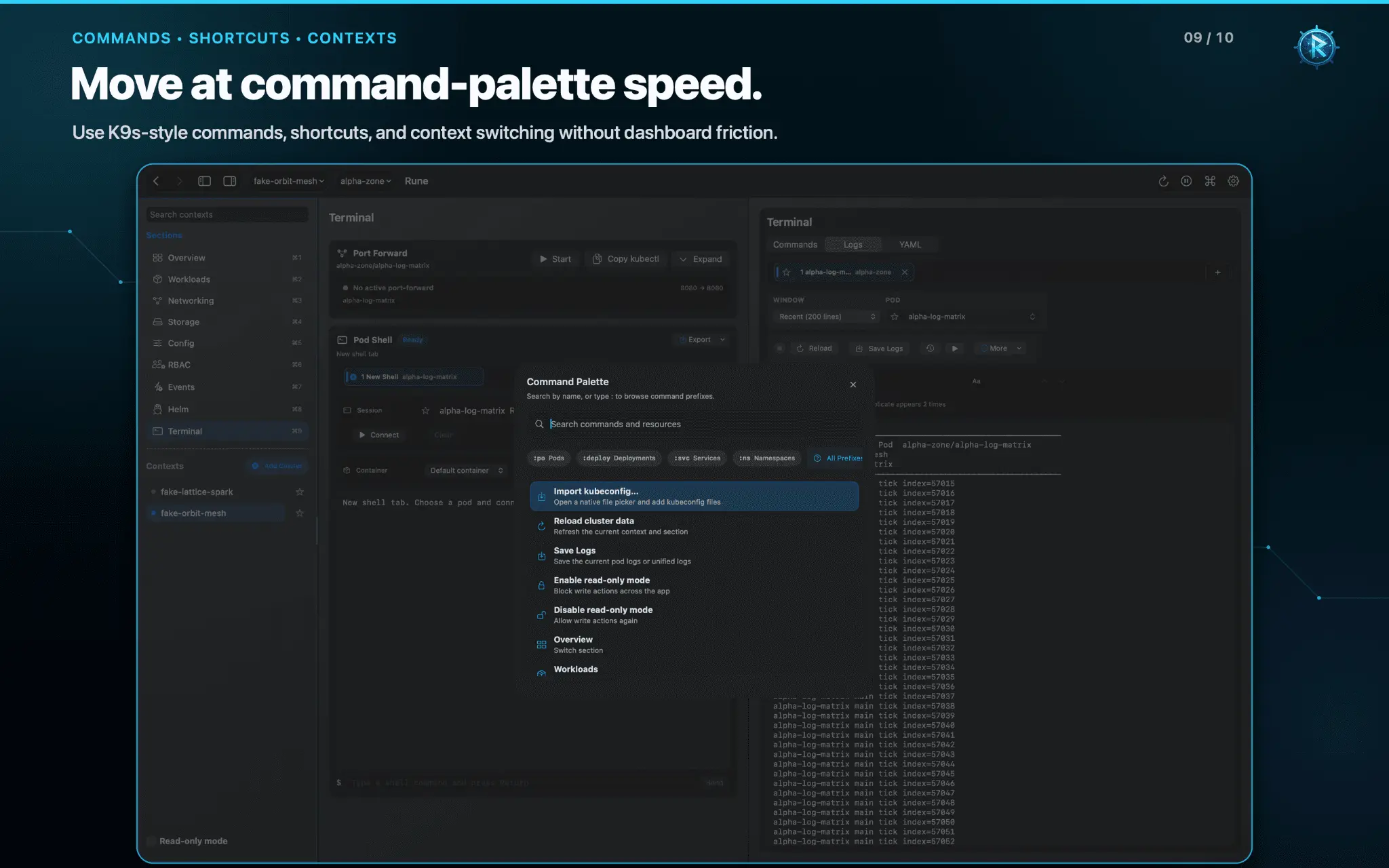
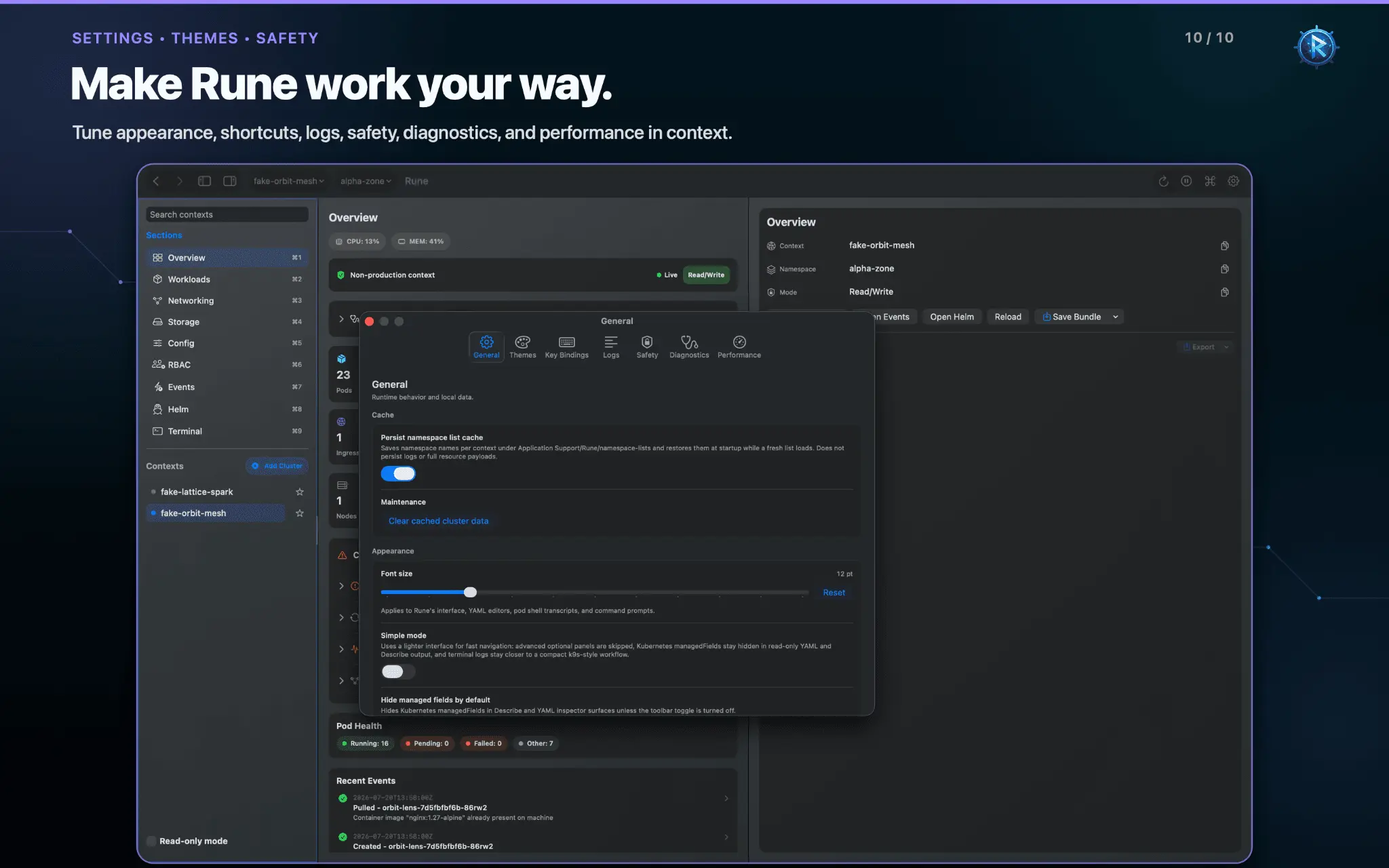
Rune Kubernetes Client is a native Kubernetes client for macOS, built for daily cluster work. When a pod is failing, logs are noisy, YAML needs review, or cluster access stops working, RuneApp keeps the resources and tools you need in one focused Mac app. Switch contexts and namespaces, inspect what is running, follow related resources, search logs, review manifests, and troubleshoot access without losing your place. RuneApp complements kubectl and terminal-first tools. It gives you more room to inspect Kubernetes while keeping navigation fast, predictable, and keyboard-friendly. Debug Kubernetes with context: - See cluster health, workload counts, resource usage, and recent events - Browse workloads, networking, storage, config, RBAC, events, and Helm releases - Inspect pods, deployments, services, ingresses, jobs, cron jobs, stateful sets, daemon sets, replica sets, HPAs, config maps, secrets, nodes, and persistent volumes - Move between related resources without starting the investigation again - Use the command palette for fast navigation and common actions Work with logs: - Stream pod logs and view previous container logs - Search large log output and move between matches - Tail recent output and choose pods or containers - View unified logs across related deployment or service pods - Keep log tabs separate from terminal sessions - Copy or export logs when you need to share or investigate them elsewhere Review YAML safely: - Inspect live Kubernetes YAML and describe output - Hide managed fields for a cleaner manifest view - Edit a local draft with syntax highlighting and validation feedback - Compare changes before applying them - Use guarded write flows, confirmation, and server dry-run where available - Keep read-only mode enabled when you only need to investigate Troubleshoot cluster access: - Add local kubeconfig files through a guided import flow - Review contexts before importing them - Detect duplicate contexts and resolve conflicts before saving - Use guided AWS EKS, Azure AKS, and Google GKE setup where supported - Use Auth Doctor to check kubeconfig, context, namespace, API access, logs, and RBAC permissions - See clearer explanations when authentication or permissions block a workflow Stay in control: - Mark production contexts and require extra confirmation for sensitive actions - Review local write history - Run port-forward and terminal workflows from the resource you are inspecting where supported - Choose whether Tab navigation includes or skips the cluster pane - Keep multiple terminal and log tabs organized inside the current workspace RuneApp is local-first. No Rune cloud account is required. There is no analytics, tracking, advertising, or telemetry. RuneApp connects to the Kubernetes clusters and services you choose, while settings and caches remain on your Mac. One-time purchase. No subscription.
Screenshots
Product Updates (1)
Version 2.6 out!
Fixed UI so it's more consistent. Themes are tweaked to be more rich. quick save logs to default folder. Better sorting for resources, oldest/newest added. Improved log search and more reliable cluster import from kubeconfig and automated login with cluster credentials
Comments (0)
No comments yet. Be the first to share your thoughts!
Reviews (0)
No reviews yet. Be the first to rate this product!
Comments (2)
Check out the github page with code available https://github.com/compilererrors/Rune
If you love k9s and kubectl but want a faster way to download, inspect and edit logs and yamls? Look no further!