
Save Web To PDF
Website To PDF Tool That Actually Works!

Details
- Follow on
- @darkrealideasLinkedIn
- Categories
- Developer ToolsProductivity & Notes
- Target Audience
- FreelancersStudentsResearchers
- Pricing
- Free
About Save Web To PDF
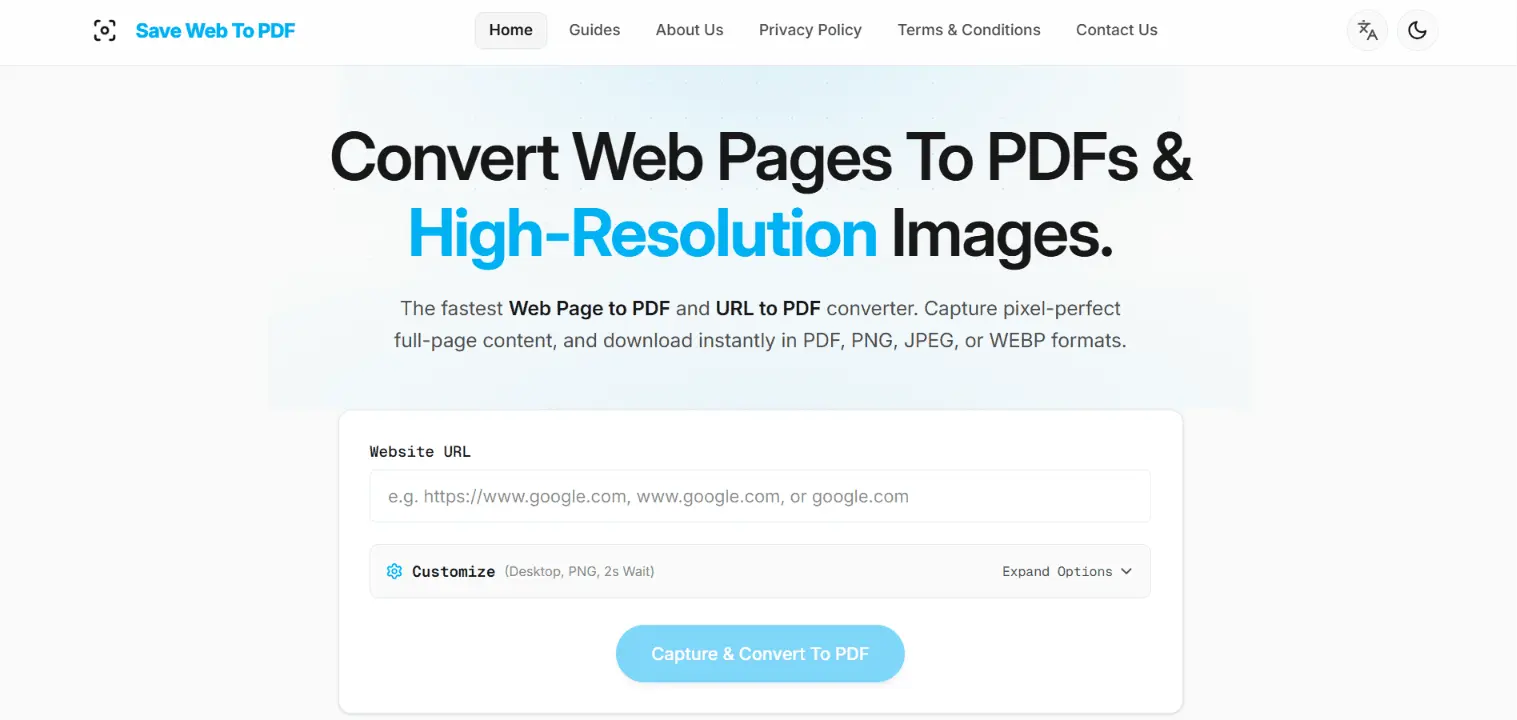
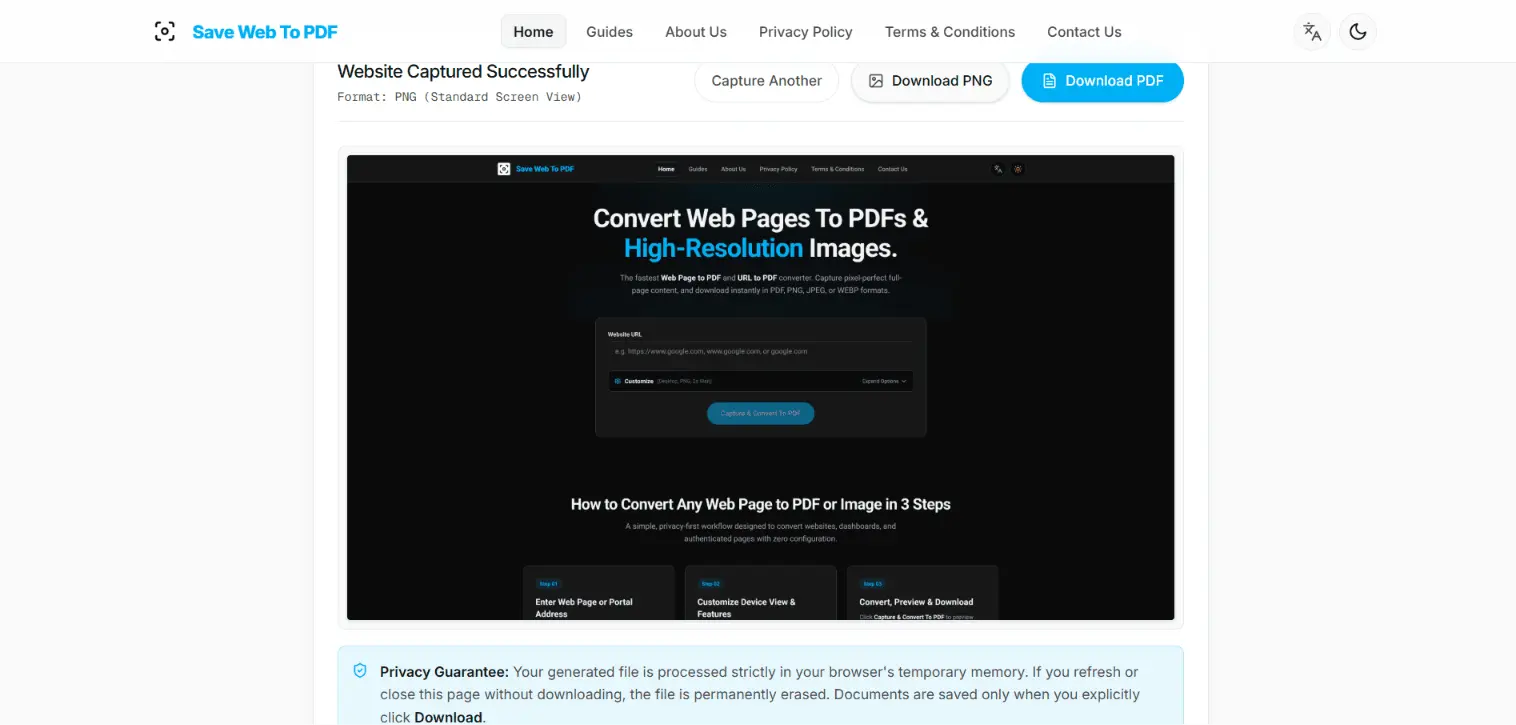
SaveWebToPDF: Convert Any Web Page to PDF or Image Files! SaveWebToPDF is a powerful online web page to PDF converter that turns public websites, dynamic web apps, authenticated pages, private dashboards, and long-scrolling pages into clean, high-quality PDFs and images, without installing software or creating an account. Unlike standard browser Print to PDF, SaveWebToPDF gives the page time to fully render before capture. Adjustable loading delays allow JavaScript, web fonts, images, animations, and dynamic content to finish loading, helping prevent the half-rendered pages, missing images, broken layouts, and clipped content commonly produced by basic browser printing. Capture Websites the Way They Actually Render! Choose from 15 device views to capture responsive layouts at the screen size you need, including Desktop 1080p and 2K, MacBook Air, iPhone 15 Pro Max, iPhone 15 Pro, iPhone 14, iPhone SE, iPad Pro 12.9", iPad Air, Samsung Galaxy S24 Ultra, Google Pixel 8 Pro, and more. SaveWebToPDF is especially useful for: - Website to PDF conversion - URL to PDF conversion - Saving articles, documentation, webpages, and online research - Archiving websites for offline reading or reference - Capturing responsive mobile and tablet layouts - Converting JavaScript-heavy SPAs and modern web applications - Saving long pages and infinite-scroll content - Exporting private dashboards and authenticated web pages - Creating high-resolution website screenshots - Reviewing websites across different device sizes Full-Page, High-Quality Exports! Enable Full Page Scroll to automatically scroll through a webpage before capture. This helps trigger lazy-loaded images and content that would otherwise remain unloaded. Export your capture as: PDF: Multi-page A4 documents with vector-embedded text for sharp, selectable content PNG: High-quality lossless image output JPEG: Compact image exports WEBP: Modern image format for efficient file sizes Capture Pages Behind a Login! SaveWebToPDF can capture authenticated content using supported login and session options. Auto-Fill Login: Enter a login URL, username, and password to automatically complete single-step or multi-step login forms. Session Cookies: Reuse an existing authenticated browser session by providing session cookies, making it possible to capture supported private pages such as dashboards, portals, documentation, and other login-protected content. Cleaner Website Captures! Use built-in options to block ads and trackers, automatically hide common cookie banners, and enable Dark Mode when you want a cleaner or alternate version of the page. Privacy-Focused by Design! SaveWebToPDF is designed around temporary processing rather than permanent file storage. Your generated files and authentication information are kept in memory only for the capture process and are not intended for long-term server storage. The service requires no signup and lets you convert webpages online without installing desktop software. Whether you need to save a website as PDF, convert a URL to PDF, capture a full webpage, archive an online page, or export a responsive website as an image, SaveWebToPDF gives you more control over rendering, page loading, device dimensions, authentication, and capture quality than traditional browser printing. Free to use. No software installation. No account required. Just enter a URL, customize the capture, and download your PDF or Image.
Screenshots
Reviews (0)
No reviews yet. Be the first to rate this product!
Comments (1)
I'd like to know where it still breaks. What's the most stubborn page you've ever tried to save or print, a heavy single-page app, an infinite scroll feed, something buried behind login wall? Try it.