
ScreenShelf
Your Visual Shelf for Everything

Details
- Follow on
- @QuietWareApps
- Categories
- Productivity & NotesPrivacy
- Use Cases
- File Management
- Target Audience
- Mac UsersDevelopersStudents
- Pricing
- One-time from $3.99
- Platforms
- Desktop
Discovery signals
How AI and people discover ScreenShelf on PeerPush
- ChatGPT
- Perplexity
- +3 other AI crawlers
Reads by these AI engines
Crawlers behind these engines read this listing on PeerPush.About ScreenShelf
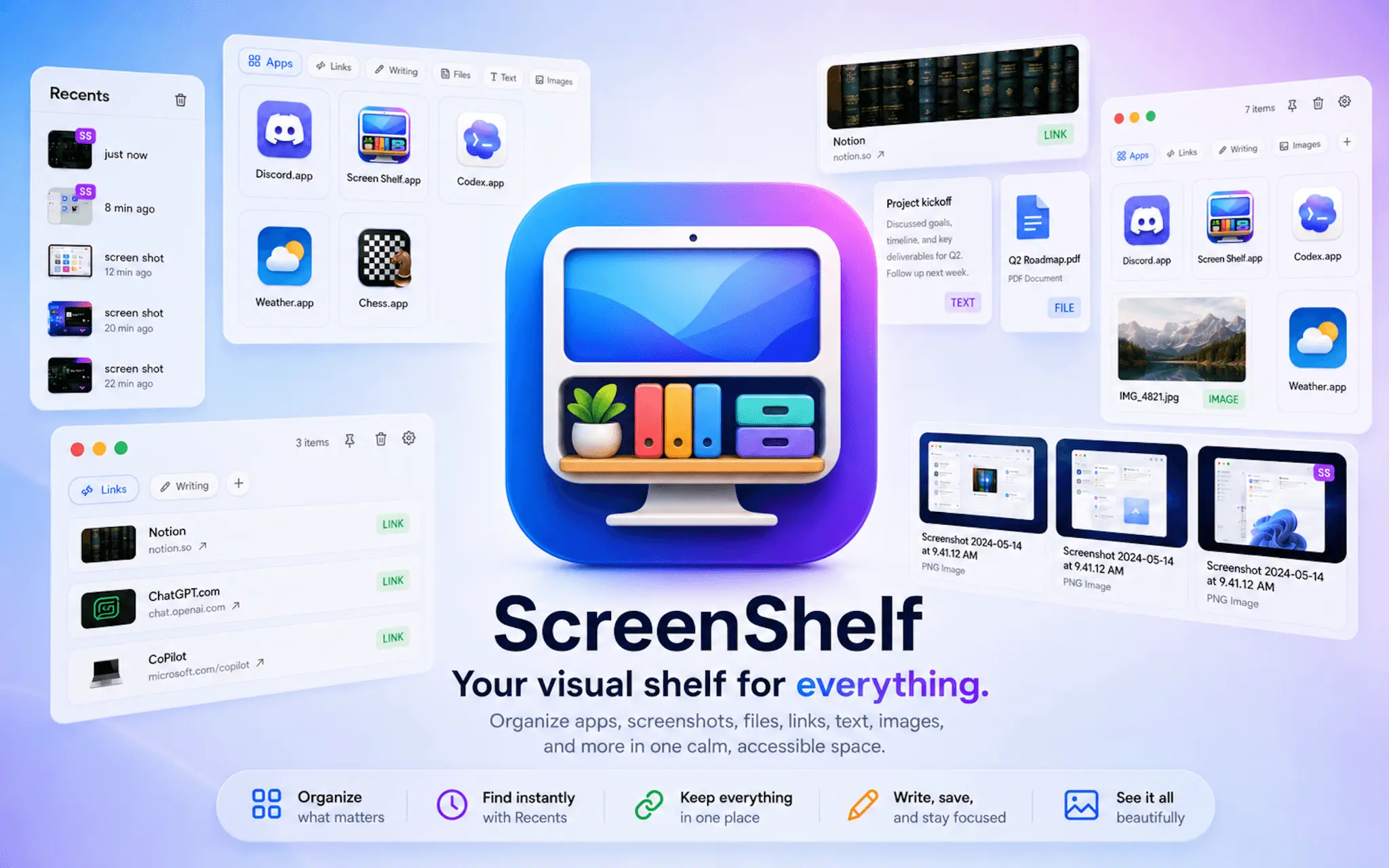
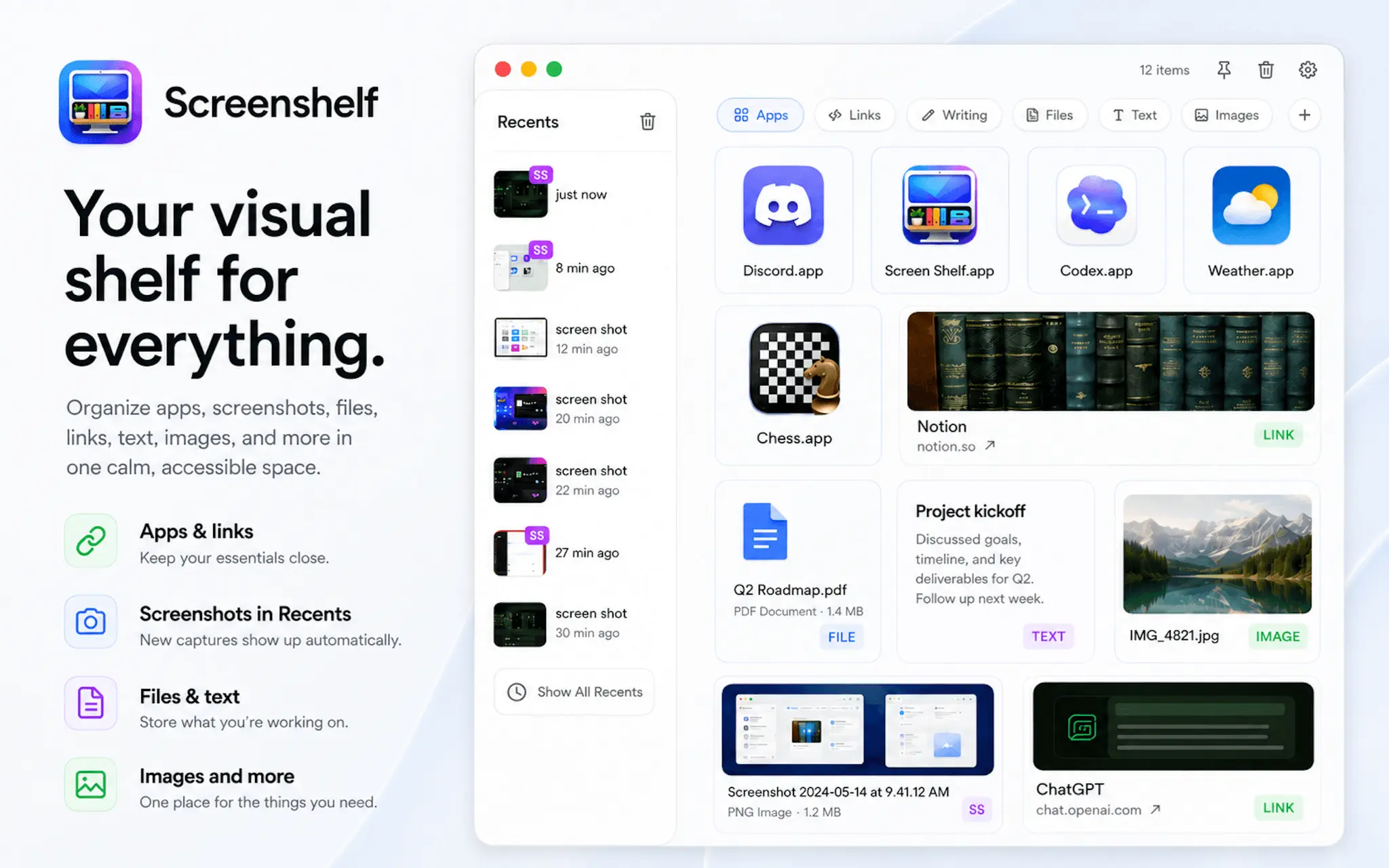
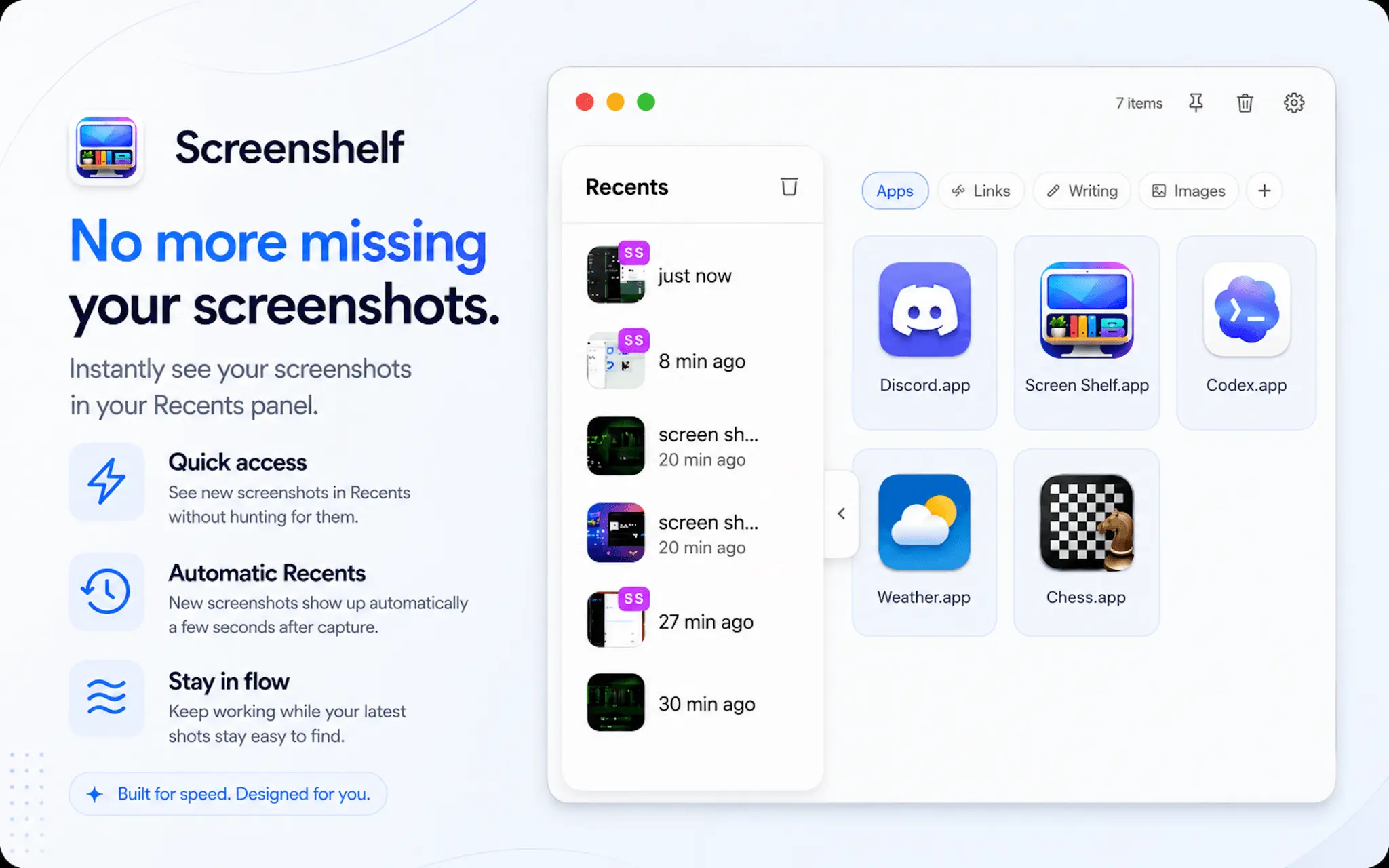
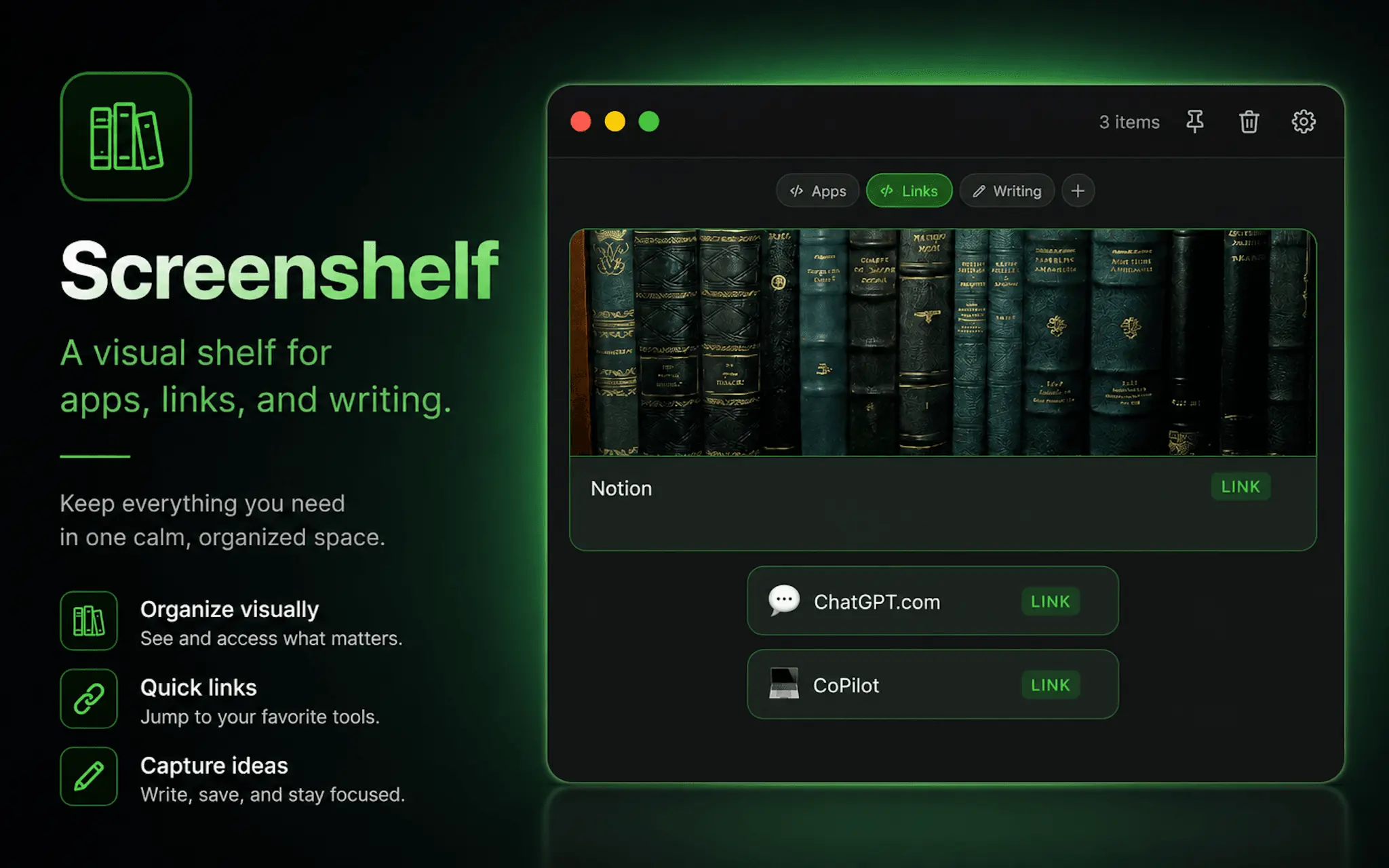
ScreenShelf solves the problem of scattered files, links, notes, and frequently used apps becoming difficult to find across your Mac. It gives you a customizable visual shelf where you can organize important items into separate pages, add labels, colors, icons, or images, and keep everything within easy reach. Drag files, folders, links, text, or apps onto a shelf, then open, reveal, rename, move, copy, or remove them directly from the app. A Recents section can also help you quickly return to recently used files. ScreenShelf can stay pinned above other windows, supports light, dark, and glass-style appearances, and stores everything locally on your Mac. There are no accounts, subscriptions, or cloud tracking. It is designed to make your workspace feel calmer, more visual, and easier to navigate.
Screenshots
Reviews (0)

Comments (1)
Hi everyone! I built ScreenShelf because I wanted a calmer, more visual way to keep important files, links, notes, and apps close at hand on my Mac. I’d love for you to try it and share what you think