
Screenshot Markup: Annotate
Annotate and mark up images and screenshots

Details
- Follow on
- Categories
- Use Cases
- Target Audience
- Pricing
- One-time from $9
- Platforms
Discovery signals
How AI and people discover Screenshot Markup: Annotate on PeerPush
About Screenshot Markup: Annotate
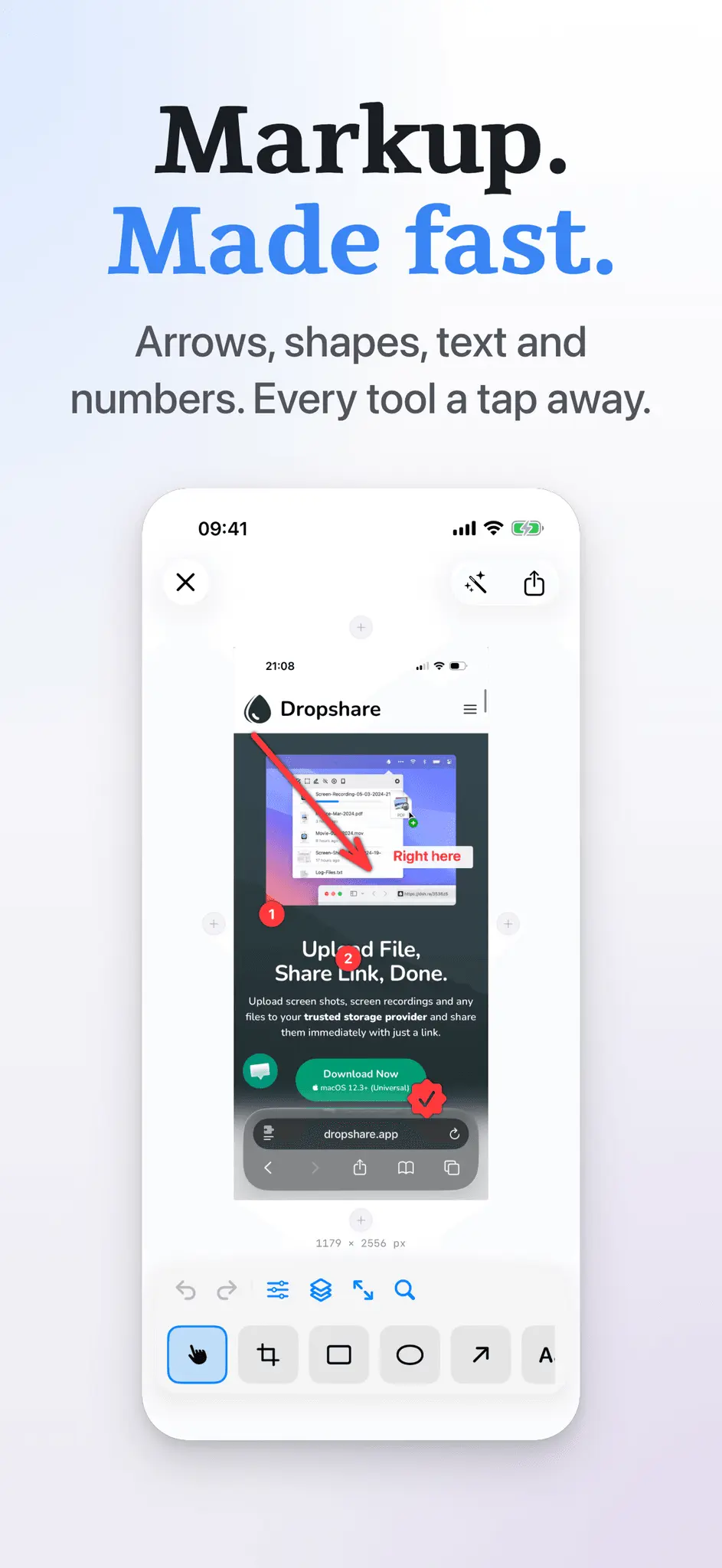
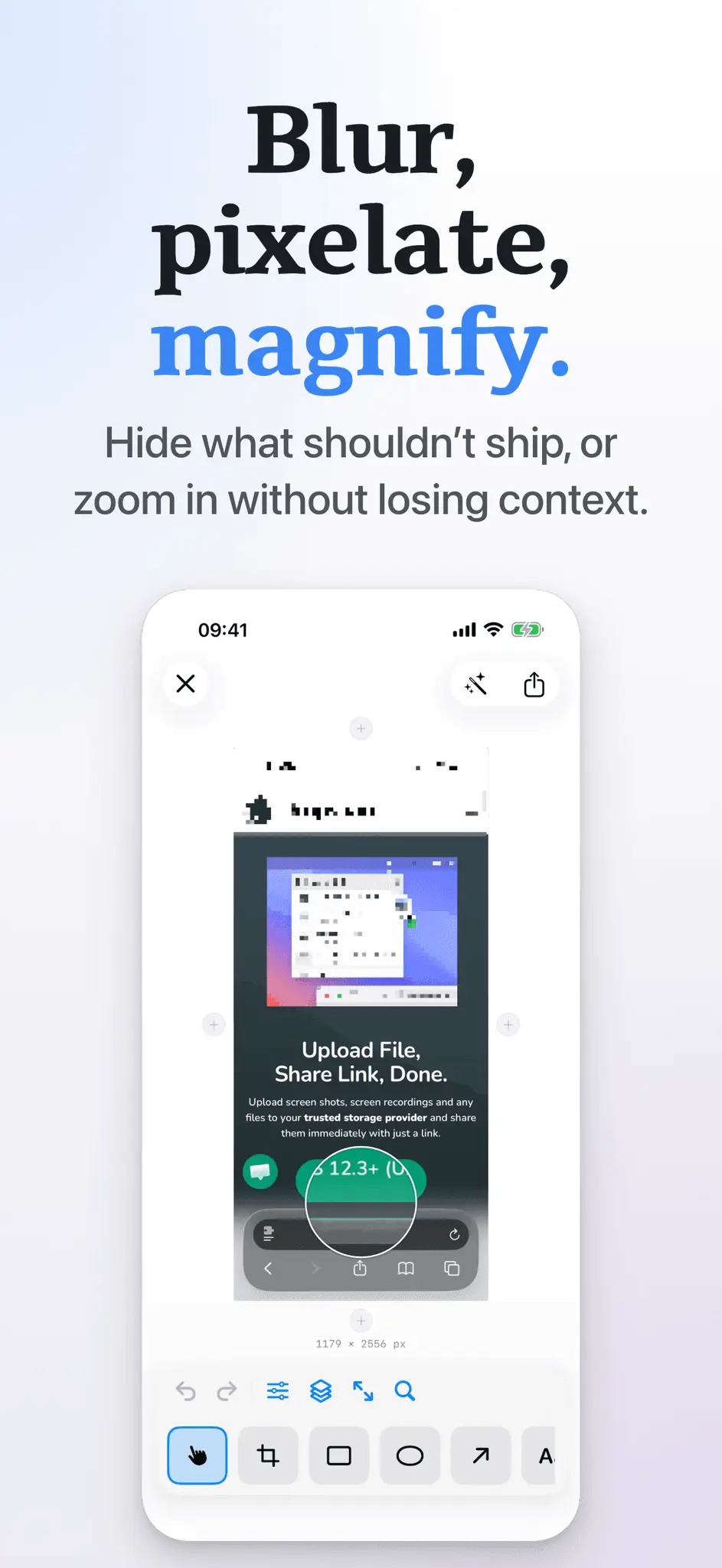
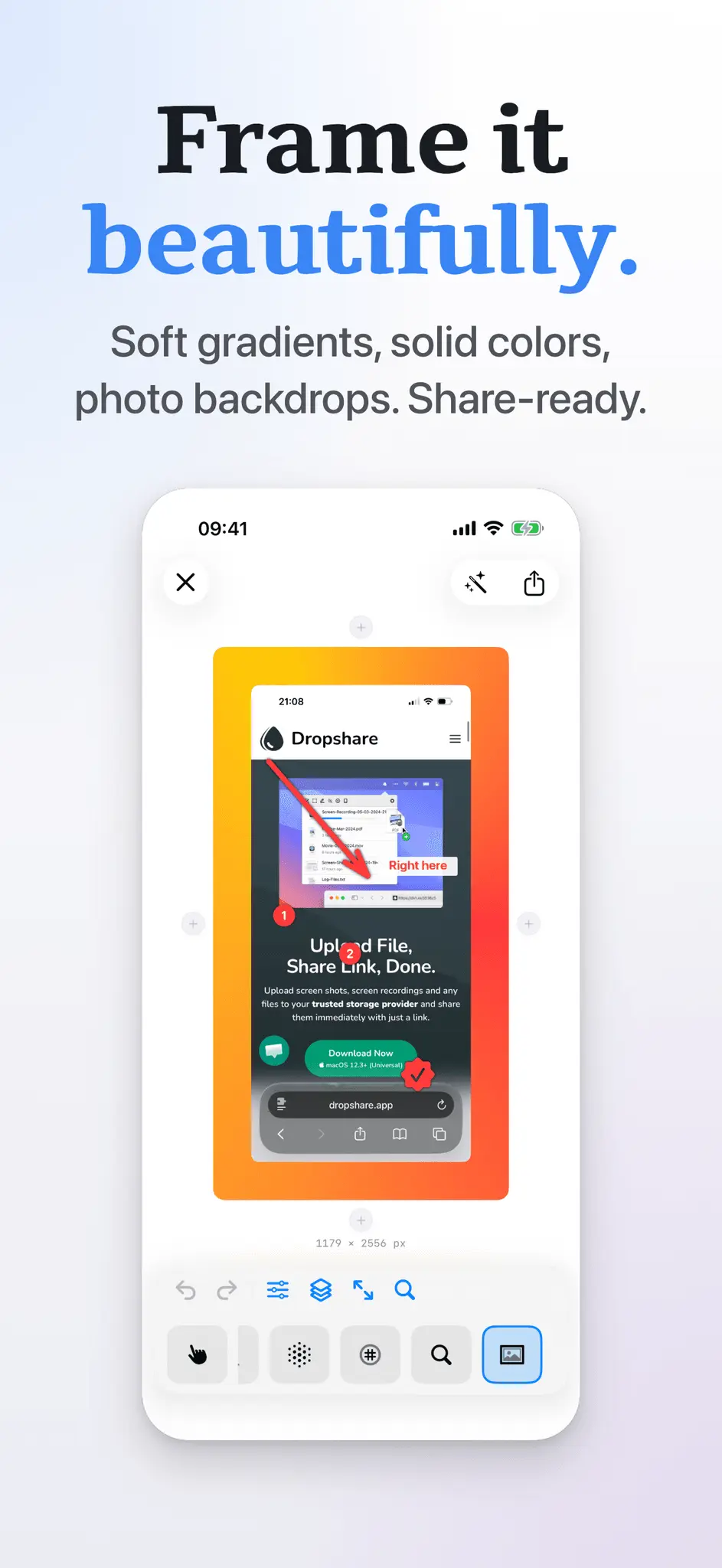
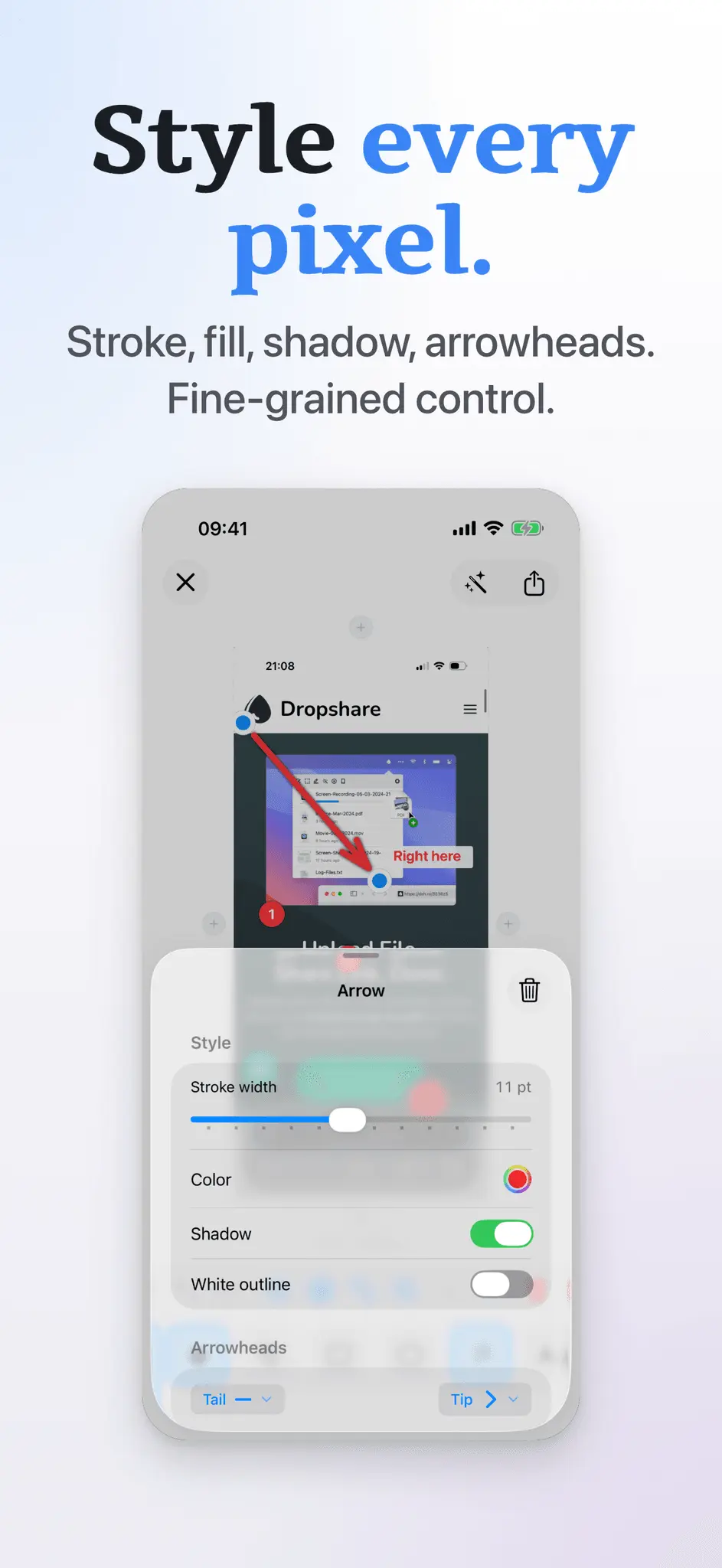
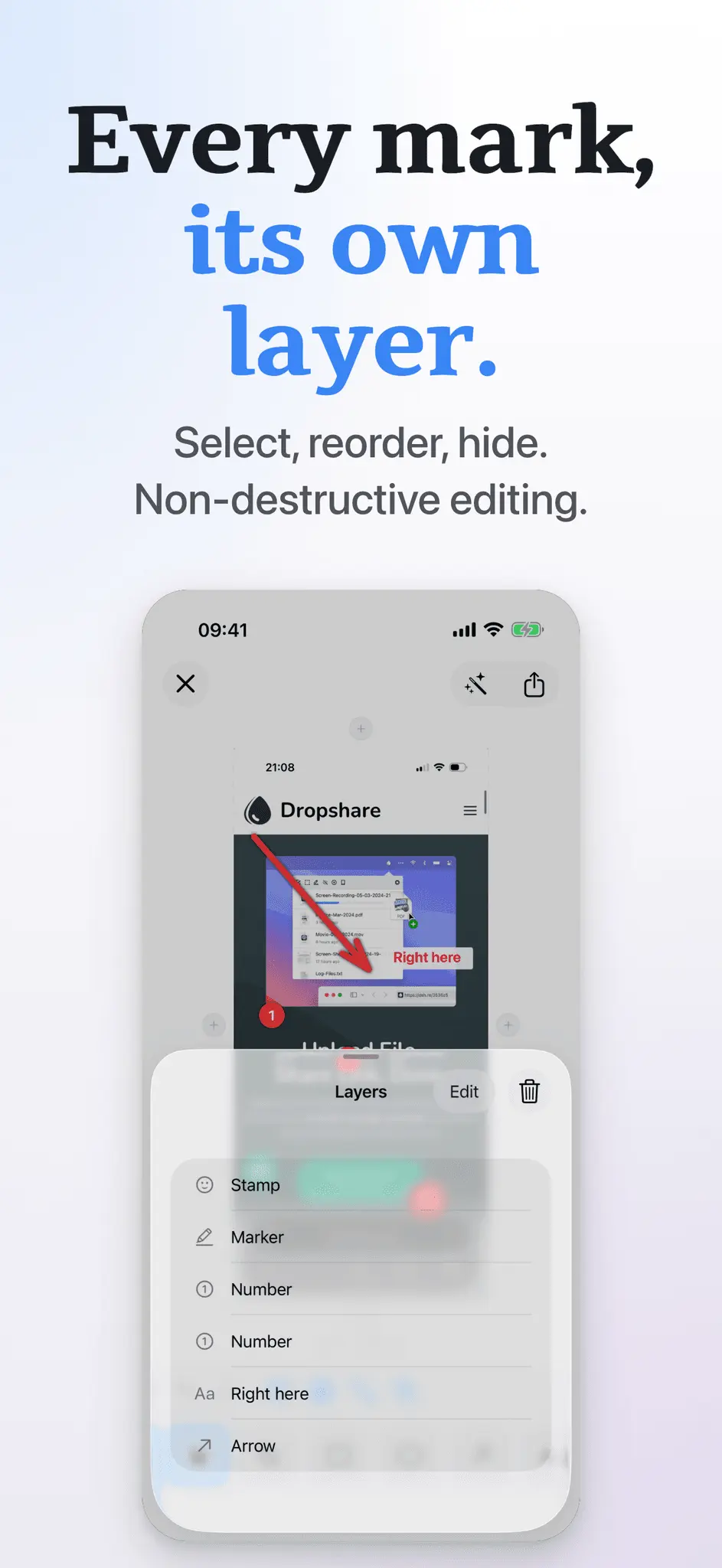
Annotate helps you quickly mark up screenshots and images with clean, readable shapes and text - built for fast, polished results on iPhone and iPad. • 14 tools: Crop, Blur, Pixelate, Text, Number, Stamp, Rect, Oval, Arrow, Pen, Marker, Loupe, Backdrop, Image • Clean shapes and highlights, plus freehand pen and marker • Text with font, size, alignment, and optional background • Number badges and SF Symbols stamps (with search) • Blur or pixelate areas, and use a loupe to magnify details • Full control over style: stroke width, fill, outlines, shadow, opacity, configurable arrowheads, and more • ∞ Layers: one layer per annotation - select, reorder, and delete • Helpful extras: snapping for neat alignment, undo/redo, zoom to fit/100% • Apple Pencil ready - palm rejection kicks in automatically so the Pencil draws while your fingers still pan and pinch • Grow the canvas - add space on any edge to make room for callouts and shapes • Backdrop styles - frame your screenshot with gradients or solid colors, and choose whether the backdrop pads the canvas or fits inside it • Start from Photos, Files, clipboard, or a blank canvas - or pick an iOS device preset (iPhone 17, iPad Pro, etc.) • Export and share fast (PNG, JPEG, or HEIC) Test free for the first 5 annotated images. Annotate is brought to you by the developer of Dropshare - the file sharing app for macOS and iOS.
Product Video
Watch a video demo of Screenshot Markup: Annotate.
Screenshots
Reviews (3)
Average 4.7 out of 5
Based on 3 reviews


Comments (0)
No comments yet. Be the first to share your thoughts!