
Snapstack
Capture multiple screenshots and paste them all at once

Details
- Categories
- Use Cases
- Target Audience
- Pricing
- One-time from $9.99
- Platforms
- Featured in
Discovery signals
How AI and people discover Snapstack on PeerPush
About Snapstack
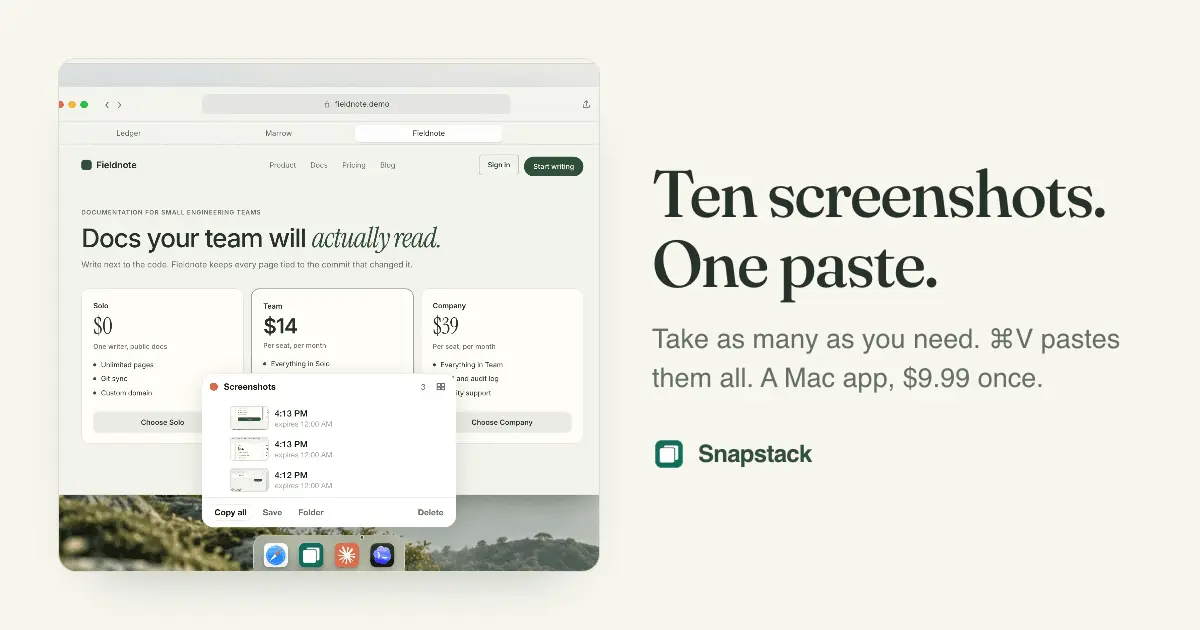
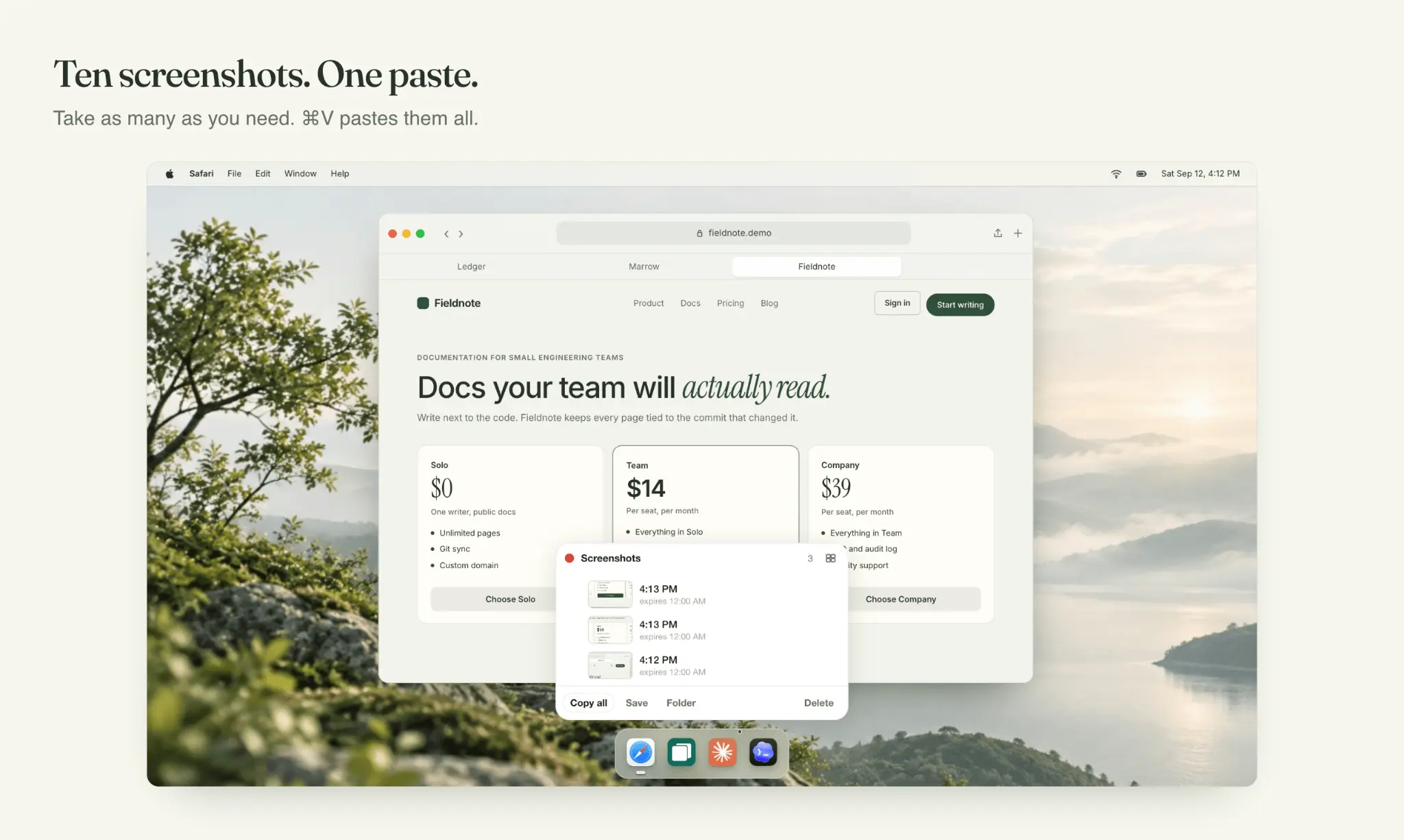
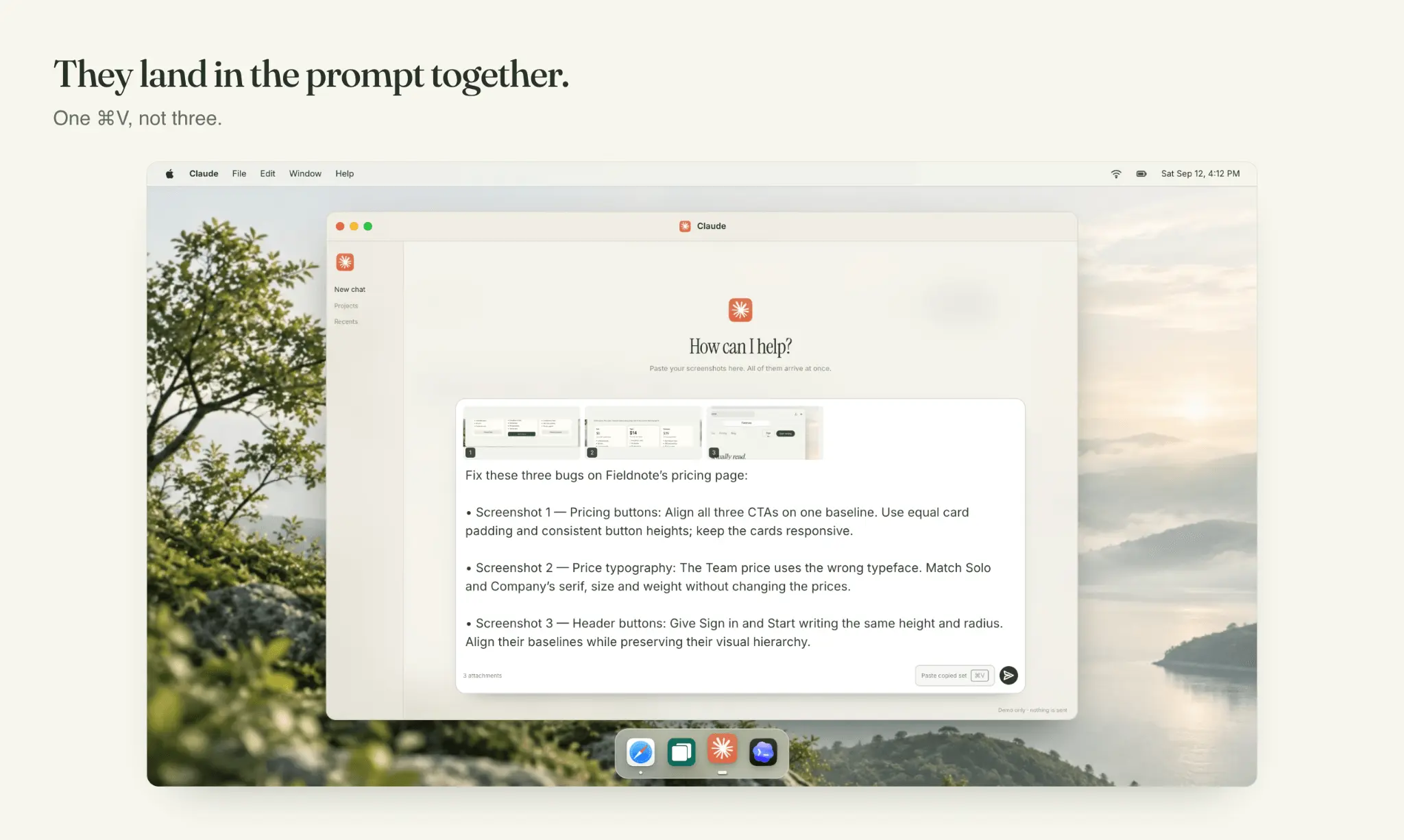
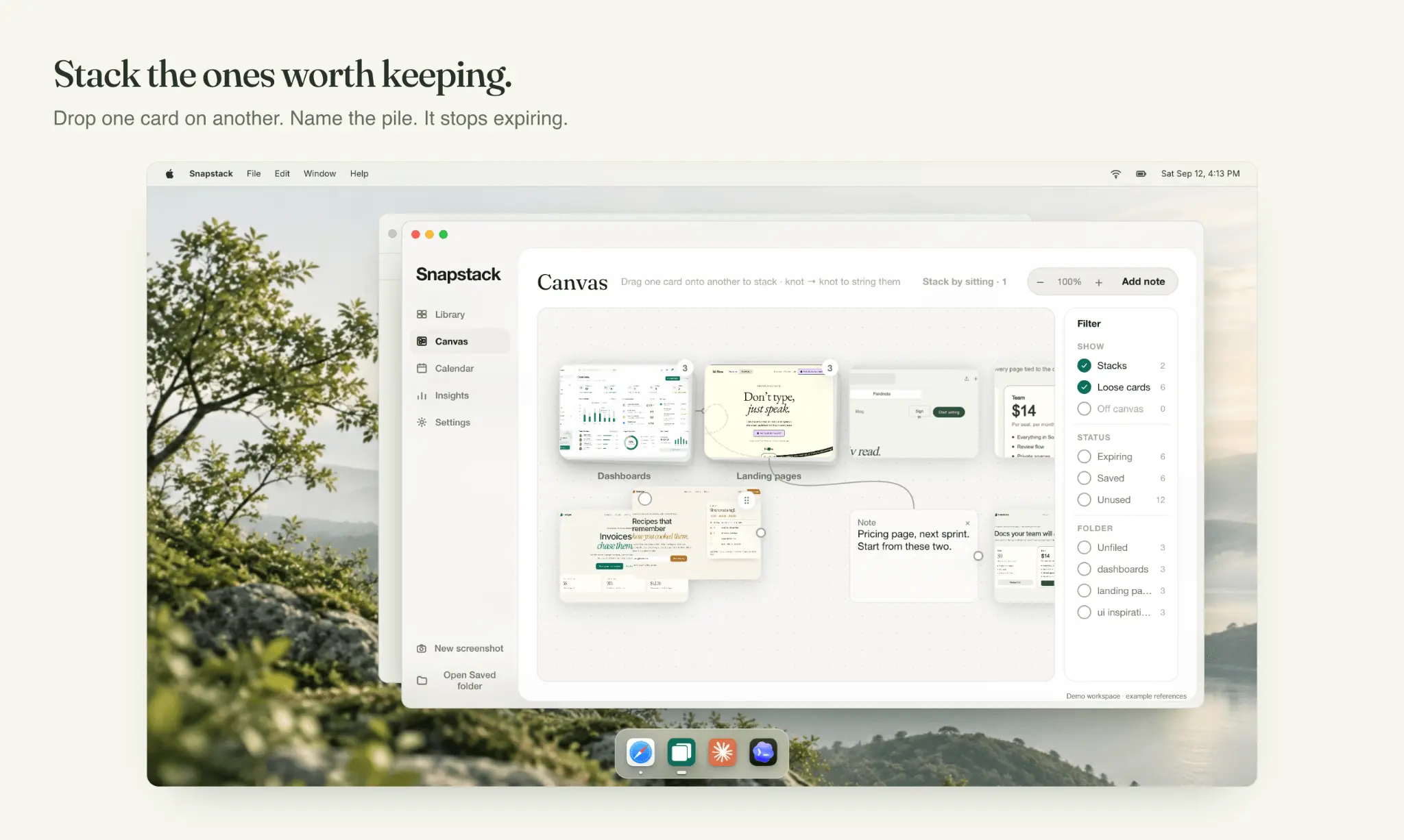
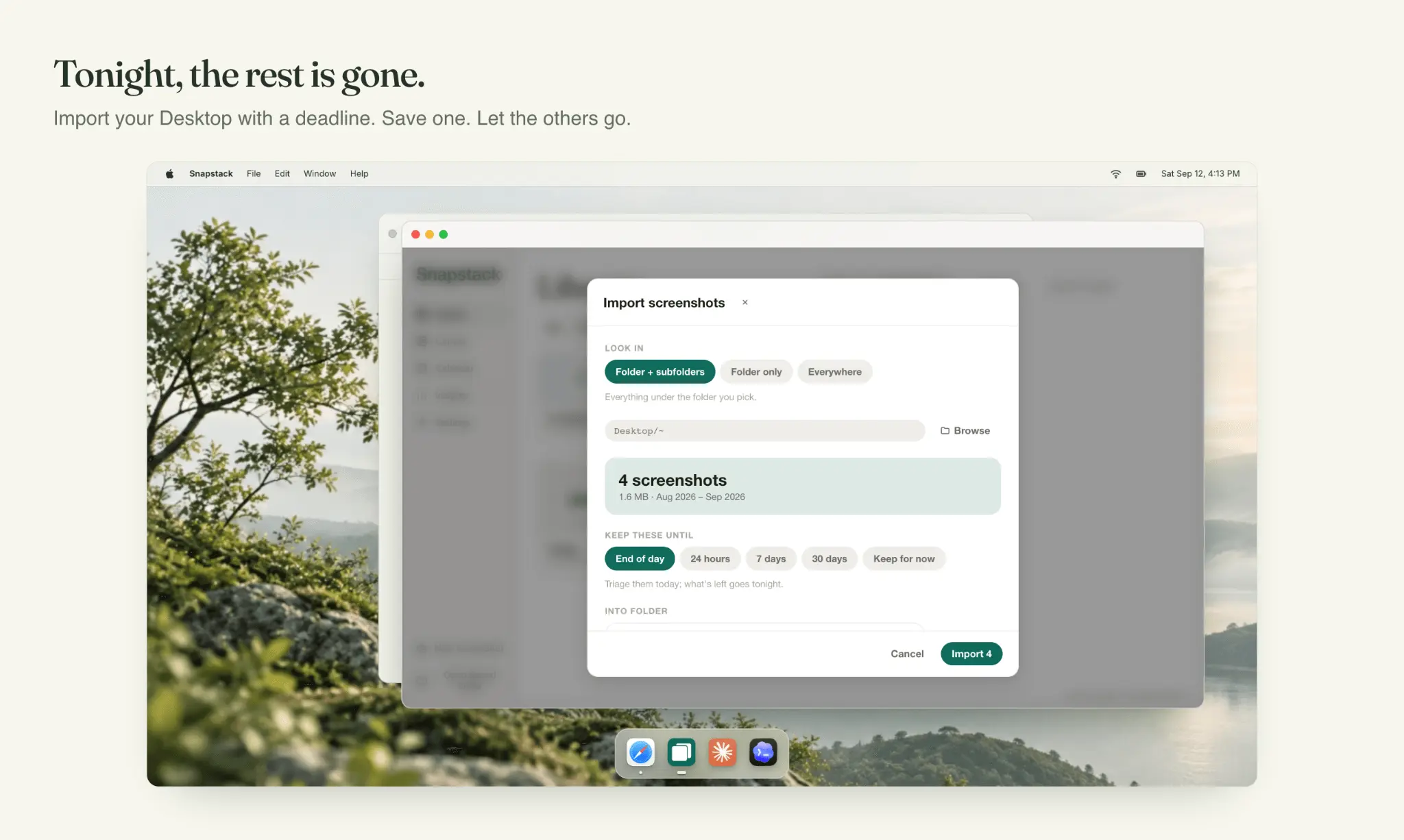
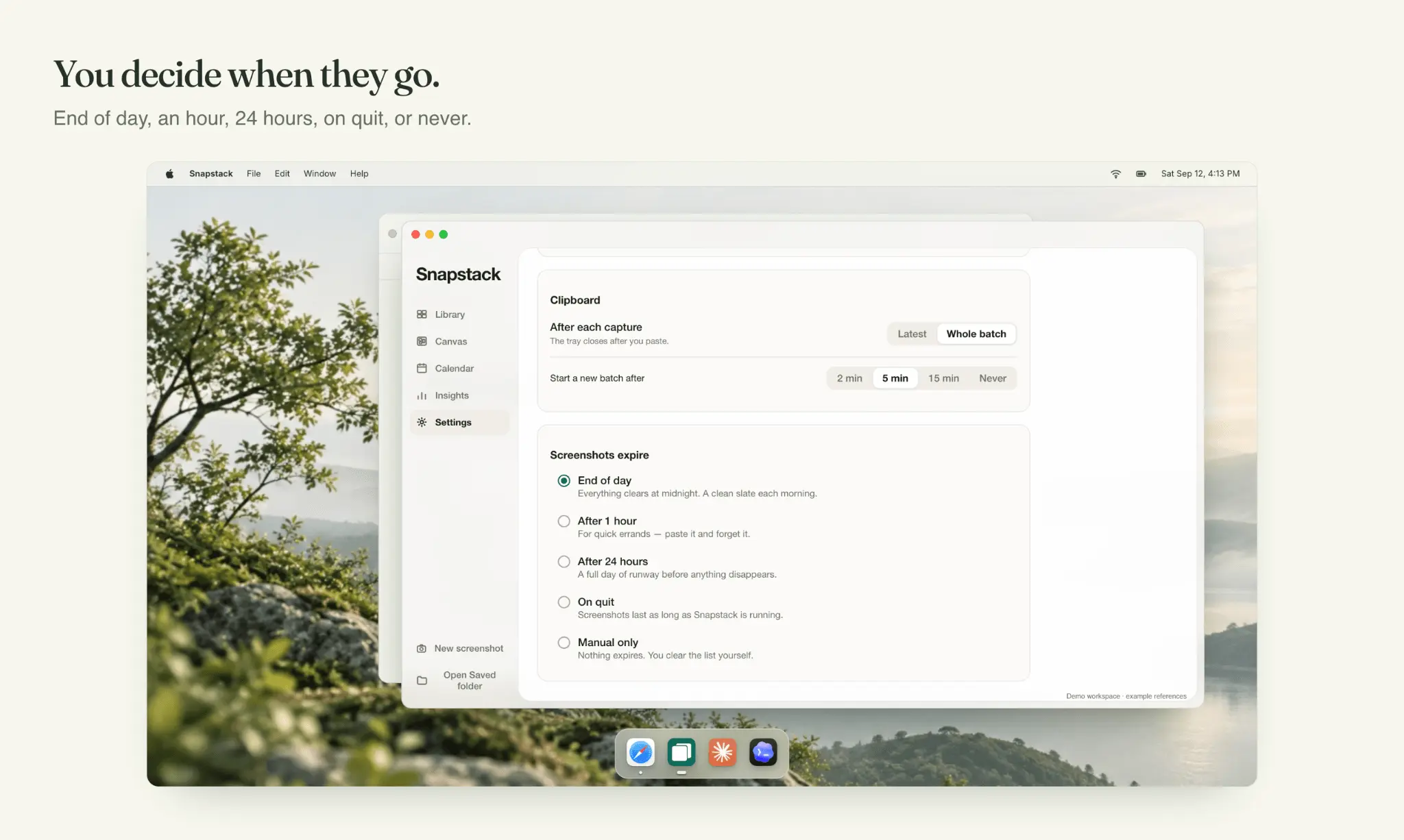
Snapstack is a Mac menu bar app built with Tauri 2. The capture, expiry and license code is Rust. The interface is React and TypeScript. There is no server and no database behind the app. Screenshots and their records stay in a folder on your Mac, and the app only talks to the network to check the license key and to look for an update. I built it alone, for myself first. I had 758 screenshots on my Desktop and I was pasting screenshots into coding agents one at a time. The demo video and every launch image are recordings of the real app, not mockups. Who uses it: it launched this month, so right now it is me and the first buyers. It is made for developers pasting screenshots into Claude Code or Codex, designers collecting references, and anyone reporting a bug. Related tools: the real competitor is the screenshot shortcuts built into macOS. ⌘⇧4 saves files that pile up forever. ⌃⌘⇧4 copies to the clipboard but holds one screenshot at a time. Apps like CleanShot X and Shottr focus on annotating and keeping screenshots. Snapstack goes the other way: paste many at once, then let them expire at the end of the day unless you save one. $9.99 once, lifetime license. macOS 13 or later.
Screenshots
Reviews (0)
No reviews yet. Be the first to rate this product!
Comments (0)
No comments yet. Be the first to share your thoughts!