Speechius
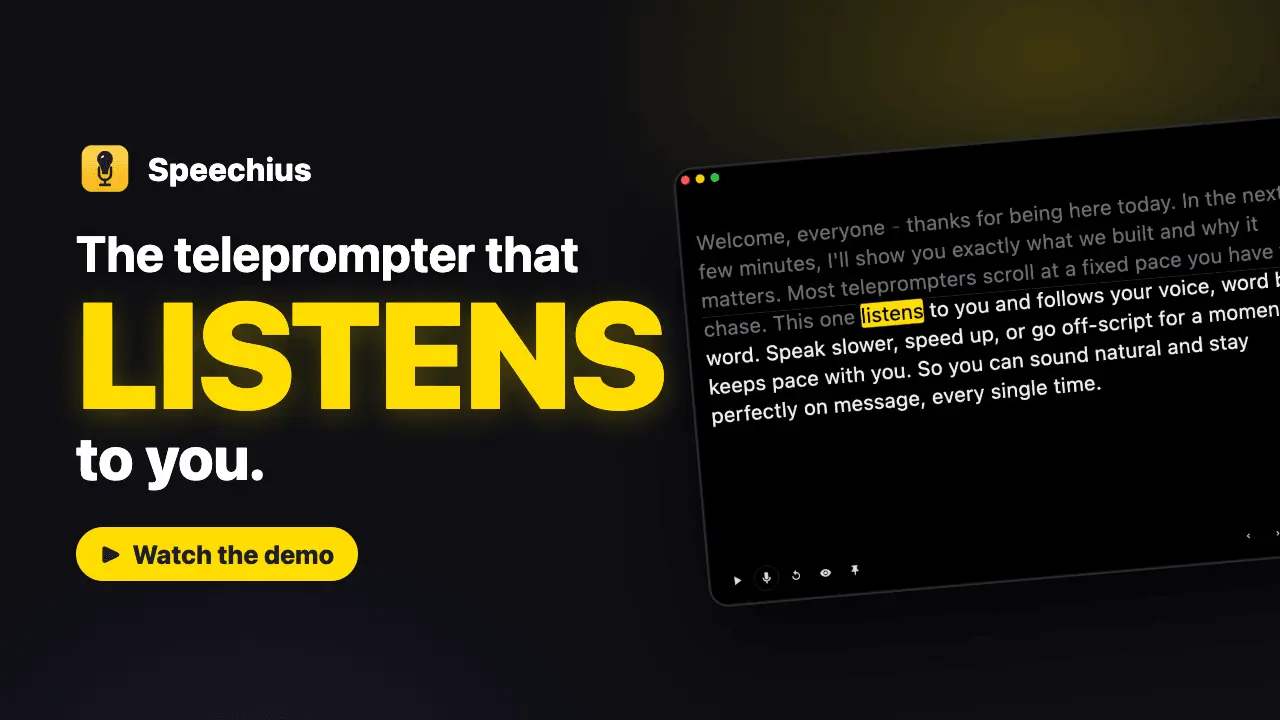
The teleprompter that actually listens to the words you say

Details
- Follow on
- @syntacopsLinkedIn
- Target Audience
- Content CreatorsEducatorsCoaches
- Pricing
- One-time
- Platforms
- Desktop
 Teleprompter Pro alternatives
Discovery signals
How AI and people discover Speechius on PeerPush
By AI reads among Creator Economy tools
278 AI reads in the last 30 days, ranked against every Creator Economy tool listed.About Speechius
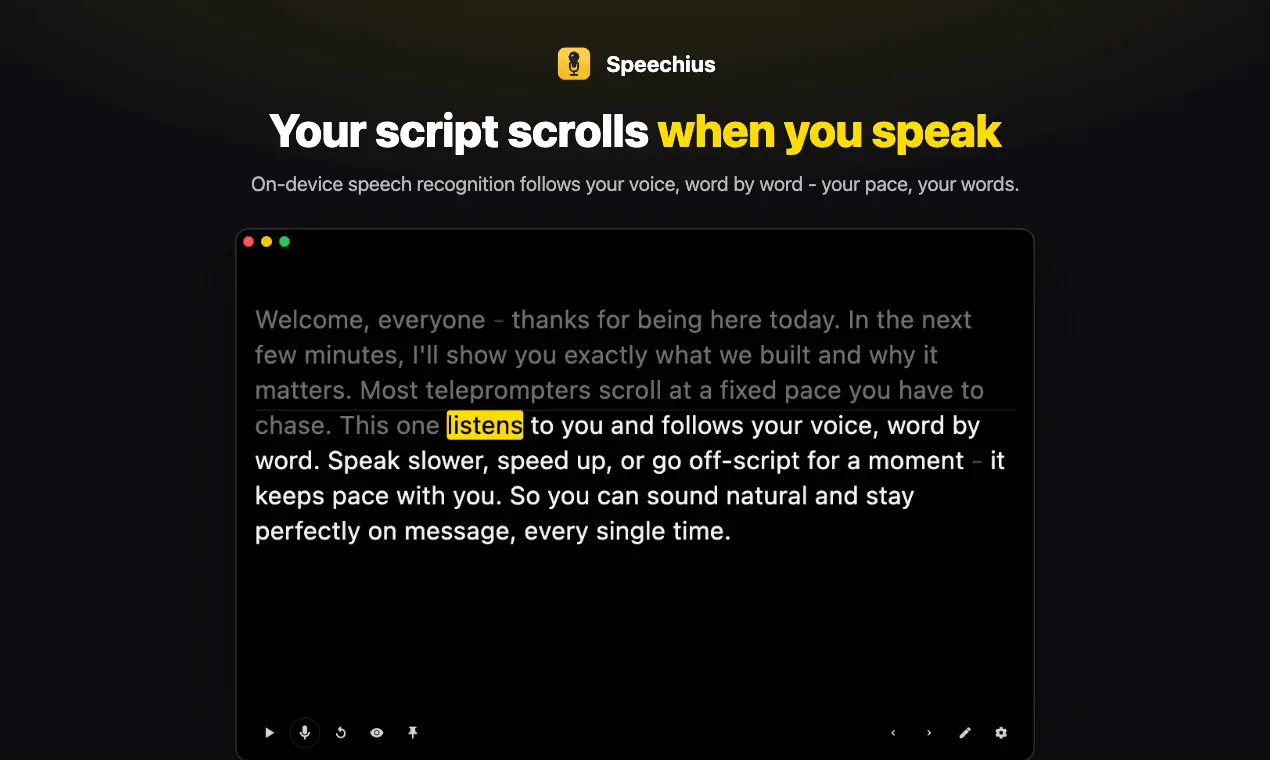
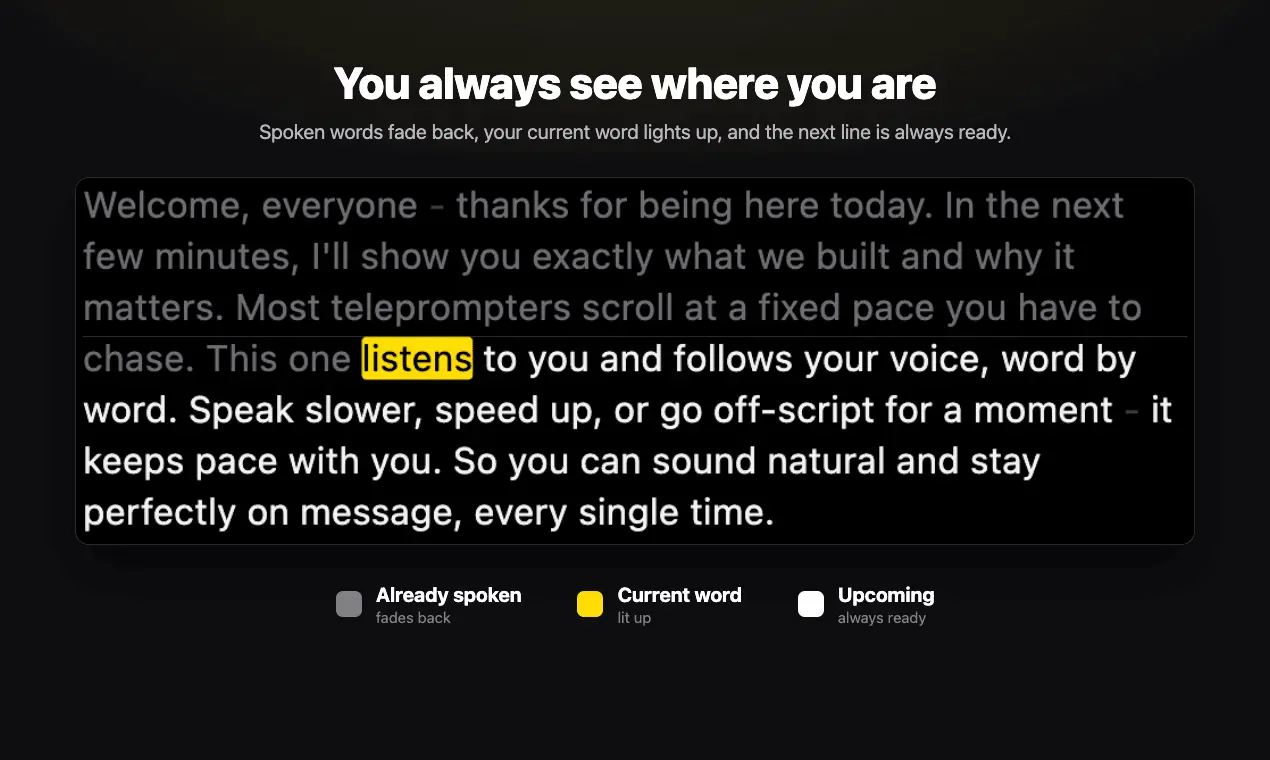
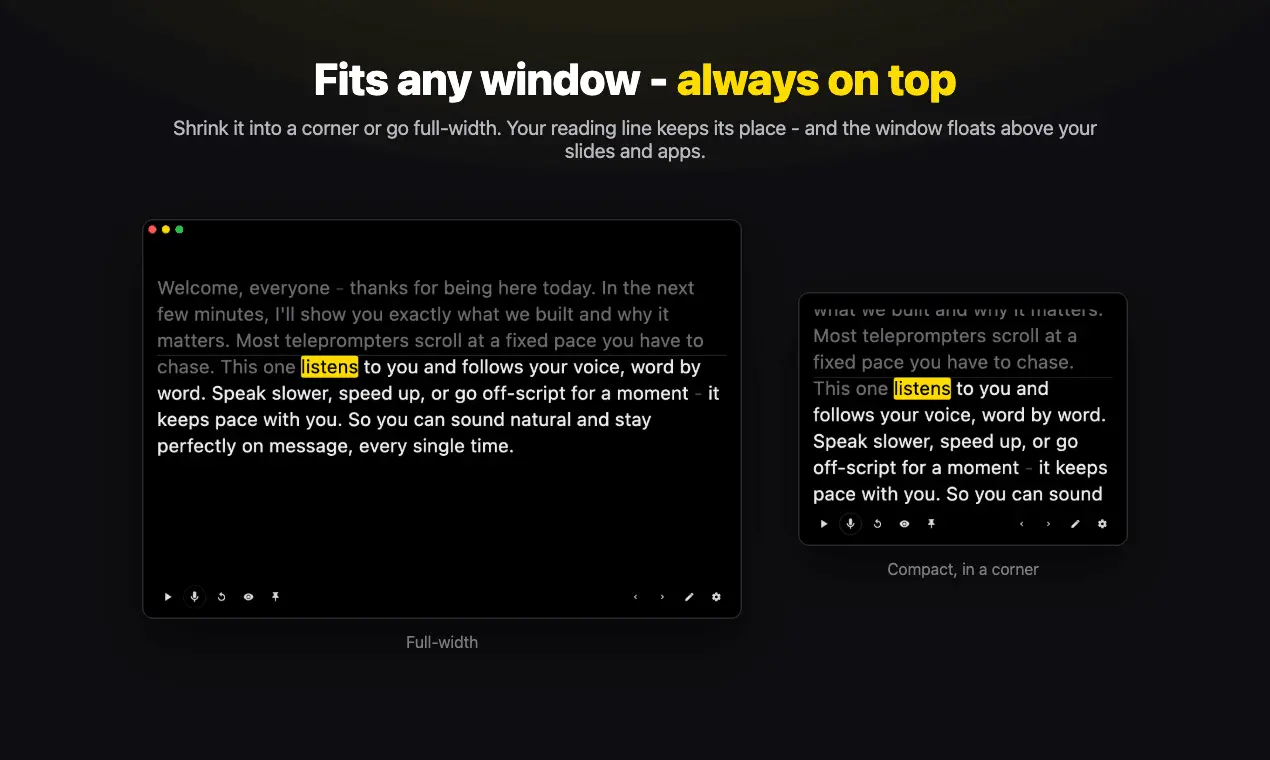
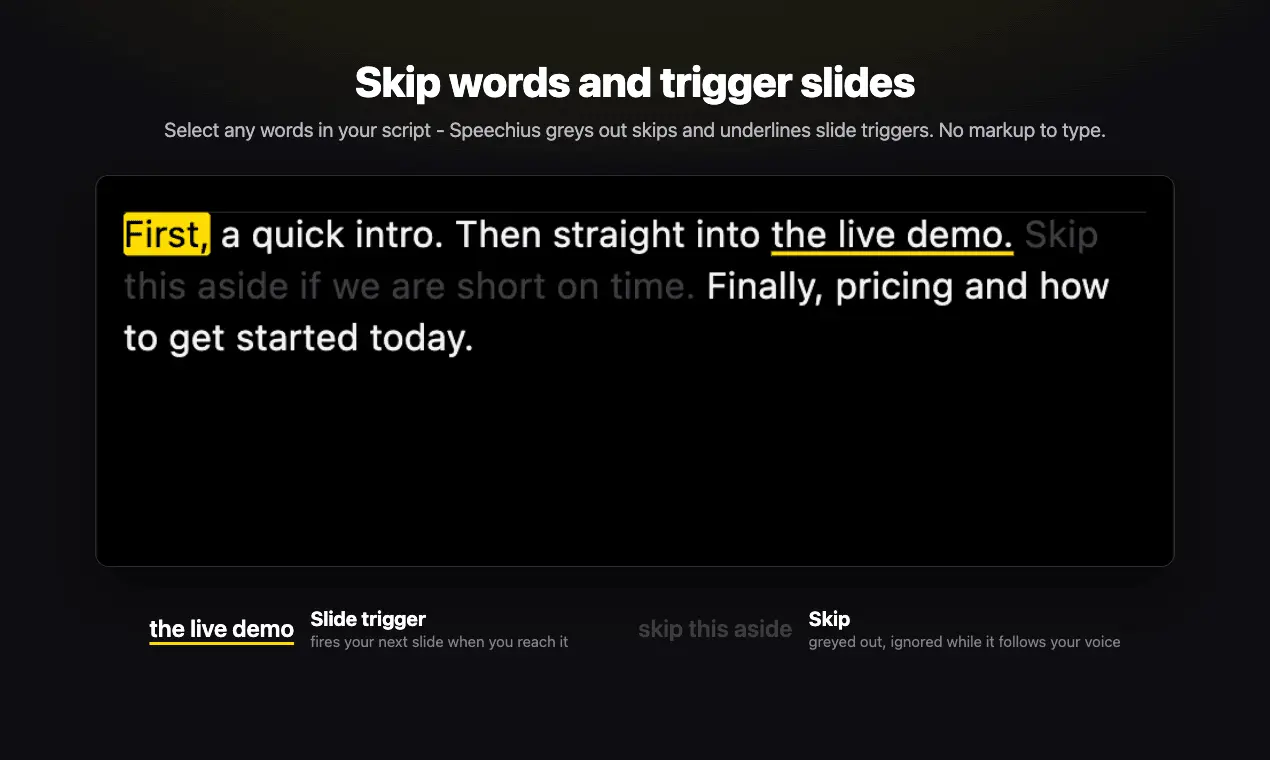
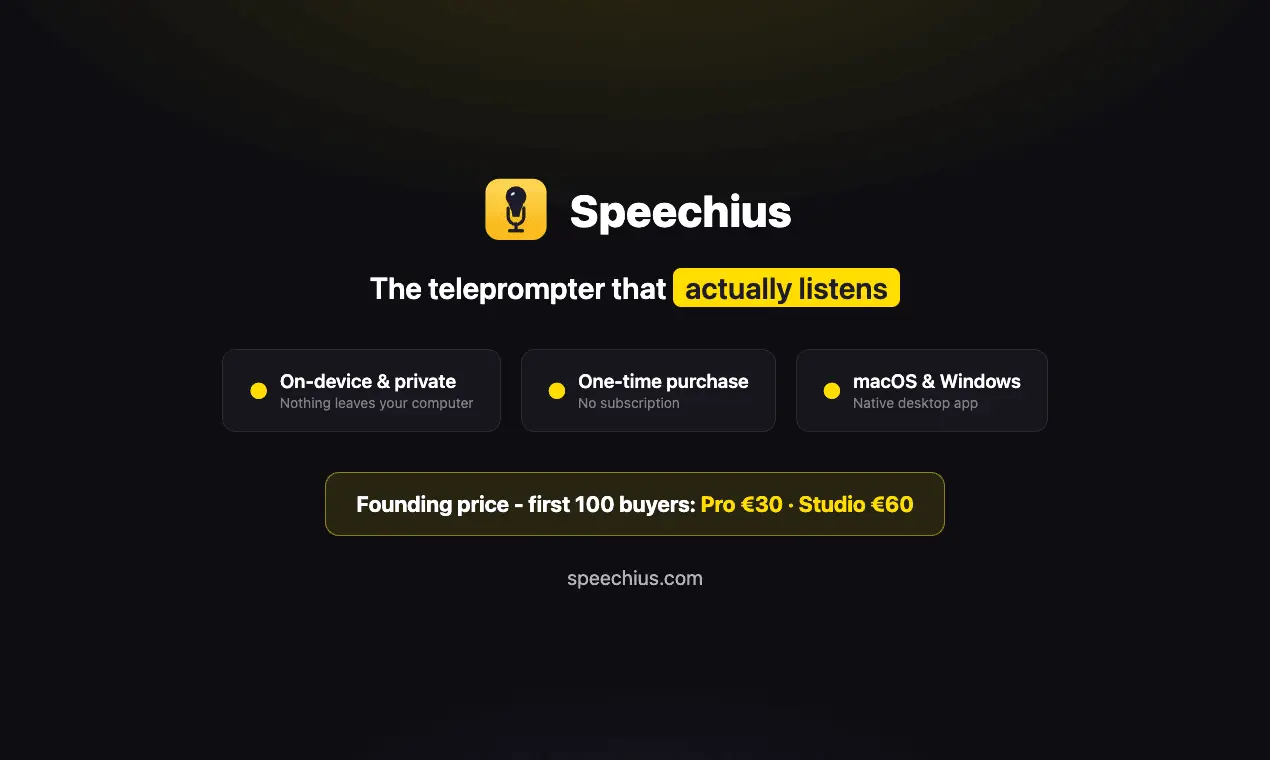
Speechius is a desktop teleprompter that follows the words you actually say. Speech recognition runs entirely on-device - Apple Speech on macOS, Vosk on Windows - and matches your spoken words against the script, then scrolls to that position. It matches actual words rather than your speaking pace, so it keeps up when you rephrase, skip a line or go off-script. It floats over Zoom, Meet, Teams and OBS, and stays out of screen shares and screen recordings on macOS (Windows support for that is limited). Built for people who record videos, run webinars, teach online or rehearse talks. macOS and Windows. One-time purchase, no subscription, 14-day trial.
Product Video
Watch a video demo of Speechius.
Screenshots
Product Updates (2)
Speechius v1.0.10 is out (Bugfixes)
✅ Licensing: paid licenses are confirmed by the server before protected features start; after a successful confirmation, they remain usable offline for up to 72 hours. ✅ Licensing: when online validation reports a refunded or otherwise revoked license, protected features are locked. ✅ Mac: automatic speech recognition starts more reliably without requiring a prior click on the microphone button. ✅ Windows: the required Visual C++ runtime libraries are bundled with Speechius, so they do not need to be installed system-wide beforehand.
Comments (0)
No comments yet. Be the first to share your thoughts!
Speechius v1.0.9 is out
✅ New: adjust the speaker text size between 50% and 200% from a compact popover in the existing toolbar settings button. ✅ New: use Command/Ctrl with plus, minus or zero to change or reset the text size in both speaker and editor views. ✈️ Improved: while Speechius is hidden from screen sharing, local yellow edge and corner cues keep window resizing precise without revealing the app in the capture. ⏭️ Next: Implementing a testing pipeline which produces detailed reports on the quality and performance of the automatic speech recognition. After that I'm going to add more languages.
Comments (0)
No comments yet. Be the first to share your thoughts!
Reviews (1)
Average 4.0 out of 5
Based on 1 review

Comments (3)
Speechius 1.0.9 is out! ➡️ New: Adjusting speaker text zoom factor (50% - 200%) ➡️ Improved "Invisible mode": local yellow edge and corner cues keep window resizing precise without revealing the app in the capture
The real-time speech recognition that adjusts your script as you speak is a game changer. No more fumbling with wrong lines or having to pause recordings.
@galdayan1895 Thanks! The recording pauses were my own reason for building it. To be precise, it doesn't change your script, it just keeps your place in it while you talk, so a re-take costs you nothing.
First launch here. I'm a solo dev - Speechius scrolls your script by matching the words you actually say, not your speaking pace. Honest feedback very welcome.