
SQLite Hub
⚡️ A sharper way to work with SQLite.

Details
- Follow on
- Categories
- Target Audience
- Pricing
- Free
- Featured in
Discovery signals
How AI and people discover SQLite Hub on PeerPush
By AI reads among Developer Tools tools
771 AI reads in the last 30 days, ranked against every Developer Tools tool listed.About SQLite Hub
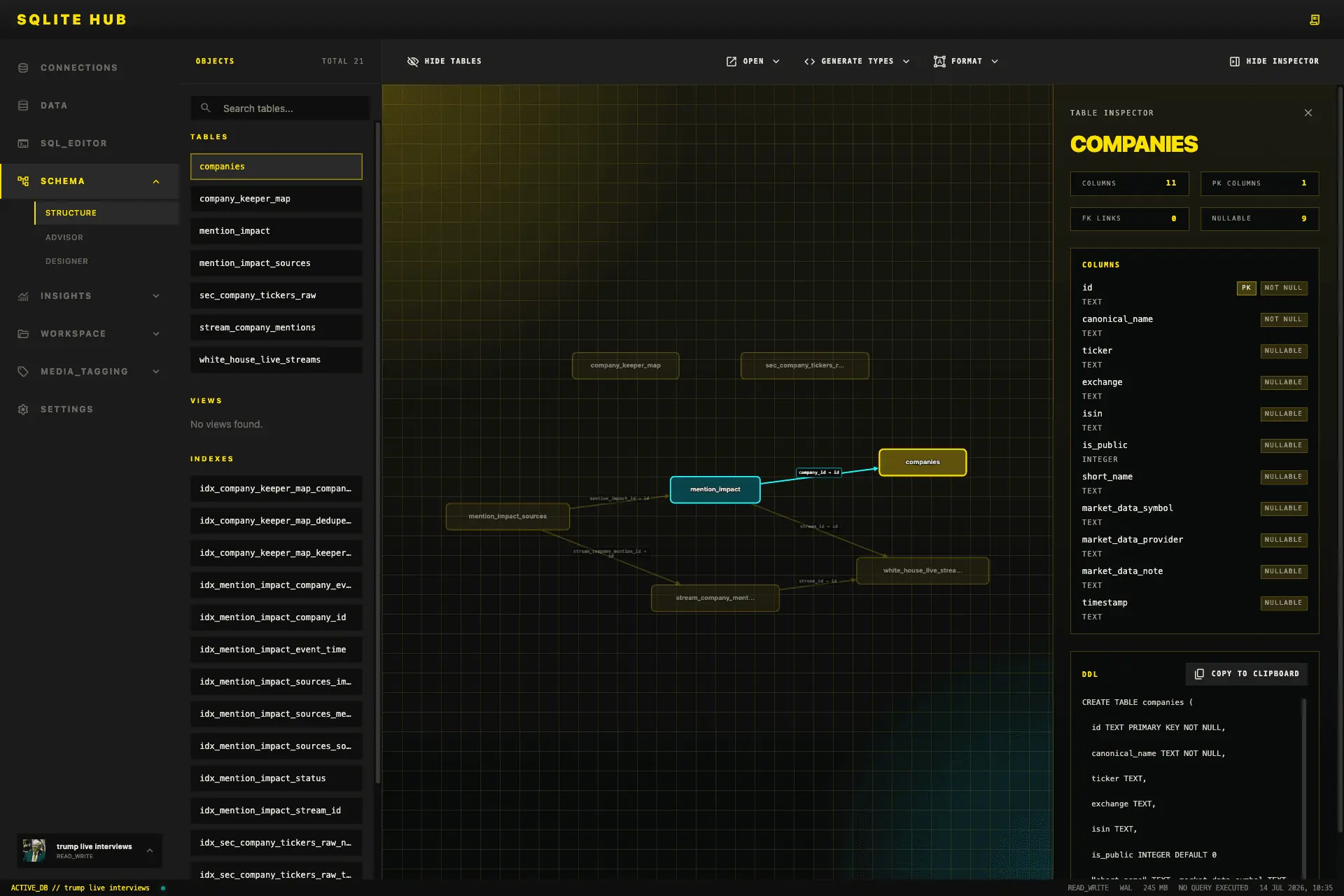
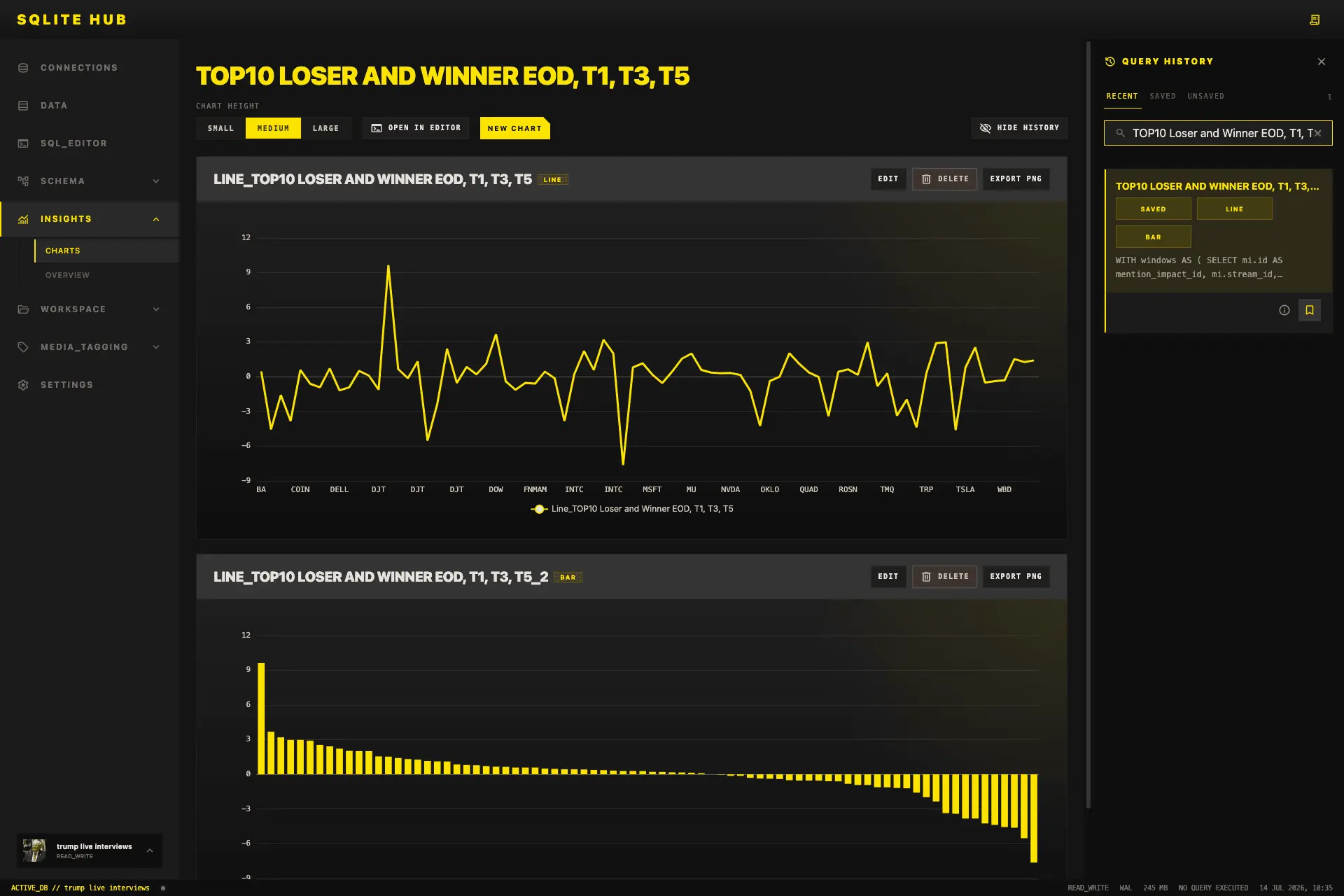
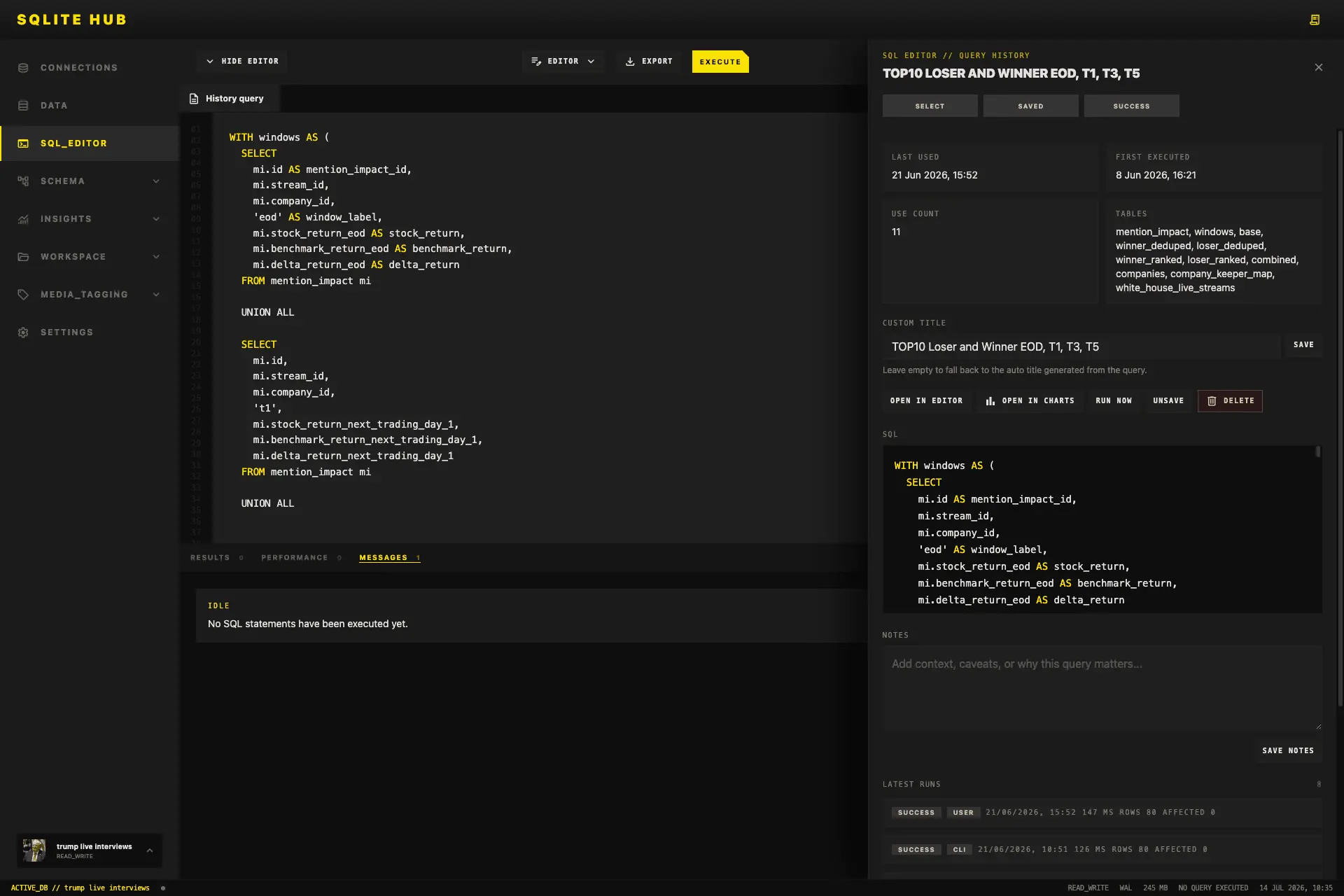
SQLite Hub is a local-first SQLite manager and CLI designed for people who work directly with SQLite files as products, research sources, operational datasets, prototypes, or evidence. The project aims to make SQLite databases easier to inspect, edit, understand, document, visualize, and export without forcing users into a cloud platform or a heavyweight enterprise database client. The core idea behind SQLite Hub is simple: many useful applications, internal tools, research projects, AI workflows, media archives, scraping pipelines, and prototypes already store important data in local SQLite files. However, working with those files often requires jumping between terminal commands, database browsers, spreadsheet tools, Markdown notes, charting tools, and custom scripts. SQLite Hub brings those everyday workflows into one focused local workspace. The application runs locally and lets users open or create SQLite databases, inspect database health, review schema details, browse tables, filter records, edit safely identifiable rows, run SQL queries, save useful queries, export results, generate charts, manage database-scoped Markdown documents, and inspect table relationships through a visual structure view. It also includes a Table Designer for creating and modifying tables with live SQL previews, validation, keys, defaults, constraints, and migration warnings. A major focus of the project is practical data work. SQLite Hub is not only meant for developers writing SQL. It is also useful for journalists, analysts, founders, researchers, indie hackers, and technical operators who collect, clean, structure, and interpret local datasets. A journalist can use it to analyze scraped public data, document findings beside the database, export selected results as Markdown or CSV, and generate charts for further reporting. A developer can use it to inspect an app database, debug schema issues, run saved queries, and export rows or tables through the built-in CLI. A researcher can maintain notes, saved SQL queries, and visualizations close to the underlying dataset. The CLI extends the same local workflows into the terminal. Users can start and configure the app, list imported databases, inspect tables, run or export saved queries, print or export Markdown documents, and export individual rows as JSON. This makes SQLite Hub useful both as an interactive browser-based tool and as part of repeatable command-line workflows. The next development step is to add an AI-assisted layer that respects the local-first philosophy of the product. The goal is not to replace SQL or hide the database from the user, but to make database work faster and more understandable. Planned AI features include schema-aware query assistance, natural-language explanations of database structures, suggestions for data-cleaning steps, automatic documentation drafts, query result summaries, anomaly detection, and guided transformations for non-expert users. For example, a user could ask what a database contains, which tables are related, how to write a query for a specific question, or how to turn a result into a report-ready summary. SQLite Hub is built around transparency, user control, and practical utility. Users should always understand what happens to their data, see the generated SQL before destructive or structural actions, and decide when AI assistance is used. The long-term vision is to make SQLite Hub a powerful local data workspace for the growing number of people who use SQLite as the backbone of small products, internal tools, research pipelines, AI datasets, and personal knowledge systems.
Screenshots
Product Updates (1)
What's New?
A bigger update with several improvements for developers: - New CLI grammar – cleaner, more consistent commands - MCP support – connect to MCP-compatible AI tools and workflows - Go structs – generate Go structs directly from your database schema - Improved Windows compatibility – smoother setup and usage on Windows - Automatic database discovery – find installed databases automatically - Database tags – organize and categorize your databases with tags This update is mostly about making SQLite Hub easier to integrate into existing developer workflows and reducing the amount of manual setup required. More improvements coming soon.
Comments (0)
No comments yet. Be the first to share your thoughts!
Reviews (6)
Average 4.8 out of 5
Based on 6 reviews


I wrote an issue at github for go support


I love the chart function its like a mini bi combined with the documents feature
Bestes SQLite Management System. Hab einige durch aber SQLite Hub bietet als einziges alle was ich brauche.
Comments (5)
The underrated feature is database-scoped markdown docs stored with the data. Schema docs rot because they live in a wiki nobody opens; keeping them next to the thing they describe is the only version that survives a real team.
Thanks every one yesterday we got the Product of the Day award!
Please check the issue, much appreciate
@noodlesmr18 I will
Can we get support for autocomplete in the editor?
@Berni Sure its planned for v2.4.0 you can check upcoming features here https://github.com/oliverjessner/sqlite-hub/blob/main/docs/todo.md
Hey everyone, I built SQLite Hub because I kept running into the same problem: SQLite is everywhere, but working with real SQLite databases often means switching between terminal commands, DB browsers