
Taphouse
The visual GUI for Homebrew on macOS
T
@taphouse
Details
- Categories
- Developer ToolsAutomation & Workflow
- Use Cases
- Workflow Automation
- Target Audience
- DevelopersNon-Technical UsersIndie Hackers
- Platforms
- Desktop
About Taphouse
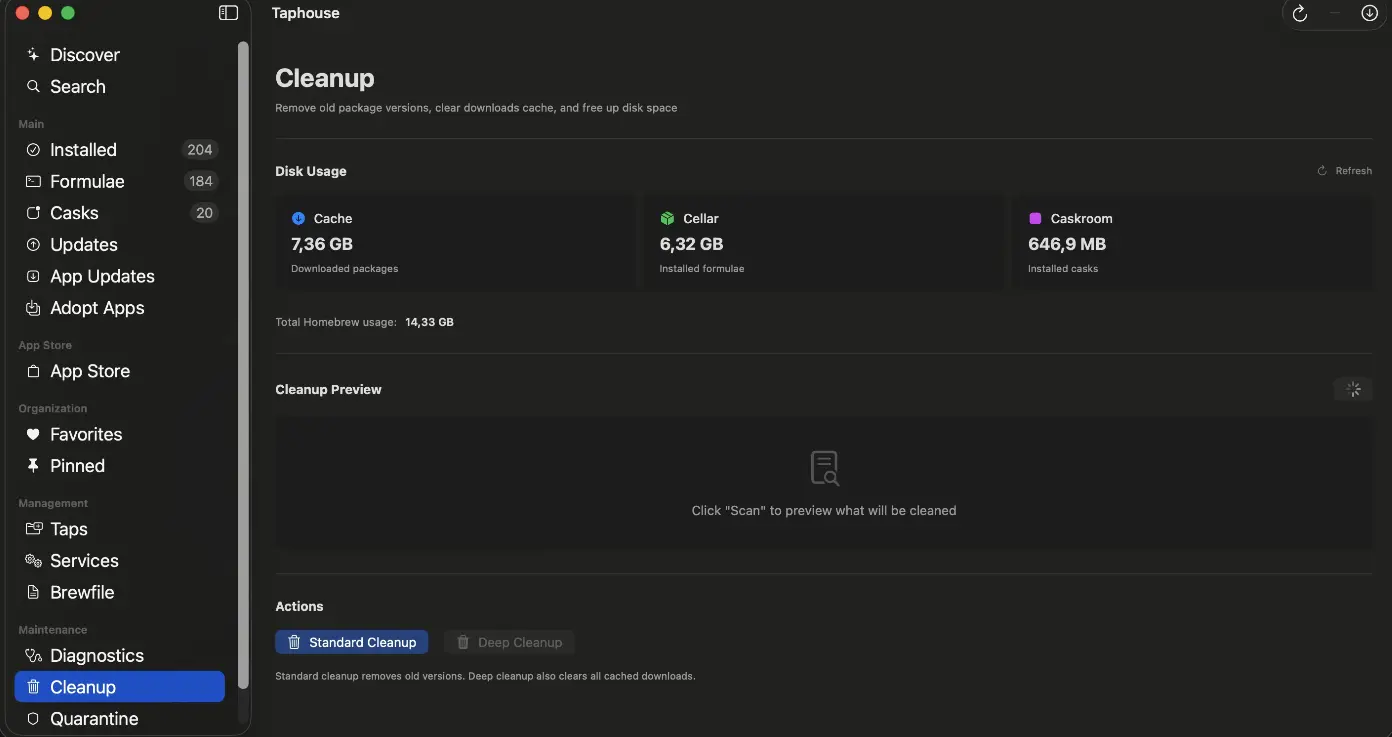
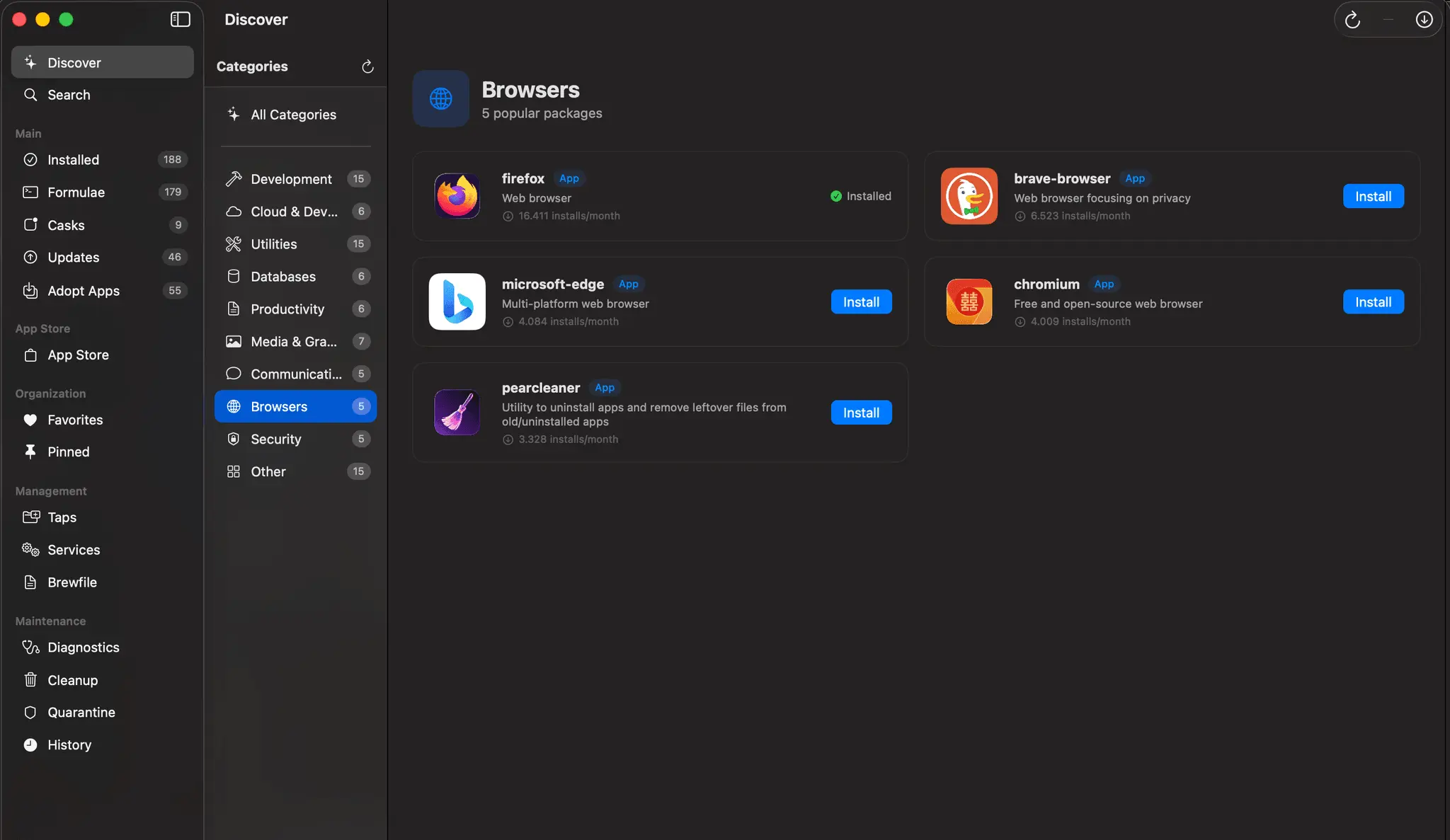
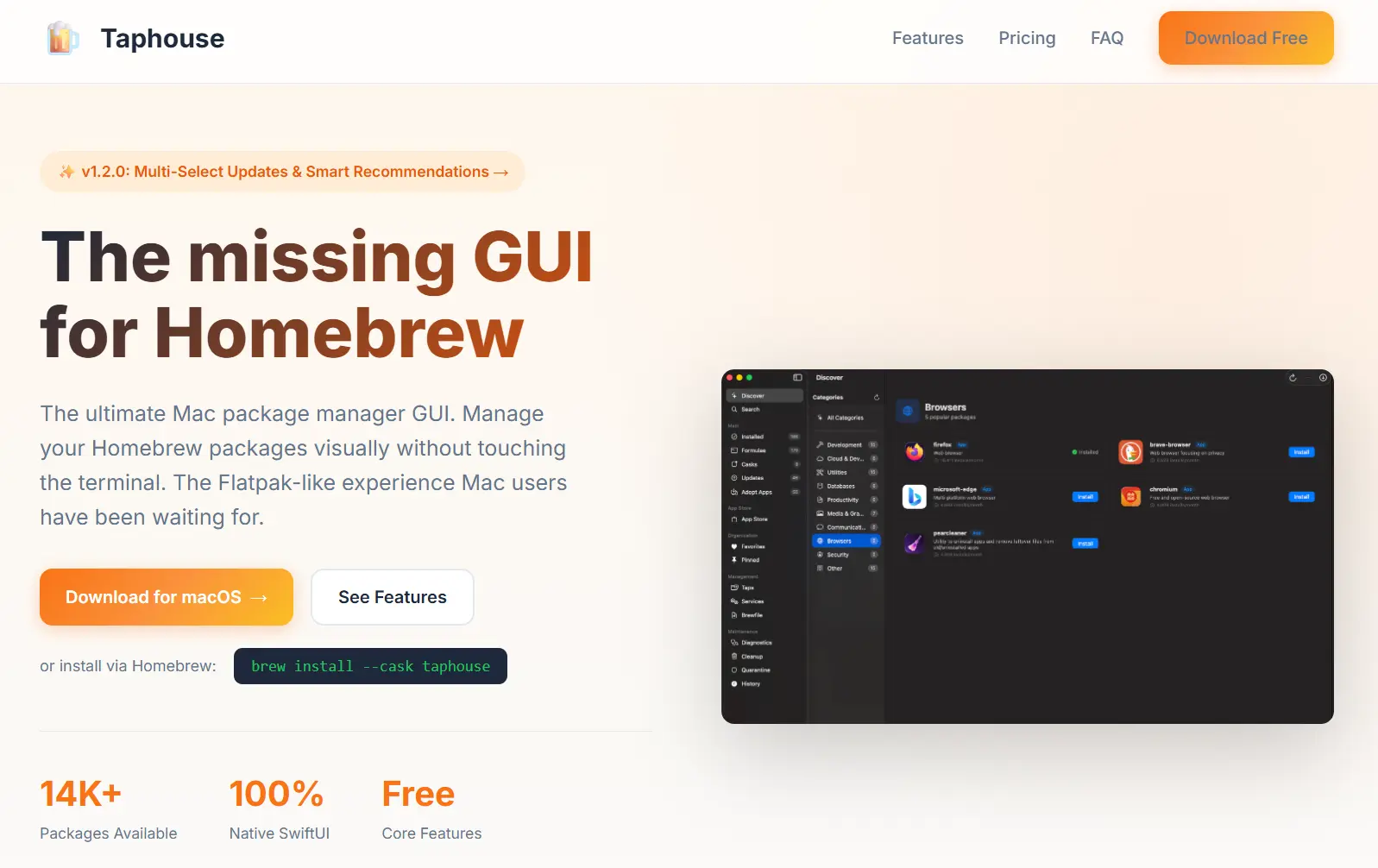
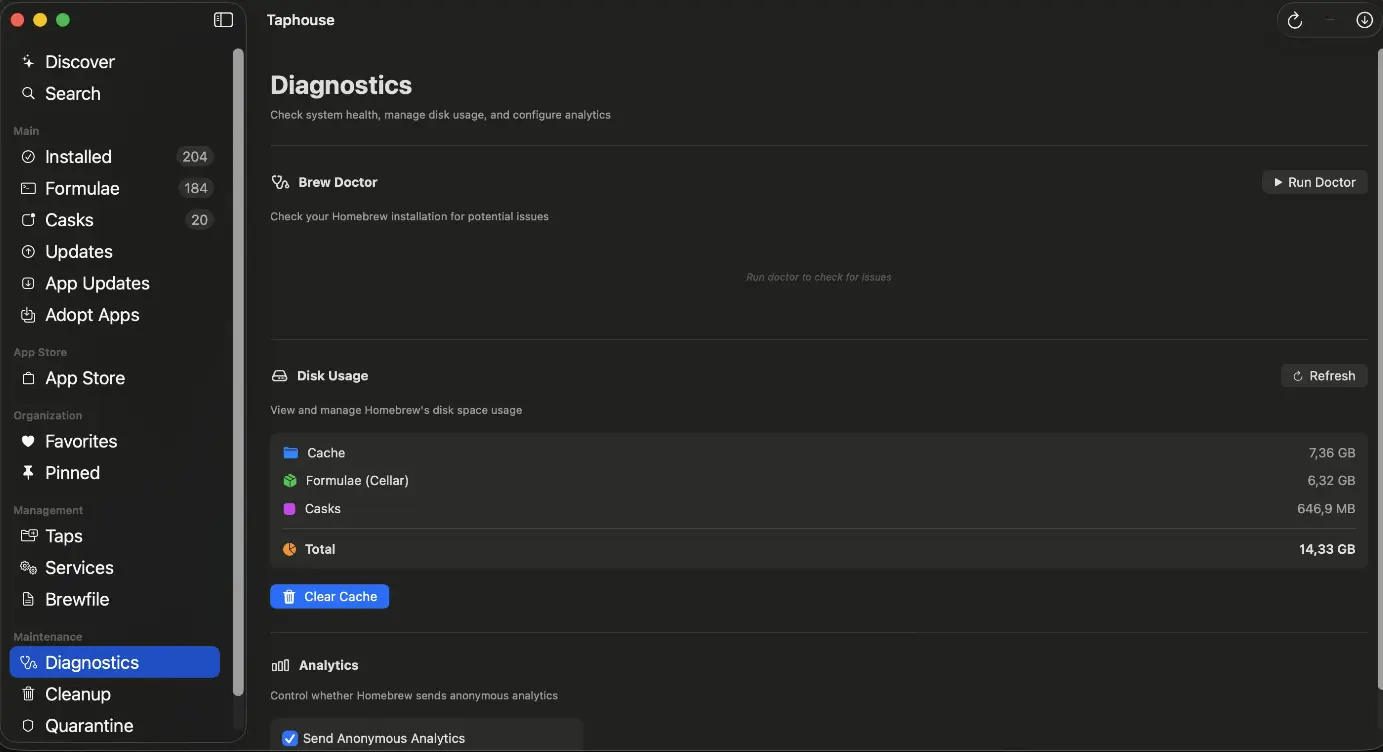
Taphouse provides a powerful visual interface for Homebrew on macOS, allowing you to manage your packages without ever opening the terminal. You can handle one-click installs, manage services, and use the built-in brew cleanup tool to keep your system organized and efficient. It is designed to be the missing graphical user interface for Mac users who want a more intuitive way to interact with the Homebrew package manager.
Screenshots
Reviews (0)
No reviews yet. Be the first to rate this product!



Comments (1)
Taphouse is the best GUI for managing Homebrew on macOS. Download for free now and try it!