TermBridge
Control your Mac's terminal from your iPhone or iPad

Details
- Categories
- Use Cases
- Target Audience
- Pricing
- Free
Discovery signals
How AI and people discover TermBridge on PeerPush
- ChatGPT
- Perplexity
- +2 other AI crawlers
Reads by these AI engines
Crawlers behind these engines read this listing on PeerPush.About TermBridge
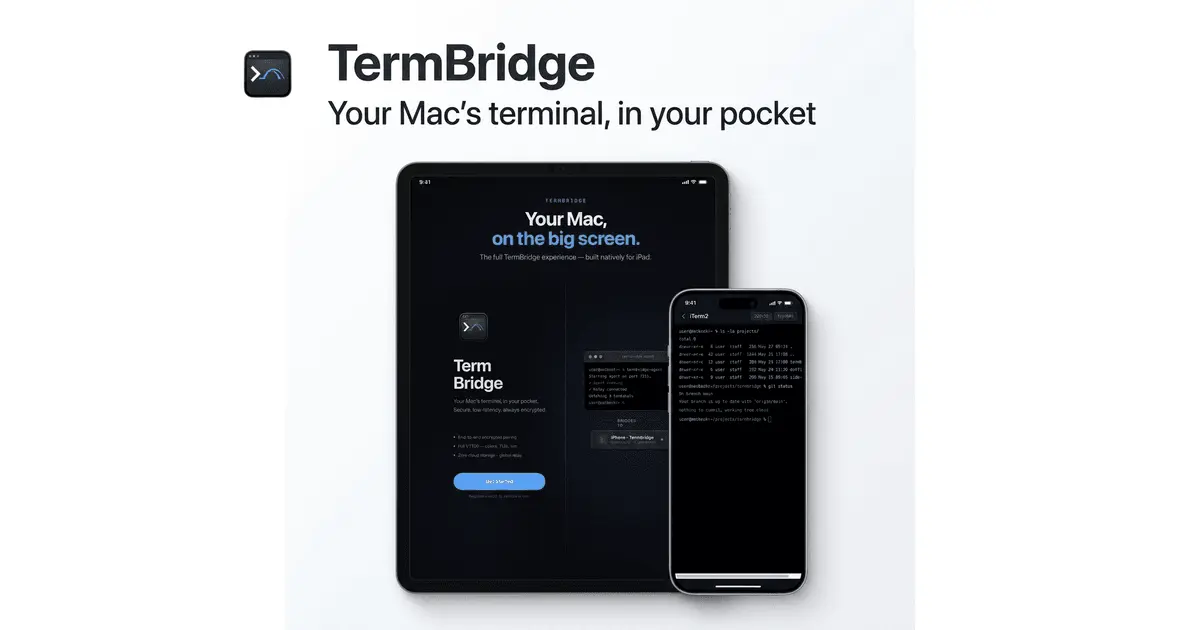
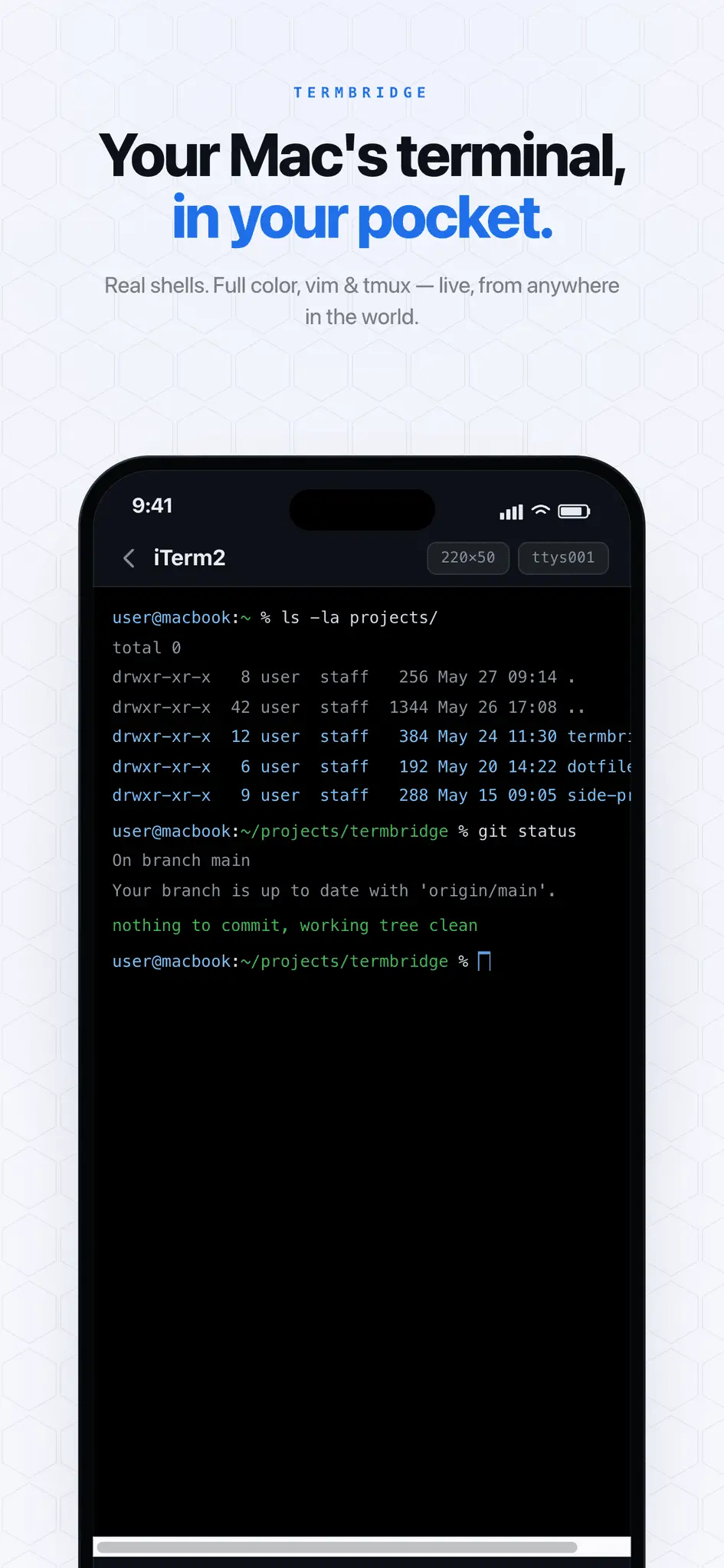
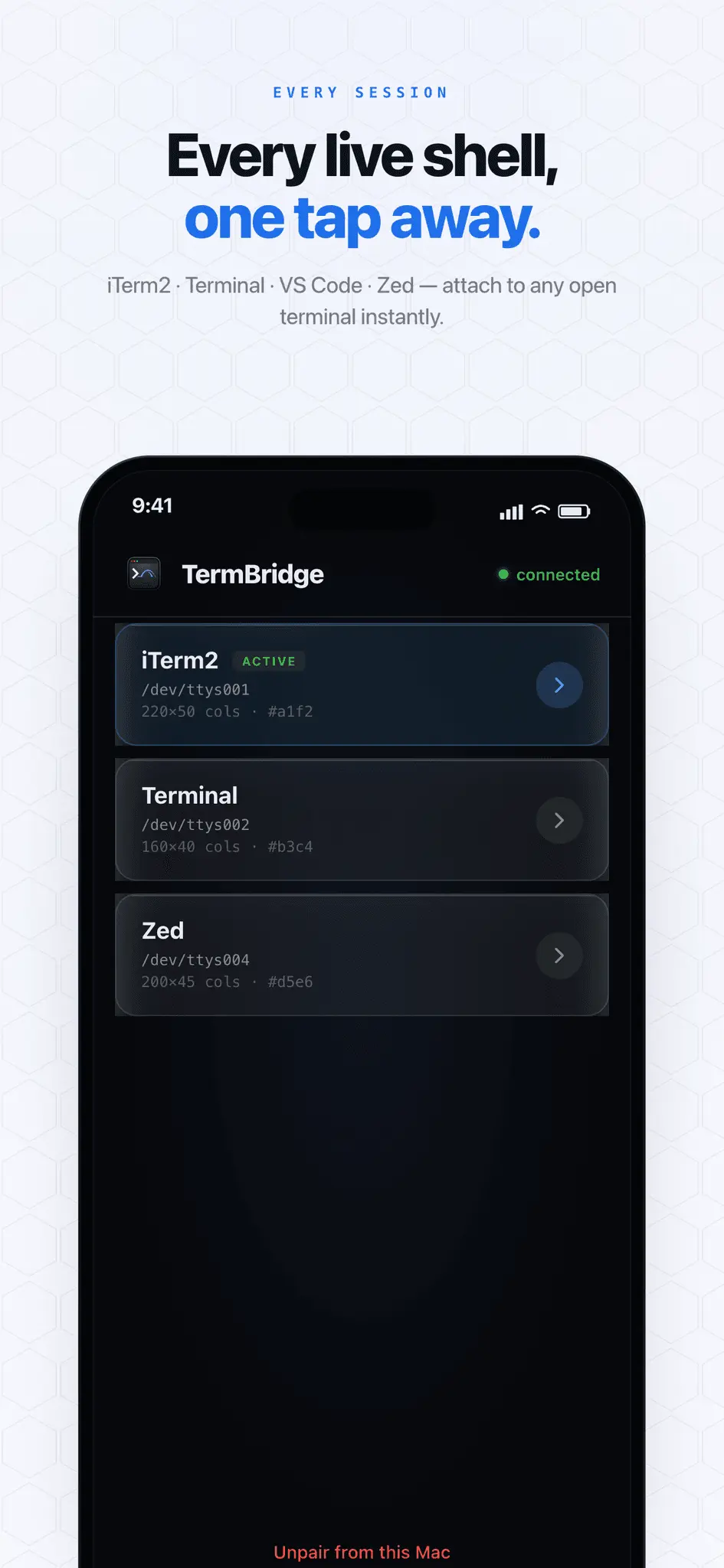
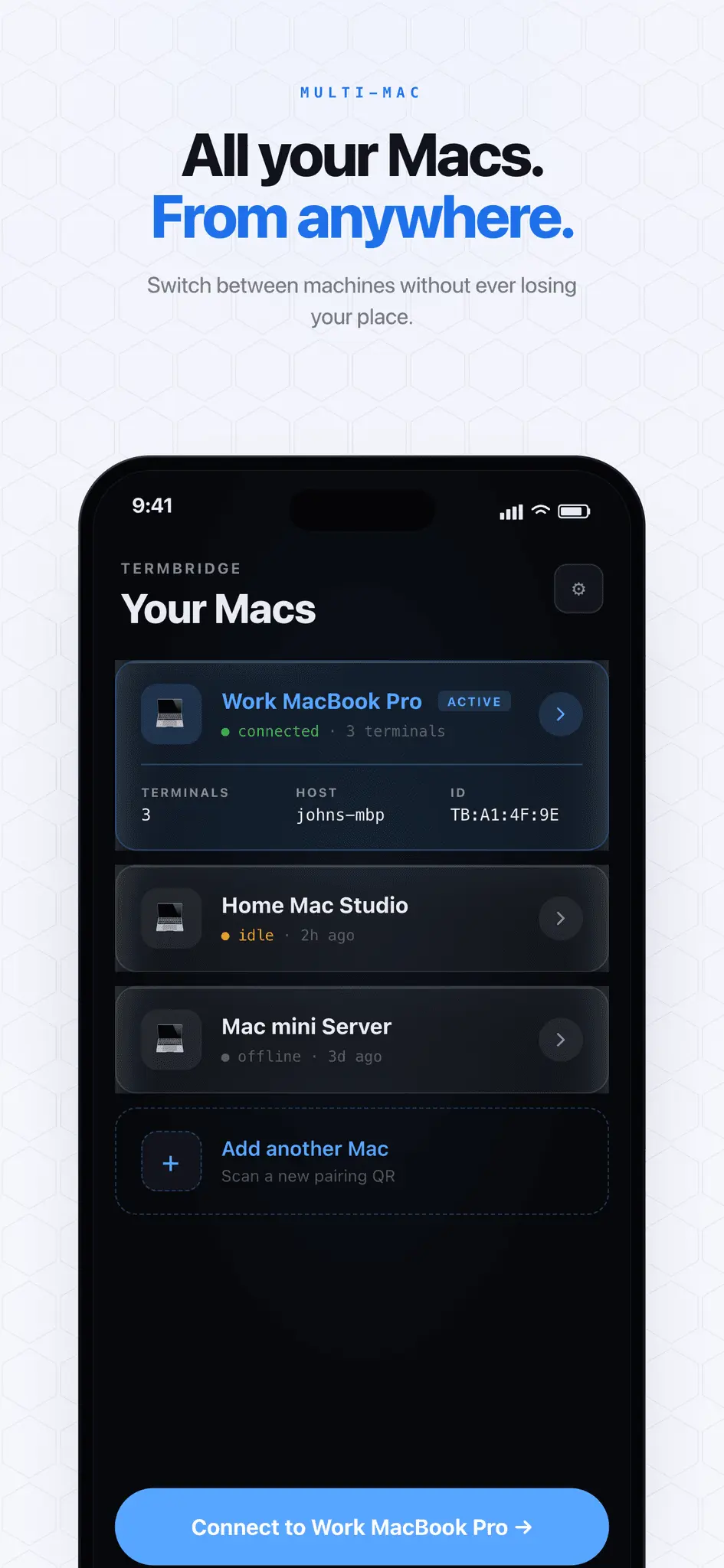
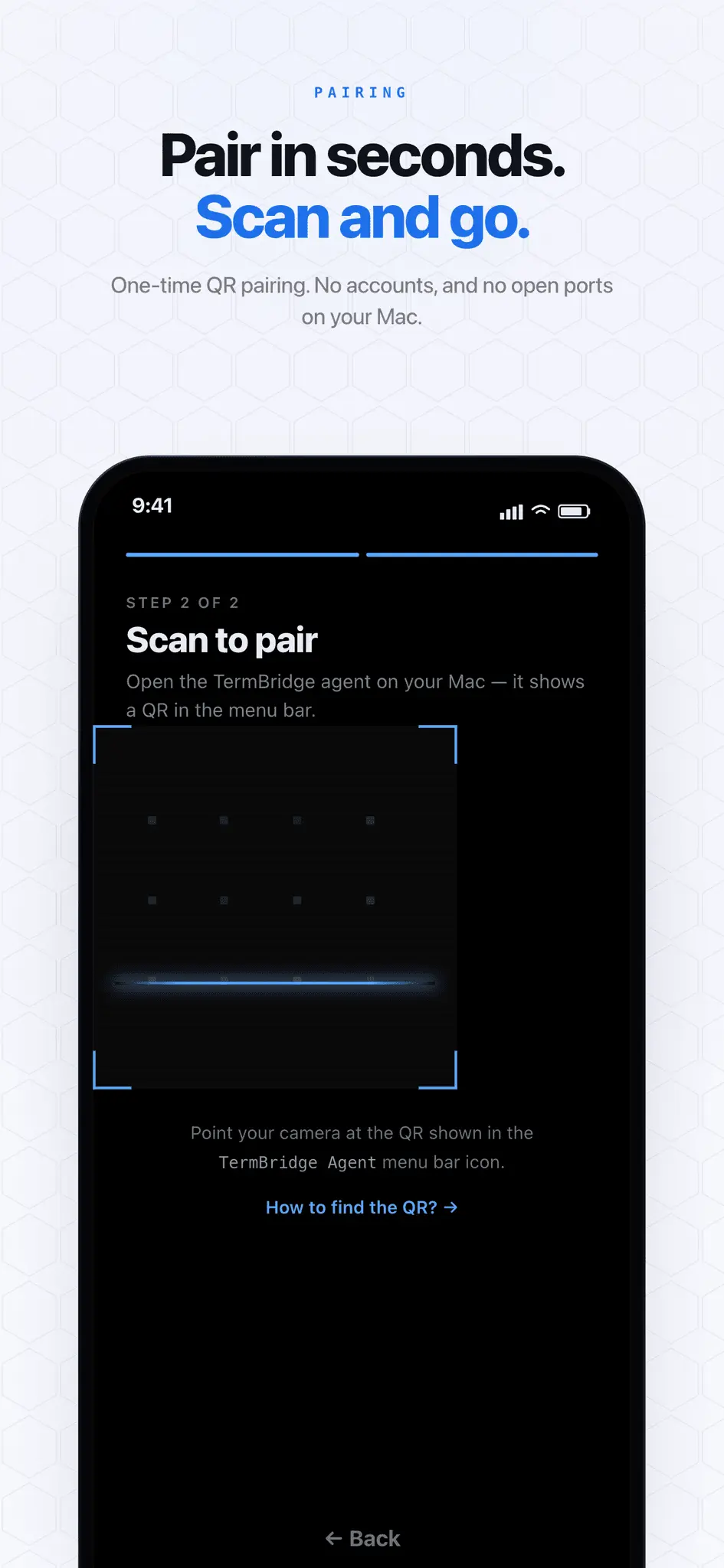
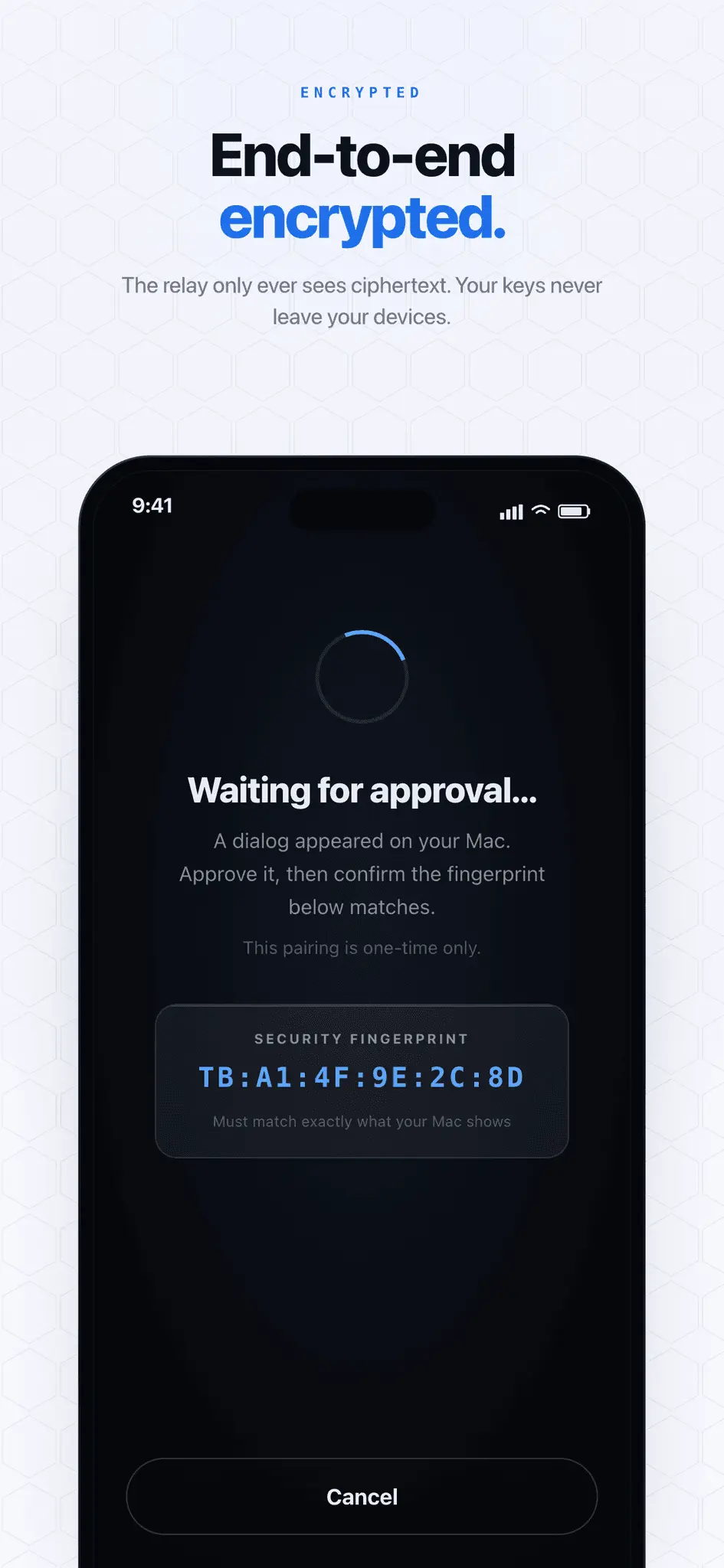
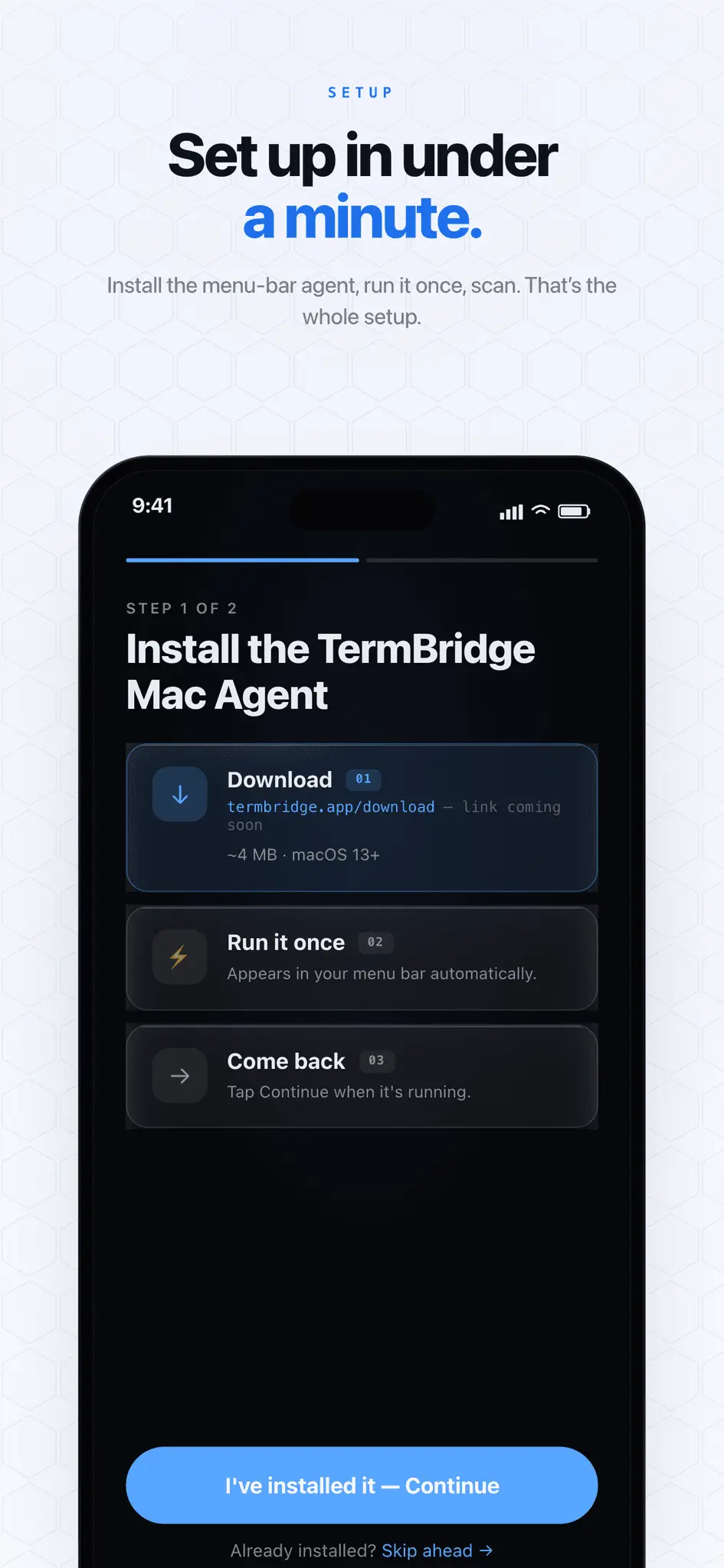
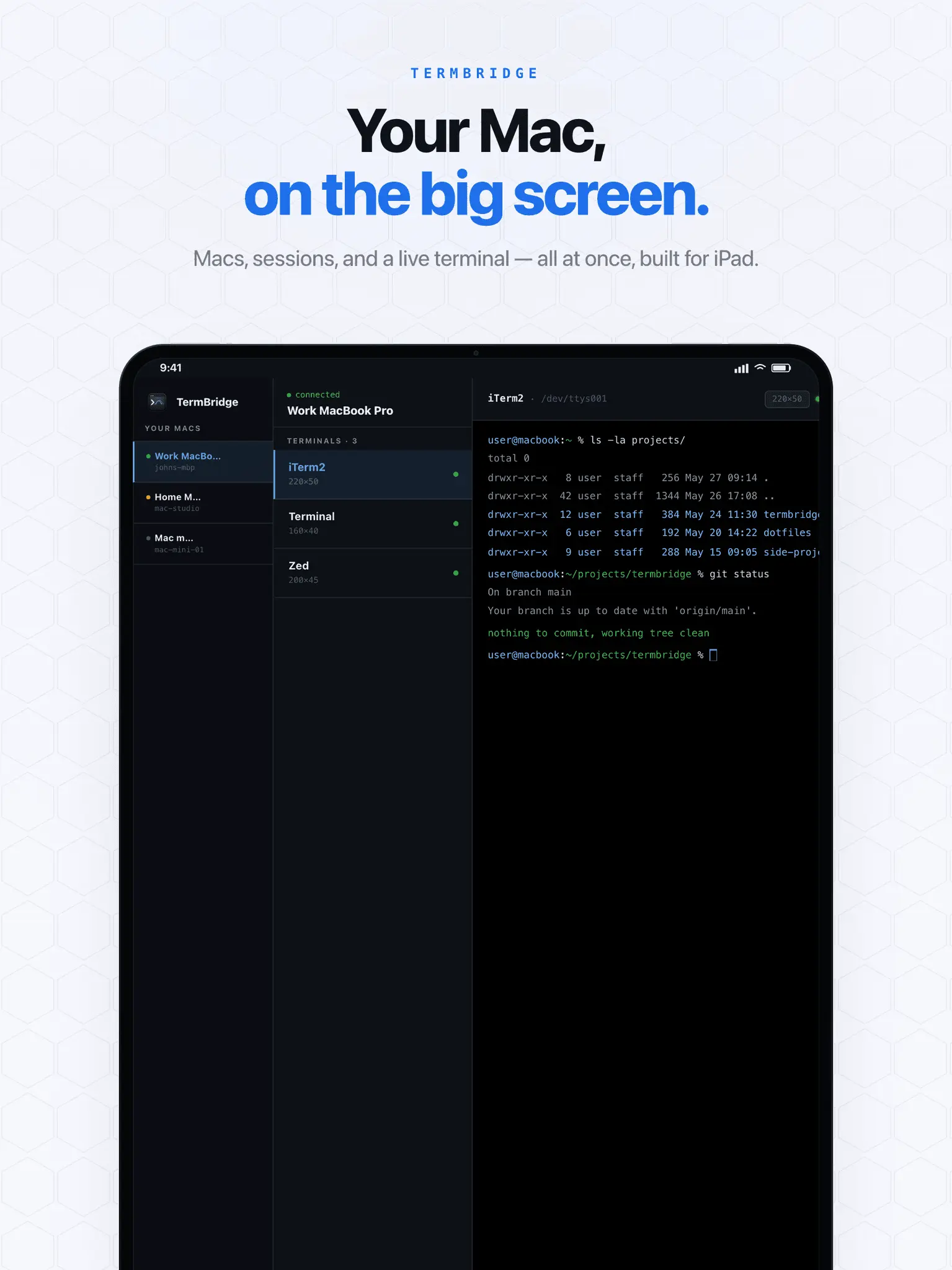
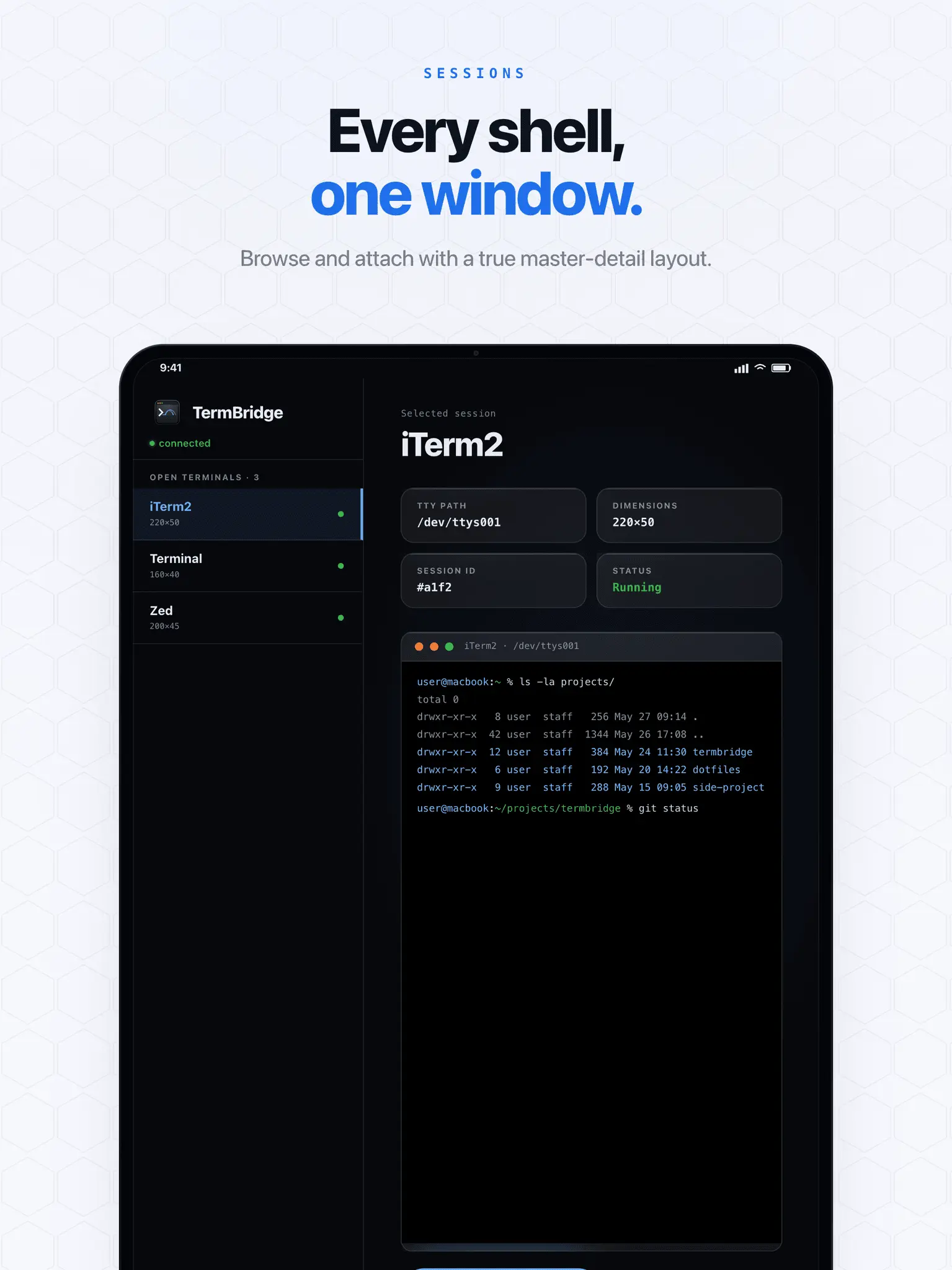
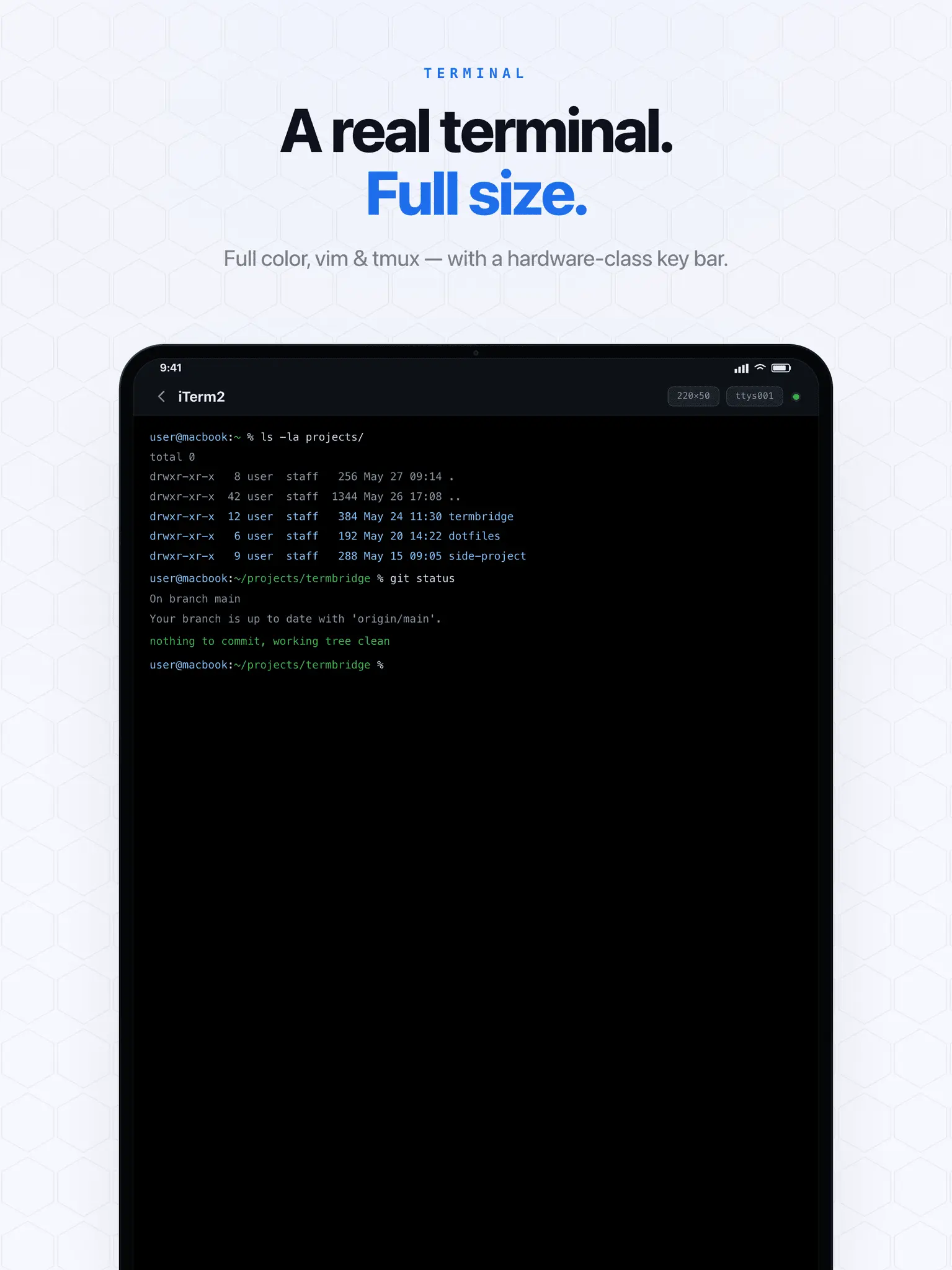
TermBridge allows you to control and observe any terminal on your Mac from your iPhone or iPad from any location. The tool can attach to existing shells, including those within VS Code, Zed, and Cursor. It functions without the need for SSH, open ports, or account creation, and utilizes end-to-end encryption to secure the connection. ✨ Key Features Universal Attachment: Don't start a new session—attach directly to the active shells you're already using in your favorite IDEs or terminal emulators. Zero-Config Networking: Works instantly over the internet. No messing with port forwarding, dynamic DNS, or VPNs. Uncompromising Security: End-to-end encryption guarantees that your commands, code, and logs are for your eyes only. Native iOS Experience: Designed specifically for iPhone and iPad, offering a fluid, responsive interface that feels right at home on your device. 🚀 Real Outcomes You Can Expect Walk away without worry: Kick off a massive 45-minute build or a long-running script at your desk, and monitor its progress from the couch. Fix it from anywhere: Did your local dev server crash while you stepped out for coffee? Restart it instantly from your phone without having to rush back. Stay in context: Because TermBridge attaches to your existing IDE terminal, you don't lose your command history or environment variables.
Screenshots
Reviews (0)

Comments (1)
Tired of being glued to your desk during long builds? TermBridge lets you safely monitor active IDE terminals from your iPhone. No SSH, no open ports required! https://termbridge.clovinyx.io