Personal Black Hole Screensaver
Turn your Windows idle screen into a cosmic spectacle.

Details
- Follow on
- Categories
- Target Audience
- Pricing
- One-time from $4.99
- Platforms
Discovery signals
How AI and people discover Personal Black Hole Screensaver on PeerPush
About Personal Black Hole Screensaver
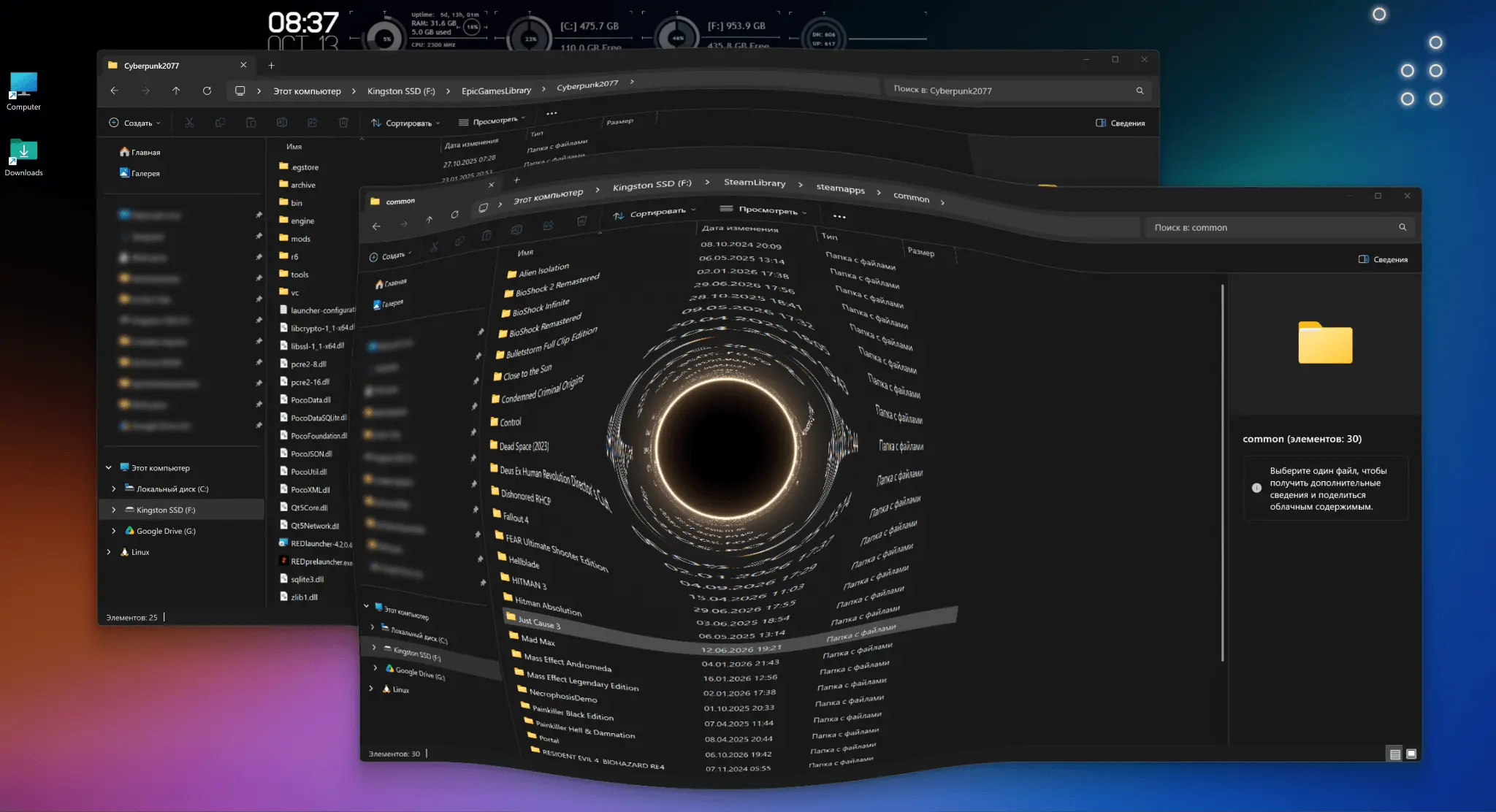
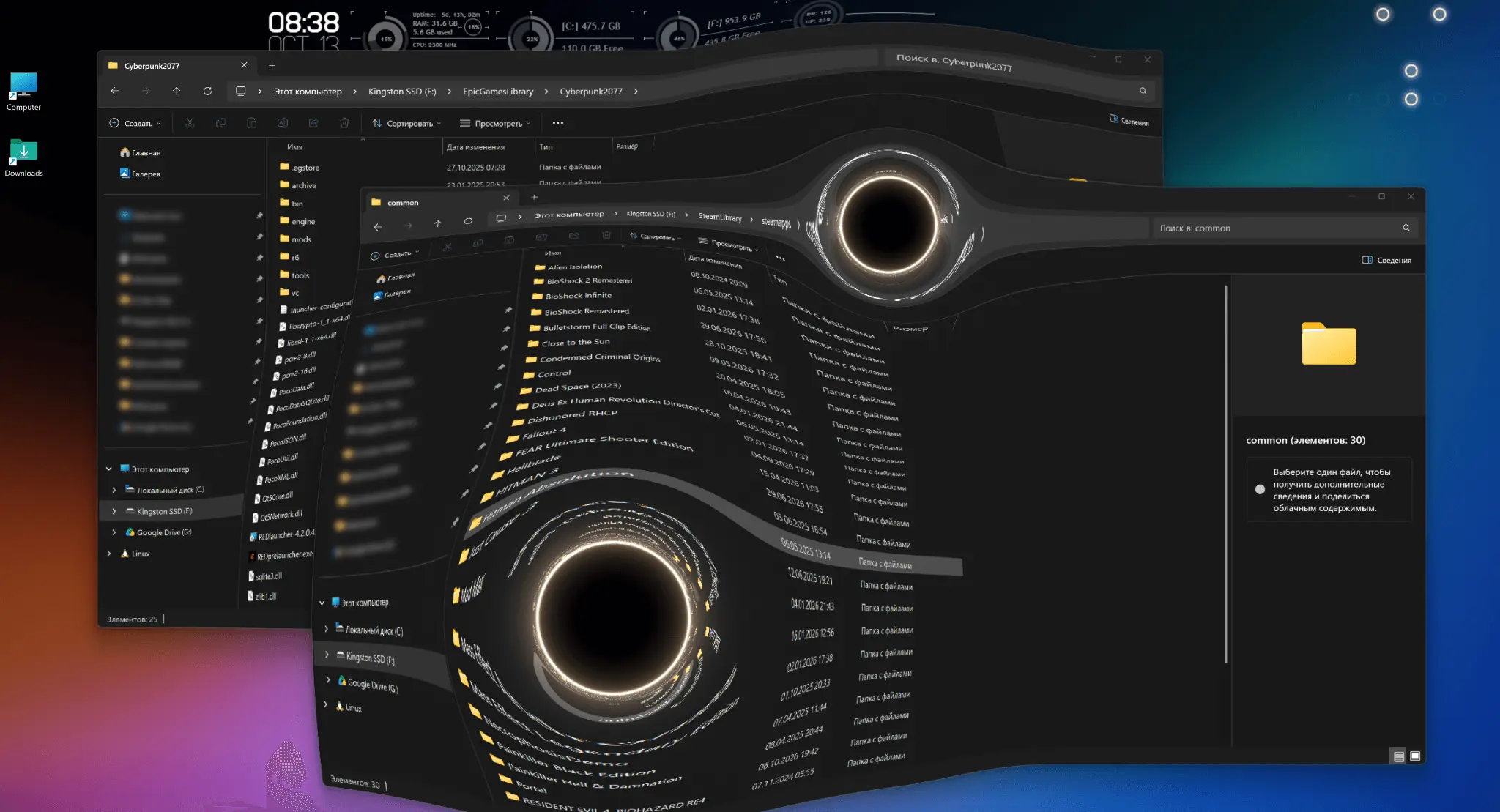
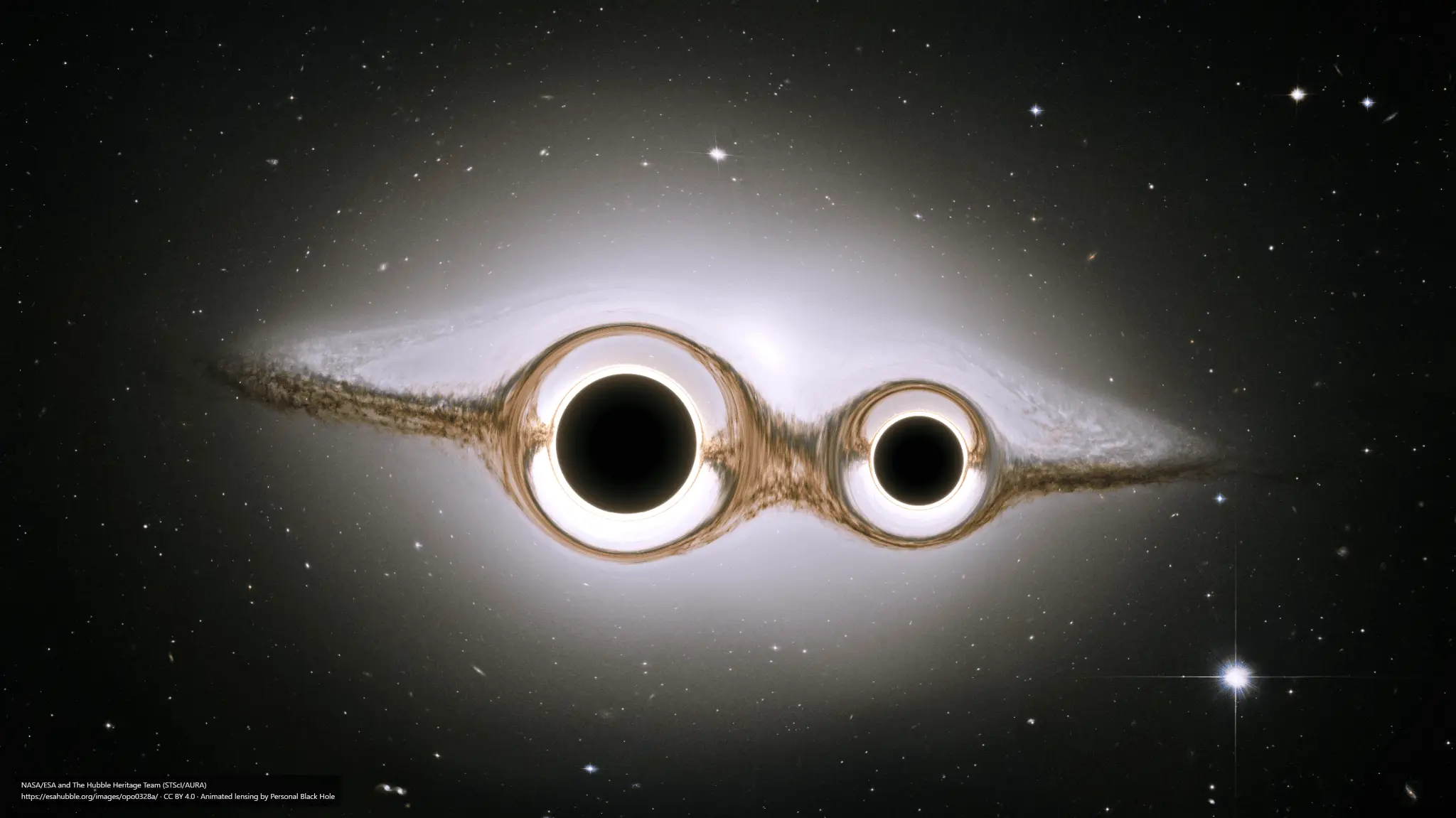
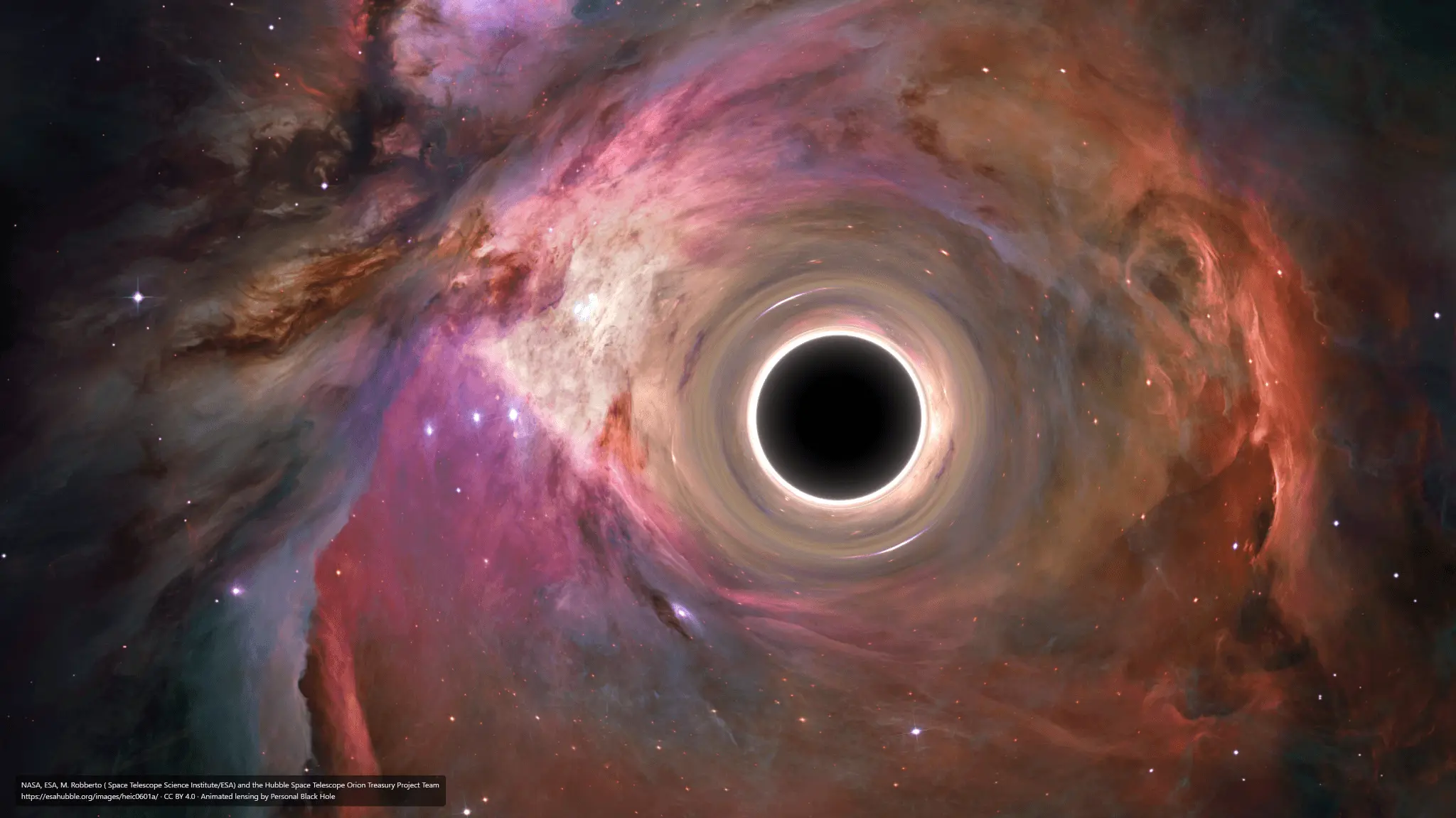
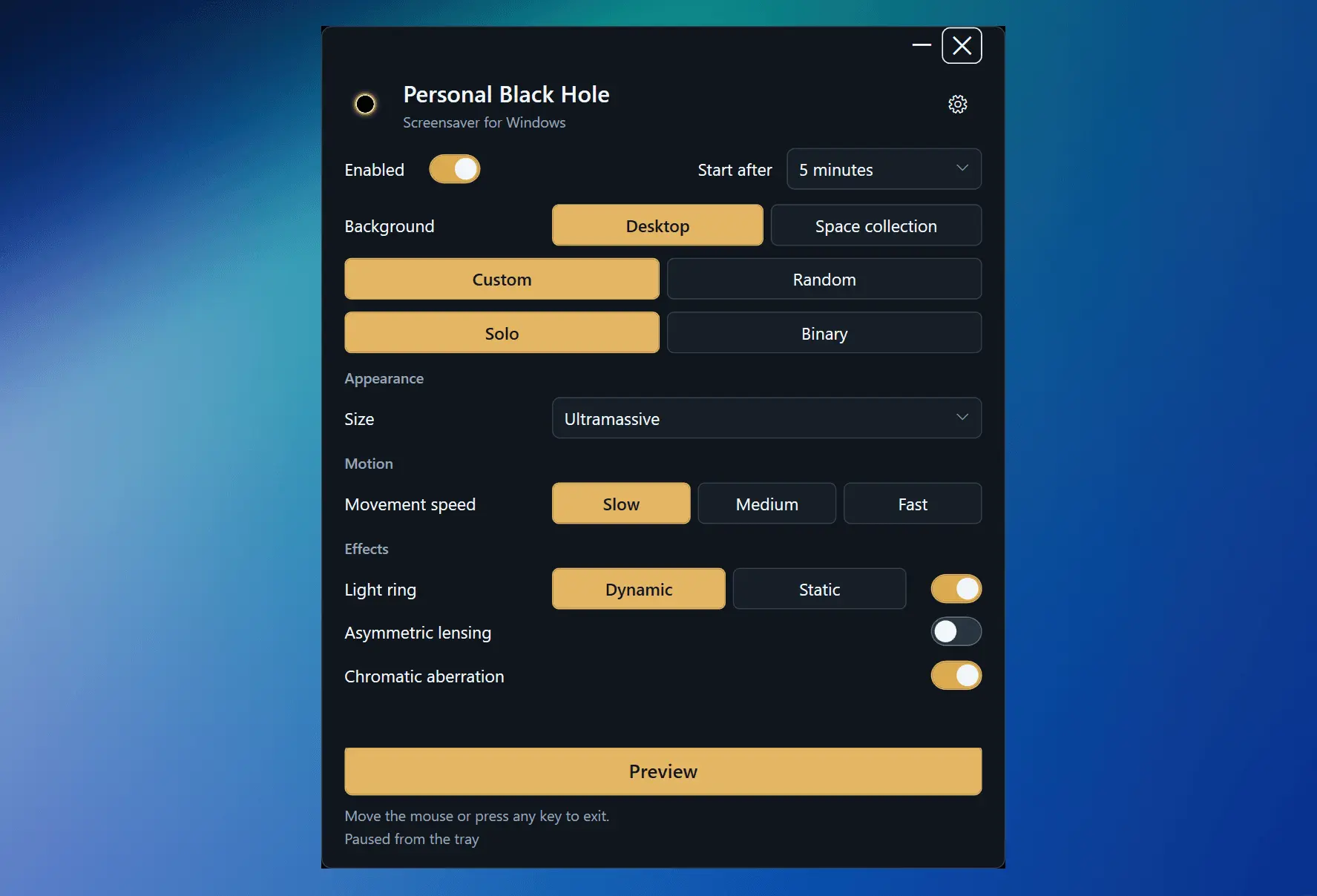
Personal Black Hole Screensaver brings moving black holes and physics-inspired gravitational lensing to your Windows desktop. Watch a single black hole drift across the screen, or follow two black holes orbiting one another, bending the background as they move. Watch black holes bend and distort your desktop, or set the scene with a built-in collection of stunning galaxies, nebulae and star clusters. Choose your favorite space wallpaper or enjoy a random one at each launch. Make the experience your own: • Solo and Binary modes — one drifting black hole or an orbiting pair. • Custom or Random configurations — fine-tune your scene or discover a different combination each time. • Adjustable visuals — choose black hole sizes, movement speeds, light rings, asymmetric lensing and chromatic aberration. Add expanding wave effects in Binary mode. • Smooth transitions — black holes gradually appear and collapse when the screensaver ends. • Automatic start and instant Preview — set an idle delay or launch the scene whenever you like. • Monitor options — use your main monitor or all connected monitors. • Flexible exit controls — mouse, keyboard, both, or Escape only. Esc always exits. • Everyday convenience — optional Windows startup and controls for fullscreen activity and battery use. Settings are accessible from the system tray. The screensaver works offline, with the space collection included in the app.
Screenshots
Reviews (0)
No reviews yet. Be the first to rate this product!
Comments (1)
Gravitational lensing that bends your actual desktop as a black hole drifts across it is such a fun idea for a screensaver. The binary mode with two orbiting black holes sounds mesmerizing to leave running.