
TrustVare MSG to TGZ Converter
Simplify MSG to TGZ conversion with just a few clicks

Details
- Follow on
- Categories
- Use Cases
- Target Audience
- Pricing
- Freemium from $69
- Platforms
Discovery signals
How AI and people discover TrustVare MSG to TGZ Converter on PeerPush
- ChatGPT
- Perplexity
- Claude
- +4 other AI crawlers
Reads by these AI engines
Crawlers behind these engines read this listing on PeerPush.About TrustVare MSG to TGZ Converter
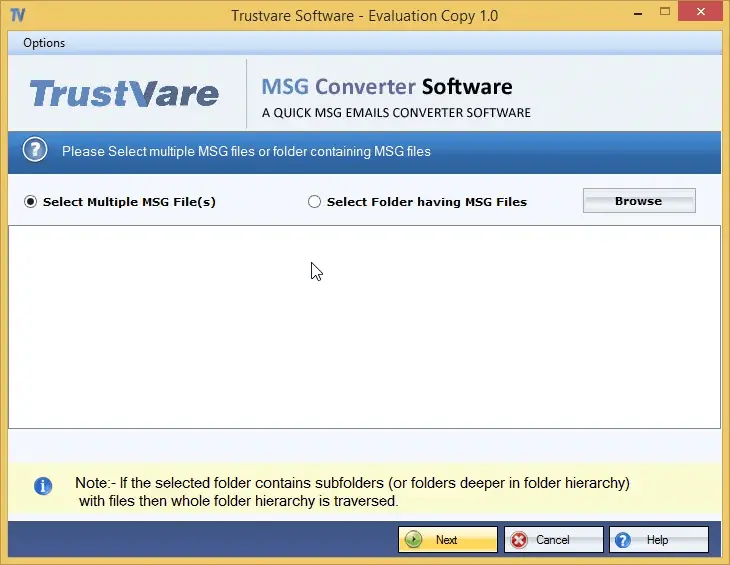
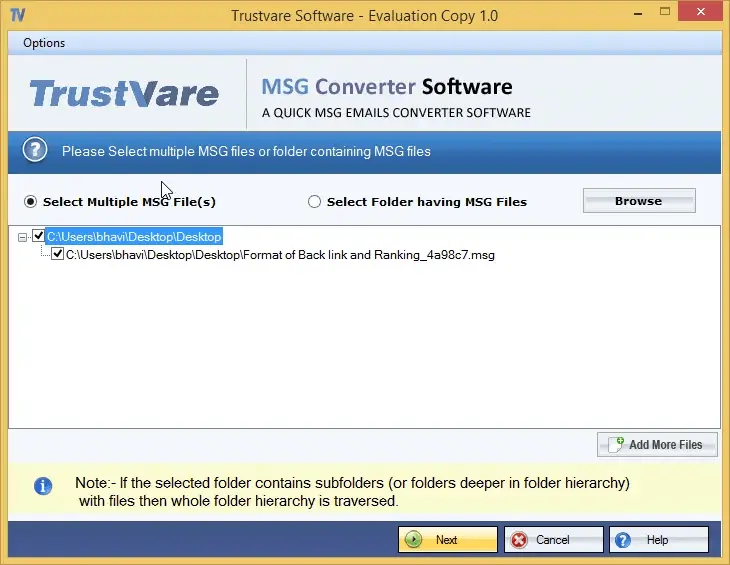
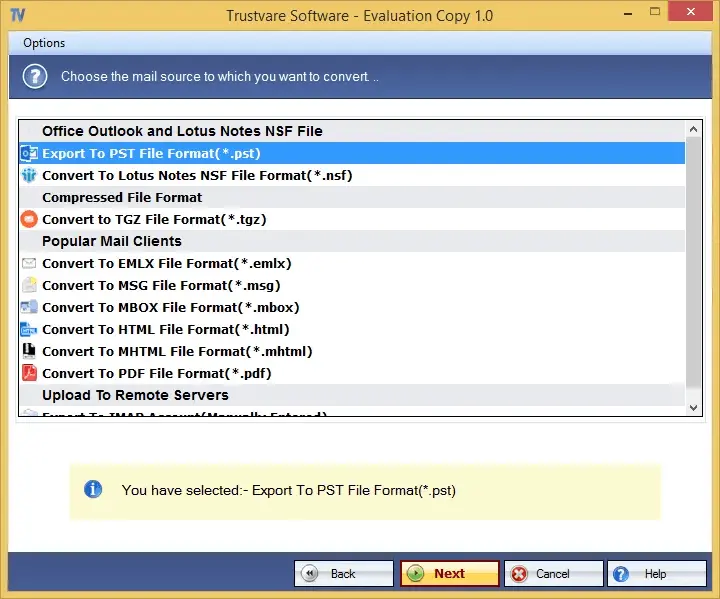
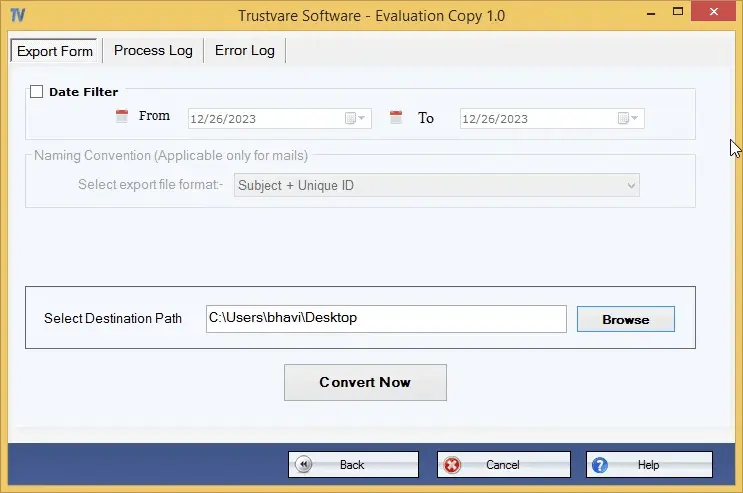
TrustVare MSG to TGZ Converter is a reliable software designed to export MSG files to TGZ format with high accuracy. It gives accurate results while maintaining the integrity of the data throughout the export process. The application supports batch conversion making it easier and faster to process large numbers of MSG files while reducing time and effort. Users can complete the conversion in just a few simple steps without losing any data. The tool can scan and export MSG files of any size and is useful for both individual users and businesses. Its lightweight design allows users to upload and export MSG data easily without requiring Microsoft Outlook support. Key Features • The software accurately converts selected MSG files to TGZ making the process easier than other solutions. Completes the task in few simple steps. • It offers batch migration that helps to select and export one, two or multiple MSG files at single process reducing effort when converting large numbers of files. • This tool consistently gives accurate results by exporting emails with all their properties including attachments and address books with contact details. • It works with MS Outlook 2019, 2016, 2013, 2010 and other versions. The exported data works with all versions of Zimbra. • This application Offers File Mode and Folder Mode users choose and export only the specific MSG files you want. • It Works independently without needing MS Outlook or any other tools installed. It can also scan and export orphaned MSG files. • Users save the converted files to a folder of their choice either new or existing making it easy to manage results. • This software shows a preview pane with file paths and items before conversion which helps to avoid converting the wrong files by mistake. • A free demo version is available to test the app's performance before buying. It works the same way as the paid version in appearance, steps, and speed.
Screenshots
Reviews (0)
No reviews yet. Be the first to rate this product!
Comments (0)
No comments yet. Be the first to share your thoughts!