
TrustVare OST to HTML Converter
Convert OST file to HTML format quicky and easily

Details
- Follow on
- Categories
- Use Cases
- Target Audience
- Pricing
- Freemium from $49
- Platforms
Discovery signals
How AI and people discover TrustVare OST to HTML Converter on PeerPush
- Perplexity
- ChatGPT
- Claude
- +3 other AI crawlers
Reads by these AI engines
Crawlers behind these engines read this listing on PeerPush.About TrustVare OST to HTML Converter
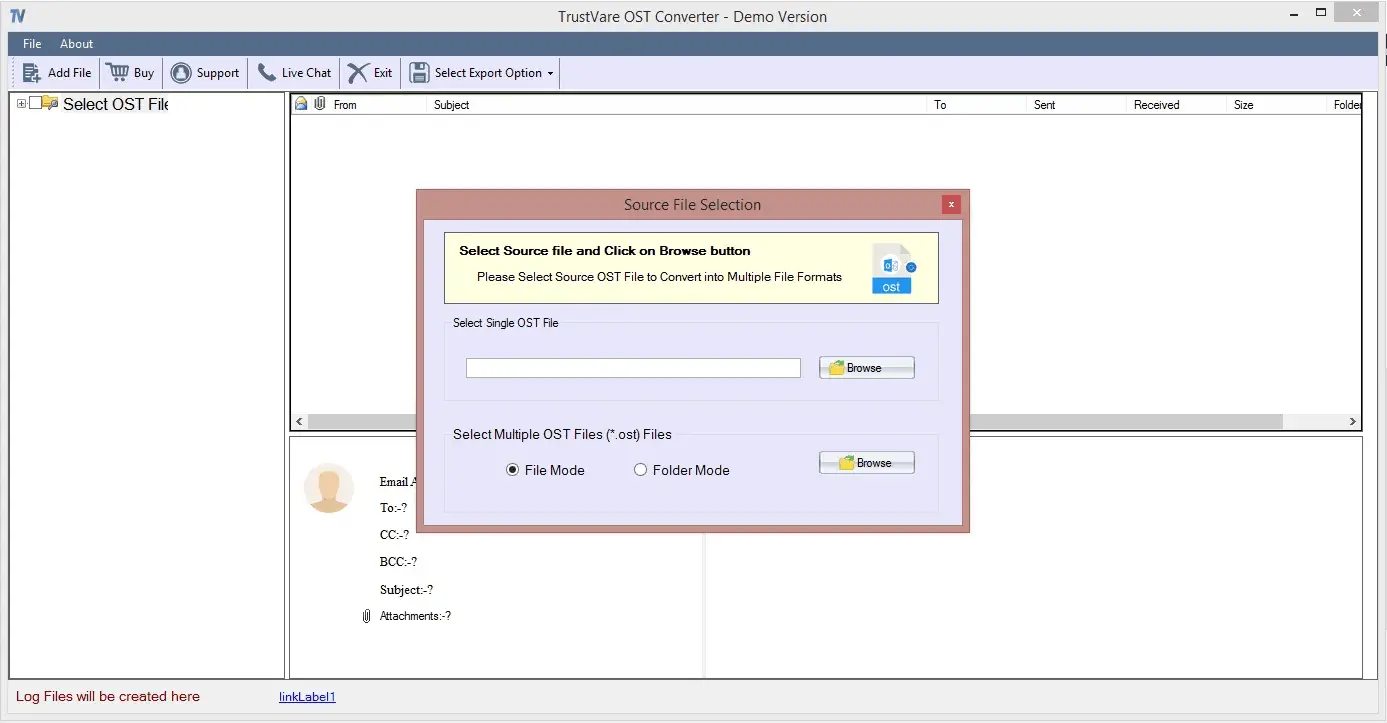
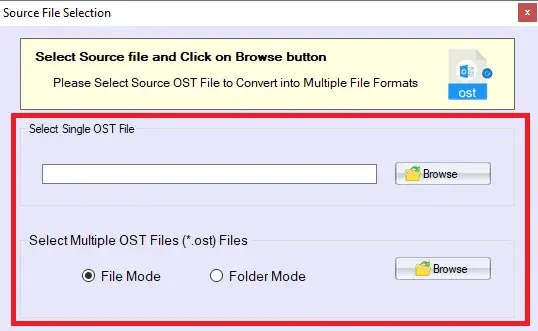
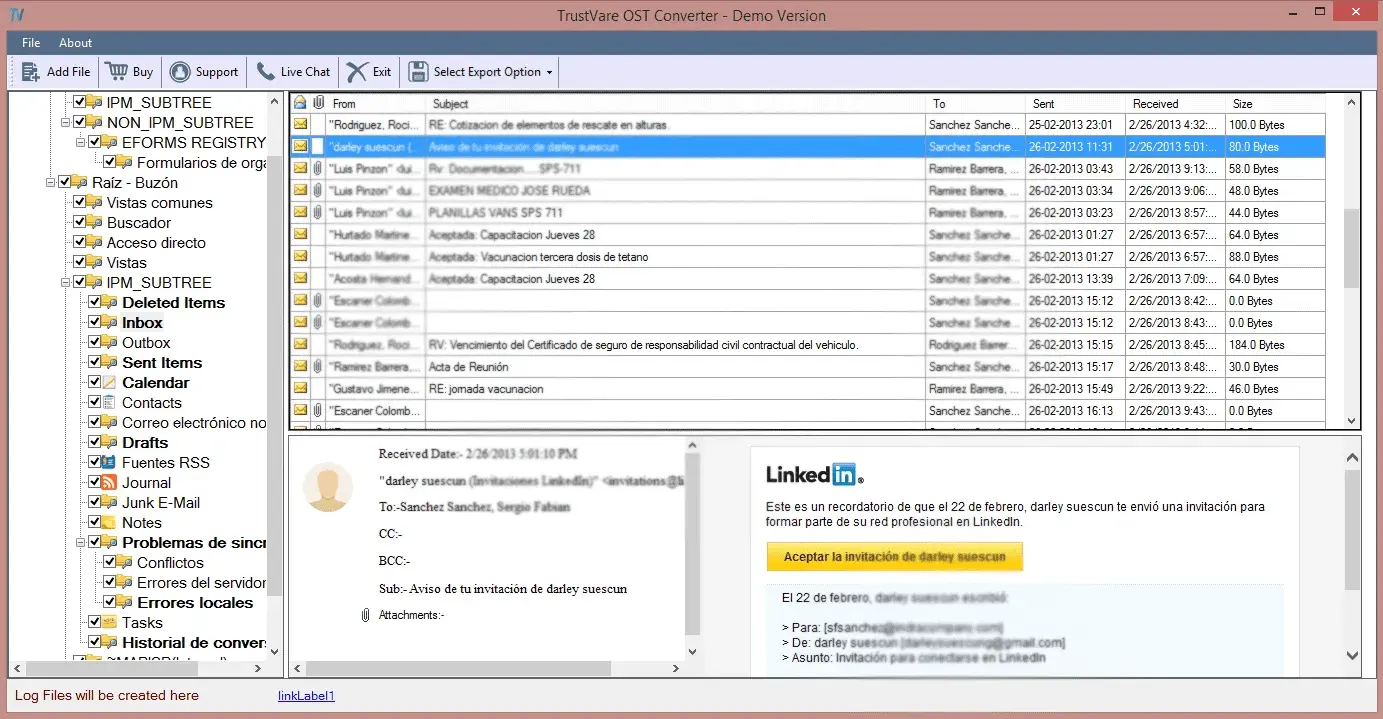
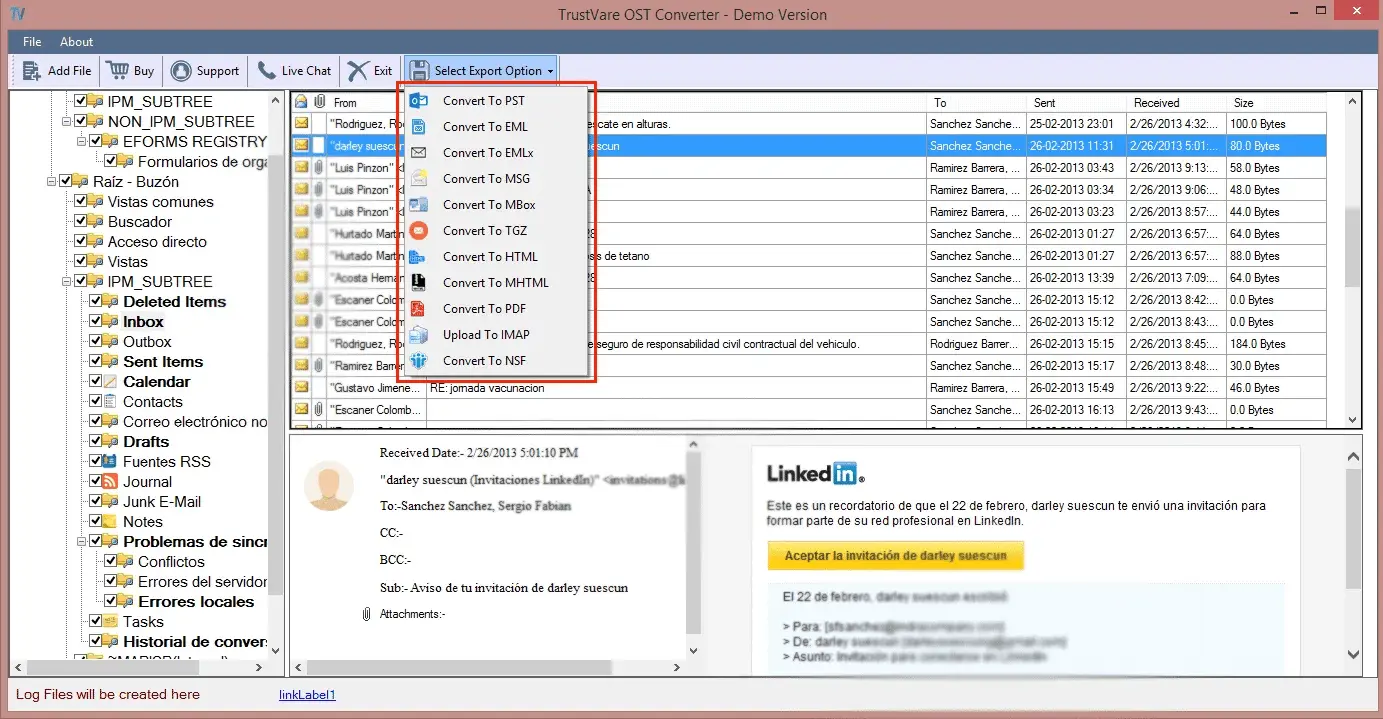
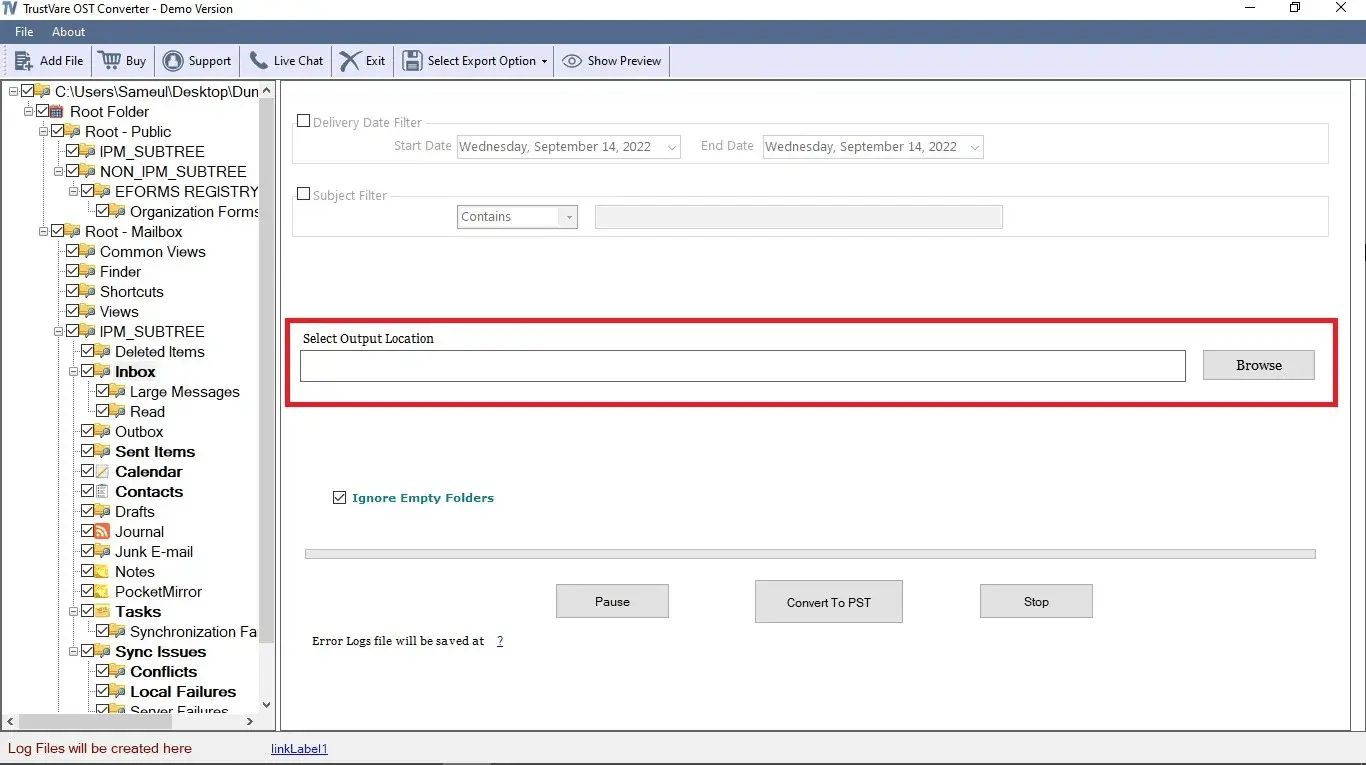
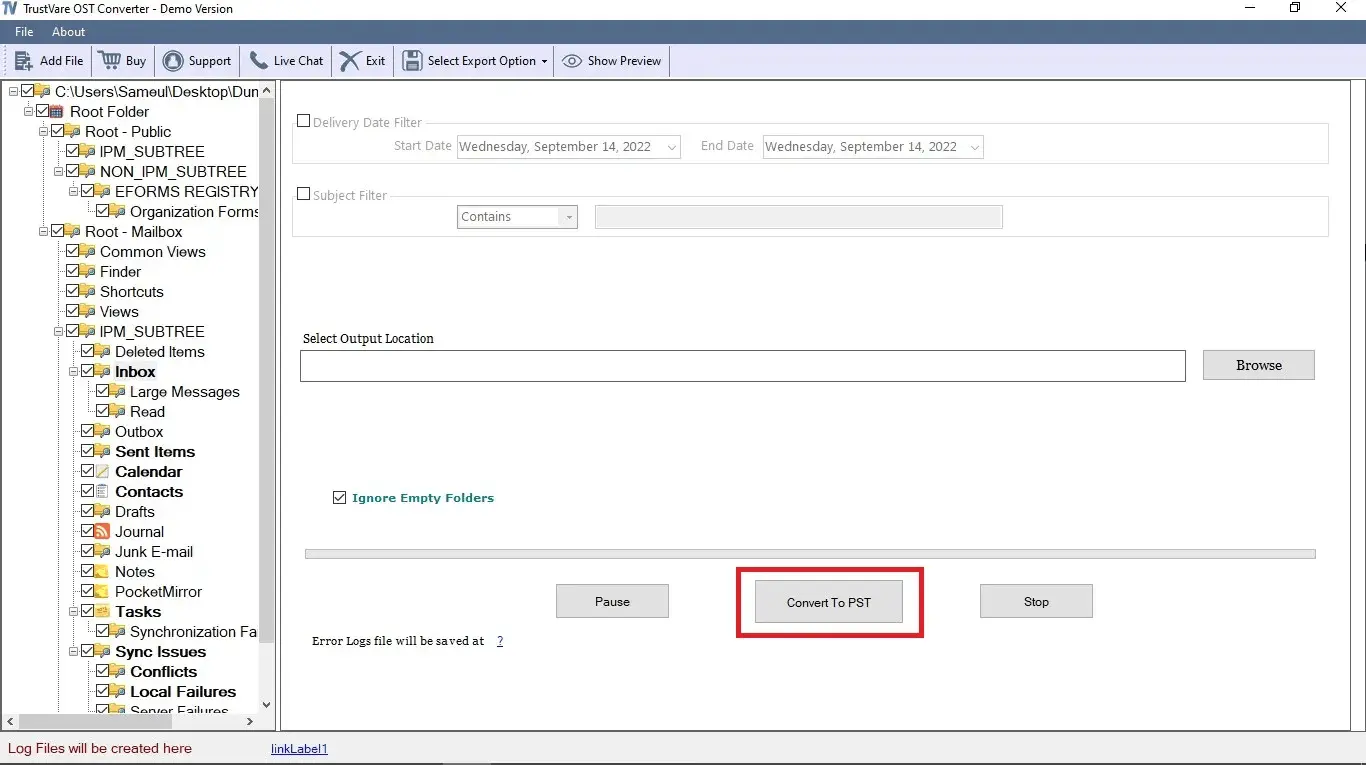
TrustVare OST to HTML Converter is a useful and advanced software designed to convert selected OST files into HTML or MHTML formats quickly and accurately. The application features a simple and interactive interface that allows users to perform the conversion without requiring any technical assistance. It also supports bulk conversion of multiple selected OST files making it convenient for handling large amounts of email data easily. Throughout the conversion process it keeps the original OST file data safe and unchanged ensuring a safe and reliable migration experience. Significant Features • This software converts OST to HTML in a few clicks. It keeps the original structure and formatting and provides fast conversion. • The utility is compatible with all Outlook versions such as Outlook 2003, 2007, 2010, 2013, 2016, 2019 and newer versions. • It saves converted data to a location chosen by the user such as an existing folder, new folder or subfolder. • Its preview feature shows OST file details such as email body, CC, BCC, To, From, date and attachments. Users can filter and export only the required data. • This software offers File Mode to Select one OST file from folders and subfolders and Folder Mode Select a folder containing multiple OST files. • The application does not require MS Outlook or any other application to run. It can convert both archived and new OST files. • The interface is easy to use. The complete process takes four simple steps so even beginners can use it without losing data.
Screenshots
Reviews (0)
No reviews yet. Be the first to rate this product!
Comments (0)
No comments yet. Be the first to share your thoughts!