
DockDuck
A Finder replacement for Mac that gets out of your way
Details
- Follow on
- Categories
- Use Cases
- Target Audience
- Pricing
- One-time from $24.99
- Platforms
Discovery signals
How AI and people discover DockDuck on PeerPush
- ChatGPT
- Perplexity
- Claude
- +4 other AI crawlers
Reads by these AI engines
Crawlers behind these engines read this listing on PeerPush.About DockDuck
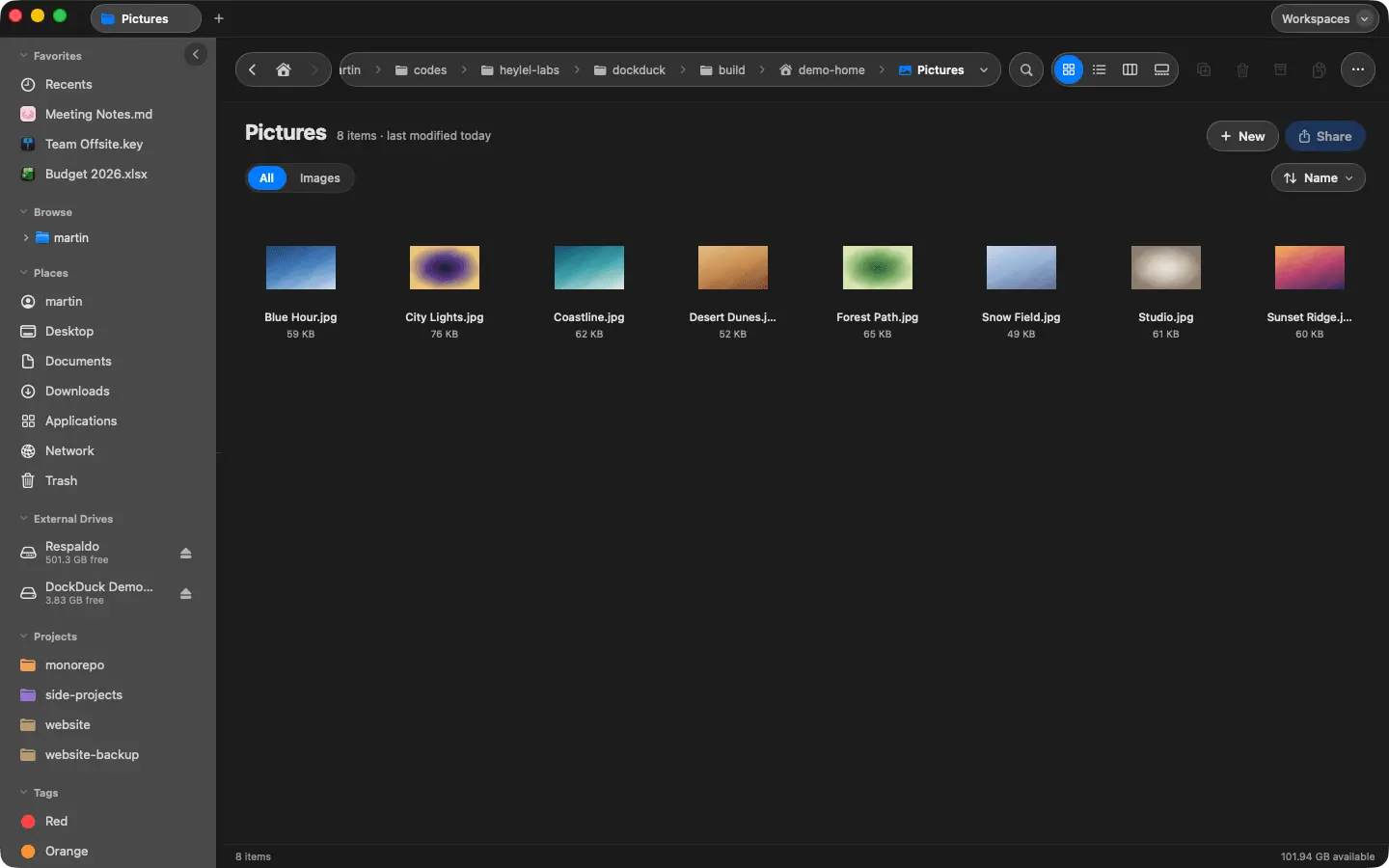
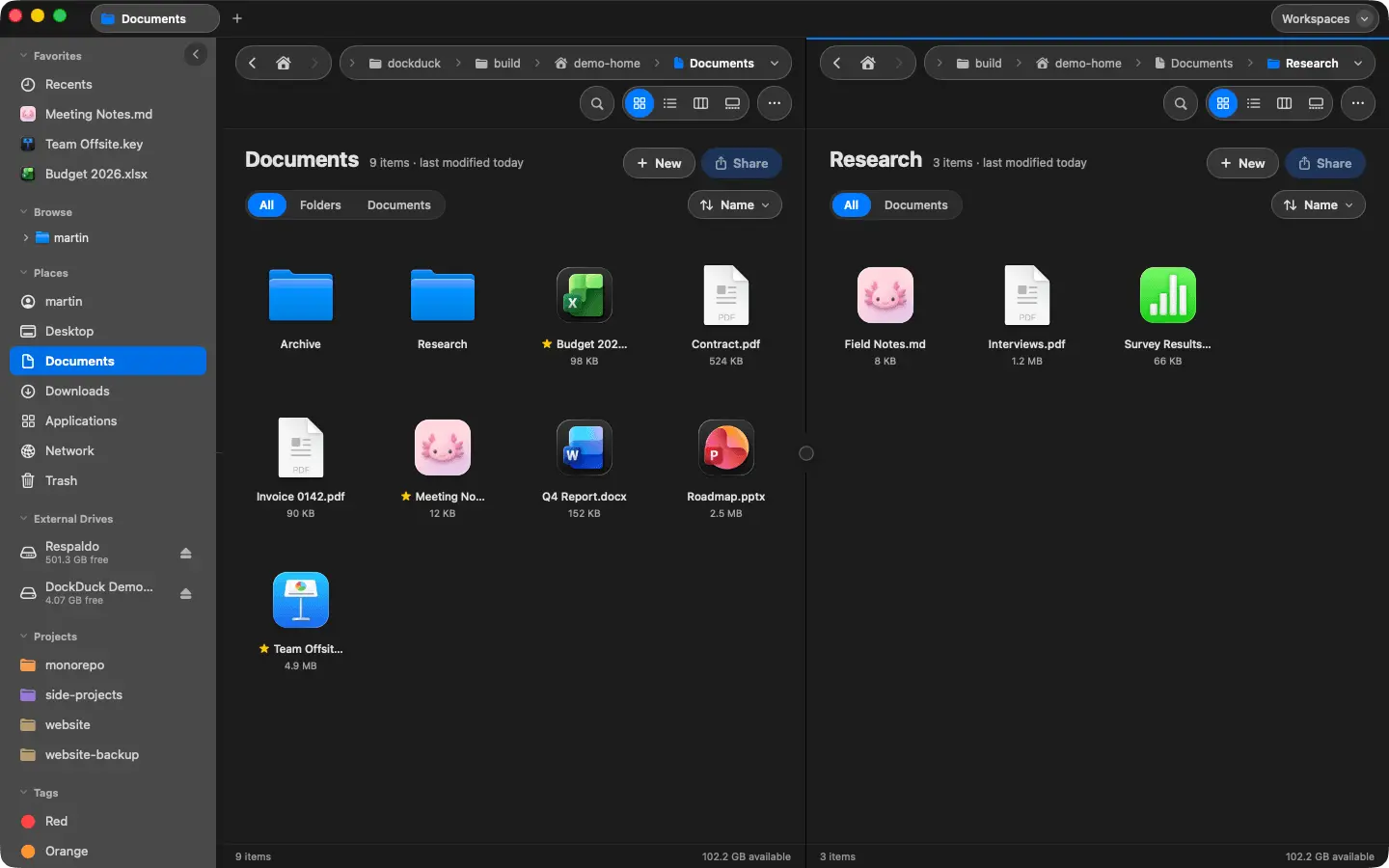
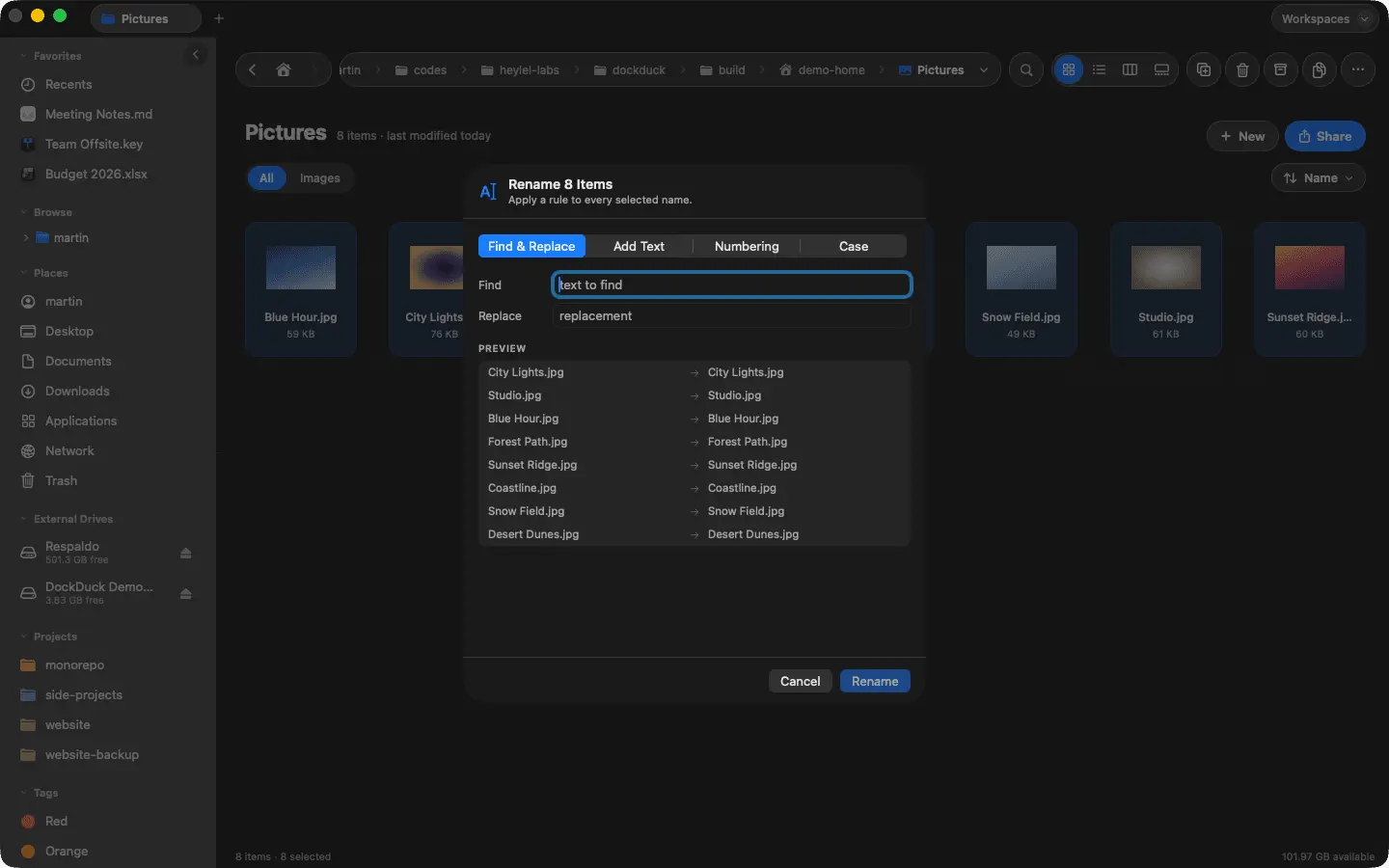
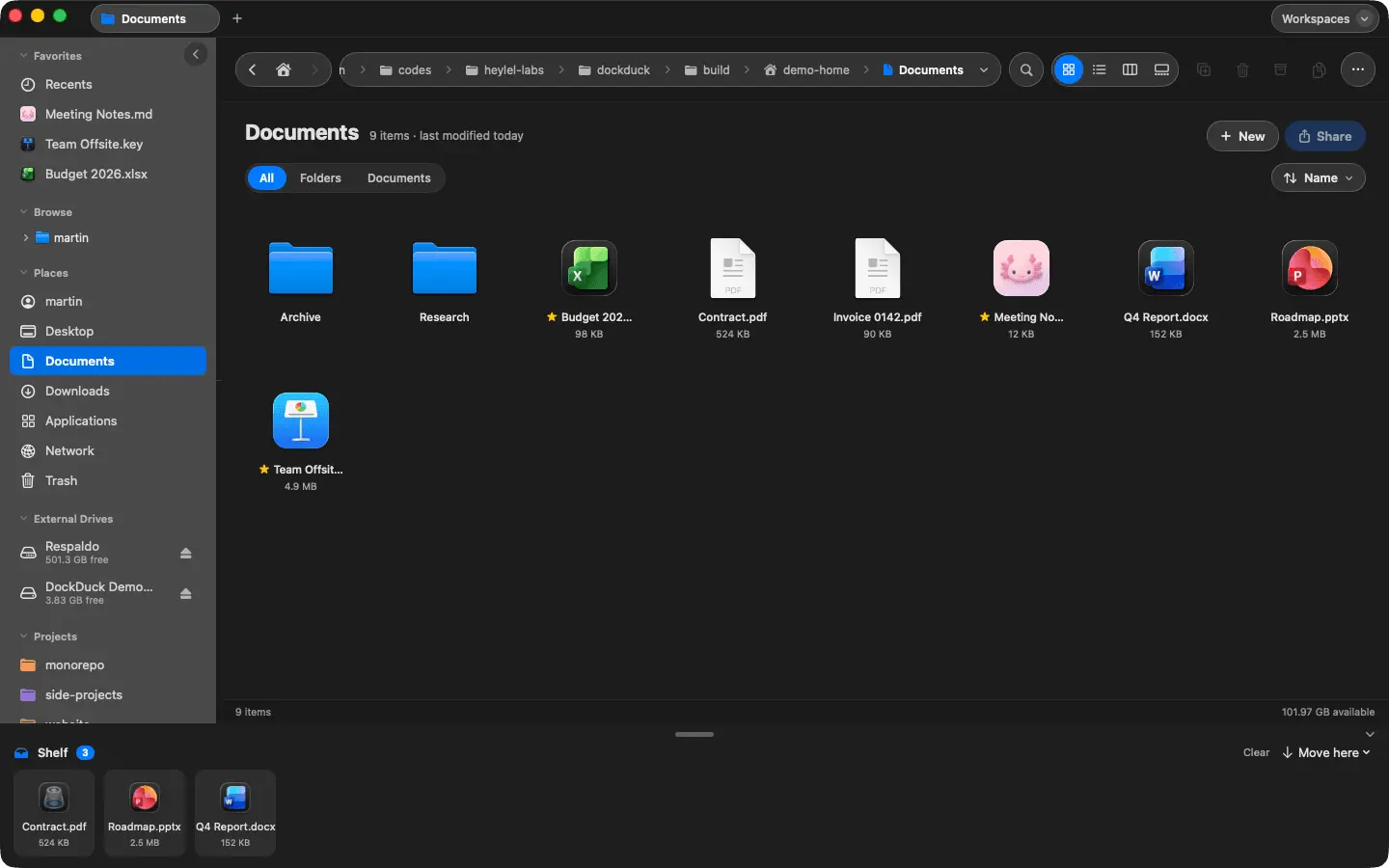
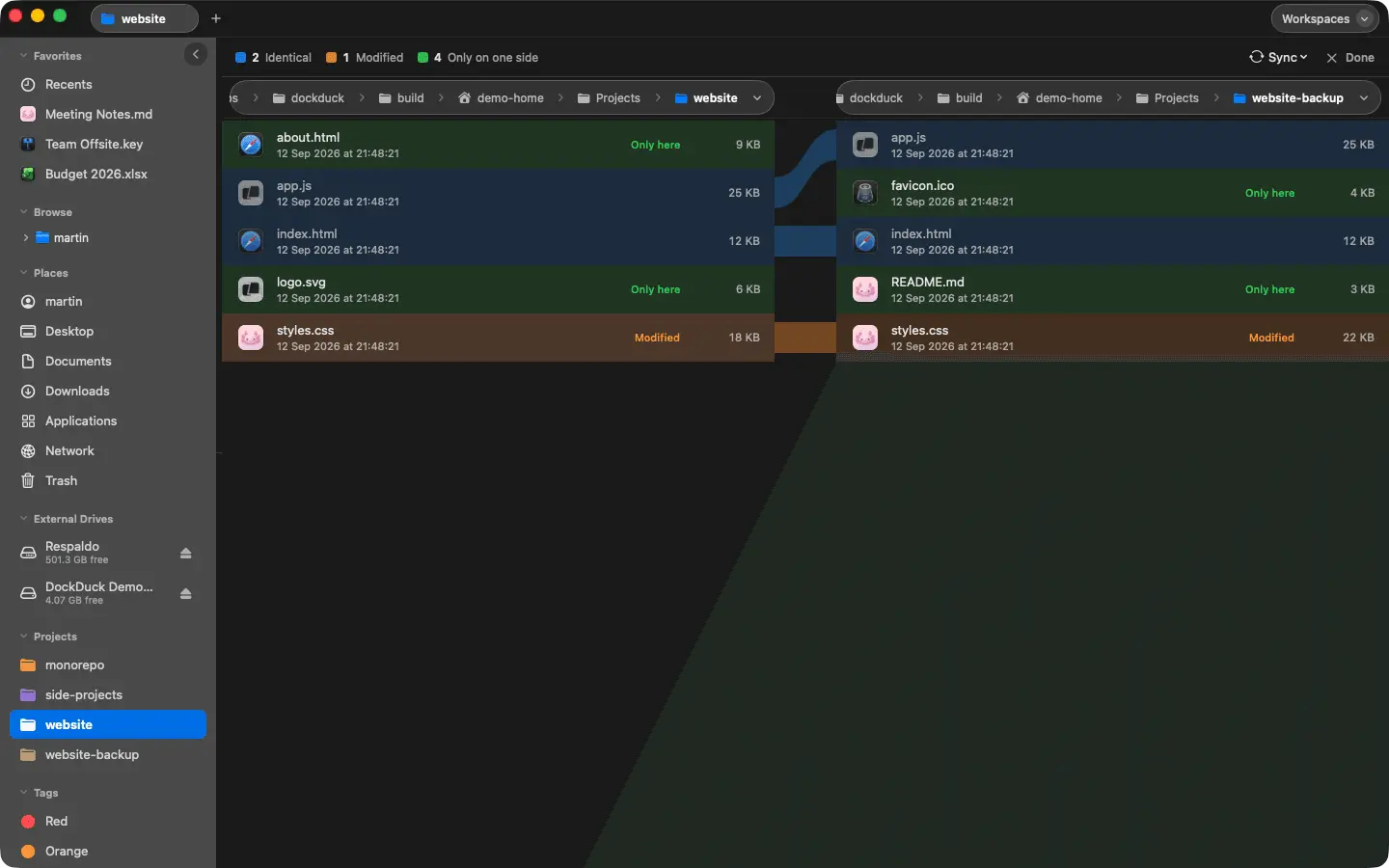
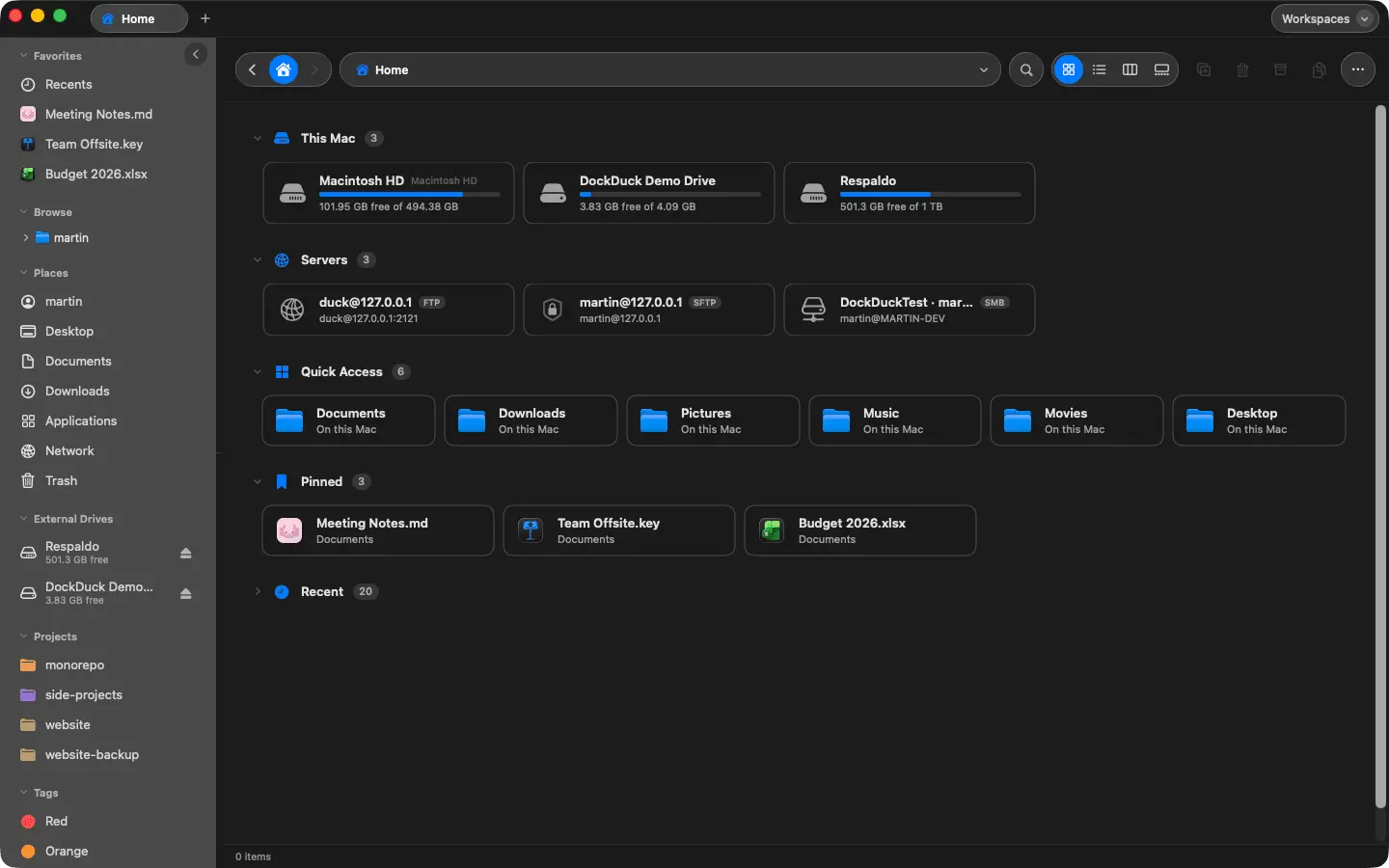
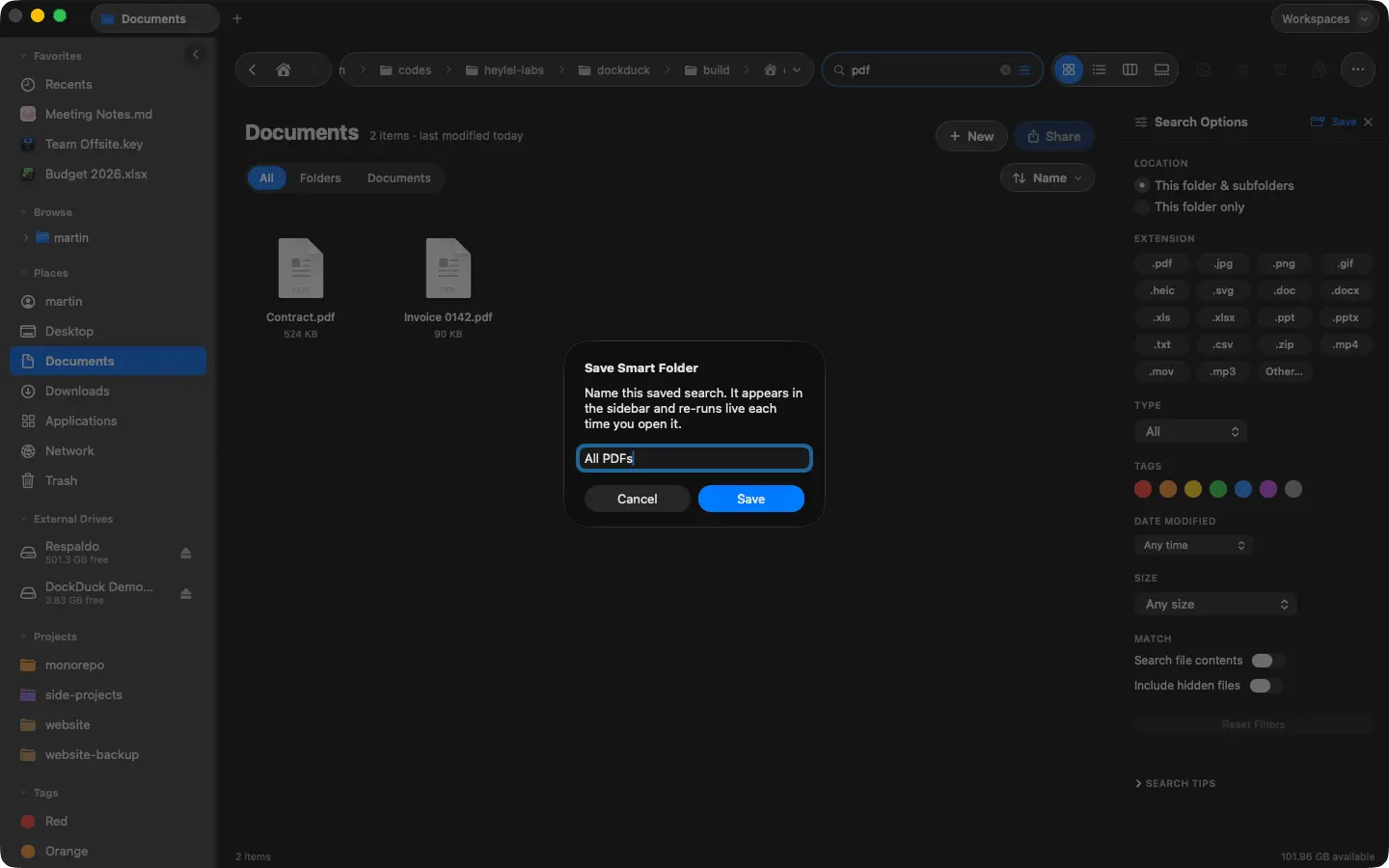
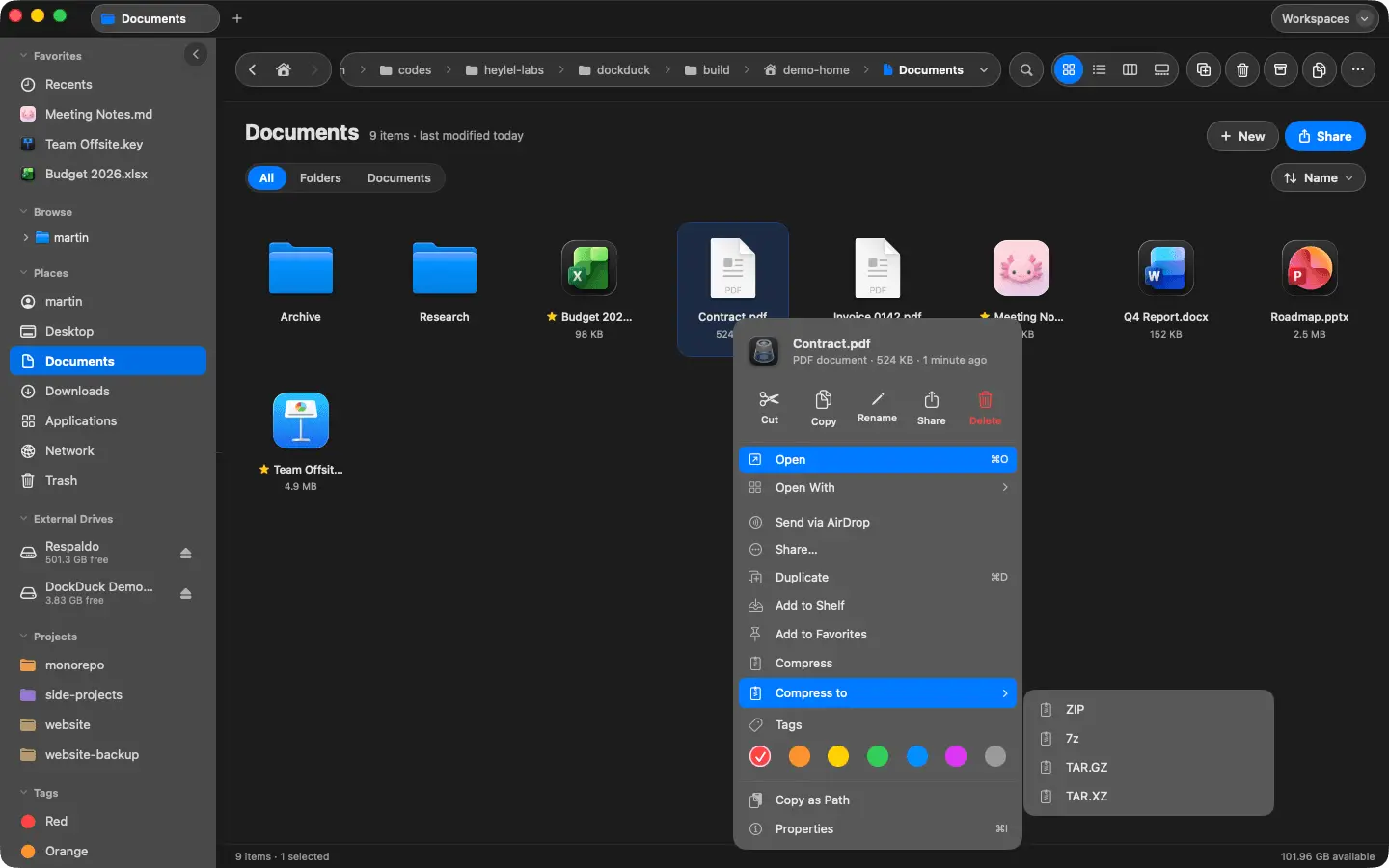
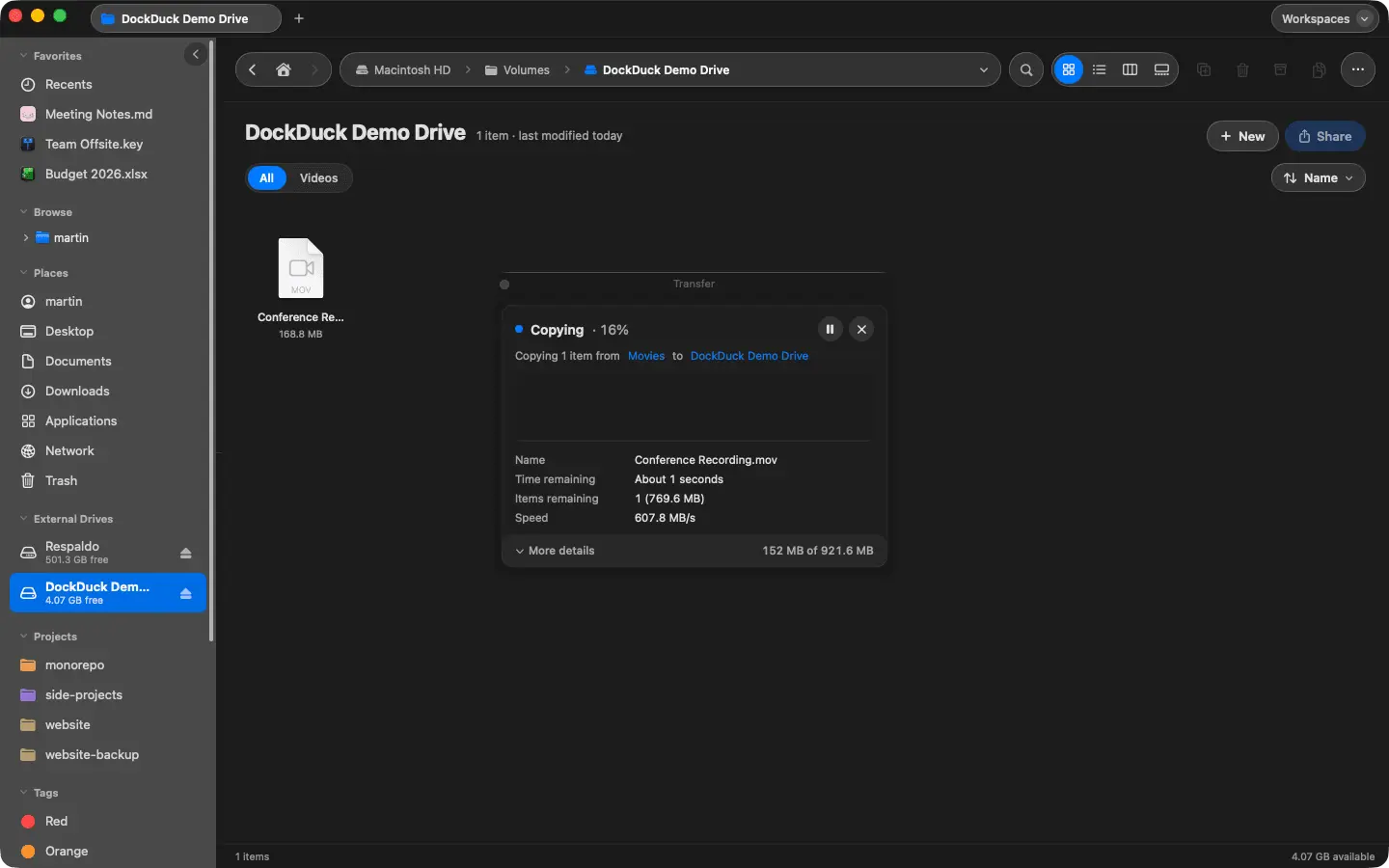
DockDuck is a native file manager for macOS built for people who spend their day moving, renaming and finding files, and want that to take less time. It looks and behaves like Finder, so there is nothing to learn, and then removes the small frictions Finder never fixed: Split view: two folders side by side or top and bottom, drag between them, compare them to see what differs. Batch rename: pick a pattern, preview every new name before you commit, undo in one step. Shelf: park files while you go find their destination, across folders, tabs or drives, then move or copy them in one go. Workspaces: save a whole window of tabs and folders and bring it back in one click. Cloud files as real folders: iCloud, Dropbox, Google Drive, OneDrive and Box, with a badge showing what is downloaded. You never hand DockDuck a cloud login. It uses what macOS already has. Servers in the sidebar: SFTP, SMB, FTP and WebDAV, browsed like any other folder. Archives without extra apps: zip, 7z, tar and RAR. Group by Kind, Organize into Folders by type, year or first letter, smart folders, Finder tags, a unified Trash for every drive with Put Back. A preview panel that plays video, shows camera and lens details, and merges PDFs or converts images from the selection. It is fully native (AppKit and SwiftUI, no Electron), follows your light or dark mode and accent color, opens folders instantly from cached icons, and ships in fifteen languages. Pricing: $49 one-time or $24.99 per year, both cover 3 Macs. 14-day free trial, no card required. macOS 15 or later, Apple Silicon and Intel. Notarized by Apple.
Product Video
Watch a video demo of DockDuck.
Screenshots
Reviews (1)
Average 5.0 out of 5
Based on 1 review

A Finder replacement focused on getting out of the way could be appealing for Mac users; fast search and thoughtful file previews would make the difference.
Comments (2)
The native Finder replacement angle is compelling for Mac workflows; split view and batch rename sound especially useful for organizing projects quickly.
Thanks @nckbrz, Those two get the most daily use here too. If you try it, the combo worth testing is split view plus the shelf, park files from three folders on the shelf, open the destination on the other side, drop everything once ^^
Maker here. DockDuck is a native Finder replacement for Mac: split view, batch rename, a shelf for files in flight, servers and clouds as folders. Happy to answer anything.