VaultSync
Backup snapshots you can actually inspect and trust
Details
- Categories
- Developer ToolsOpen Source
- Target Audience
- Software DevelopersDevelopersFreelancers
- Pricing
- Free
Discovery signals
How AI and people discover VaultSync on PeerPush
- Perplexity
- ChatGPT
- +3 other AI crawlers
Reads by these AI engines
Crawlers behind these engines read this listing on PeerPush.About VaultSync
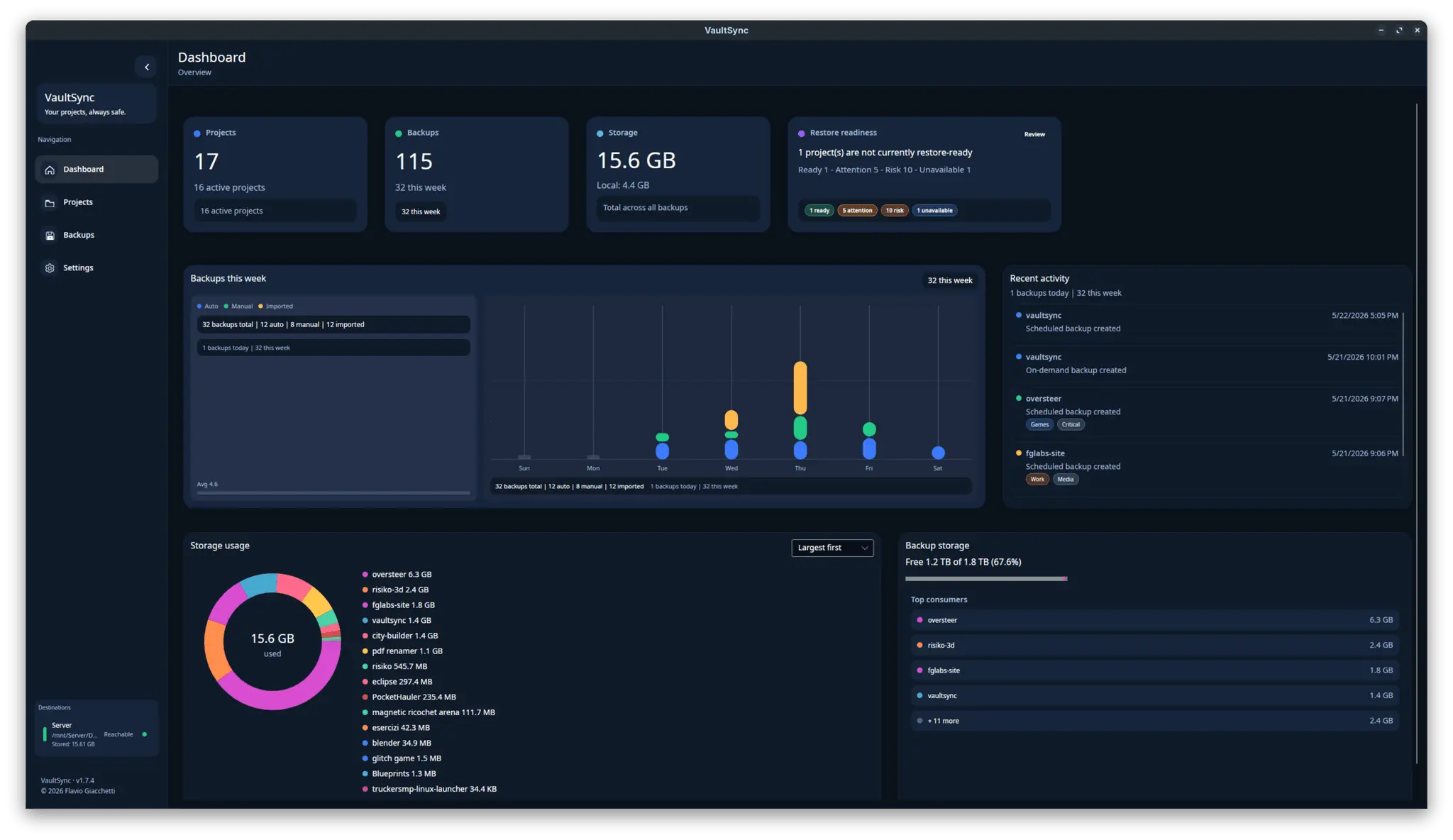
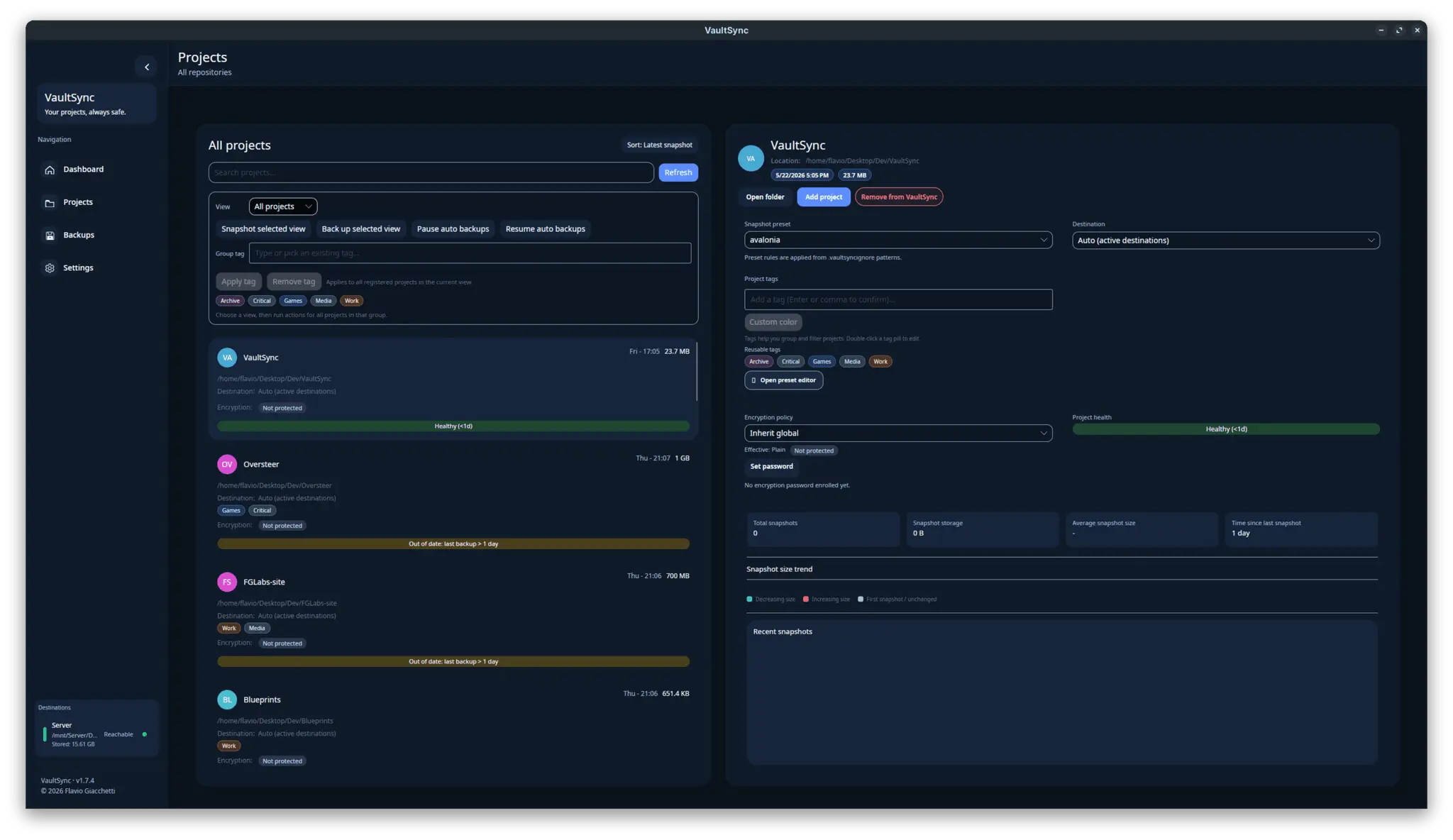
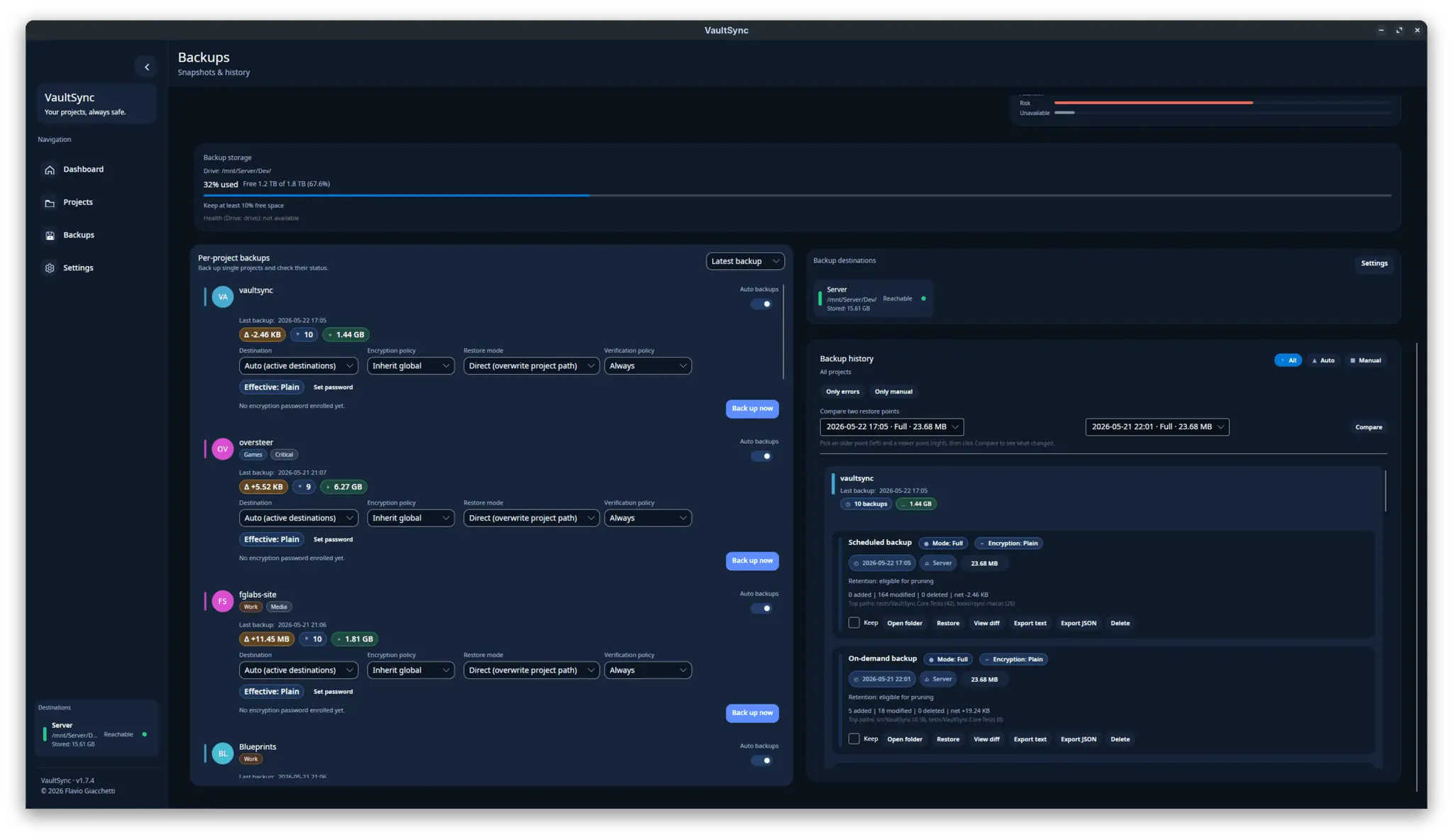
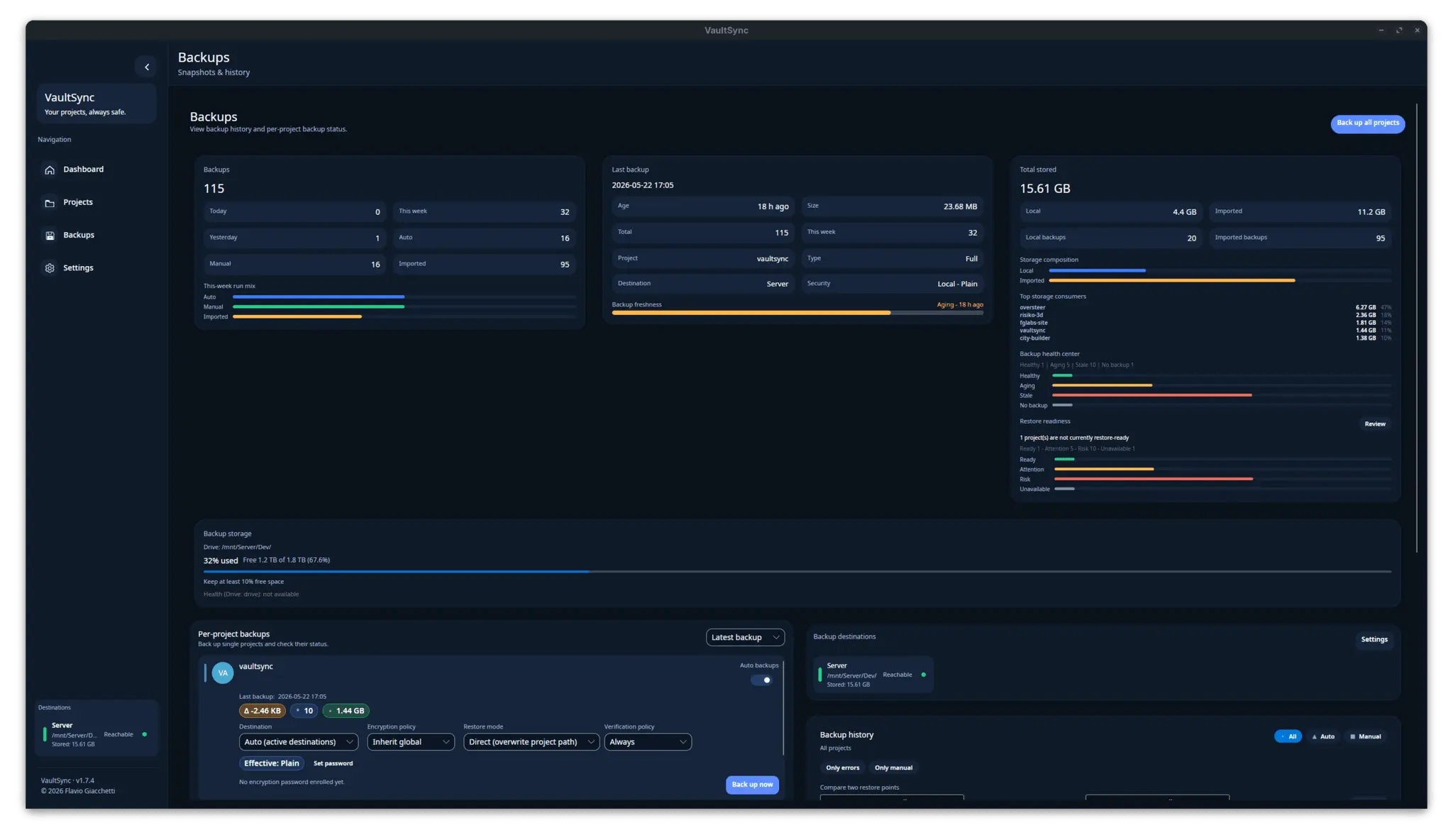
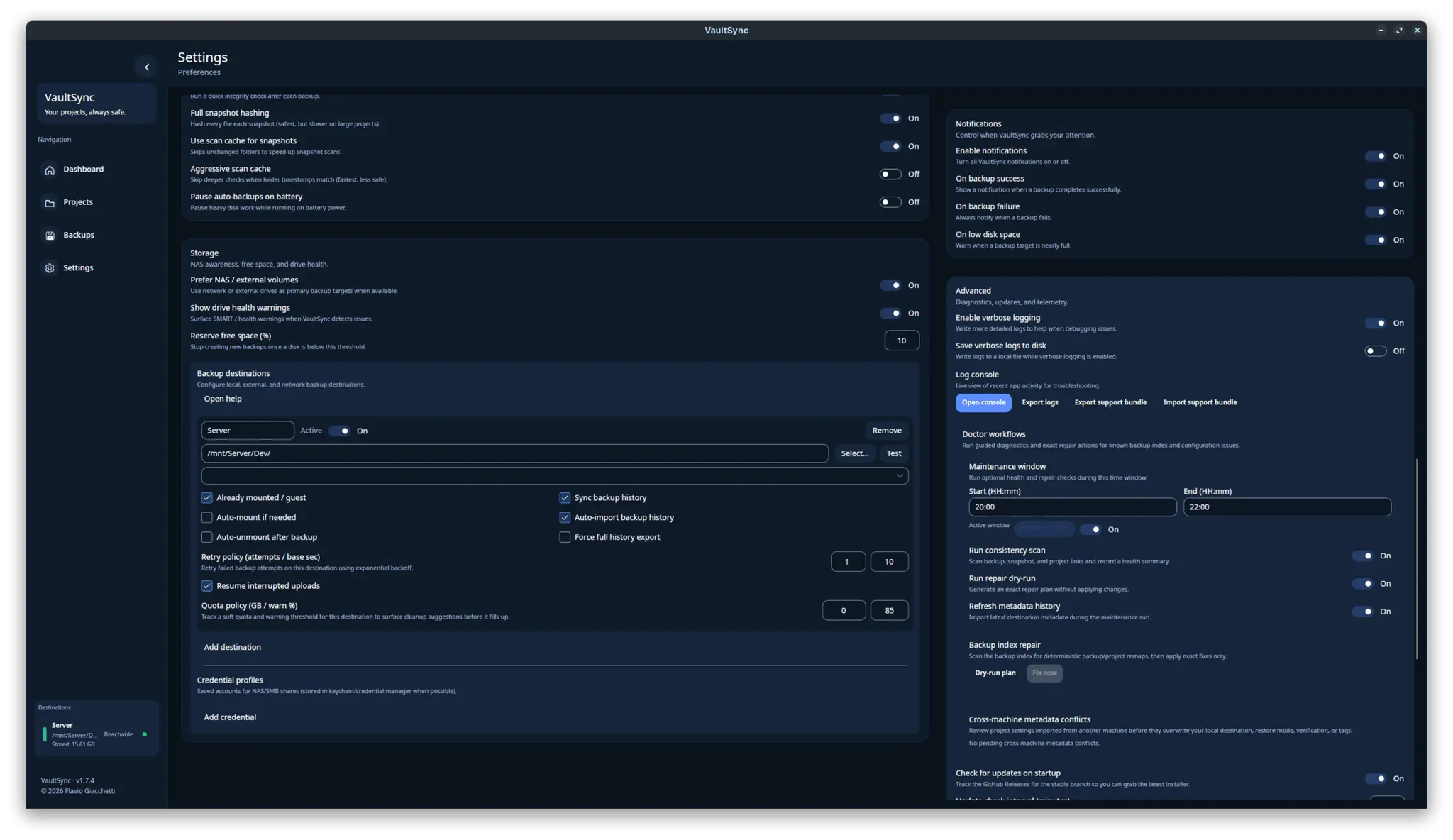
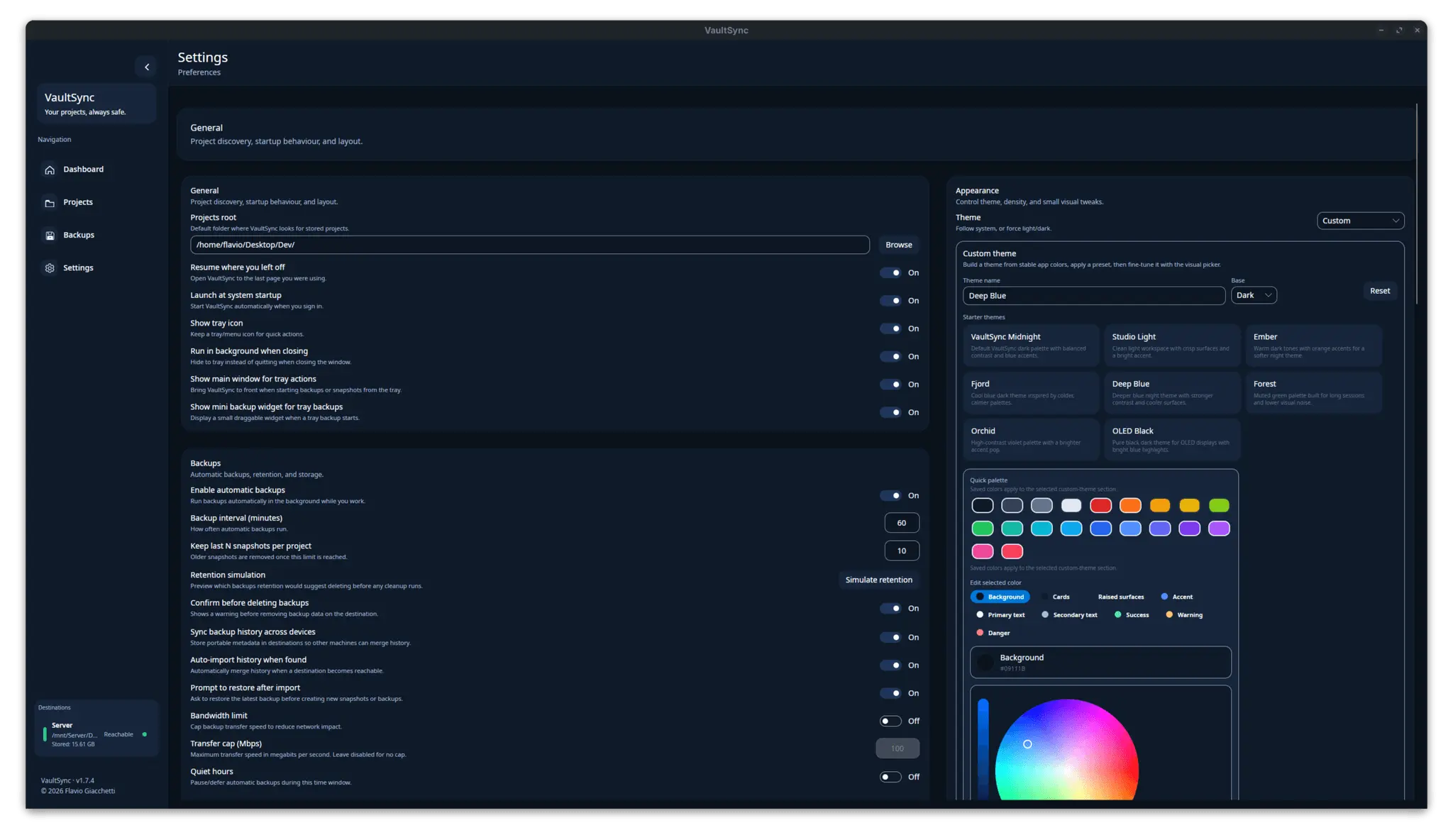
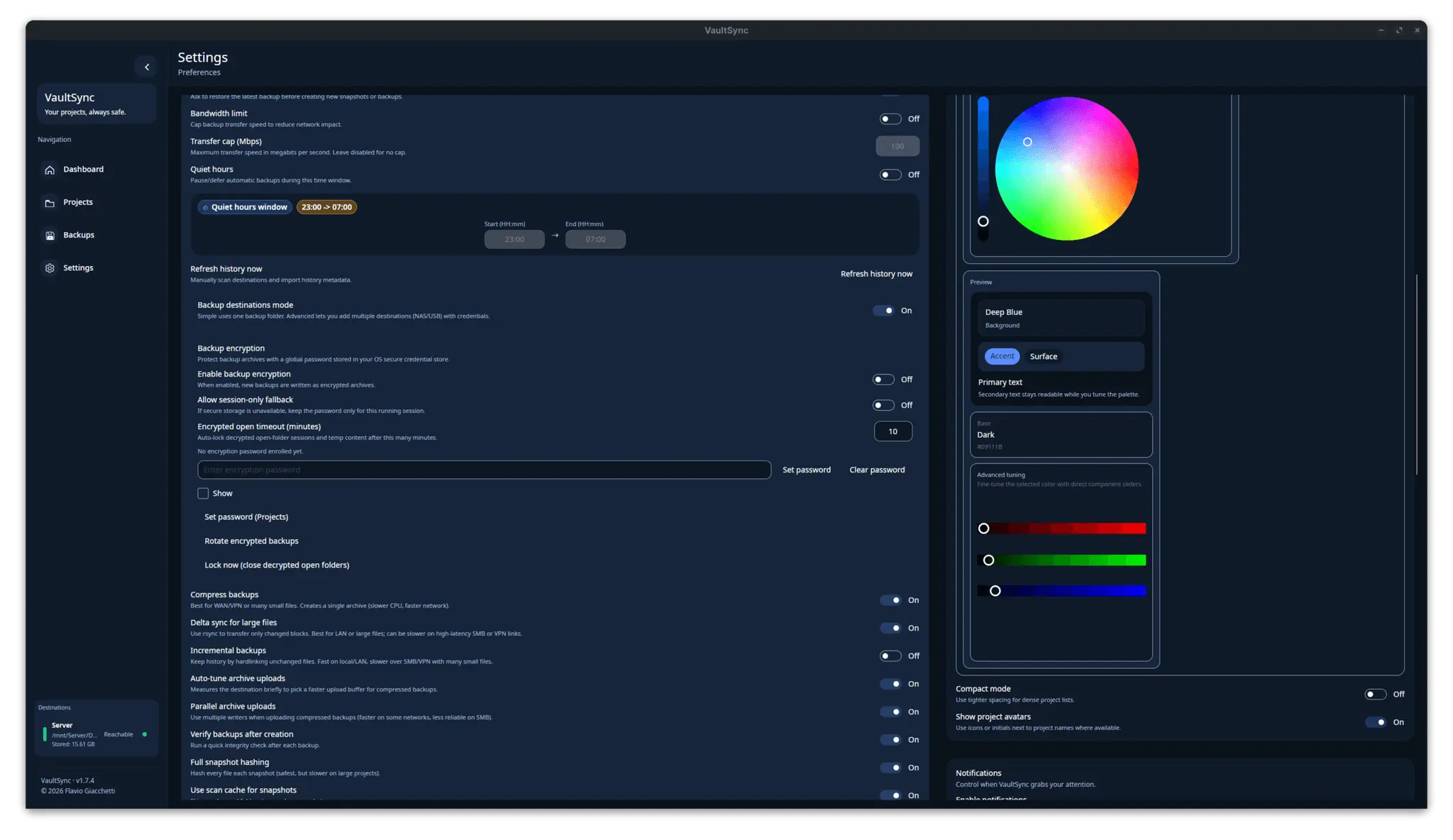
VaultSync is an open-source, cross-platform backup and snapshot manager for Windows, Linux, and macOS. It is built for people who want backups to be understandable, inspectable, and recoverable instead of feeling like a black box. VaultSync lets you create snapshot-based backups of important project folders, preview restores before applying changes, verify backup integrity, track what changed between snapshots, and keep safer history across local, NAS, and network-storage destinations. It uses native rsync and robocopy workflows where possible, supports restore previews, integrity checks, retention cleanup, metadata repair tooling, and detailed change tracking, with an Avalonia UI and .NET backend. The goal is simple: help you know what was backed up, what changed, what can be restored, and whether your backup is actually safe when you need it.
Screenshots
Comments (1)
Website: https://fglabs.dev/vaultsync GitHub: https://github.com/ATAC-Helicopter/VaultSync Reddit: https://www.reddit.com/r/VaultSync/