
visual-ai-agents
Visual ai agents builder that gives production ready code

Details
- Target Audience
- Pricing
- Free
Discovery signals
How AI and people discover visual-ai-agents on PeerPush
By AI reads among Automation & Workflow tools
1,593 AI reads in the last 30 days, ranked against every Automation & Workflow tool listed.About visual-ai-agents
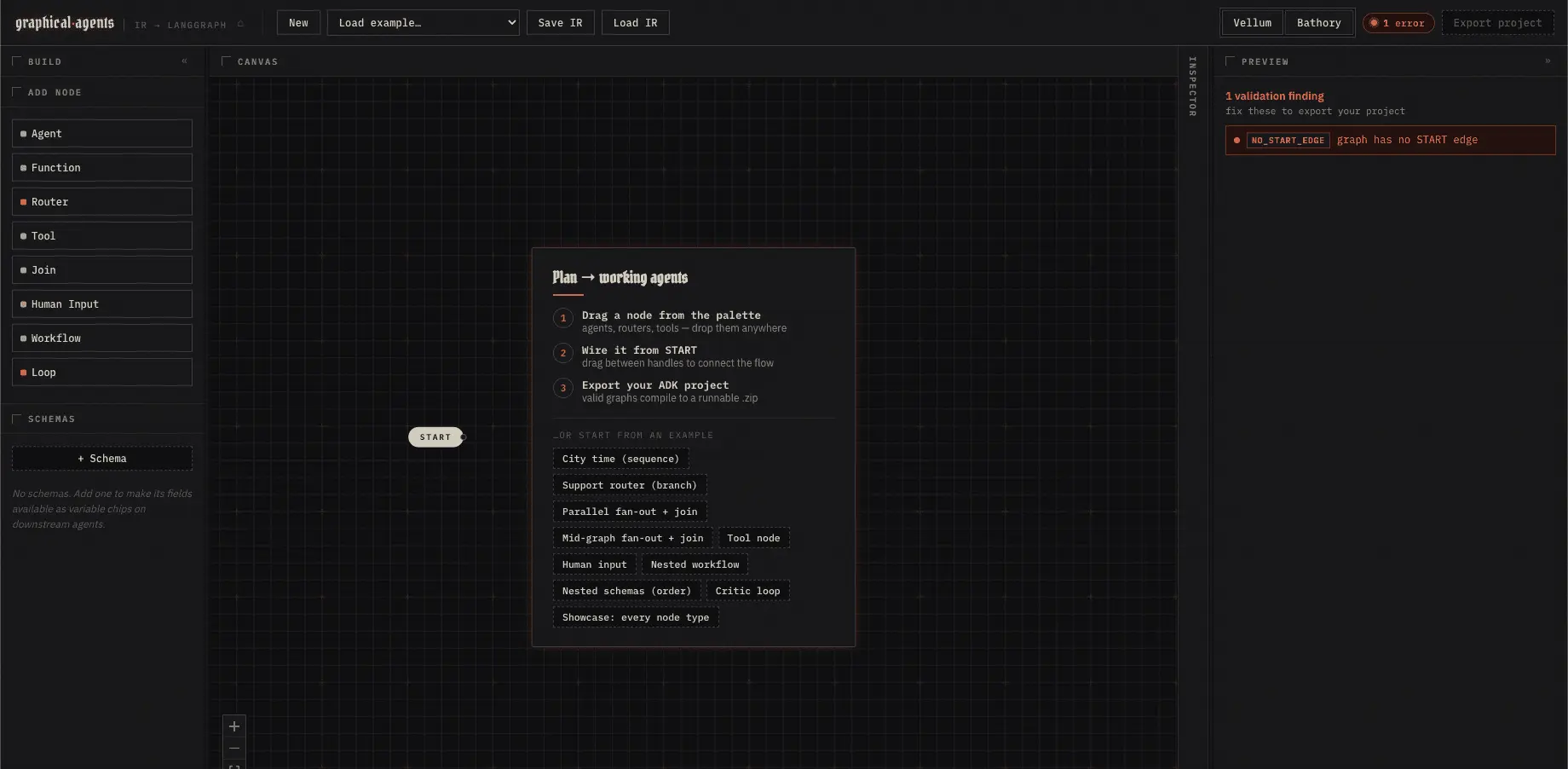
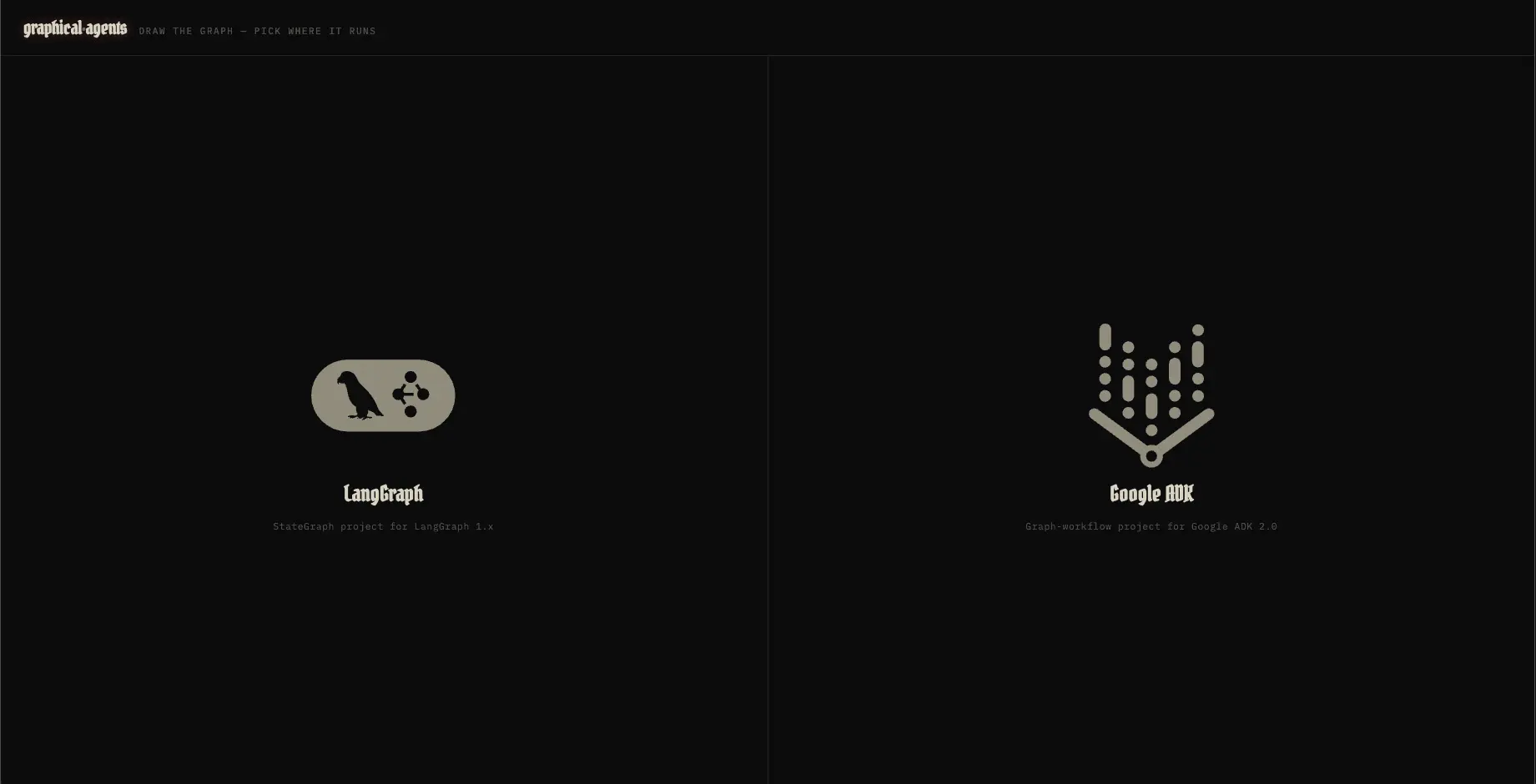
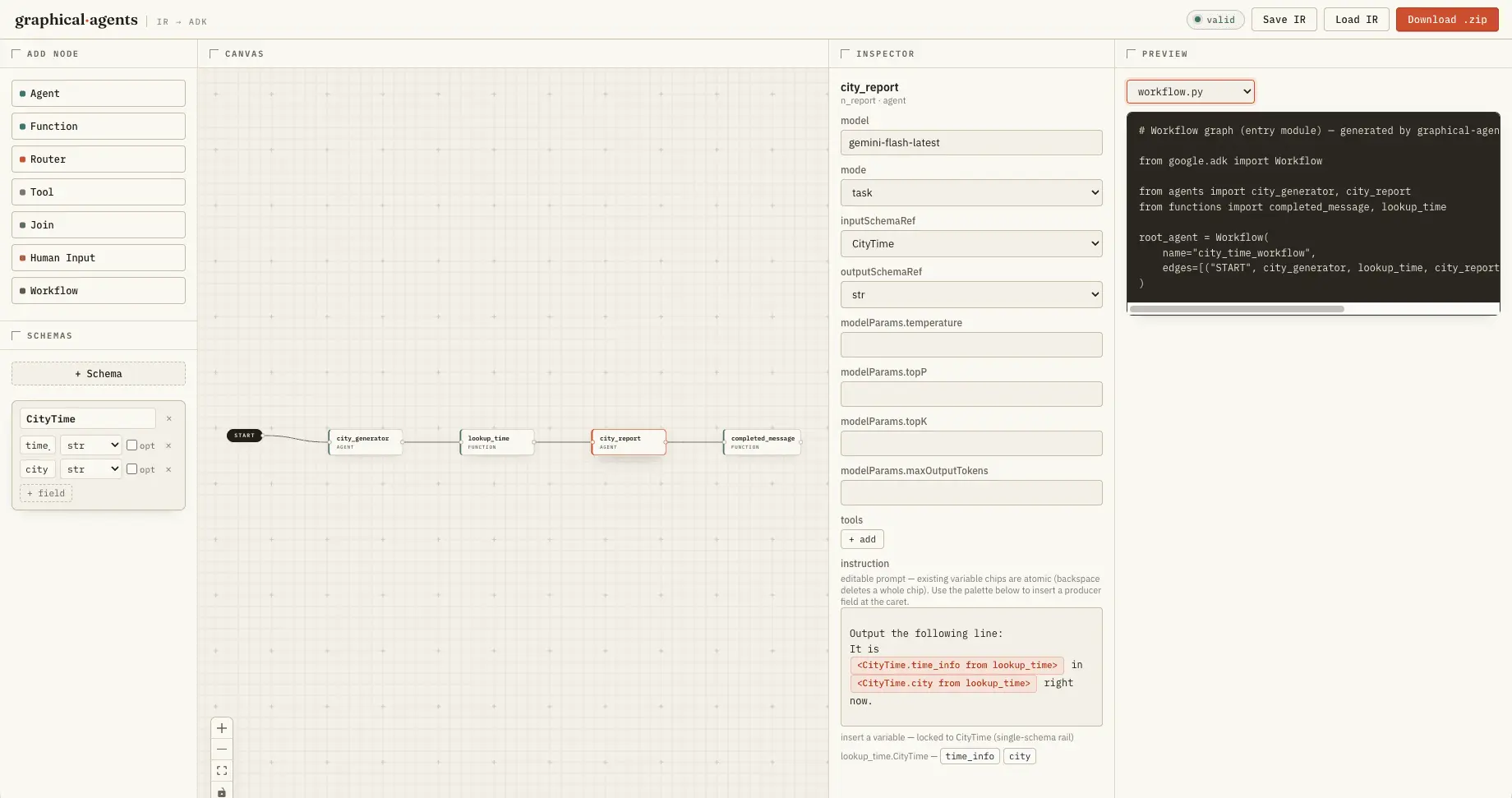
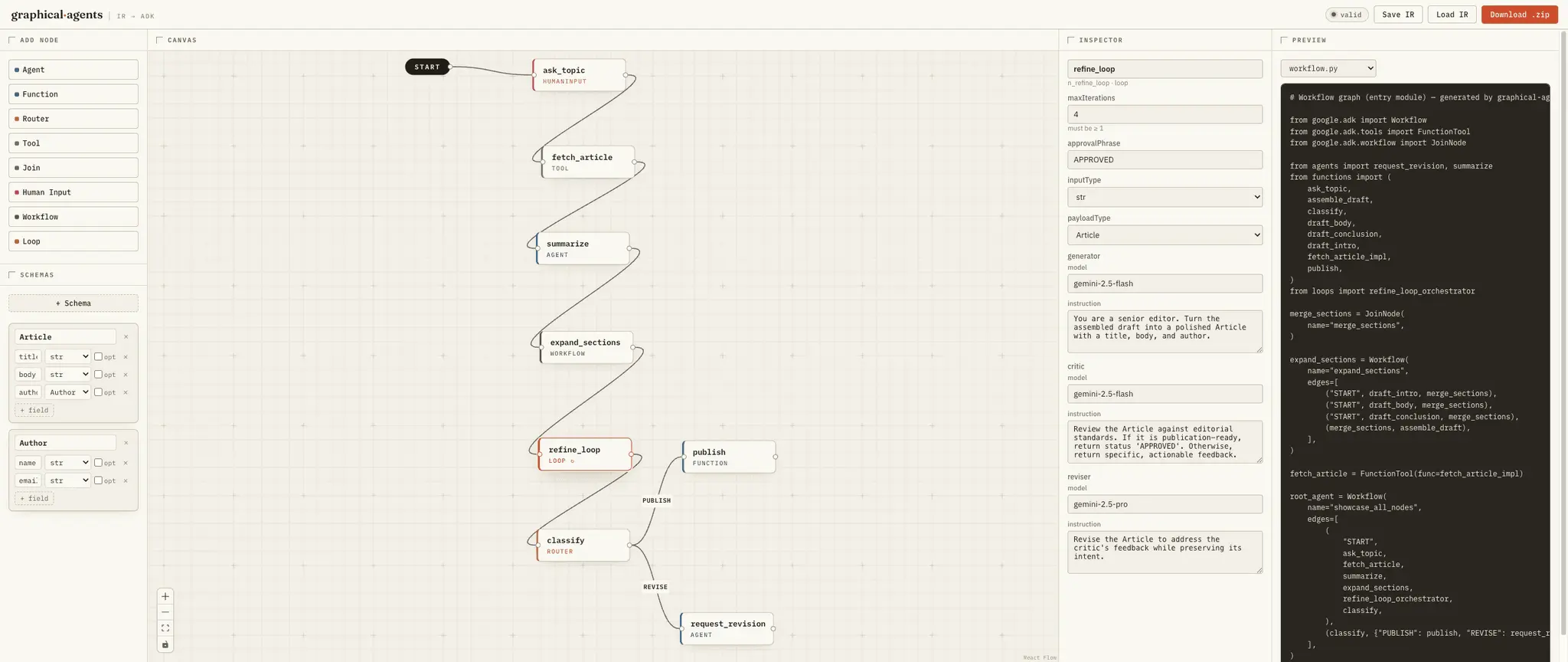
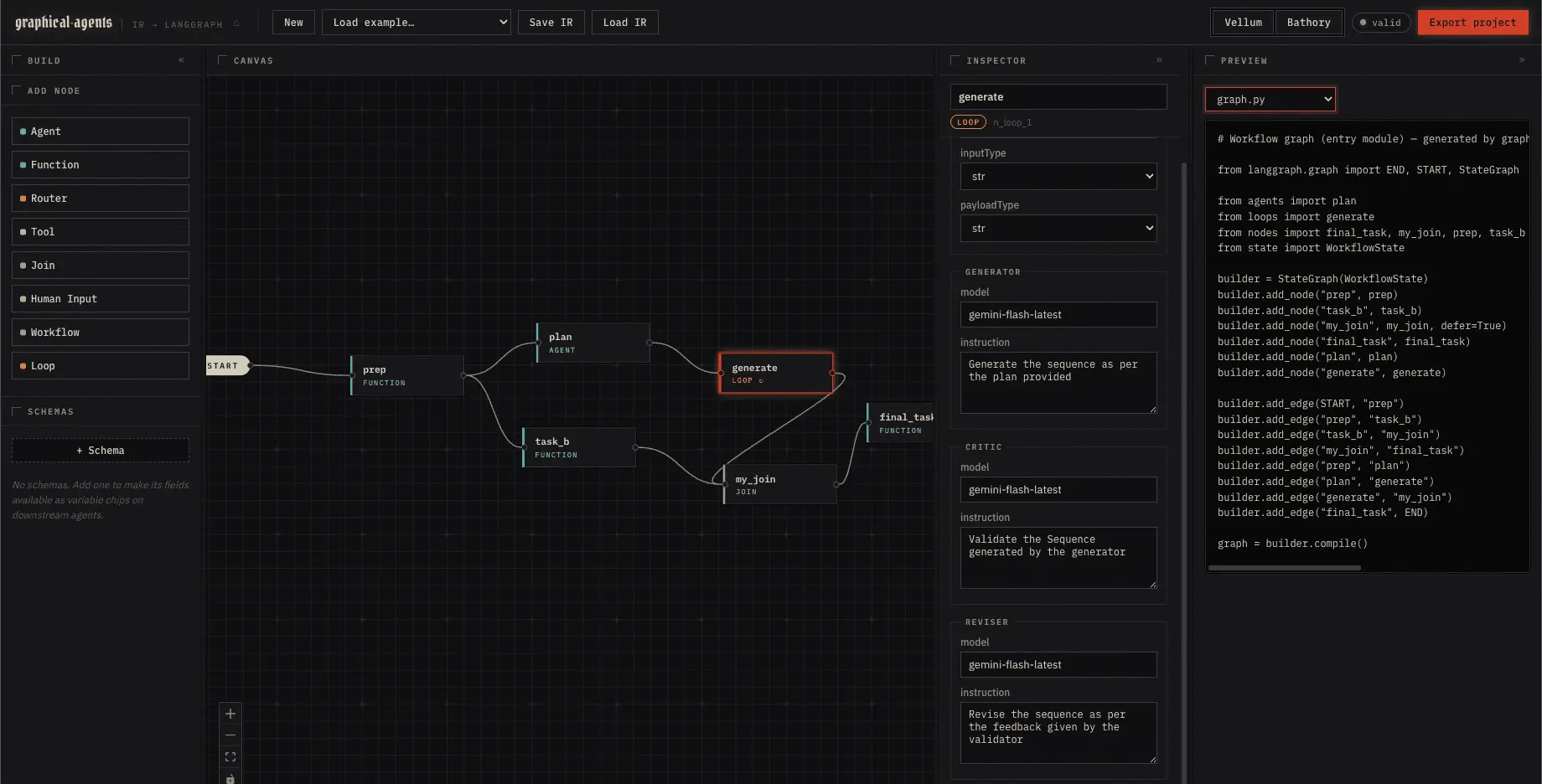
Skip initializing adk solutions from scratch or from rigid templates. Visual-ai-agents lets you design AI visual ai agents workflows by dragging and dropping nodes on a canvas, and then compiles them into runnable Python projects for langgraph and Google ADK (Agent Development Kit). Runs entirely in your browser. Drag-and-drop canvas — Drag node types from the palette onto a React Flow canvas (drops at the cursor), then connect and freely arrange them Editable node names — Rename any node in place; references (prompt-variable sources, tool lists) cascade automatically Full config inspector — Edit every node property (model, instruction, schemas, routes, tools, etc.) with type-dispatched forms Two codegen targets, one graph — Compile the same IR to a Google ADK project (default) or a LangGraph project; switch targets on the landing page or via the CLI (ADR-0045 / ADR-0046) Live code preview — See the generated Python project — ADK or LangGraph — update in real time as you edit the graph One-click export — Download a runnable .zip project scaffold (either target) ready to pip install -r requirements.txt and run Inline prompt variables — Drag schema fields into an agent's prompt as chips rendered <Schema.field from node> Auto-wiring — Inserting a chip automatically sets the agent's inputSchemaRef Single-schema rail — The palette filters to one schema per agent, enforcing the positional data-flow constraint Non-adjacent session-state variables — A second chip category ({Schema.field}) reads a field from any upstream ancestor, not just the immediate node — no re-threading through every intermediate schema (ADR-0051) Schema CRUD — Create, rename, and delete schemas and fields directly in the UI; references cascade on rename Nested pydantic models — A schema field's type can be another declared schema (customer: Customer); the validator rejects cycles and codegen emits the models in dependency order Iterative Refinement — Critic/Reviser Loop Loop node — A self-contained generate → critique → revise loop that iterates until an LLM critic approves (or a max-iteration cap) Compiles to a real dynamic workflow — On ADK, codegen emits an @node orchestrator (ctx.run_node + a bounded Python loop) modeled on a verified working example; on LangGraph, the equivalent bounded loop runs inside one node function — either way it's one node, so the outer graph stays an acyclic DAG Typed payloads — Generator/critic/reviser exchange pydantic-typed I/O (composes with nested schemas); a canonical {status, feedback} critic output drives termination Code Generation Pipeline Full v1 declarative coverage — Agent, Function, Router, JoinNode, HumanInput, nested Workflow, and Tool nodes all compile end to end Two targets from one IR — A single compile(ir, { target }) emits a Google ADK project (default) or a LangGraph project (target: "langgraph"), via target dispatch at compile time (ADR-0045 / ADR-0046) Proven against both frameworks — ADK projects construct successfully against google-adk==2.0.0 (ADR-0021); LangGraph projects build and dry-run against langgraph 1.x Golden-file tested — The codegen output is pinned by golden files per target (golden/ for ADK, golden-langgraph/ for LangGraph); the validator is the IR spec Graph IR — The Single Source of Truth One canonical IR — Every input (visual builder, draw.io) produces a versioned JSON Graph IR. Validation, codegen, and save/load all operate on the IR — never directly on UI state or XML (ADR-0001) Recursive — Nested workflows carry a complete sub-IR in config.graph, validated recursively with the same rules Flat global namespace — Node and schema names are unique across all nesting levels.
Screenshots
Reviews (0)

Comments (1)
I hope the tool helps the developers