
XSplit
Professional live streaming and recording software

Details
- Categories
- Use Cases
- Target Audience
- Pricing
- Freemium from $15
- Platforms
Discovery signals
How AI and people discover XSplit on PeerPush
- ChatGPT
- Perplexity
- +3 other AI crawlers
Reads by these AI engines
Crawlers behind these engines read this listing on PeerPush.About XSplit
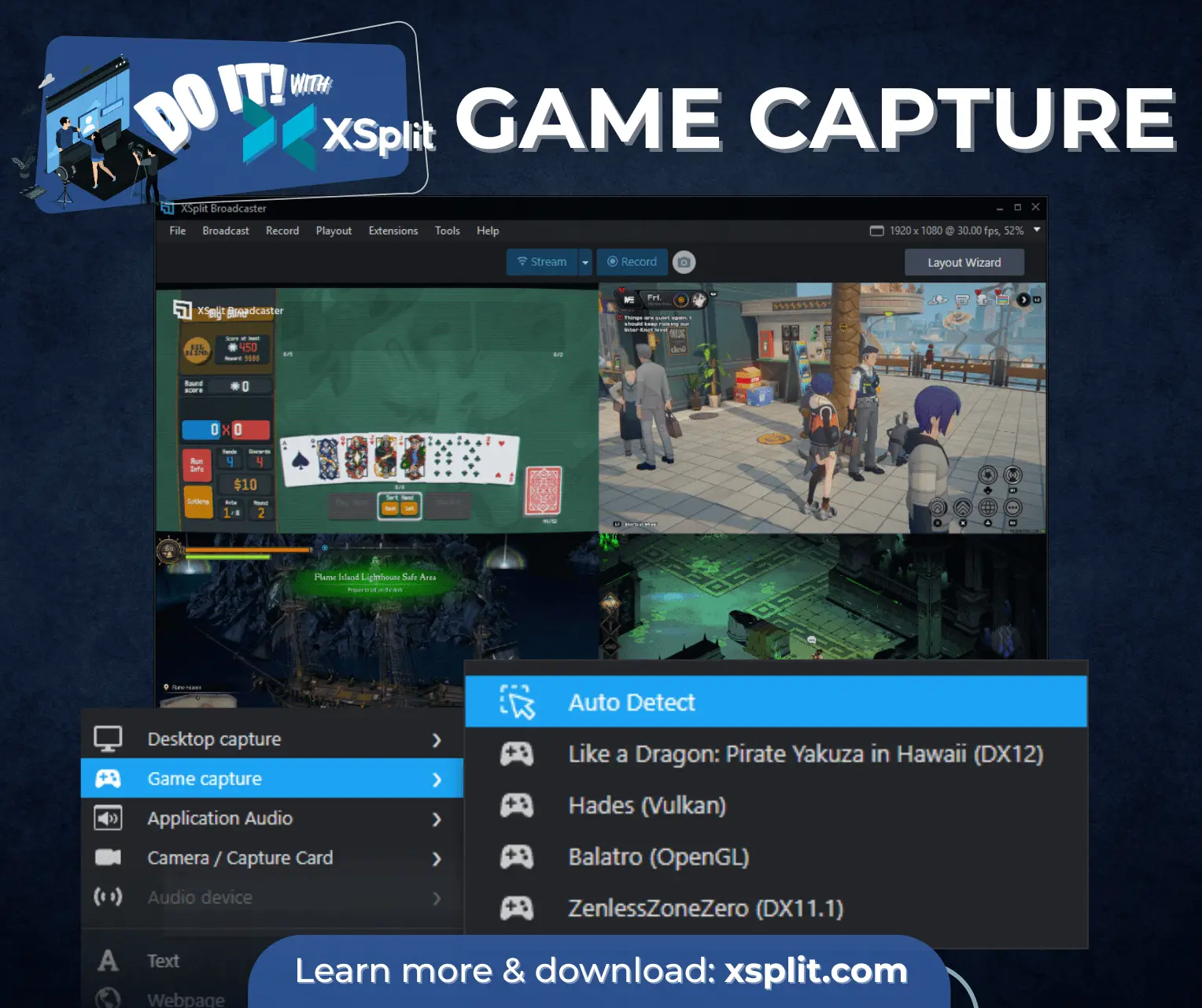
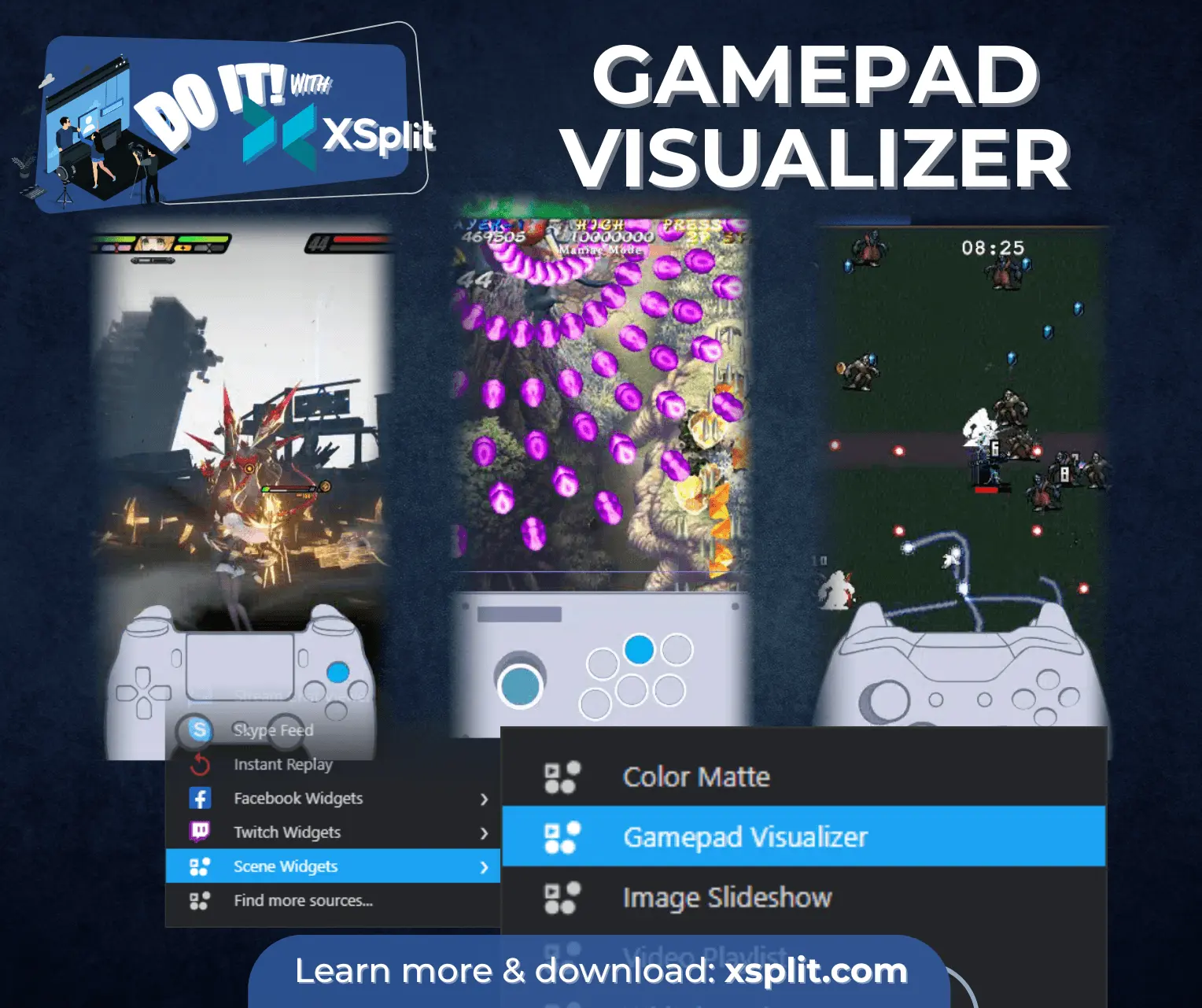
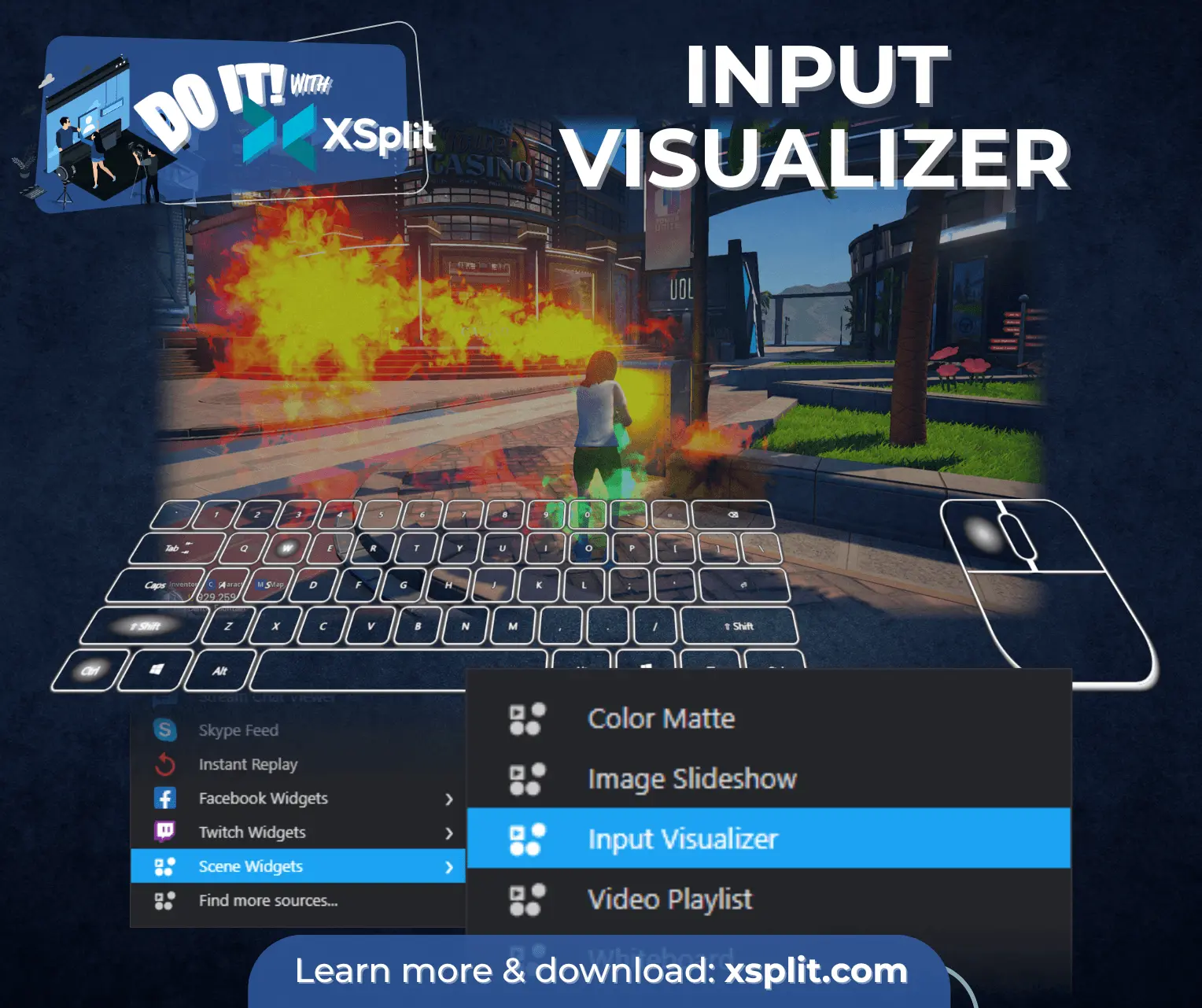
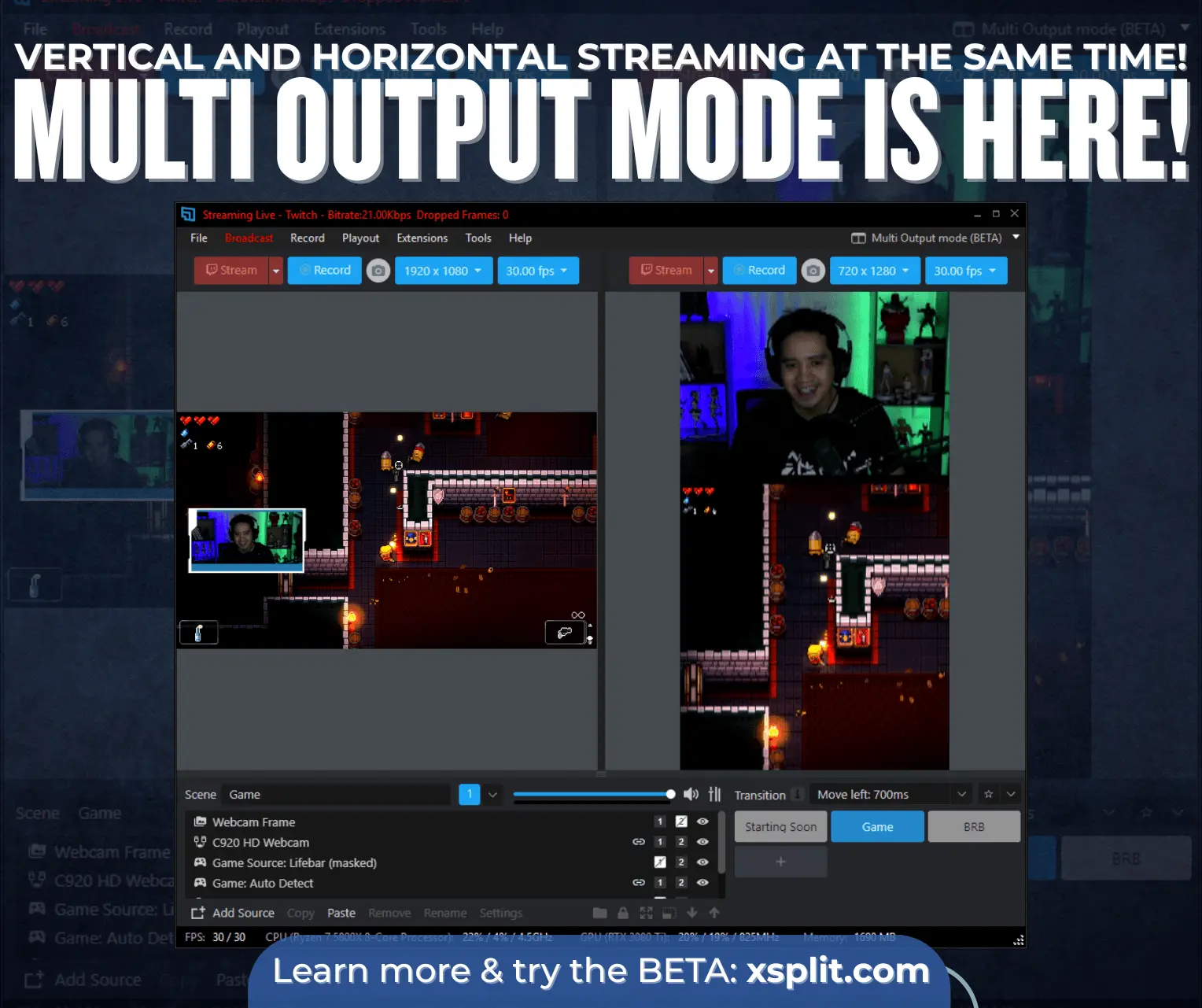
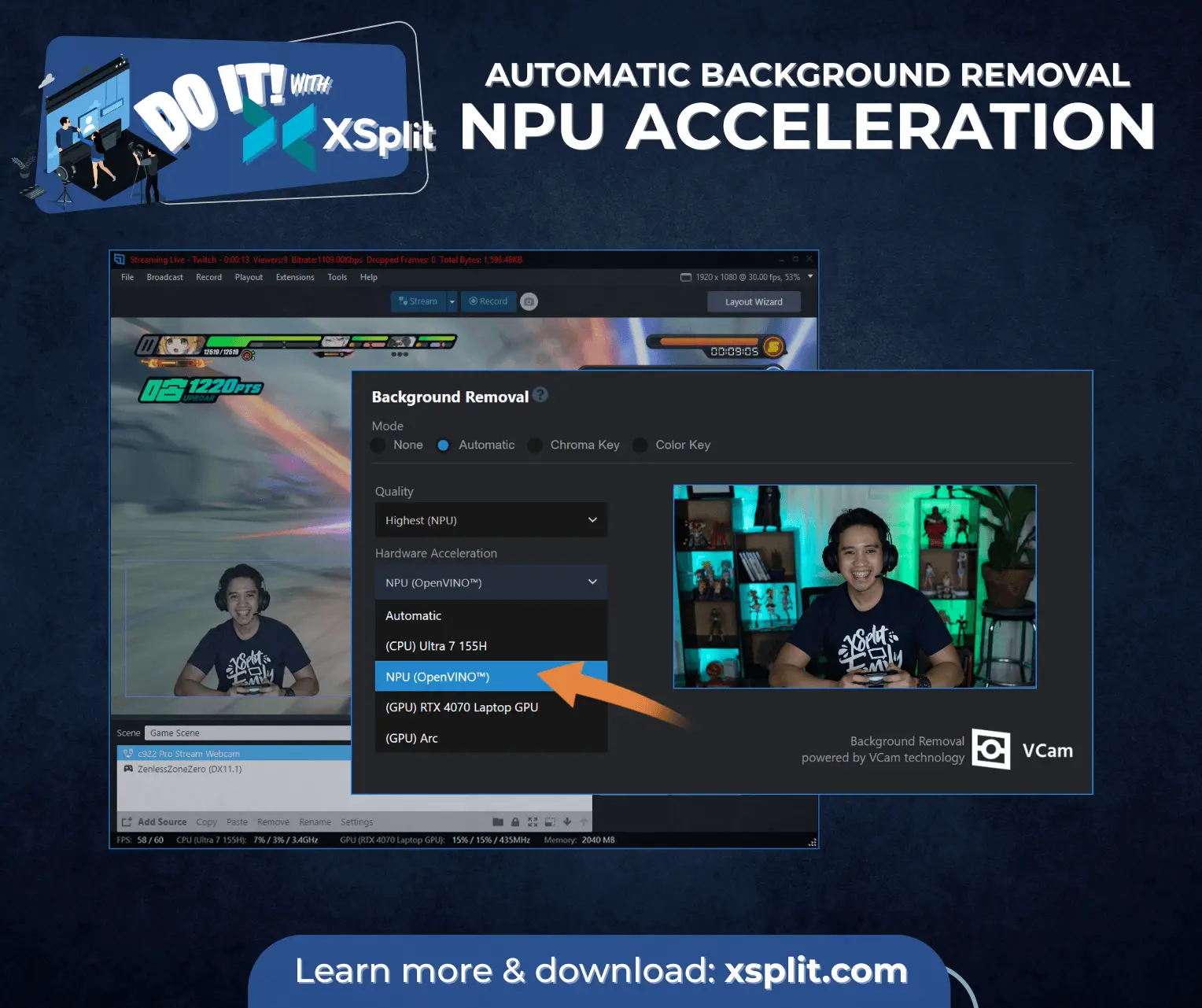
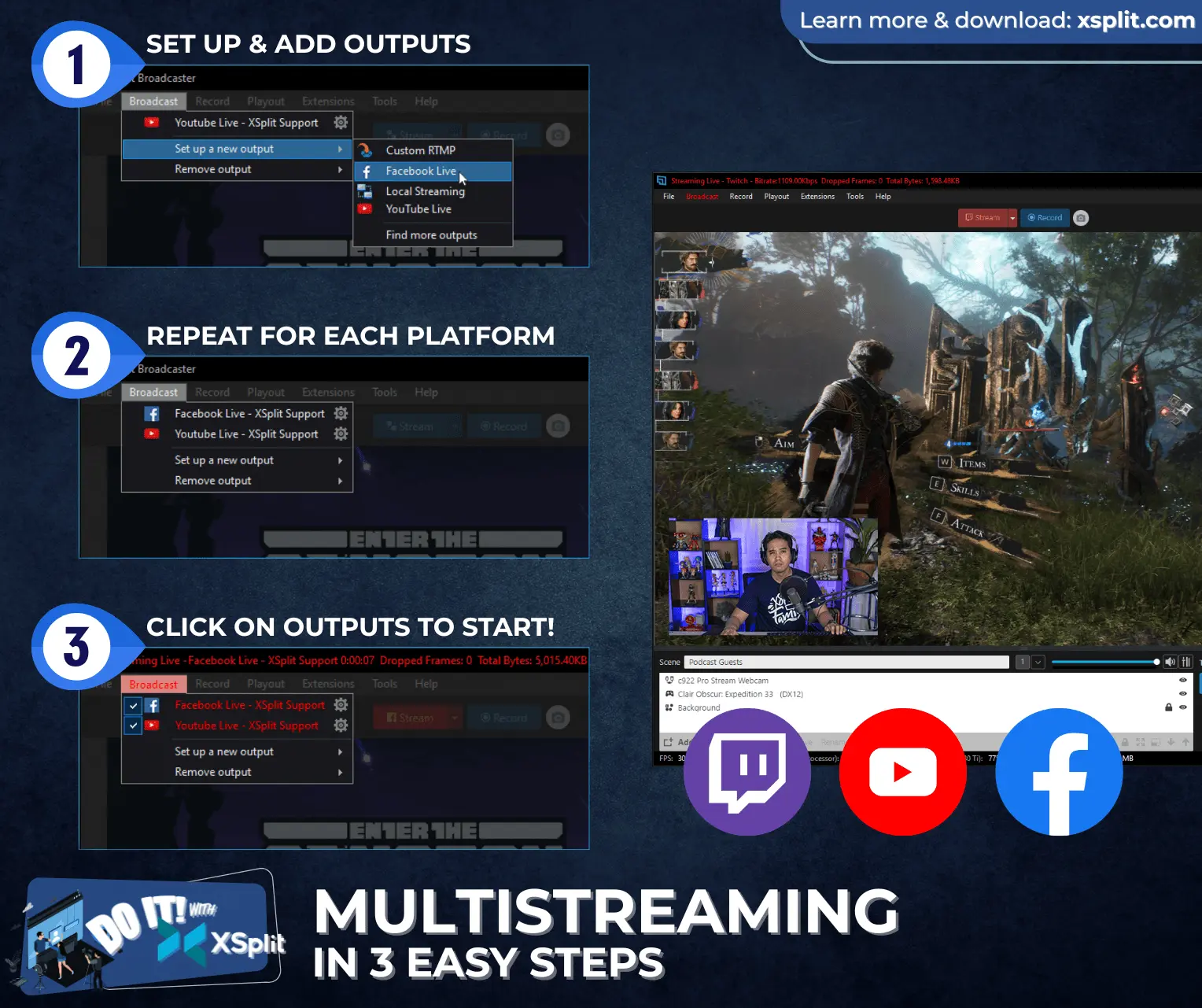
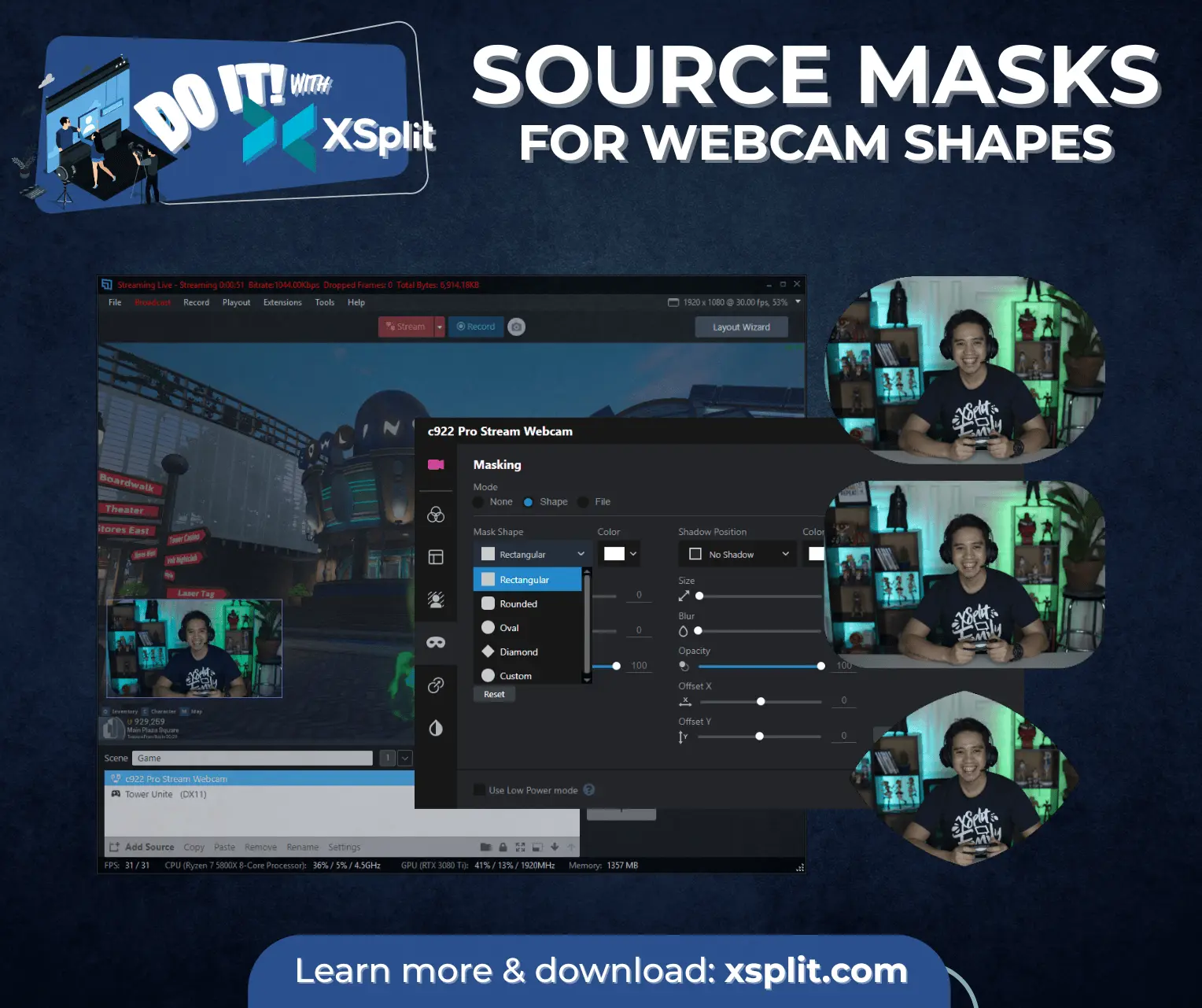
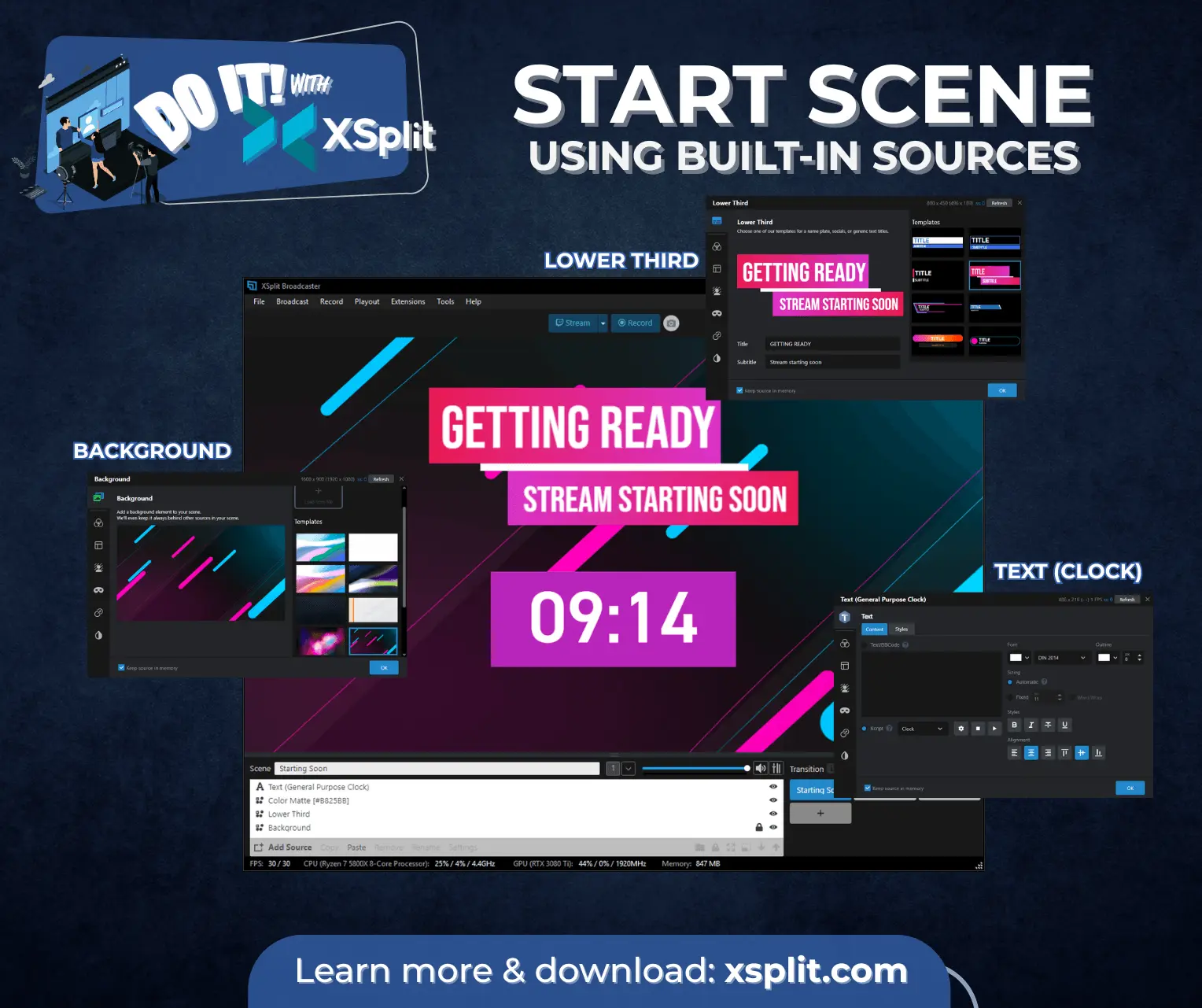
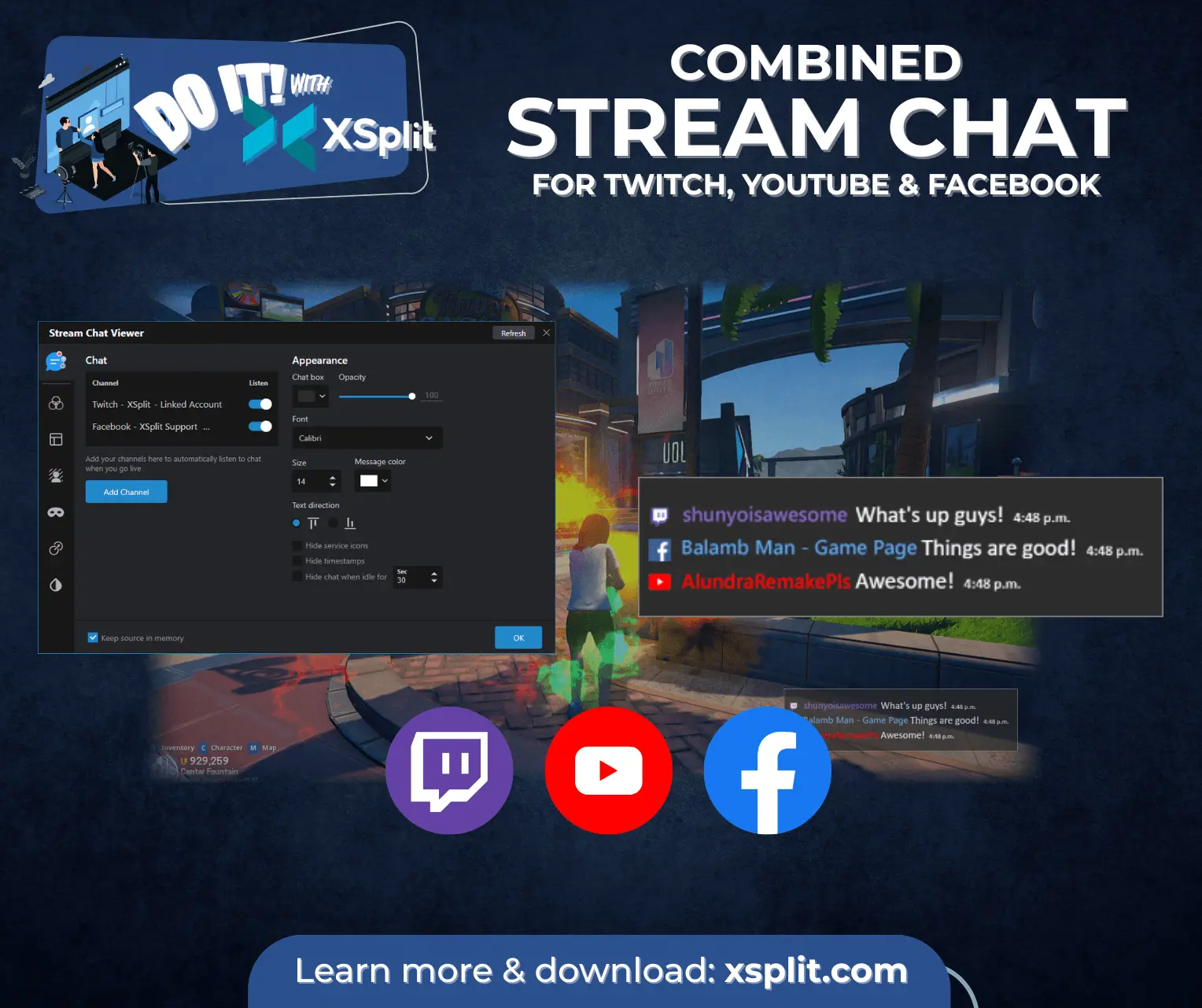
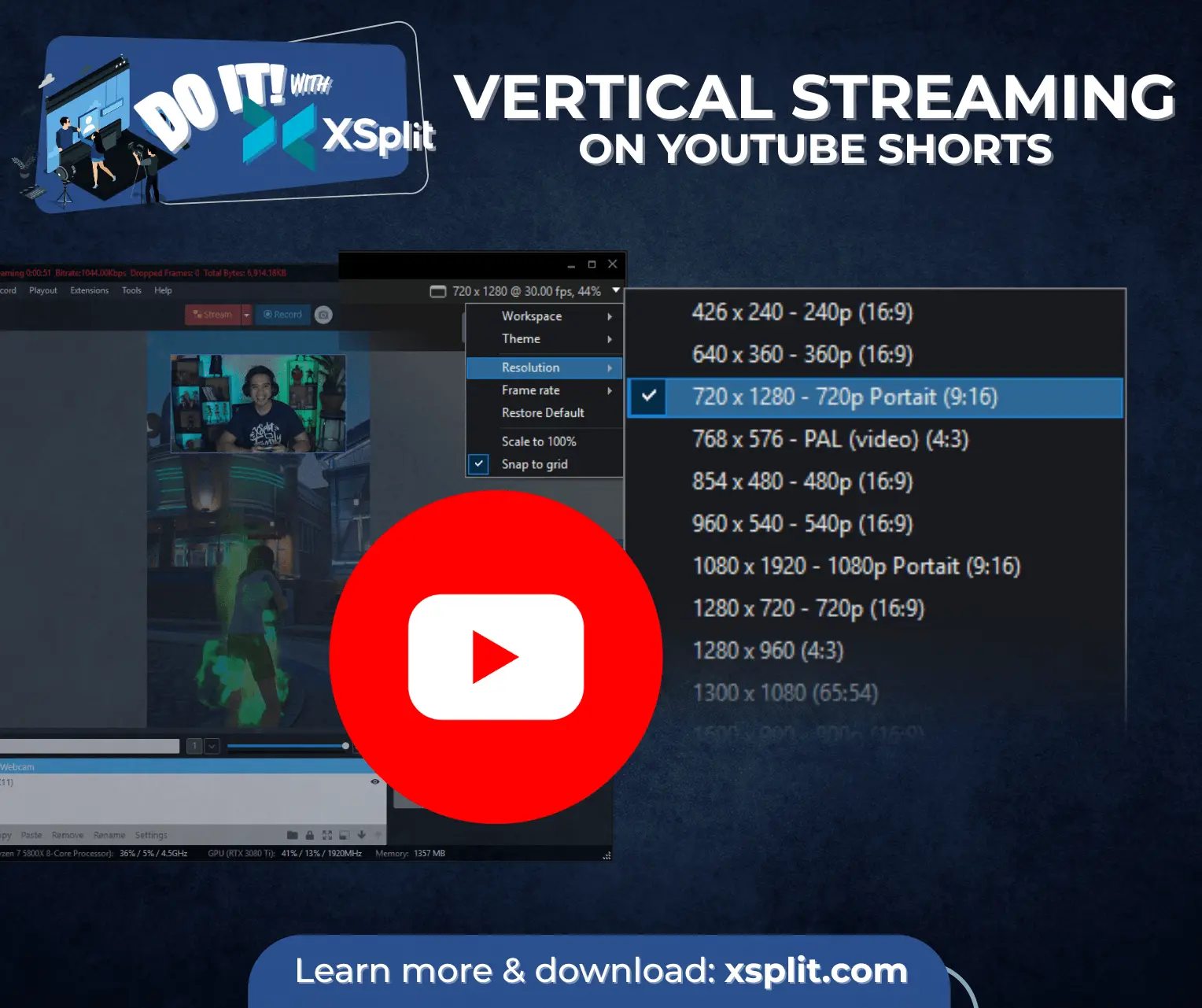
XSplit helps content creators, gamers, businesses, educators, and event producers create professional live streams and video recordings without complex broadcasting equipment. Users can combine gameplay, cameras, screen captures, presentations, videos, images, and audio into customizable scenes. They can switch between scenes in real time, add overlays and alerts, manage multiple audio sources, display live captions, and use transitions to create polished productions. XSplit supports streaming to major platforms including YouTube, Twitch, and Facebook, while also allowing users to record high-quality video locally. Its virtual camera functionality can send the finished production directly into video conferencing, webinar, and communication applications. By bringing capture, production, streaming, and recording tools into one application, XSplit reduces setup time and technical complexity. Users can produce more professional broadcasts, presentations, podcasts, webinars, tutorials, and recorded content from a standard Windows computer.
Product Video
Watch a video demo of XSplit.
Screenshots
Reviews (0)
No reviews yet. Be the first to rate this product!
Comments (2)
Professional-grade streaming software that doesn't lock you into a vendor ecosystem. XSplit handles both live streaming and recording with impressive stability. The PEERPUSH40 discount shows good faith engagement with the community.
The virtual camera routing straight into conferencing apps is the feature most streaming tools bury. Solid that you get scene switching and captions without extra hardware.