
AudioCast
Stream your Mac or Windows audio to your phone over Wi-Fi


Details
- Target Audience
- Pricing
- Freemium
About AudioCast
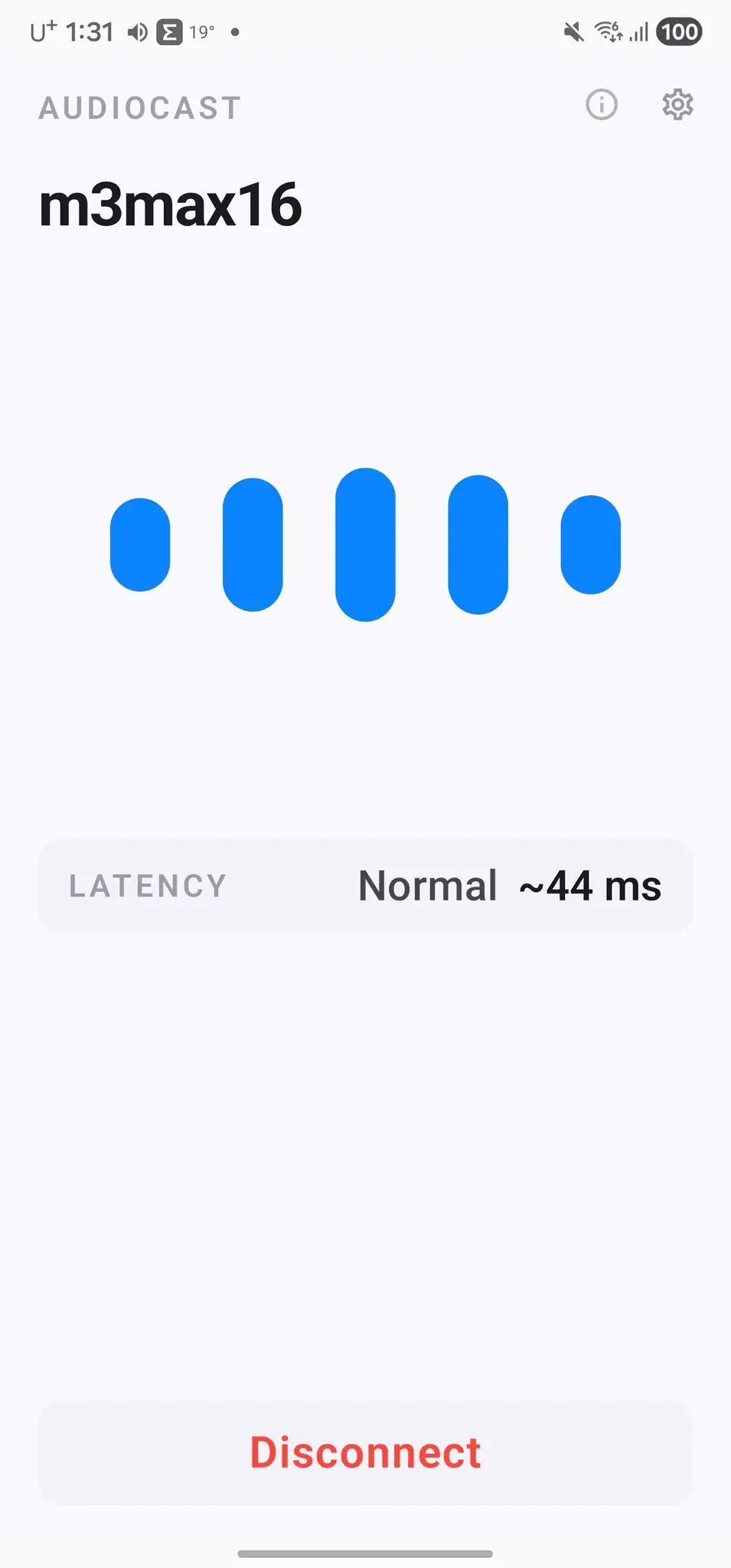
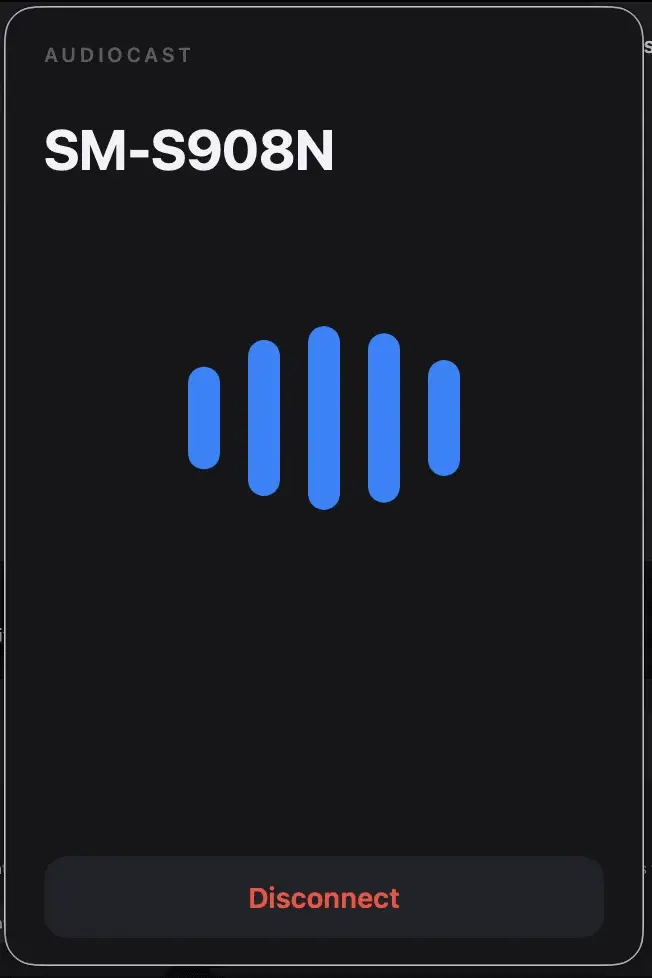
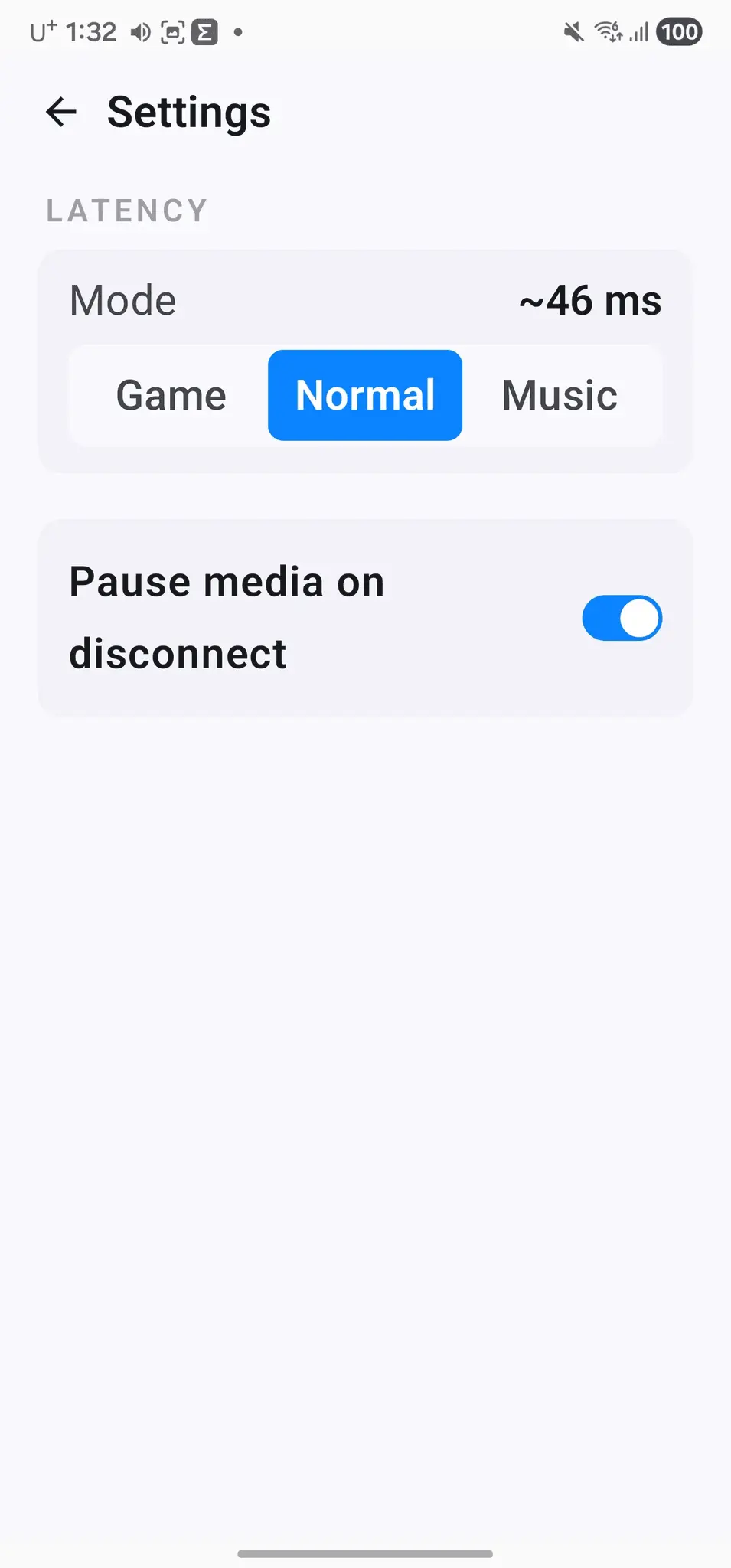
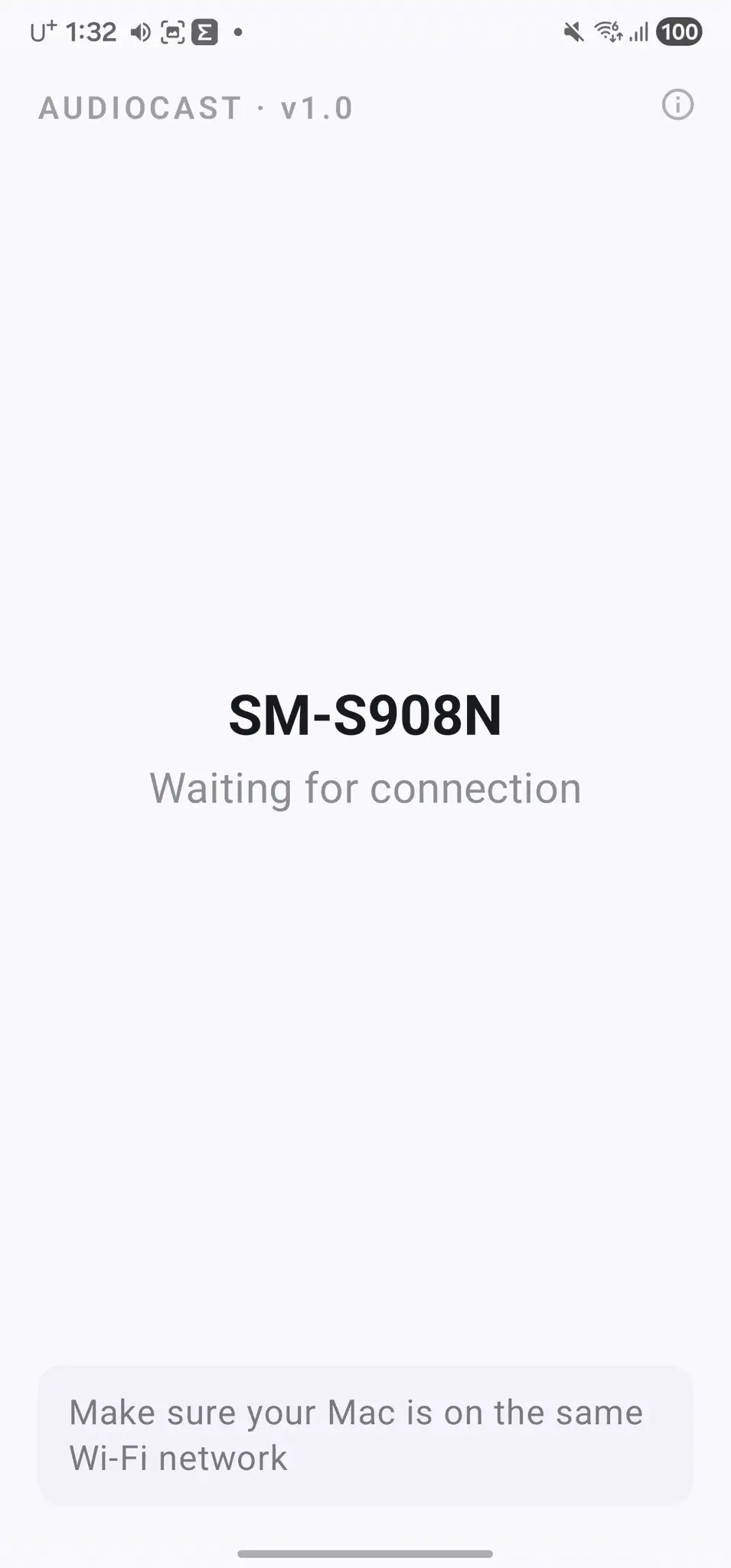
AudioCast turns your phone into a wireless speaker for your computer. It streams your Mac or Windows system audio to your Android phone, iPhone, or iPad over Wi-Fi. No cables, no Bluetooth pairing, no extra hardware. The problem: your computer has no headphones or speakers nearby, but your phone already has earbuds in or Bluetooth headphones paired. With AudioCast, whatever plays on the computer (YouTube, Netflix, Spotify, games) comes out of your phone instead. How it works - Install the sender on your Mac (menu bar) or Windows PC (system tray), and the receiver app on your phone. - Scan the QR code shown by the sender, or let the apps find each other automatically on the same Wi-Fi. - System audio is captured, compressed with the Opus codec, and streamed to your phone in real time. Features - Three latency modes: tight A/V sync for movies and games, balanced for everyday use, smoothest playback for music. - Listen privately anywhere in the house with the headphones you already use on your phone. - Play/pause and volume controls right on your phone. - Optional auto-pause: disconnect on the phone and your computer pauses what was playing. - Stays out of the way in the menu bar or system tray. Requirements - Sender: macOS 14 or later, or Windows 10/11 - Receiver: Android 8.0 or later, or iPhone/iPad with iOS 16 or later - Both devices on the same Wi-Fi network Download - Windows sender (Microsoft Store): https://apps.microsoft.com/detail/9P11DQFQ6MTF - macOS sender: https://audiocast.sskplay.com/download/mac/ - Android receiver (Google Play): https://play.google.com/store/apps/details?id=audio.cast - iPhone & iPad receiver (App Store): https://apps.apple.com/app/id6803944759 AudioCast is free to download, with an optional Pro upgrade.
Screenshots
Reviews (0)
No reviews yet. Be the first to rate this product!
Comments (1)
Hi PeerPush! I built AudioCast because my Mac had no headphones nearby but my phone did. I'd love your feedback, especially on latency with your setup.