
Aurisper Offline AI Voice Input
Private on-device dictation tool for Mac users
S
@shiyu
Details
- Follow on
- @Aurisper
- Target Audience
- Content CreatorsFreelancersSolopreneurs
- Platforms
- Desktop
Discovery signals
How AI and people discover Aurisper Offline AI Voice Input on PeerPush
Read by AI engines 30dEngines readingHow many times AI crawlers read this listing, and which engines those crawlers belong to.
155
- ChatGPT
- Perplexity
- Claude
- +3 other AI crawlers
Reads by these AI engines
Crawlers behind these engines read this listing on PeerPush.About Aurisper Offline AI Voice Input
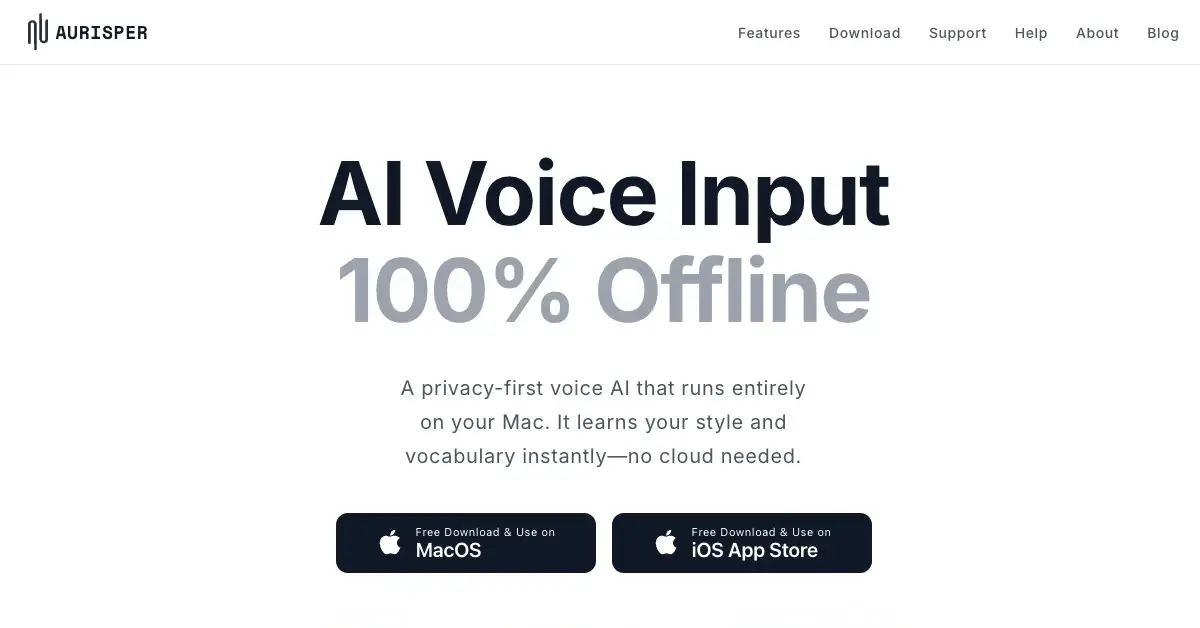
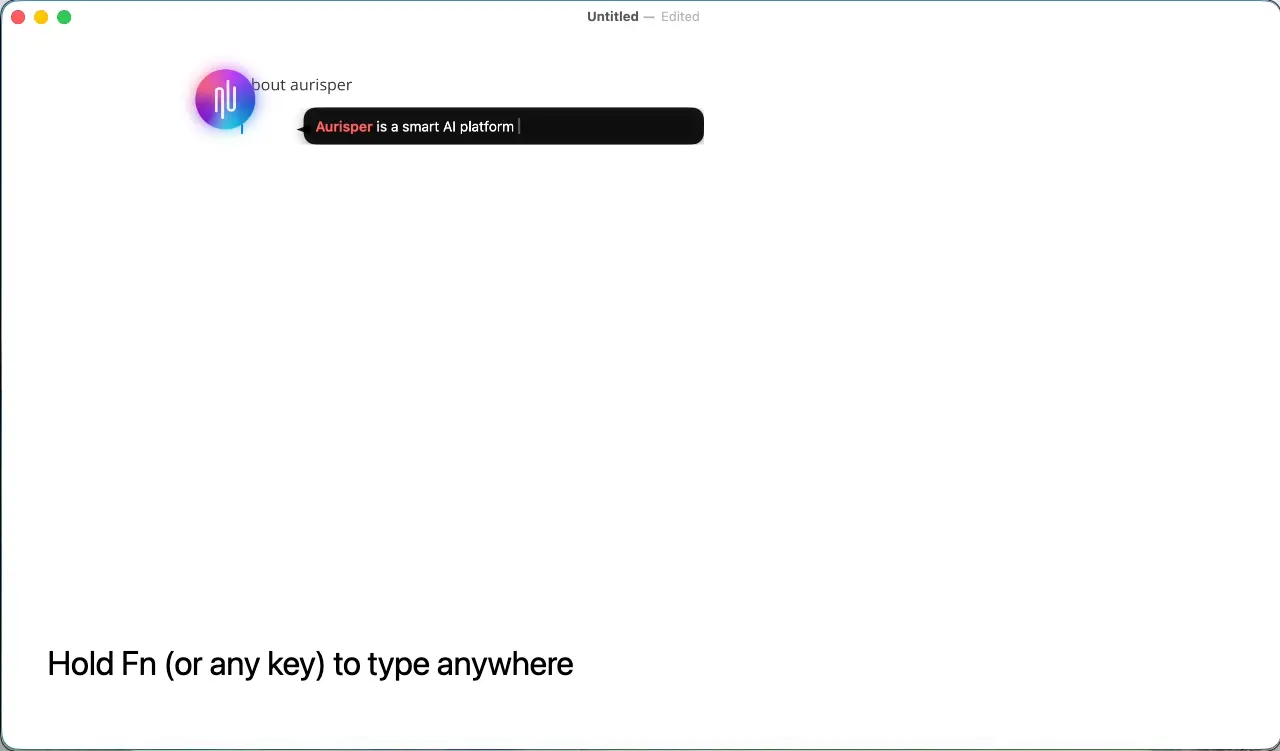
Aurisper is designed as a private dictation tool for Mac users who prioritize security and efficiency. It runs entirely on-device with no internet connection required, ensuring your voice data stays 100% secure and never leaves your computer. You can enjoy seamless multilingual voice recognition across your favorite applications without worrying about privacy breaches or data collection. This tool helps you transform your voice into text instantly while maintaining complete control over your information.
Screenshots
Reviews (0)
No reviews yet. Be the first to rate this product!
Comments (2)
Looks Great! Congrats on the launch
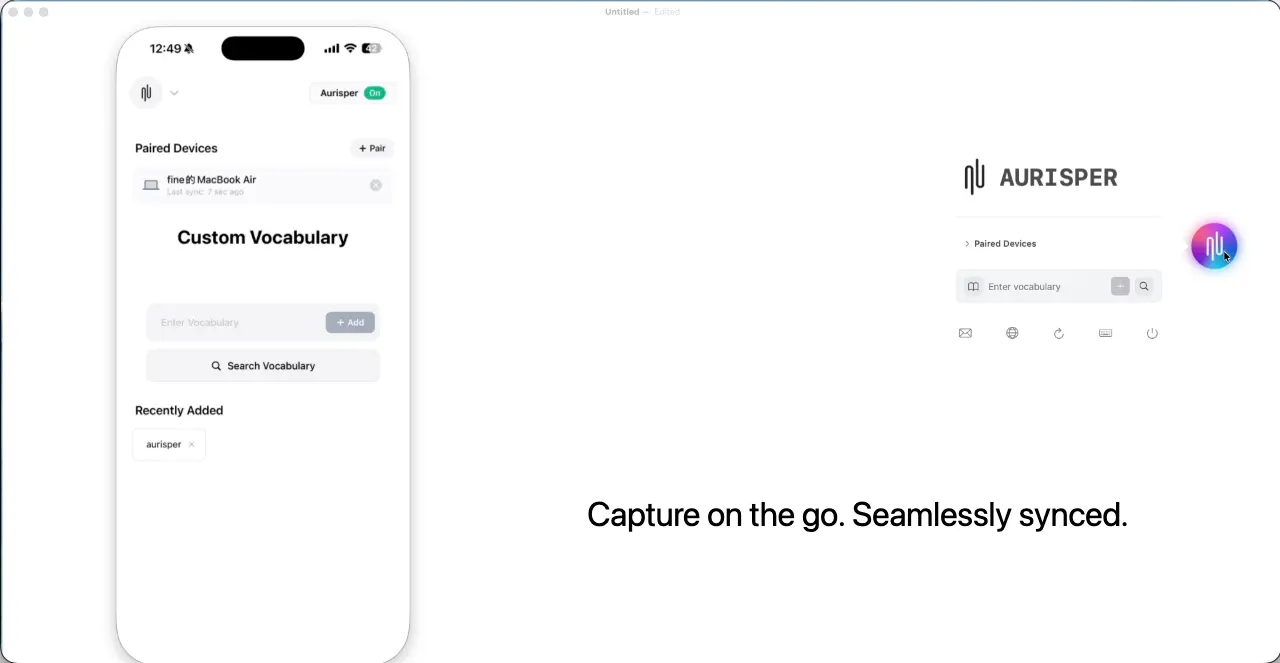
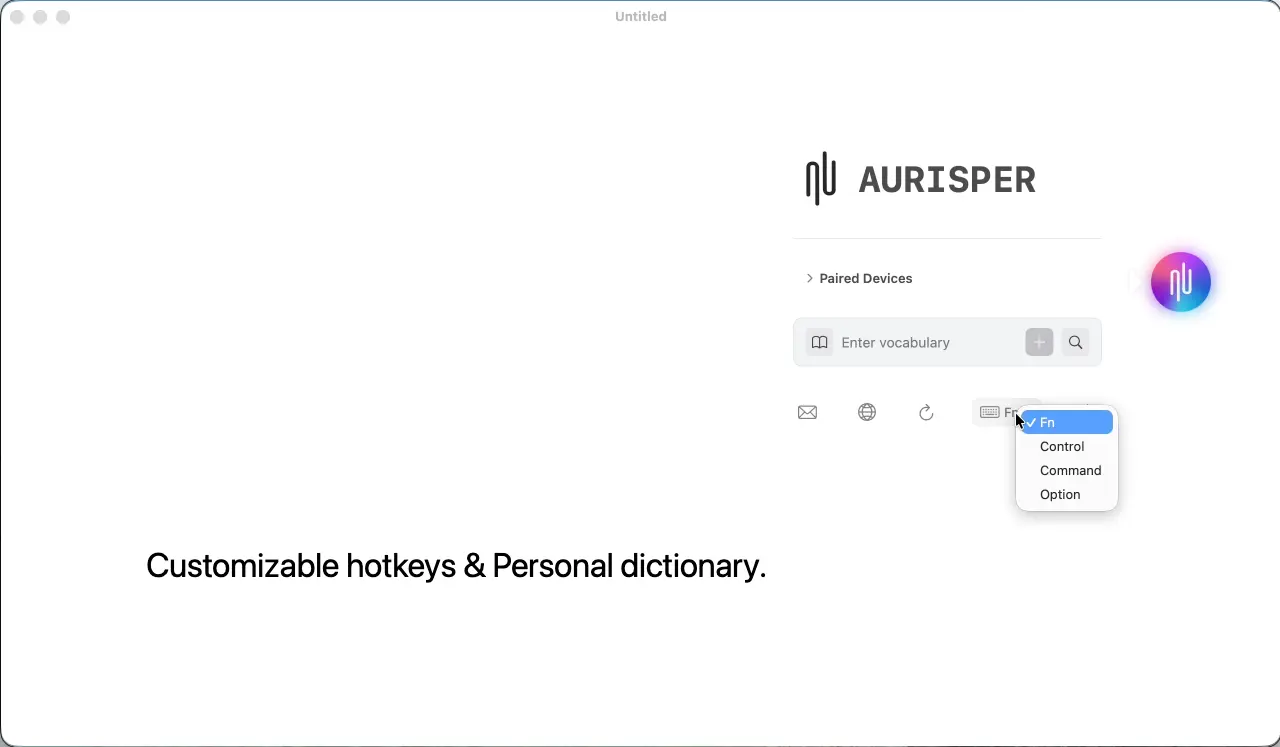
Tired of slow, cloud-based voice typing? I built Aurisper: a 100% offline Mac & iOS dictation app. Custom hotkeys, instant typing, and on-the-fly corrections (Fn+Shift). Unlimited & free! ⚡️