
CaptainShot
Make every screenshot searchable and useful.


Details
- Follow on
- Use Cases
- Target Audience
- Pricing
- Free
Discovery signals
How AI and people discover CaptainShot on PeerPush
By AI reads among Automation & Workflow tools
225 AI reads in the last 30 days, ranked against every Automation & Workflow tool listed.About CaptainShot
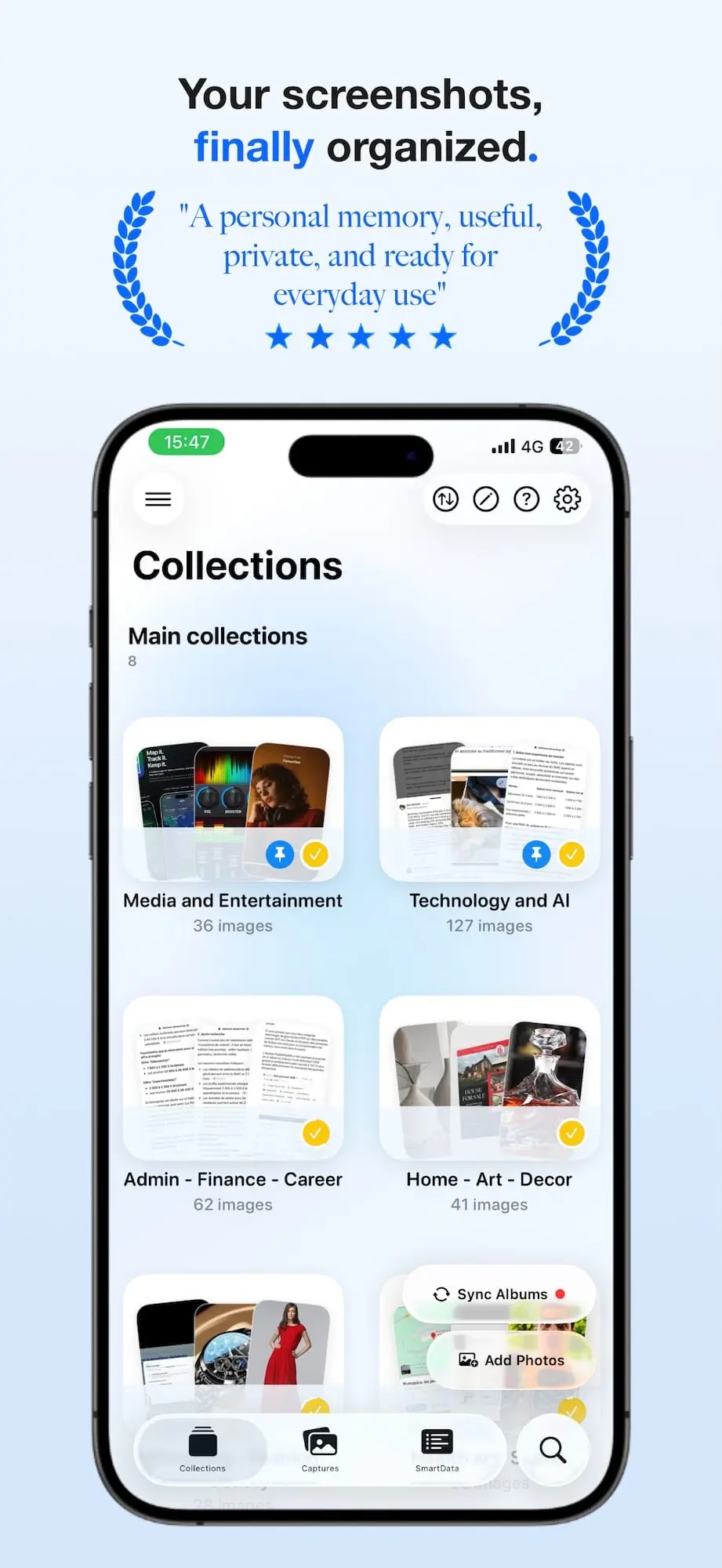
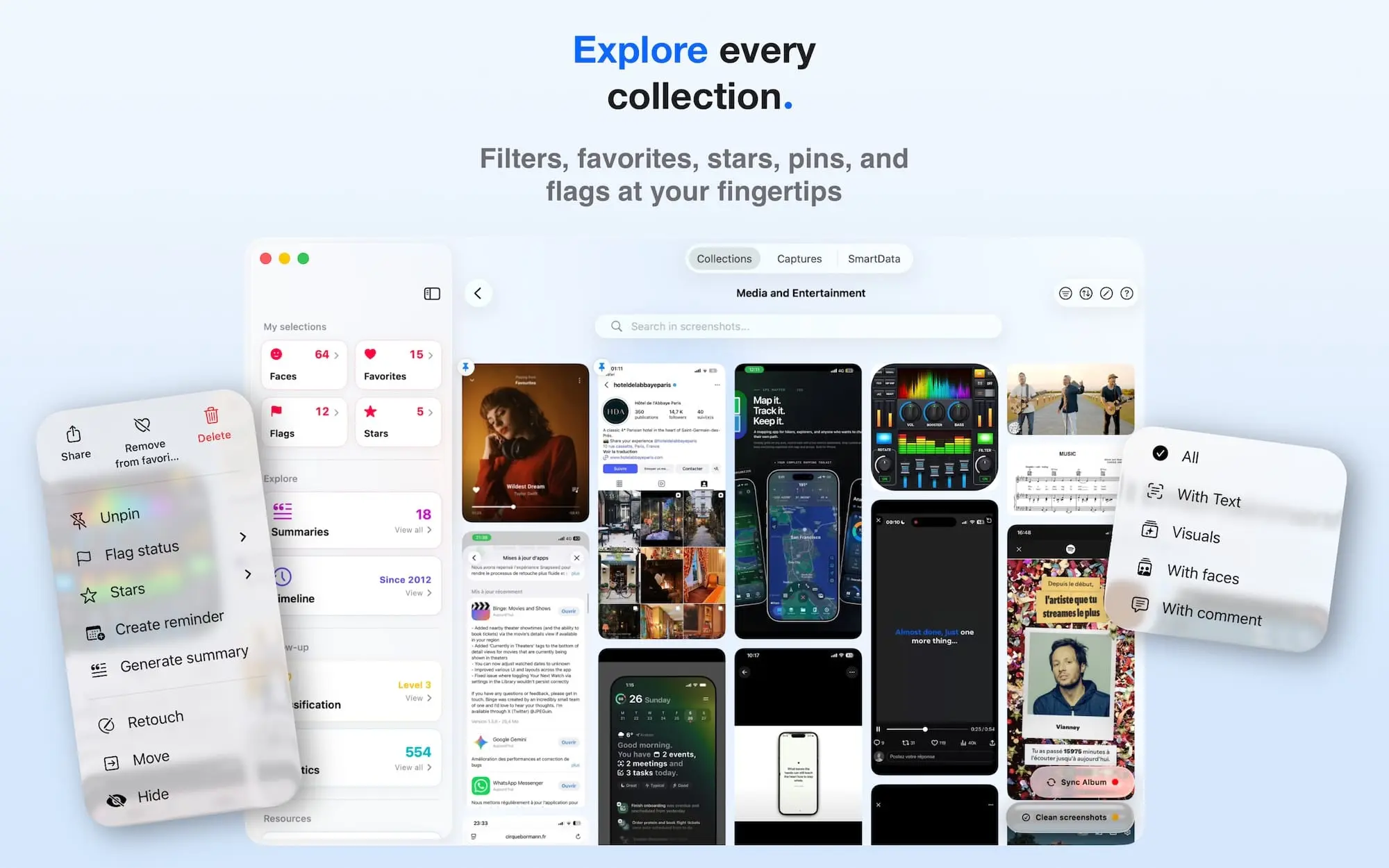
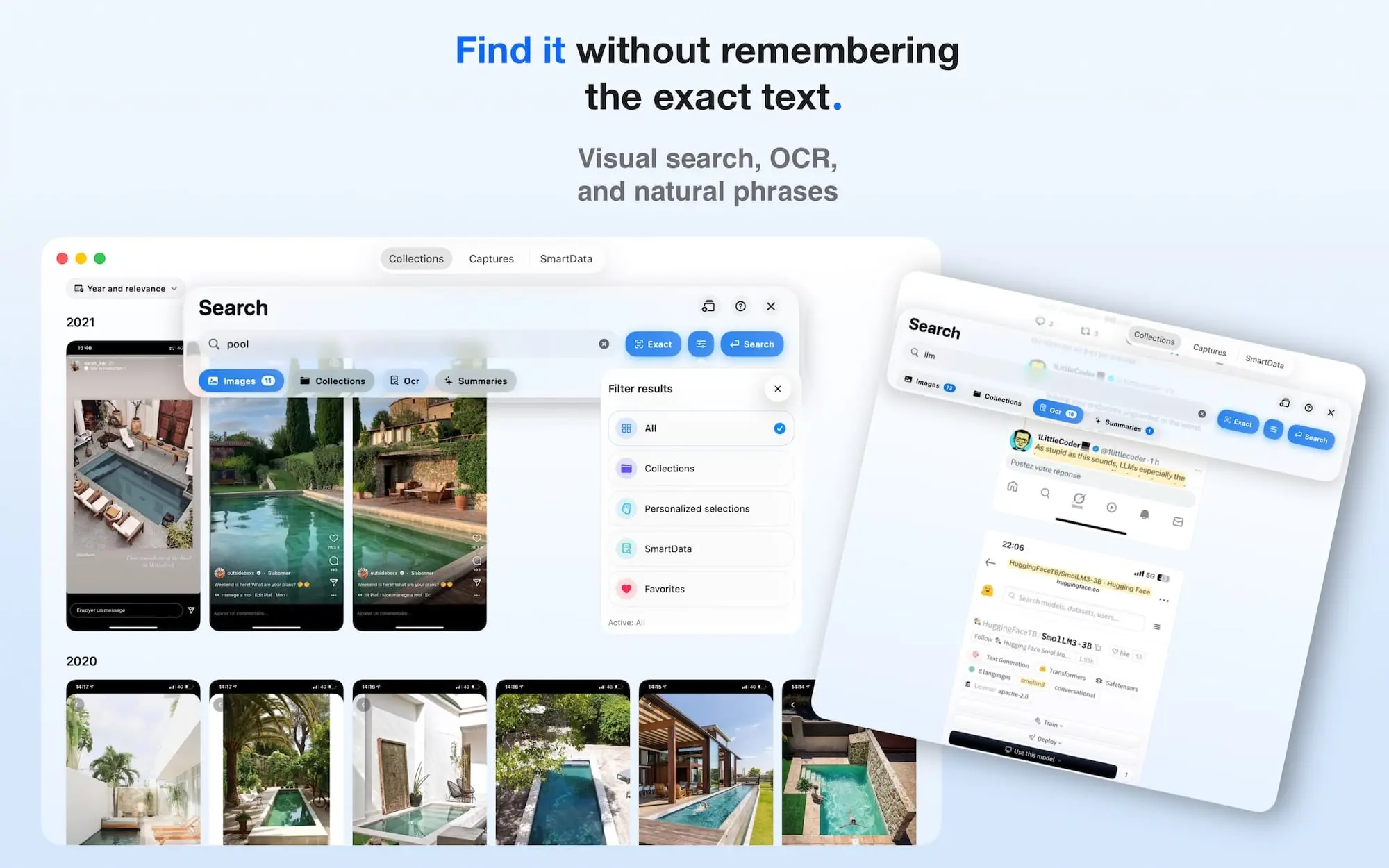
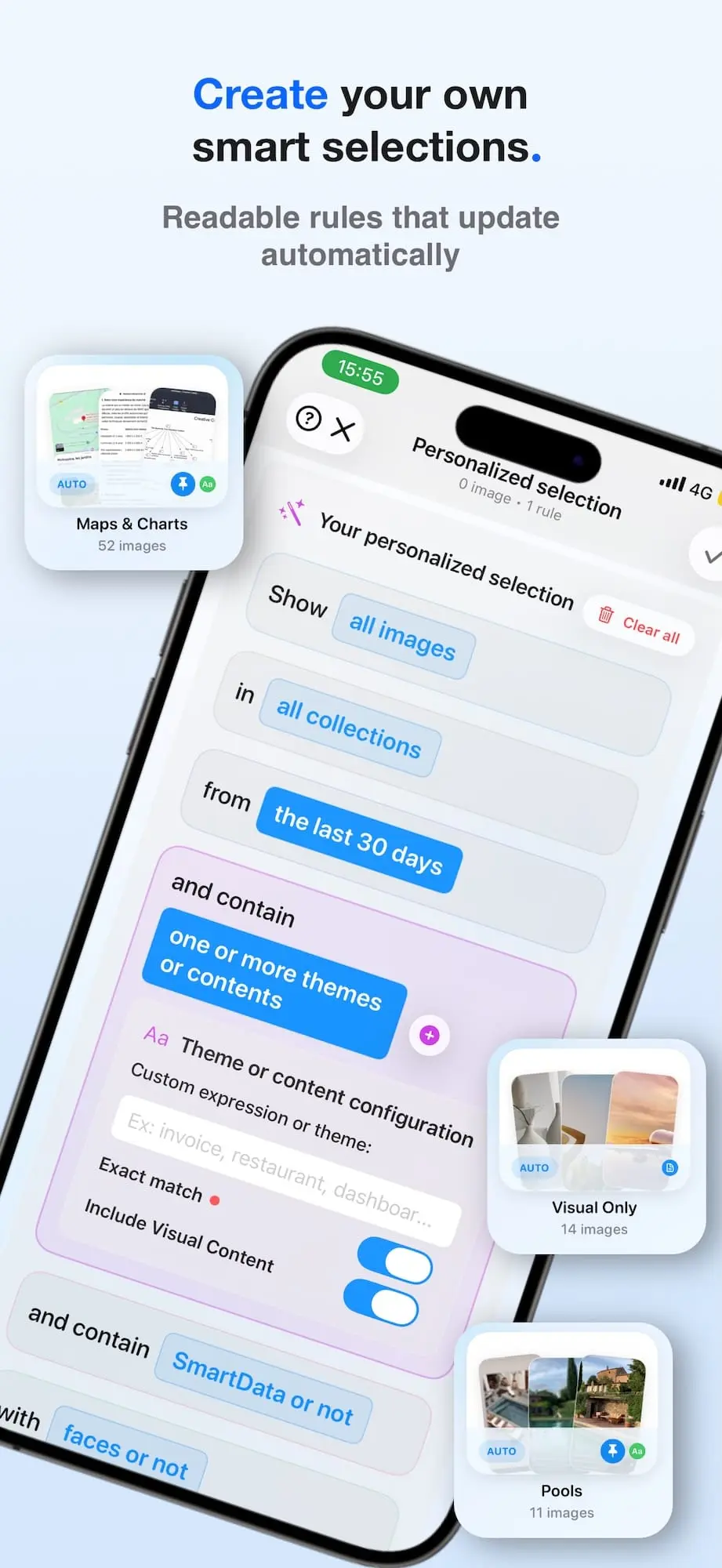
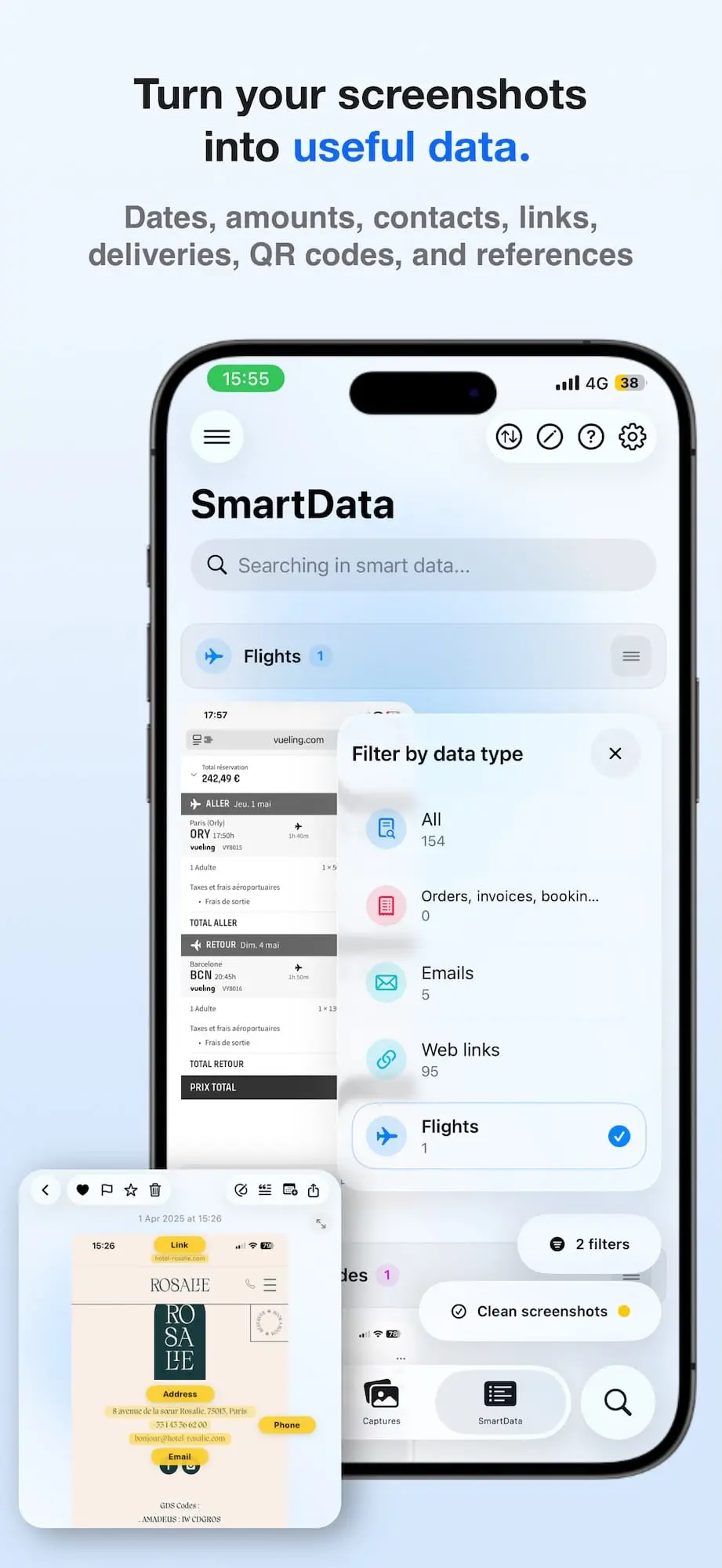
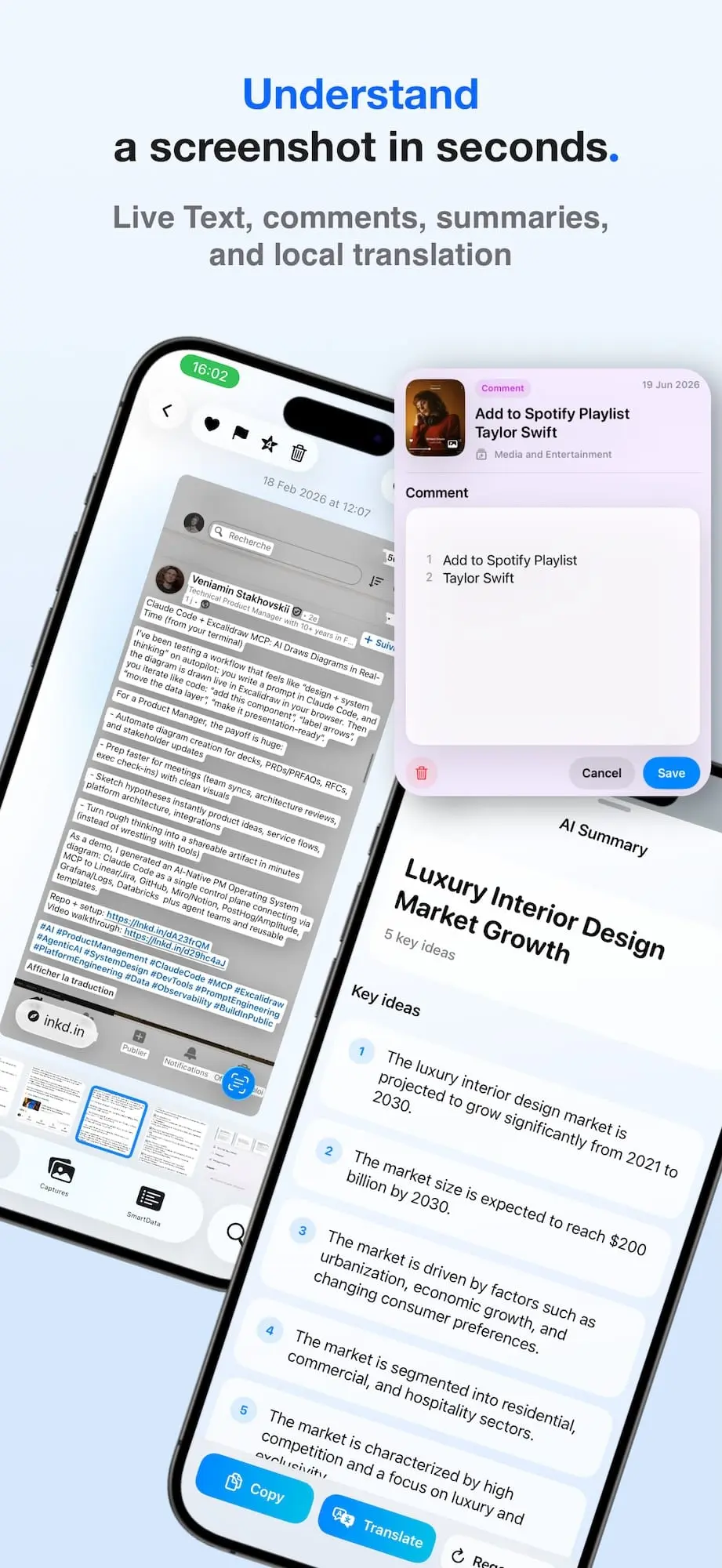
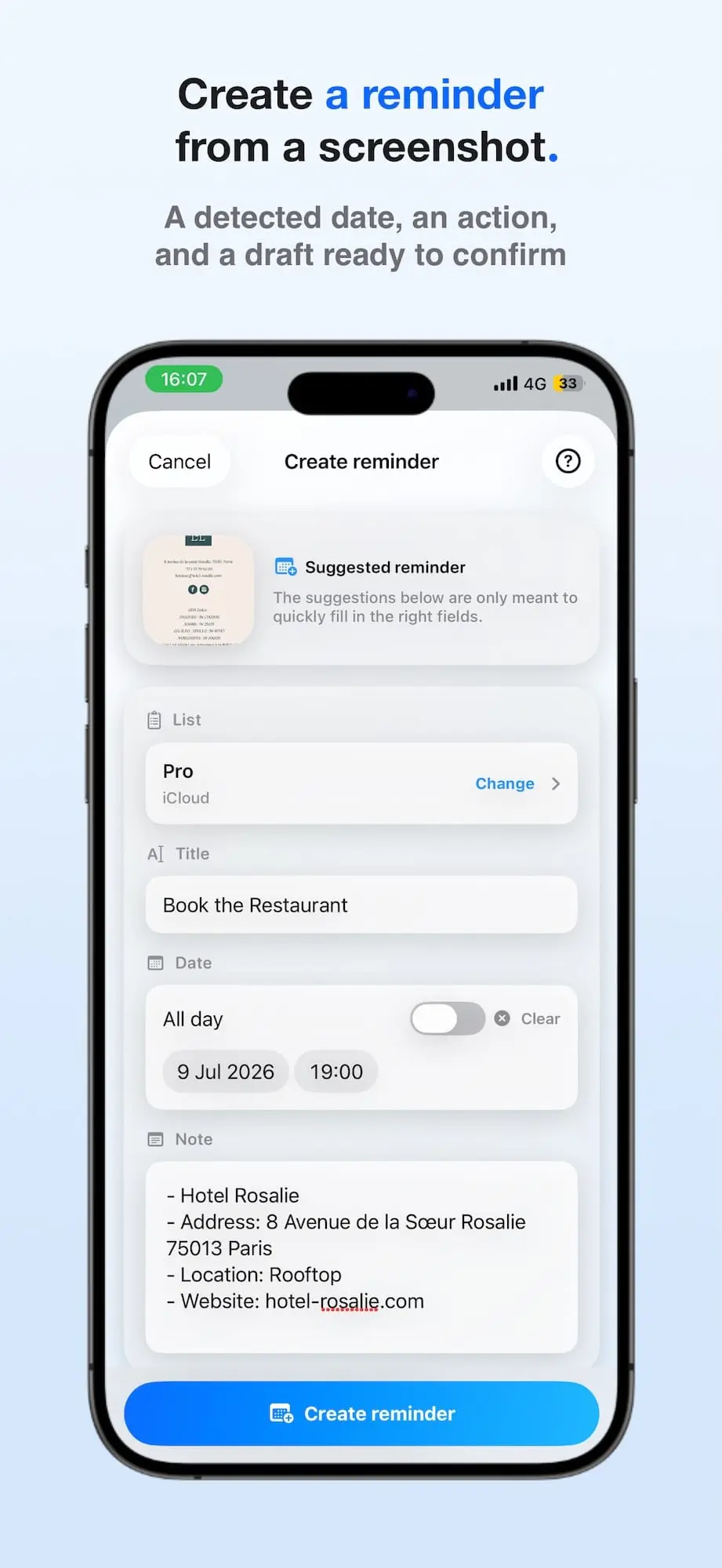
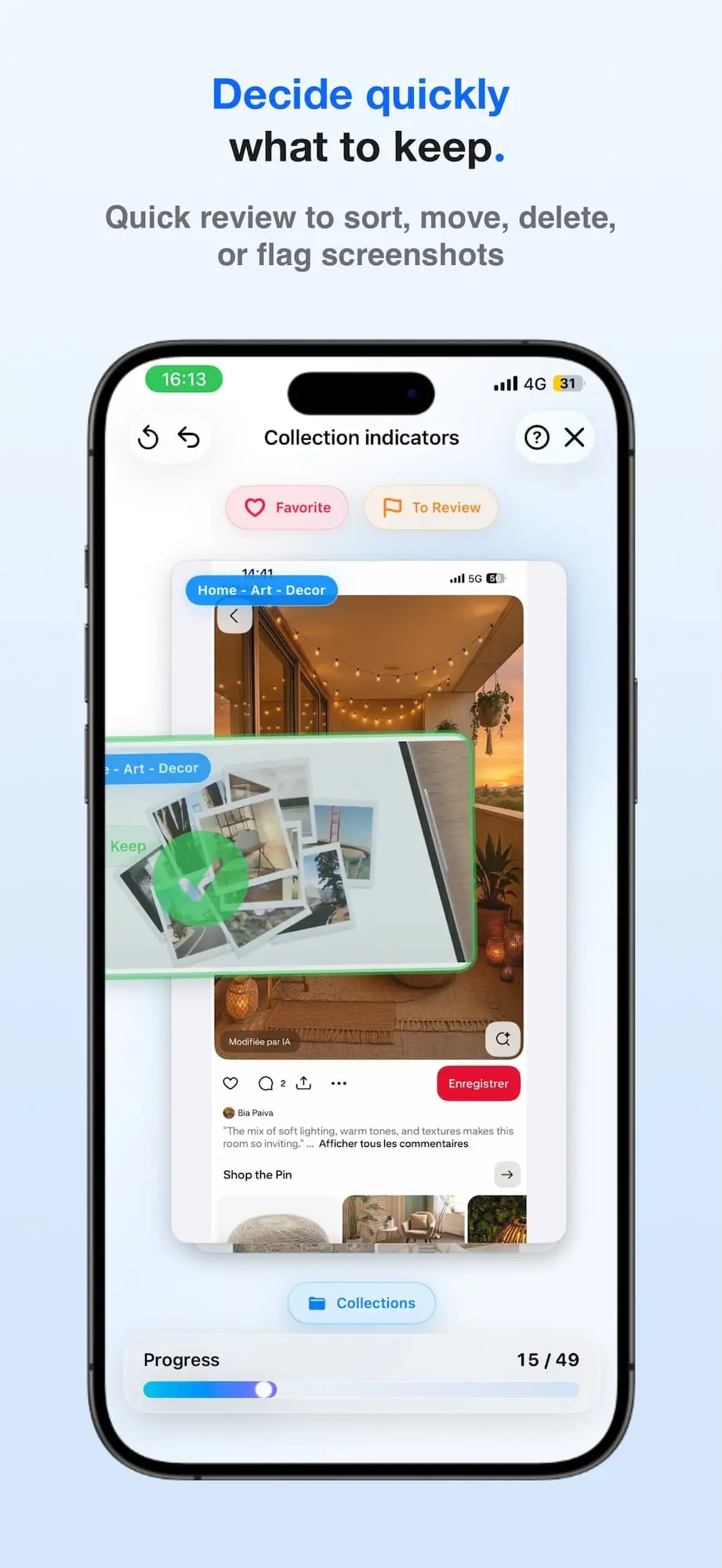
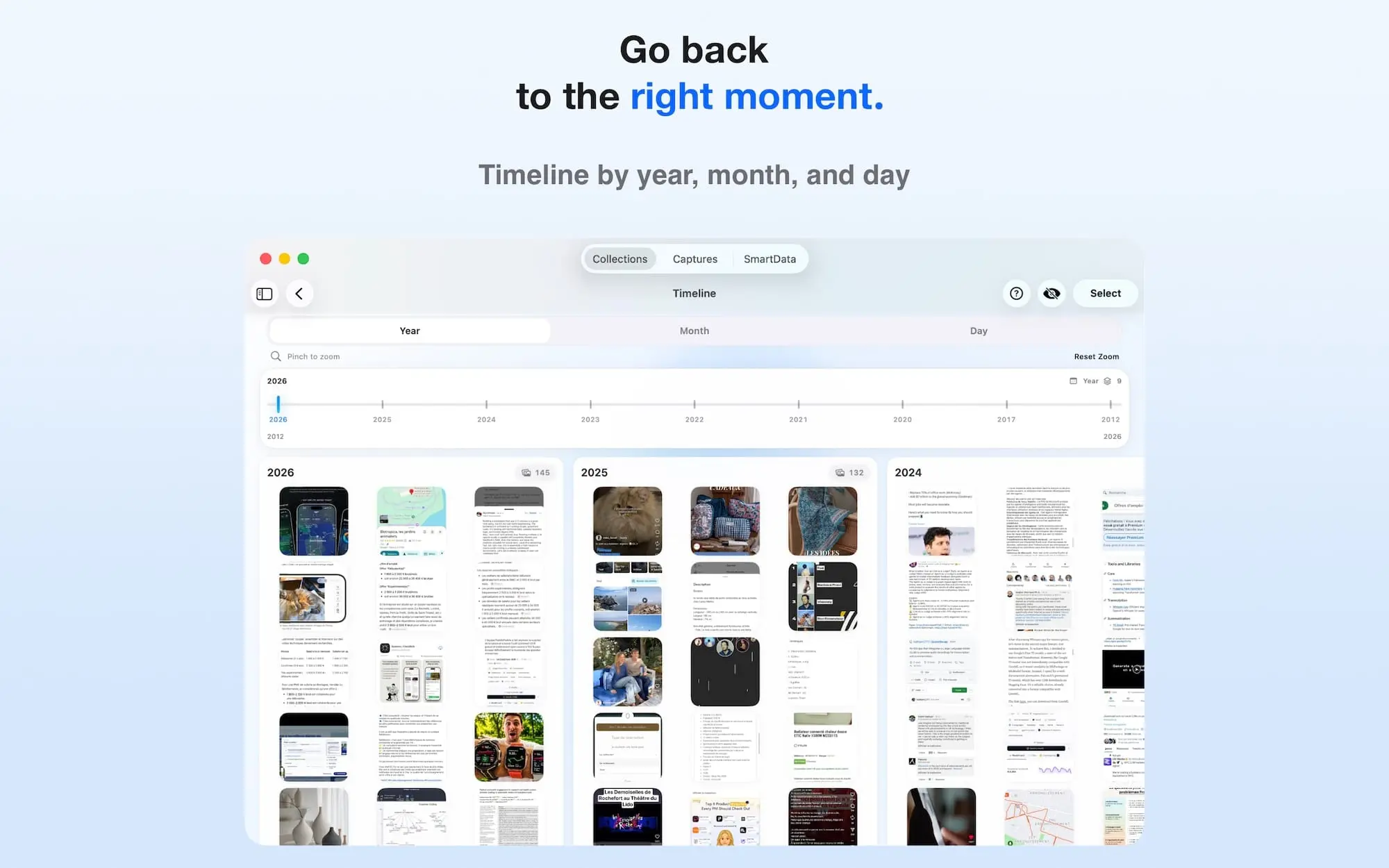
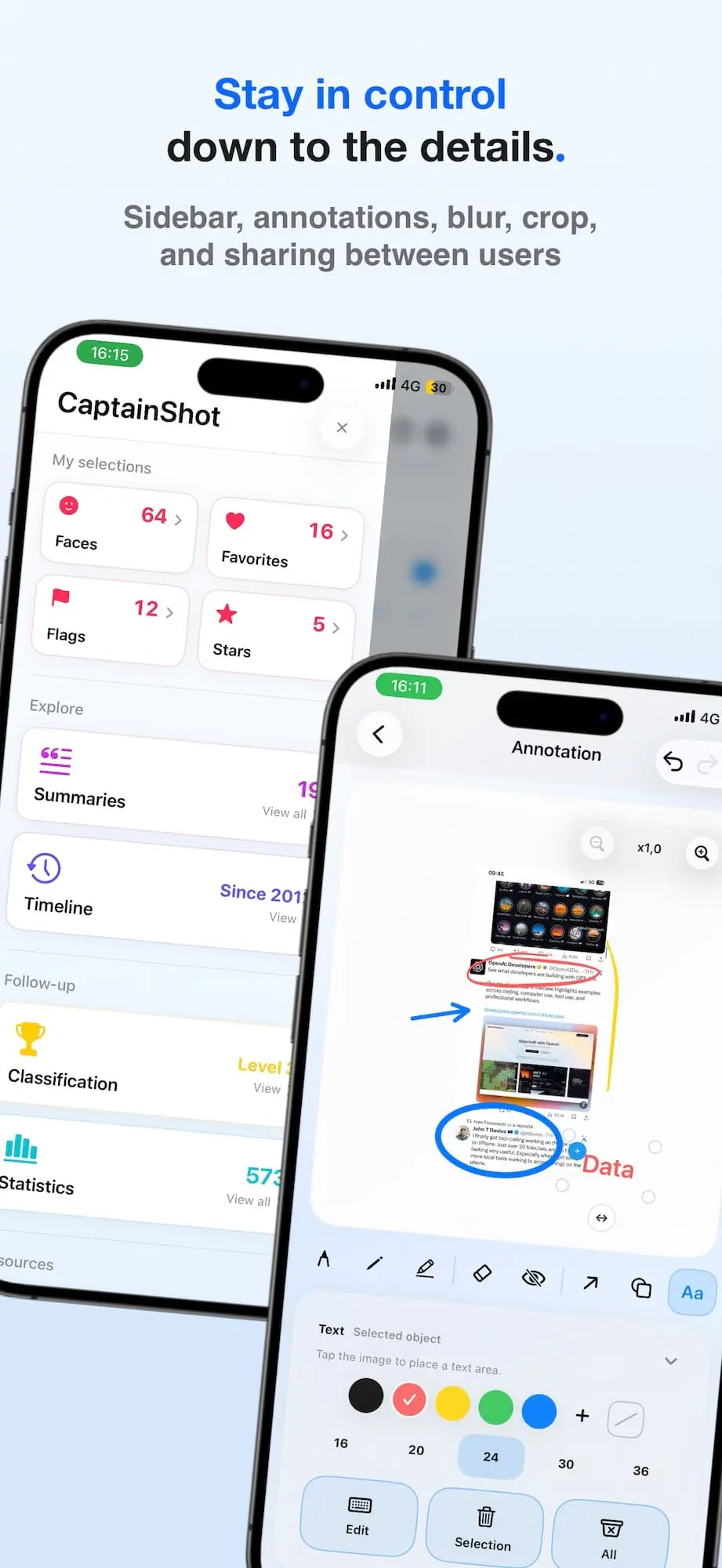
CaptainShot is a screenshot organizer and visual information manager for iPhone, iPad, and Mac. It continuously analyzes screenshots and imported images, organizes them into collections, and makes their text and visual content searchable. Users can find images using natural-language queries, even when they do not remember the exact words contained in them. CaptainShot extracts useful SmartData such as dates, amounts, currencies, links, email addresses, phone numbers, postal addresses, flights, deliveries, QR codes, and business references. Detected information can be used to create reminders, open links, contact people, or build dynamic selections that update automatically. The app also includes automatic, manual, and rule-based collections, Quick Review workflows, notes, favorites, status tracking, Photos integration, collection sharing, bulk actions, and image-editing tools for annotations, shapes, arrows, blur, cropping, and rotation. Core OCR, visual analysis, organization, SmartData extraction, and search are performed directly on the device. Screenshots are not uploaded to CaptainShot’s servers, no account is required, and the app includes no advertising, tracking, or user profiling. Compatible Apple devices receive additional local AI features, including summaries, translations, suggested titles, and reminder suggestions.
Screenshots
Reviews (1)
Average 5.0 out of 5
Based on 1 review

Really interesting creation, we appreciate your work..
Comments (3)
I also noticed Apple is ignificantly into CaptainShot’s territory, and what I liked is you have acknowledged and have distinction.
Hi, I’m Damien, founder of CaptainShot. I built it to turn forgotten screenshots into a private, searchable library on iPhone, iPad and Mac. The project began two years ago, and V1 launched over a year ago. I’d love your feedback!
I keep a folder of app screenshots for posting and finding the right one is always the slow part. searching by what is in the image instead of the filename would save me real time. does it work on old ones you import later?
@eusebiubalanmedia Yes! On Mac, you can drag in old screenshots, select multiple images, or import a folder. Their text and visual content are analyzed on device. Automatic sync for new images added to a folder is for a future update.