
ClipTurn
Rotate videos like photos in Windows File Explorer

Details
- Categories
- Video & Audio ToolsProductivity & Notes
- Use Cases
- Video EditingFile Management
- Target Audience
- Windows UsersVideo Editors
- Pricing
- Free
- Platforms
- Desktop
Discovery signals
How AI and people discover ClipTurn on PeerPush
- ChatGPT
- Perplexity
- Claude
- +3 other AI crawlers
Reads by these AI engines
Crawlers behind these engines read this listing on PeerPush.About ClipTurn
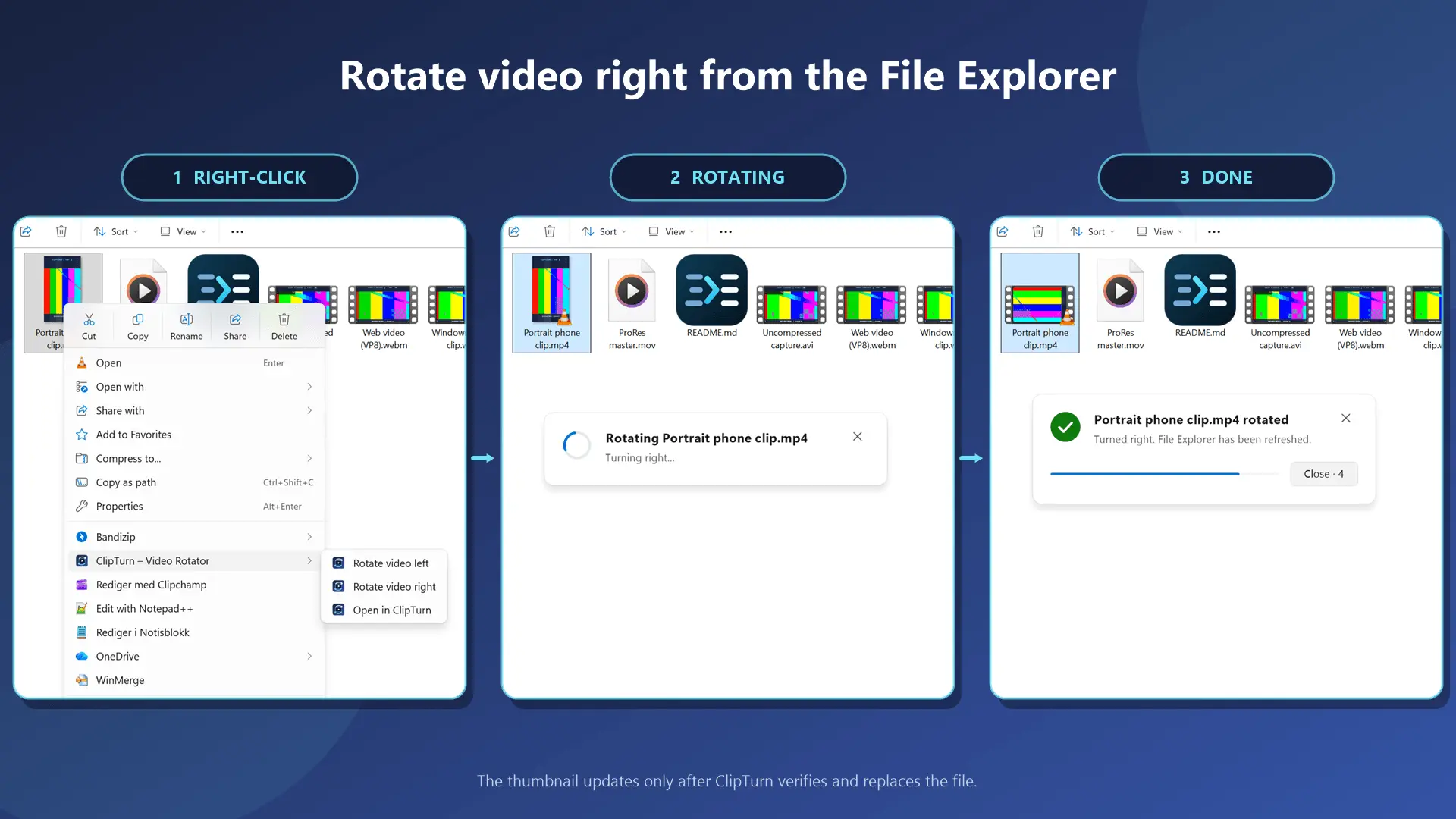
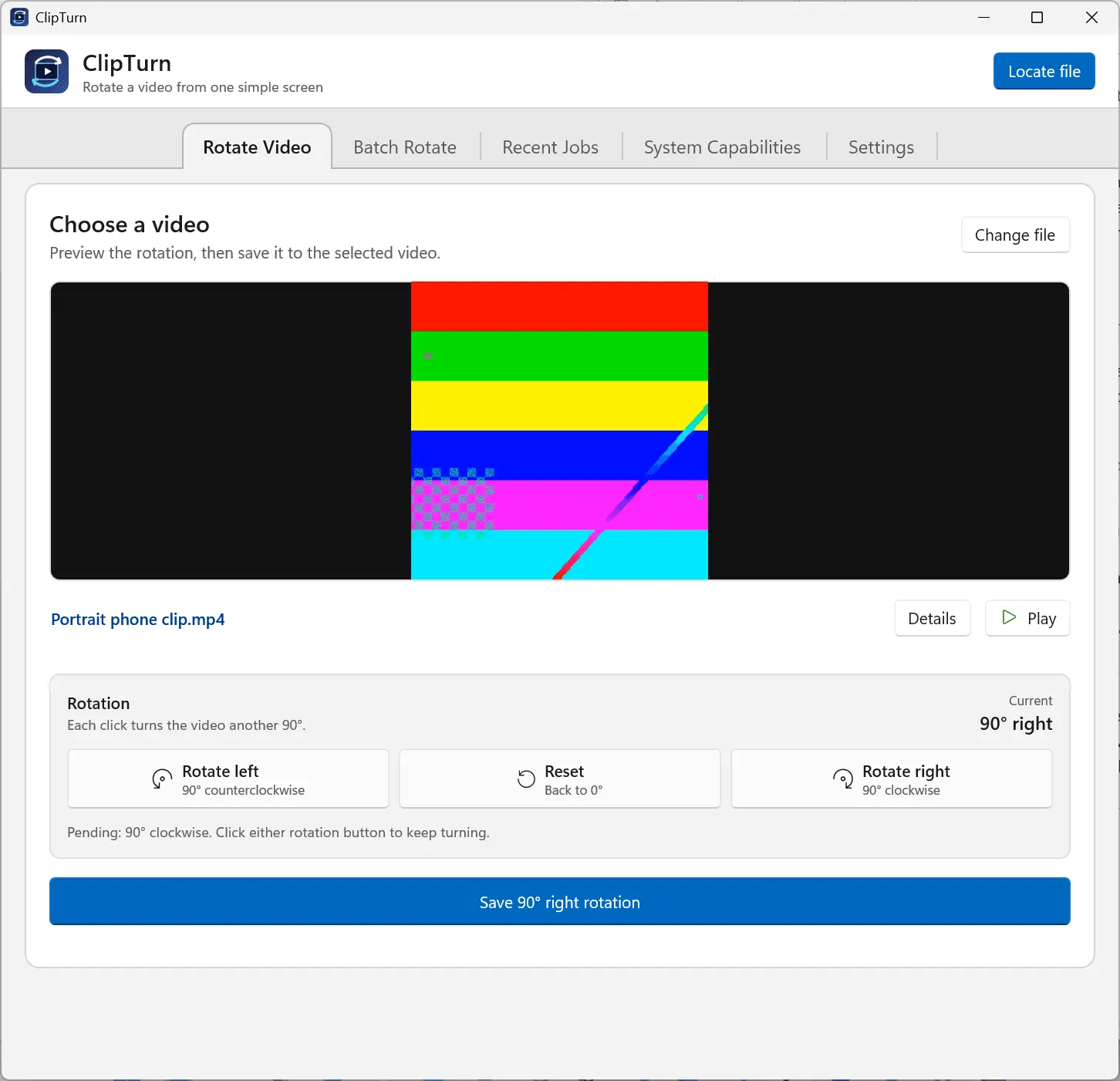
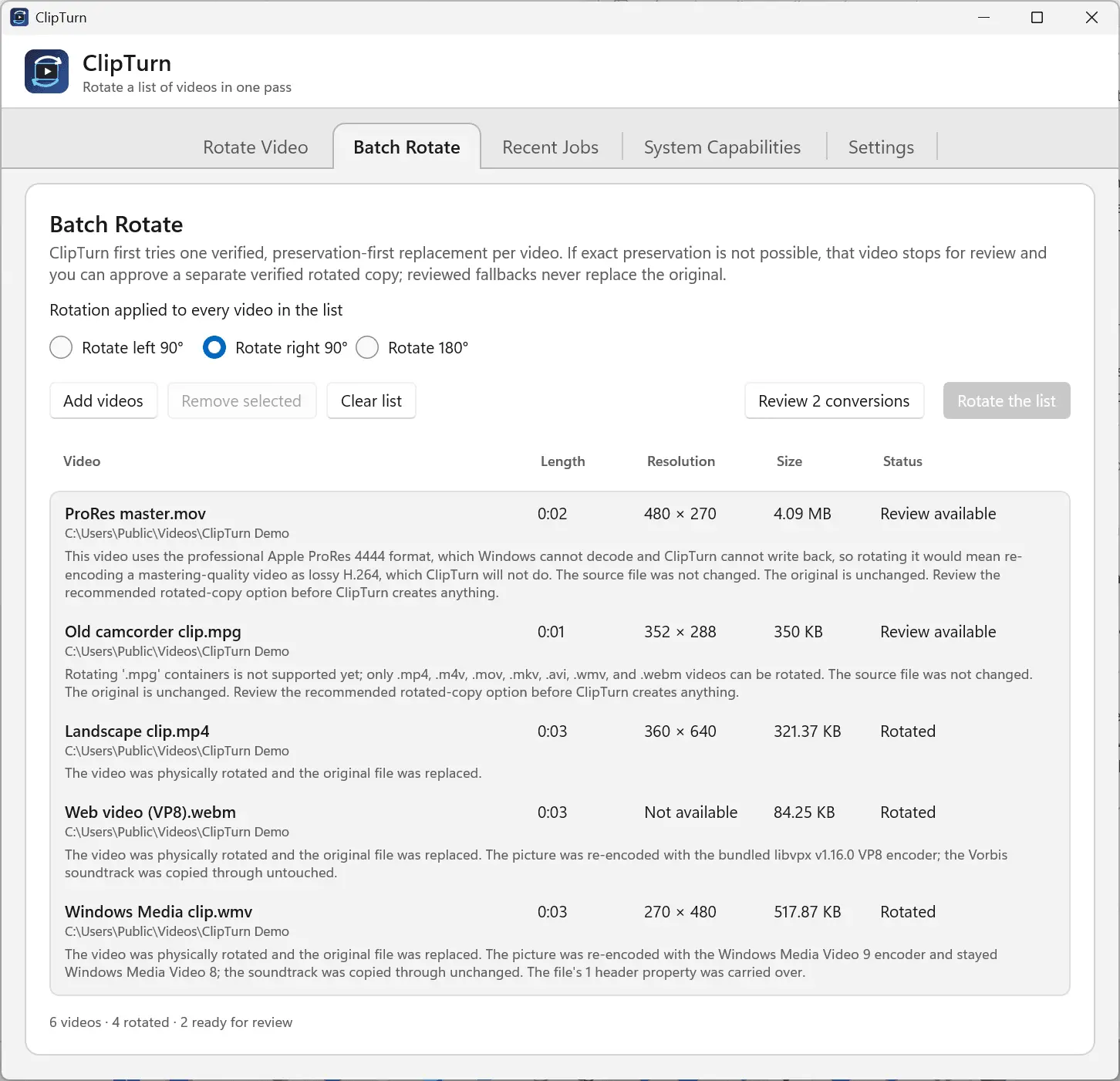
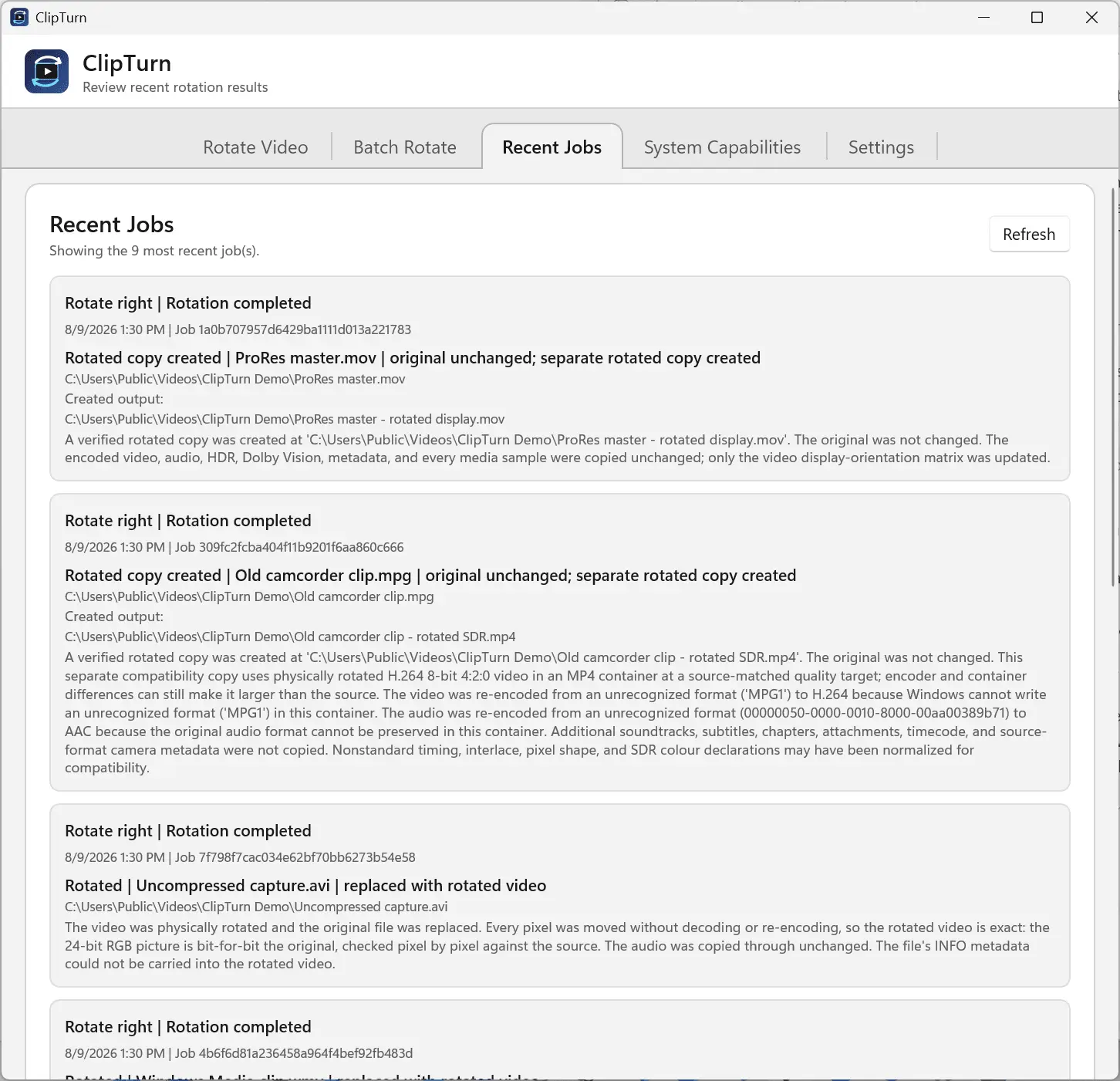
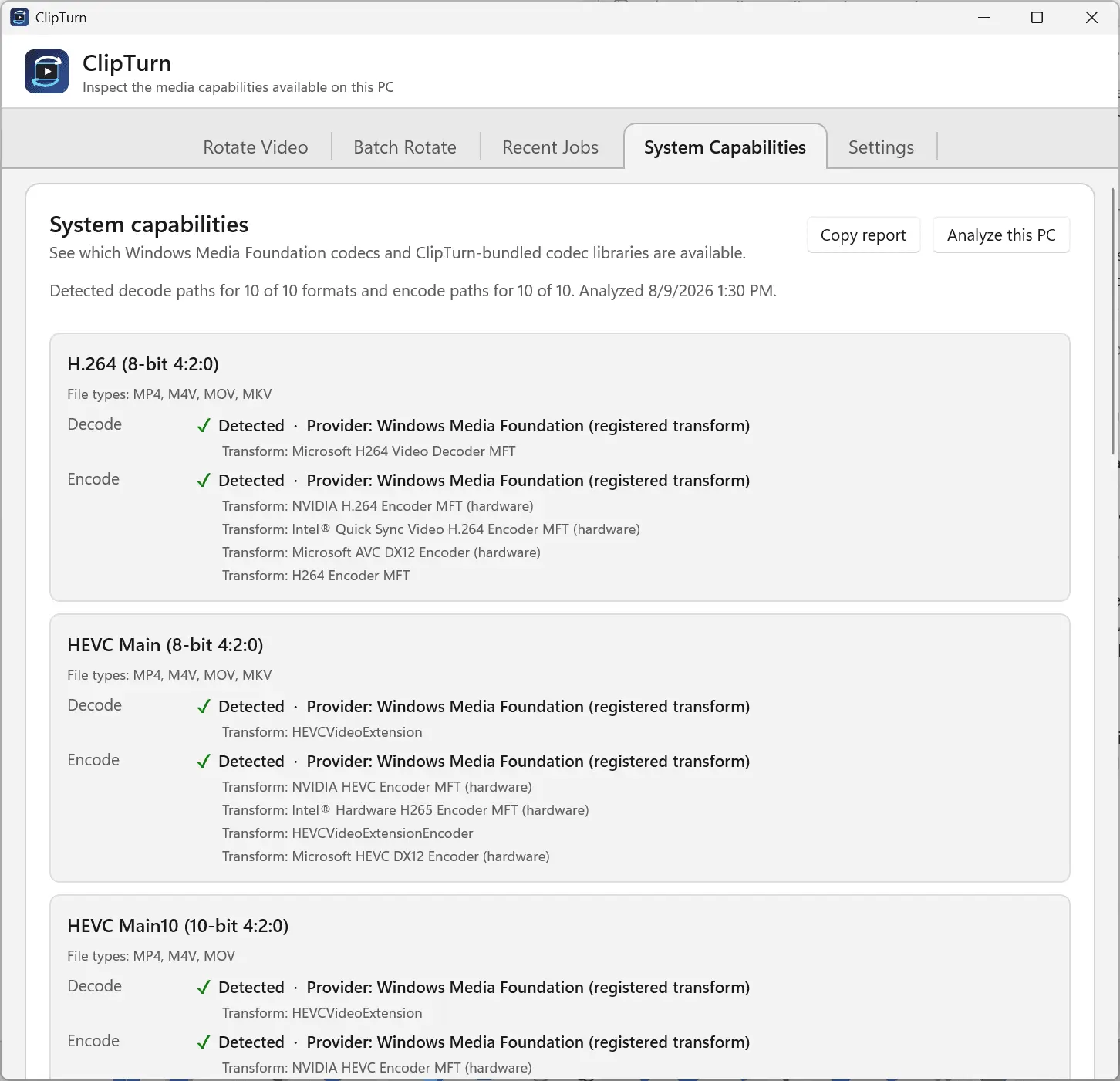
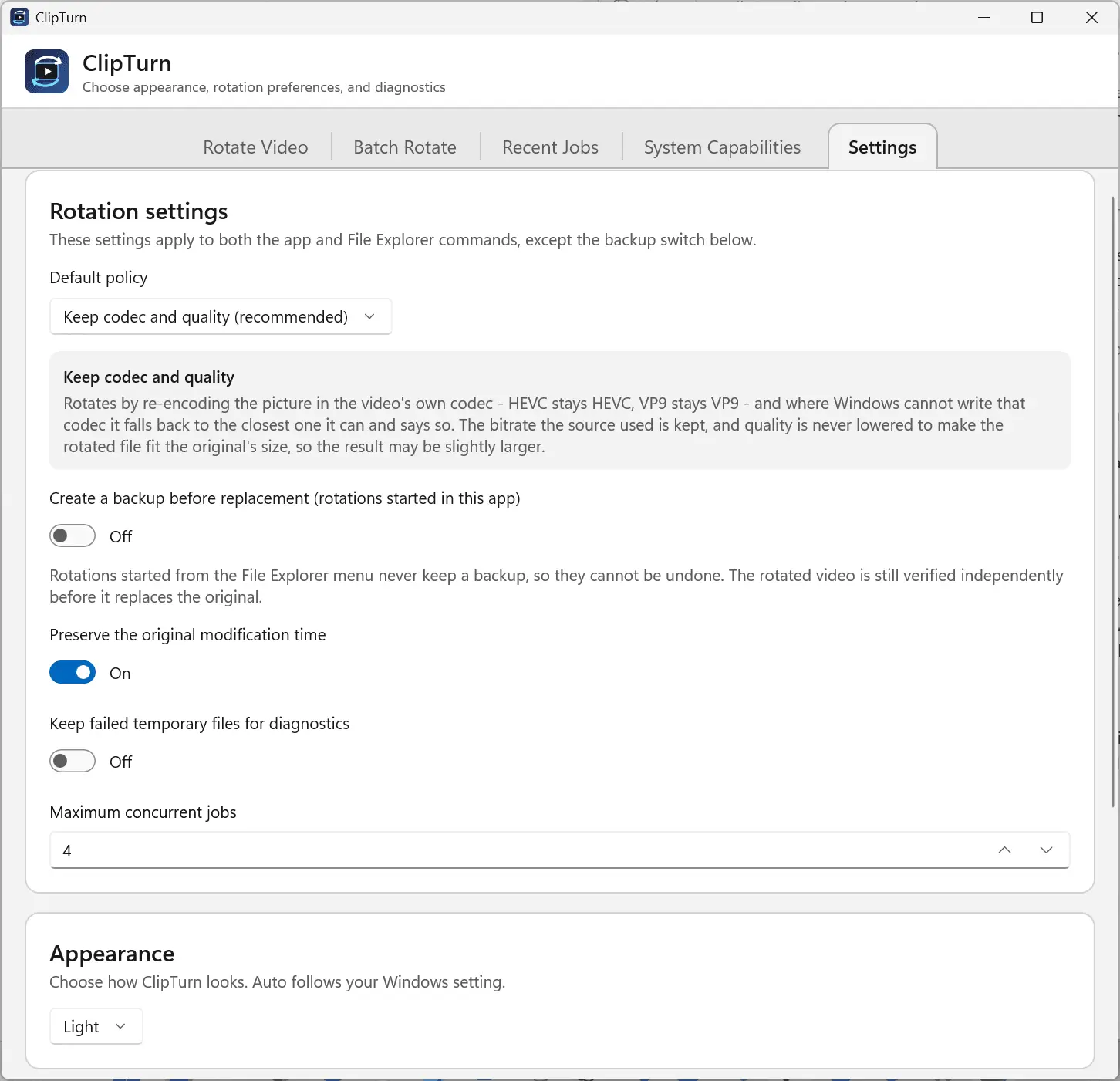
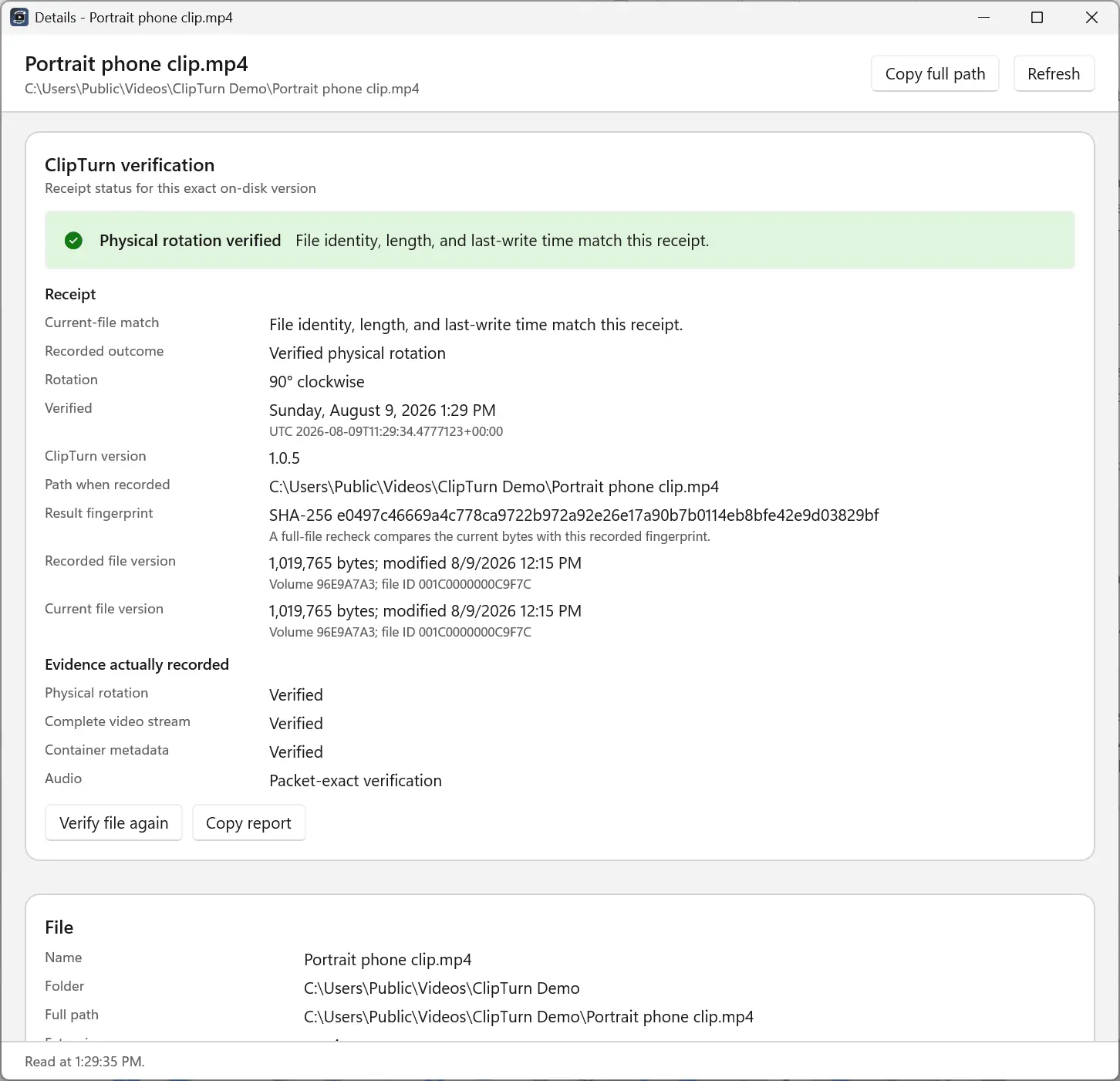
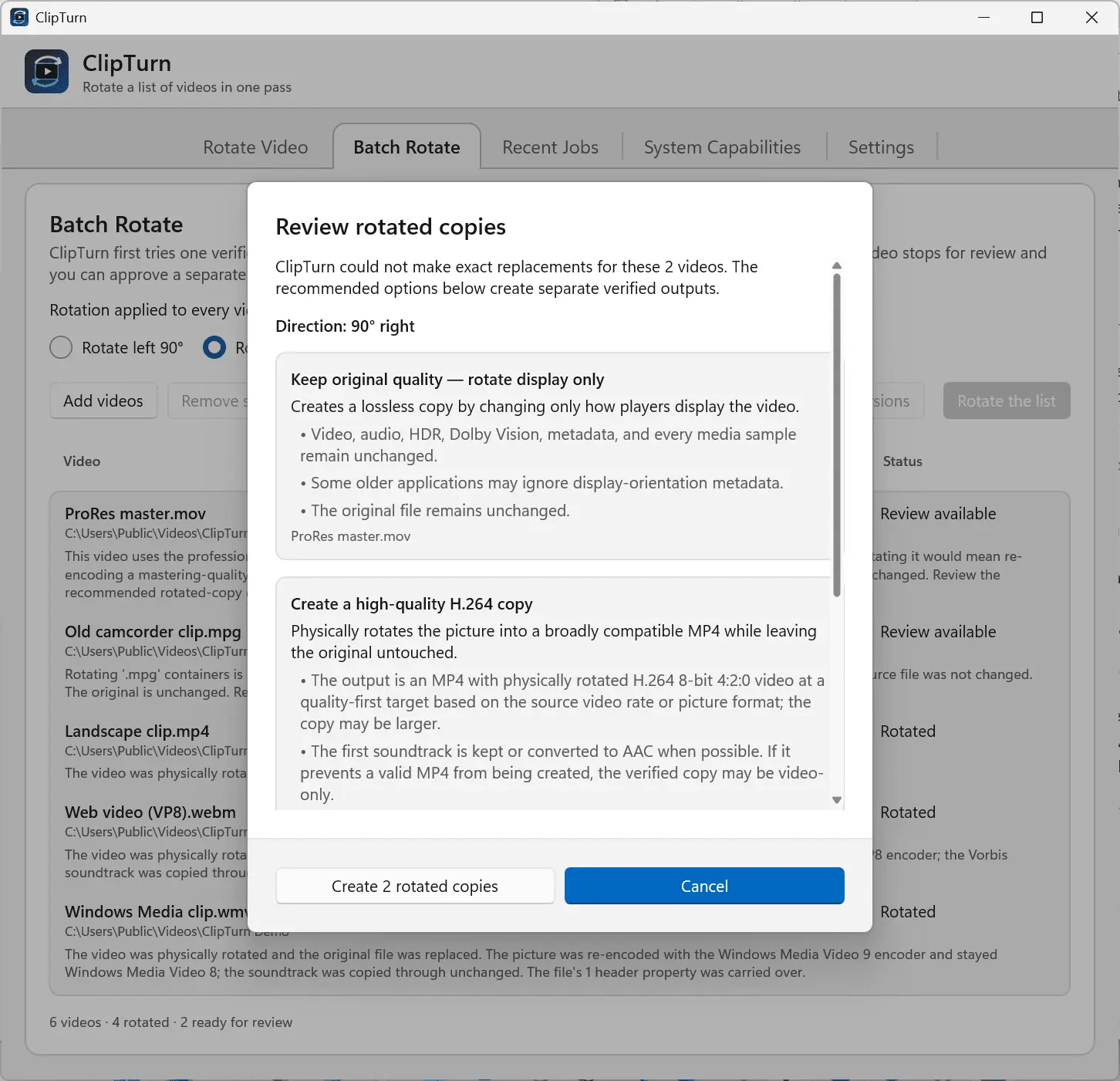
ClipTurn is a small Windows 11 app that rotates a video the way you rotate a photo: right-click the file in File Explorer, choose rotate left or right, and it is done. No export dialog, no codec questions, no new filename to manage. It physically turns the picture stored in the video instead of only setting an orientation flag that some players ignore, so the new orientation travels with the file to any player, editor, website or device. Before the source is replaced, ClipTurn builds a candidate and verifies it locally (file identity, picture geometry, stream preservation). If it cannot prove a faithful result, it refuses, explains why, and leaves your original untouched. What you get: - Rotate left and rotate right commands built into the File Explorer right-click menu. - Automatic decisions: no codec lists, bitrate guesses, quality sliders or output-format questions. - Preserves audio, subtitles, metadata, extra soundtracks, colour information and HDR where supported. - Batch Rotate a whole folder, with an individual result and a clear explanation for every file. - Verification receipts and a System Capabilities view that stay on your device. - Seven supported file types: MP4, M4V, MOV, MKV, WebM, WMV and uncompressed AVI. - 100% local processing: no account, no sign-in, no uploads. - Currently free on the Microsoft Store, with no trial timer, feature gate or subscription. Honest limits are part of the design: compressed video is re-encoded (only uncompressed packed-pixel AVI can be rotated sample-exactly), a successful Explorer rotation replaces the file with no undo, and some codecs depend on what your PC has installed. ClipTurn tells you all of this before it acts. Tutorial: https://youtu.be/-_kdhLjnPy0 Full manual: https://clipturn.app/manual.html
Product Video
Watch a video demo of ClipTurn.
Screenshots
Reviews (0)
No reviews yet. Be the first to rate this product!
Comments (2)
This solves such a common pain point - bulk video rotation without needing to open a separate editor. The File Explorer integration is a nice touch since most people already live there when managing media files.
@omribenshoham Thanks! I built ClipTurn to make video rotation feel native to File Explorer. No editor, export flow, or extra copy to manage.
Hi PeerPush! A sideways video should be as easy to fix as a sideways photo. ClipTurn rotates the real picture from Explorer's right-click menu and verifies it before replacing your file. Enjoy!