
CodePrettify
Format, repair, query and compare JSON locally — no uploads.

Details
- Target Audience
- Pricing
- Free
- Featured in
Discovery signals
How AI and people discover CodePrettify on PeerPush
By AI reads among Developer Tools tools
992 AI reads in the last 30 days, ranked against every Developer Tools tool listed.About CodePrettify
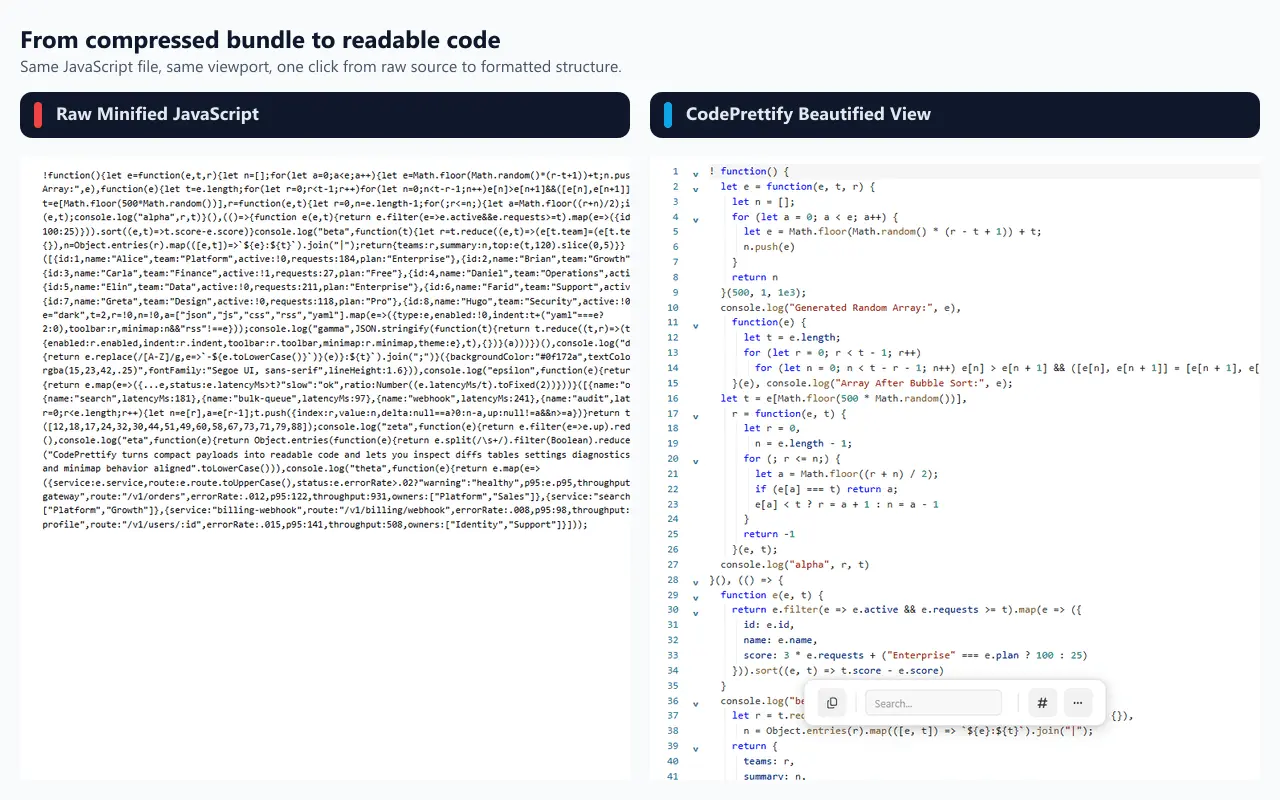
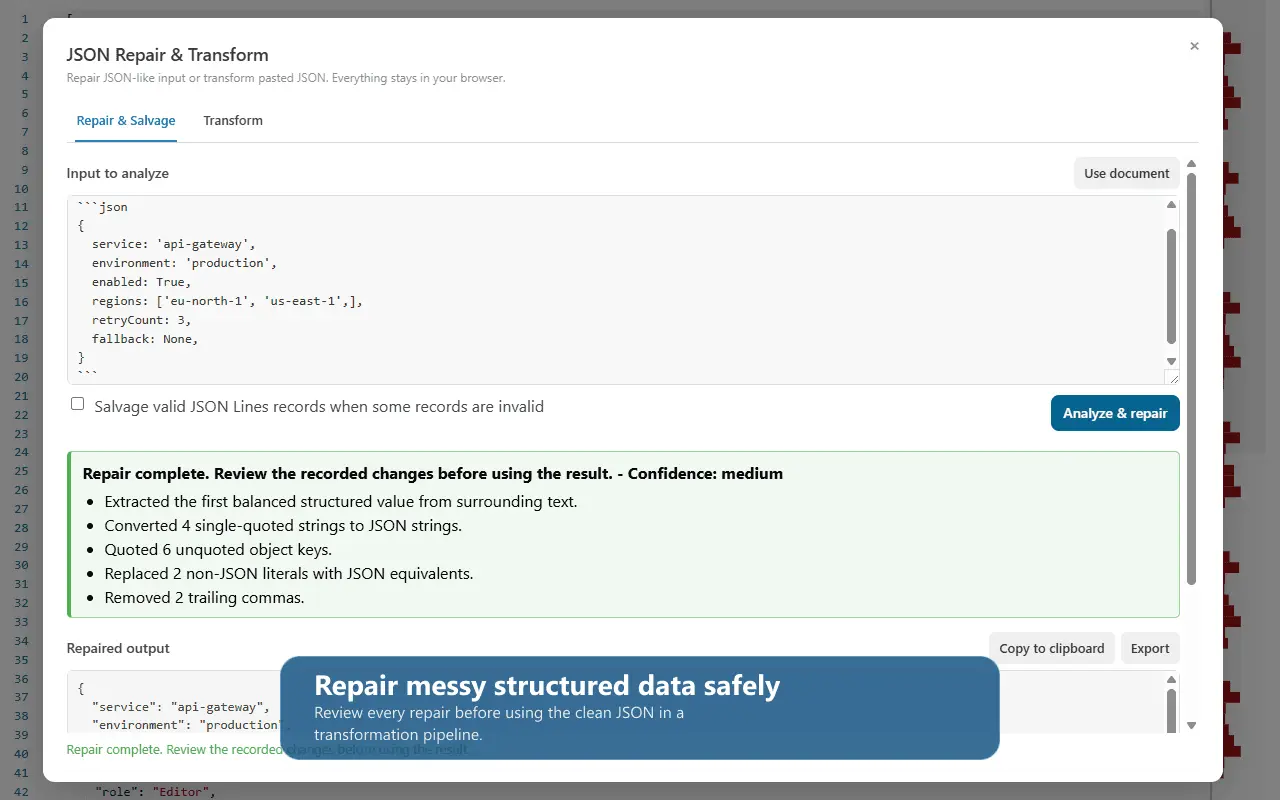
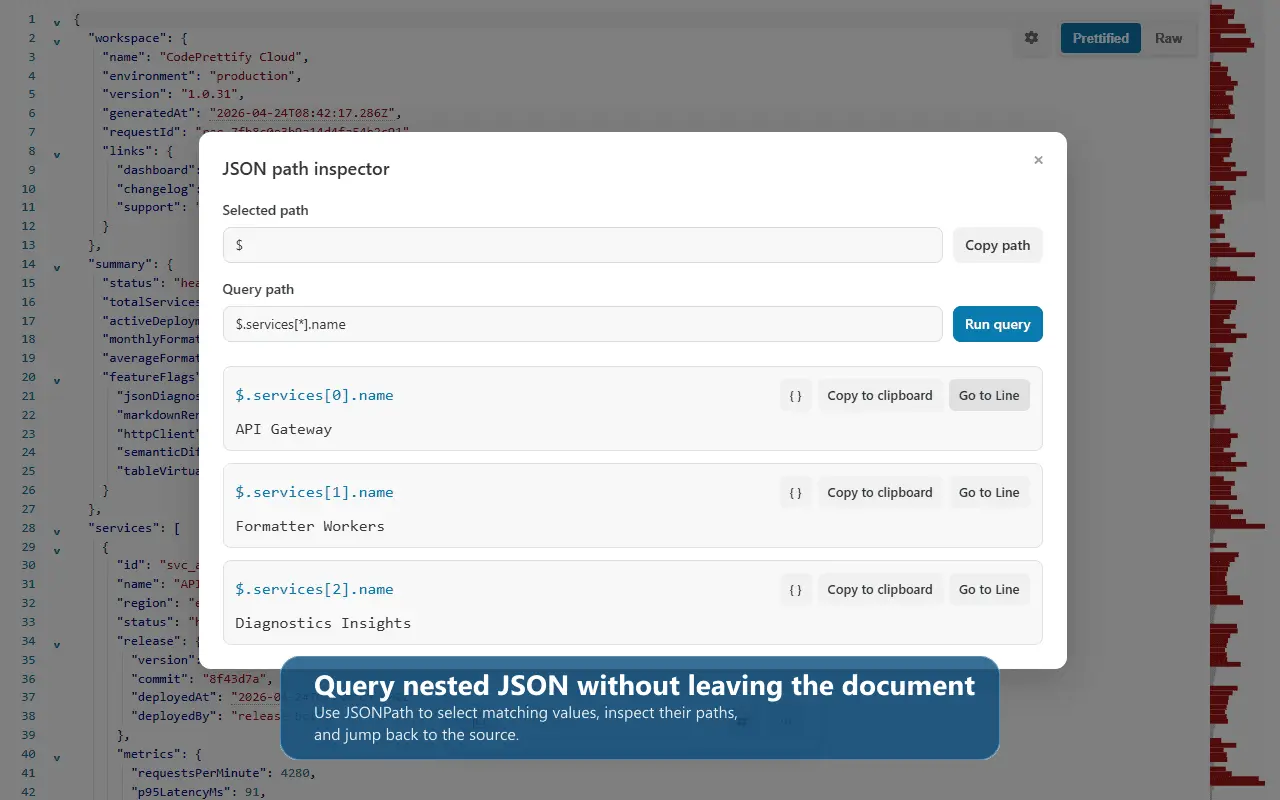
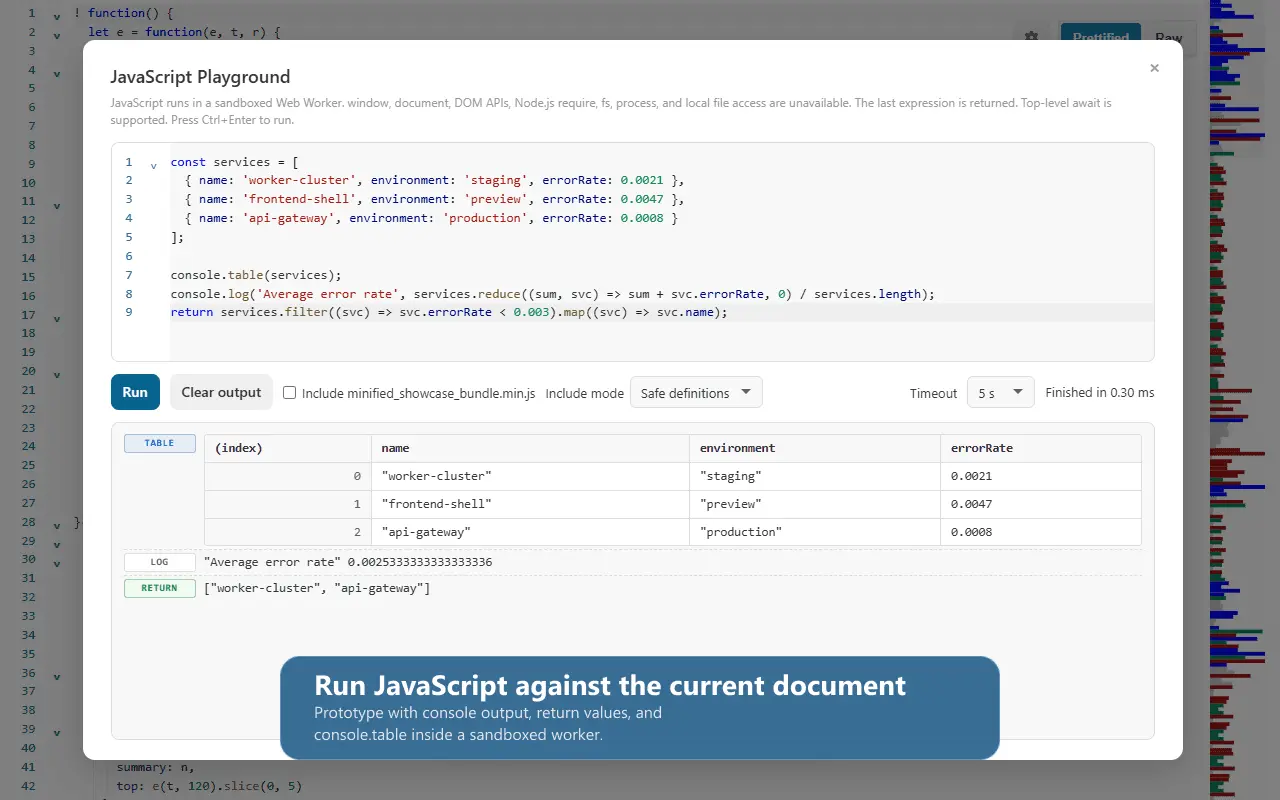
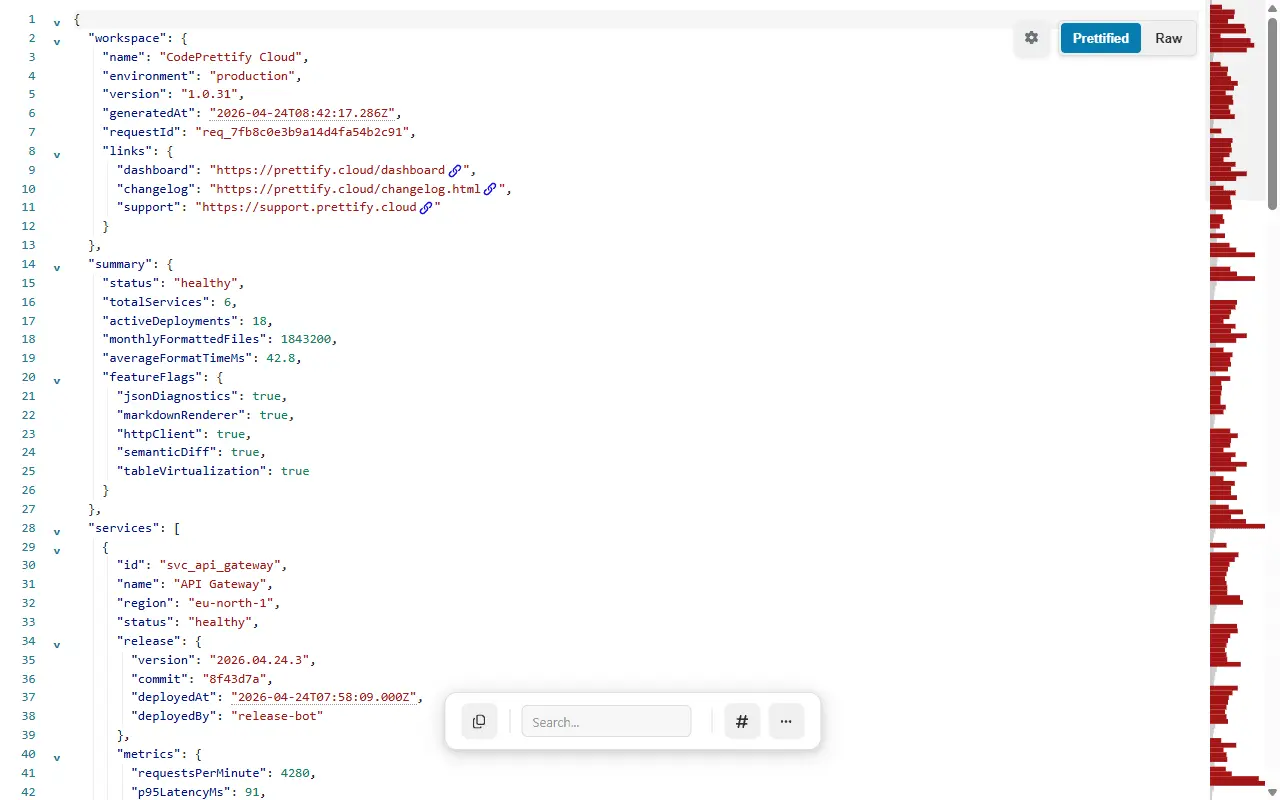
CodePrettify turns raw JSON, JavaScript, CSS, XML, RSS, YAML, TOML, CSV, and Markdown into a readable, searchable workspace. Format and validate content, navigate large files with tree view and breadcrumbs, run JSONPath queries, compare documents, repair malformed JSON, convert formats, decode JWT and Base64, and generate typed code. Everything runs locally in your browser or Windows app—no telemetry, cloud upload, or external processing. It is free and built for developers, testers, analysts, and support teams who regularly inspect API responses and data files.
Product Video
Watch a video demo of CodePrettify.
Screenshots
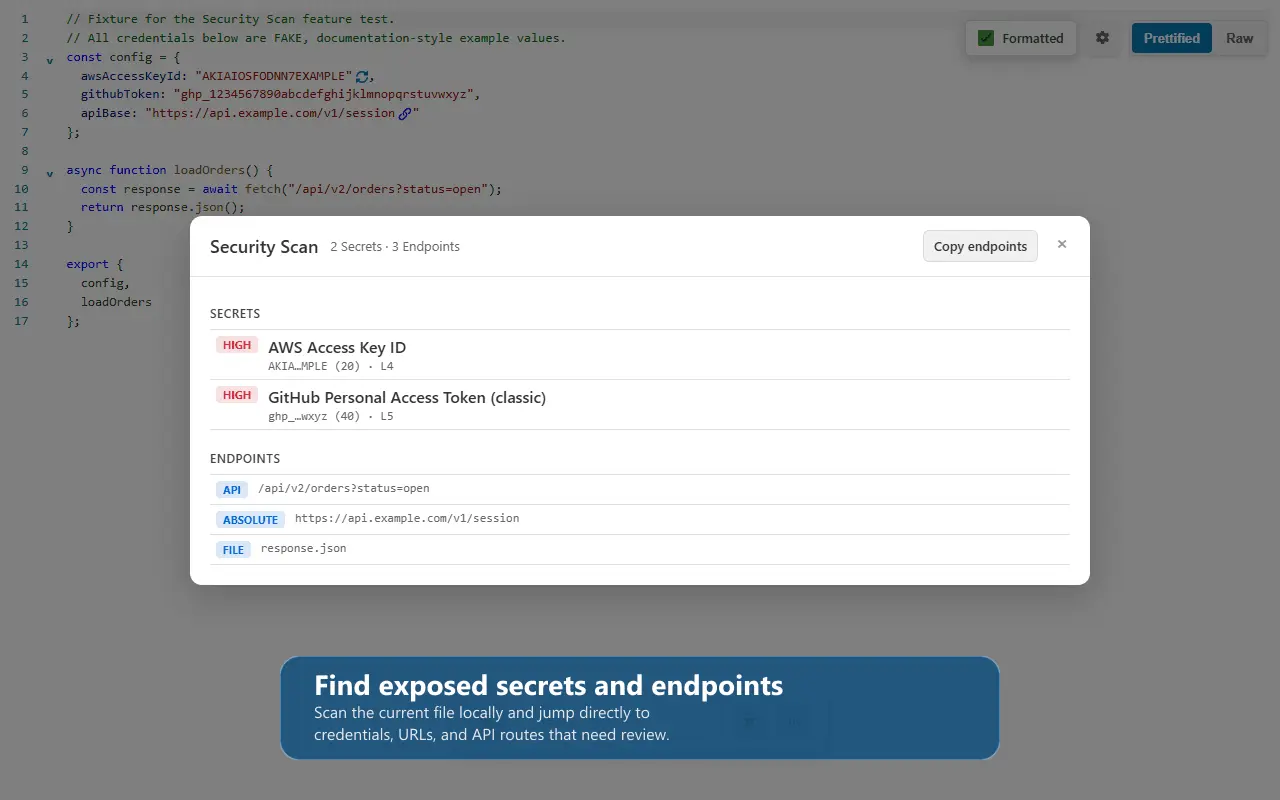
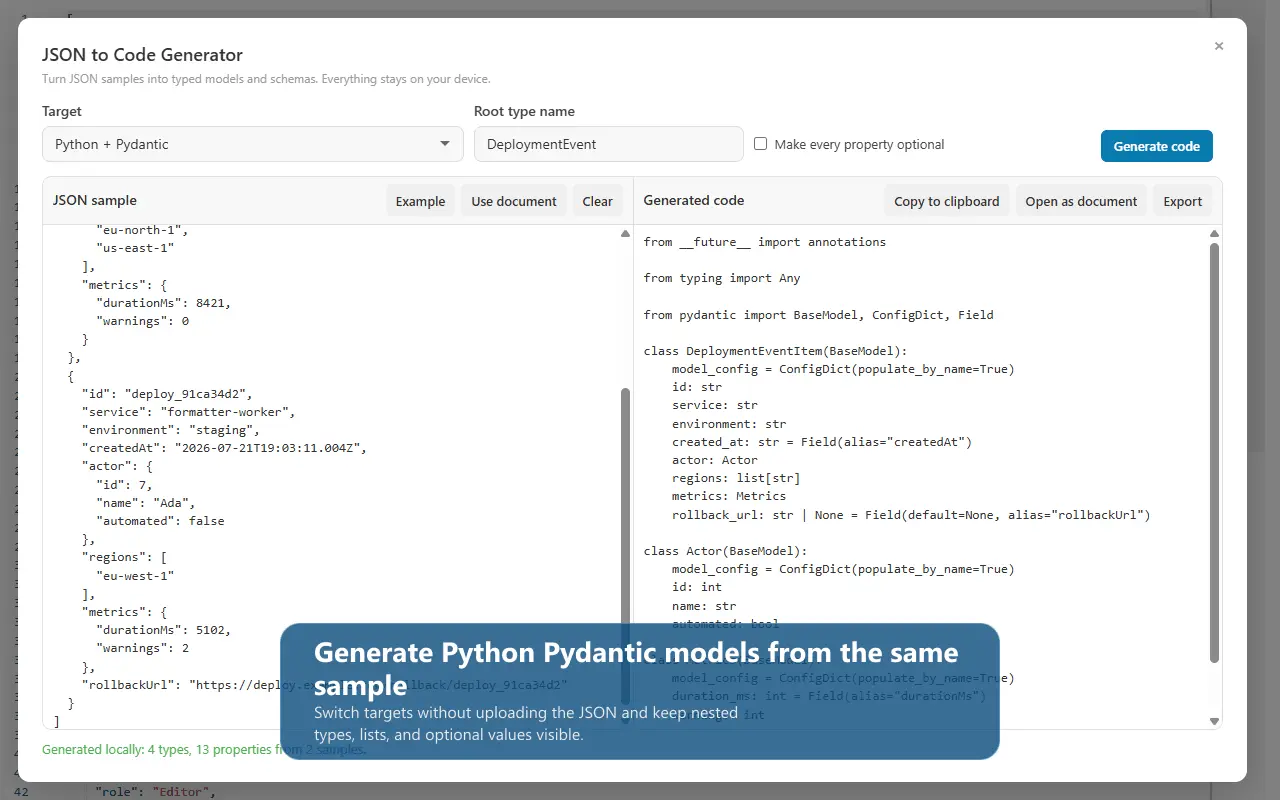
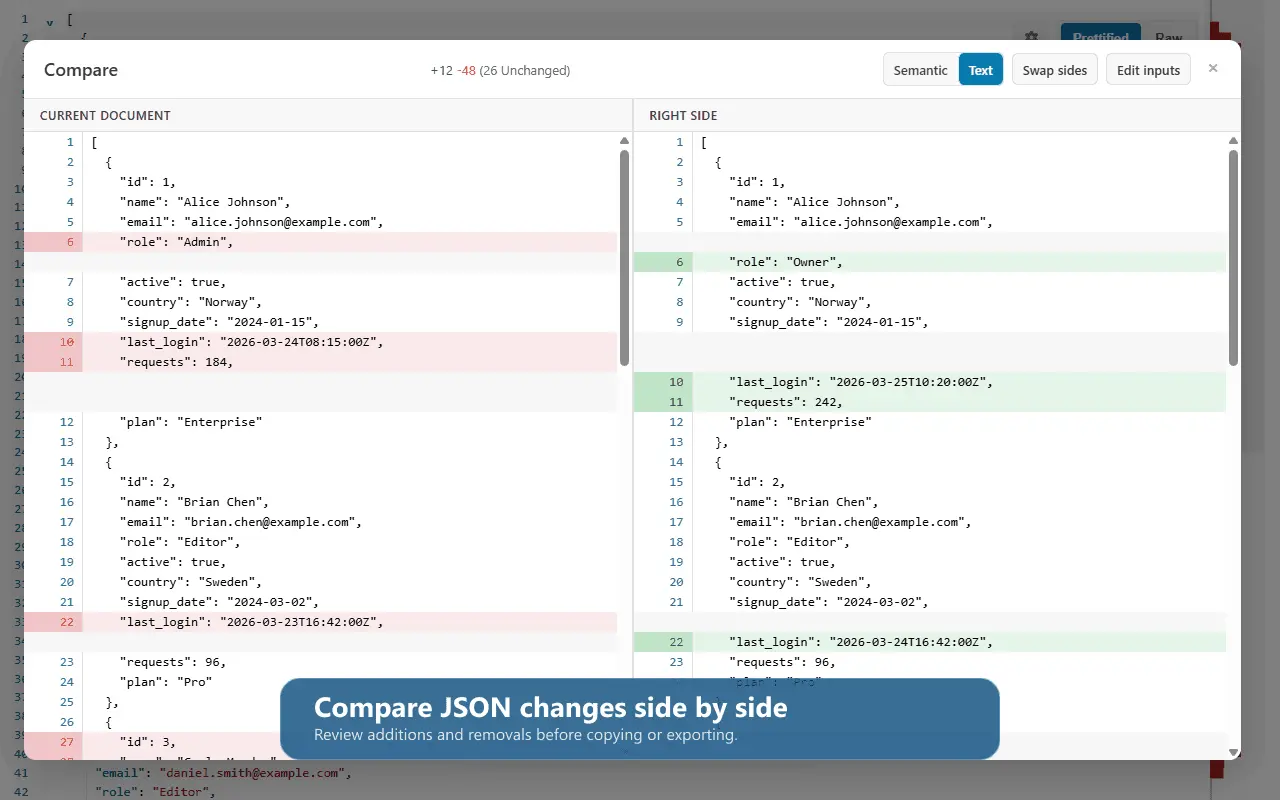
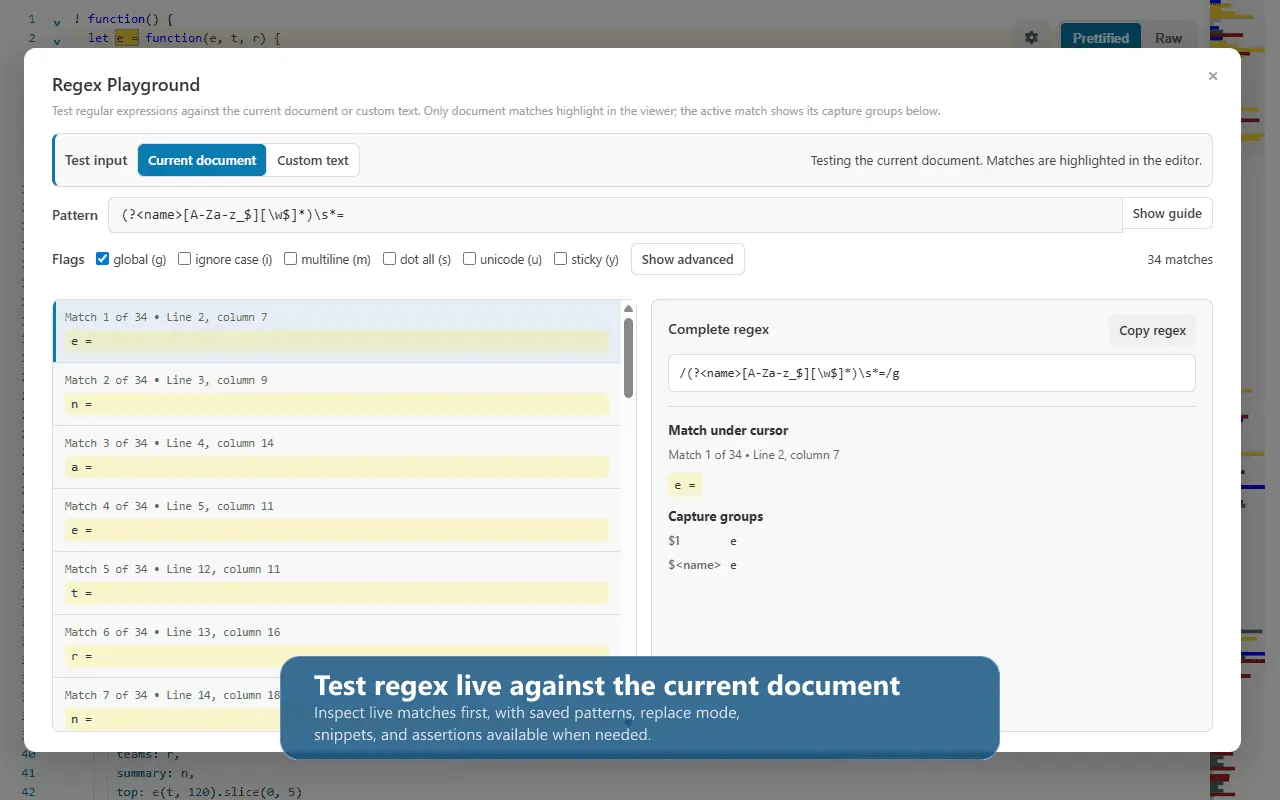
Product Updates (1)
Windows v2.0.9 + extension v1.0.63: safer saves and better data tools
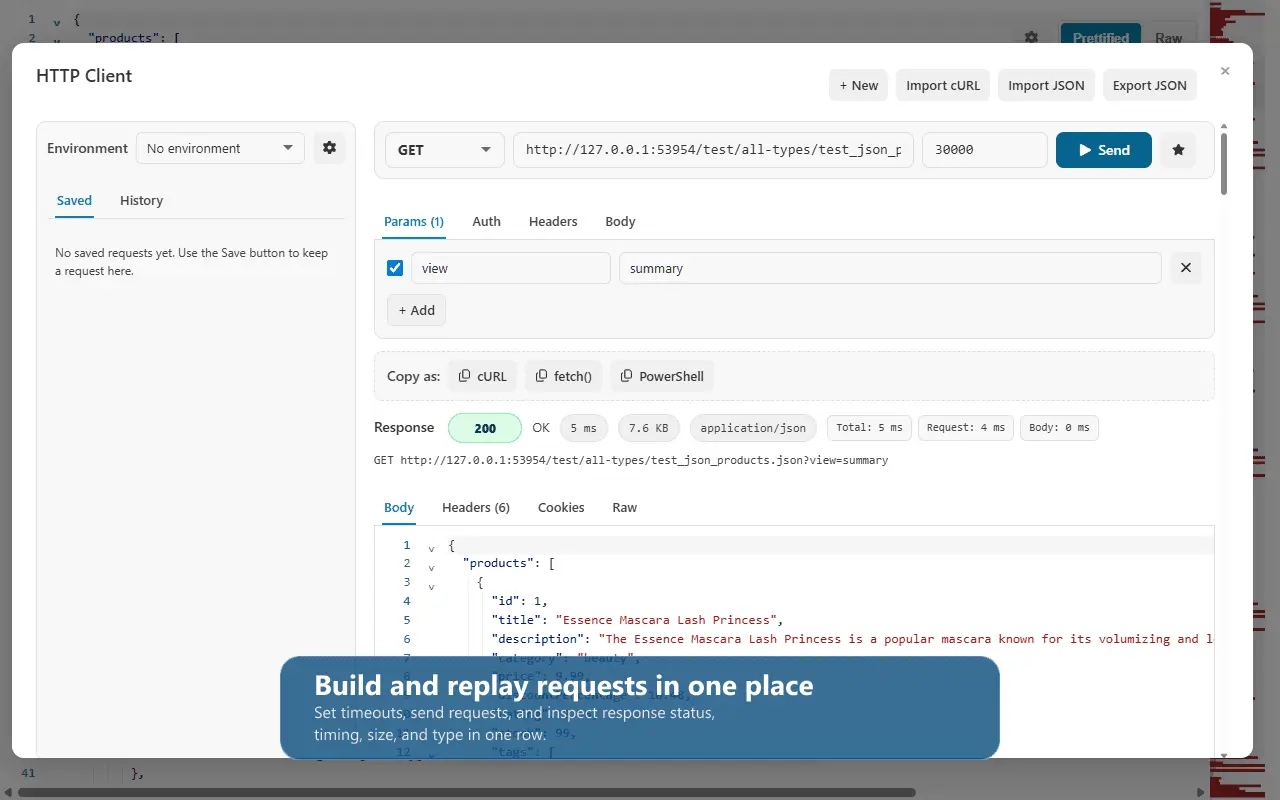
A catch-up on the latest CodePrettify improvements for Windows, Chrome and Edge. Windows app: • A native Windows interface with responsive paged views for large text and CSV files, restored sessions and clearer file navigation. • Stronger CSV tools: filters, column visibility and pinning, table-schema comparison, and export to CSV, JSON, HTML tables or Excel workbooks. • In v2.0.9, saving checks again for external edits after confirmation dialogs. LF/CRLF conversion also checks for newer changes and preserves encoding and the byte-order mark. Browser extension: • Diagram Generator turns structured documents into searchable field-card diagrams, with an inspector and SVG, PNG or Mermaid export. • A rewritten RegEx Playground highlights matches and replacement results and lets you stop long-running patterns. • Better JSON Lines readability, faster JavaScript loading and more reliable search, navigation and compact-window controls. Extension v1.0.63 is a maintenance release alongside Windows v2.0.9; these browser improvements arrived in preceding releases. Formatting and document tools run locally. HTTP Client requests are sent only when you explicitly send them. Full notes: https://prettify.cloud/changelog.html https://prettify.cloud/changelog-app.html
Comments (0)
No comments yet. Be the first to share your thoughts!
Reviews (0)
No reviews yet. Be the first to rate this product!
Comments (2)
The on-device processing is huge for privacy - no code sent to external servers. Perfect for developers handling sensitive projects or proprietary code. Execution is clean and fast.
@omribenshoham you get it! and this is one of the things that anoyed me with the other browser extensions i have used before. Also why i have added all the extra tools i need for developing into CodePrettify.
I built CodePrettify after struggling with slow or untrustworthy formatters. It now handles JSON, code, diffs, queries, and conversions entirely on-device. Feedback is very welcome!