
ContextIQ
Context Engineering Suite for AI Engineers

Details
- Follow on
- @Higgs0110LinkedIn
- Categories
- AIDeveloper ToolsAutomation & Workflow
- Target Audience
- AI DevelopersAI EngineersSoftware Developers
- Pricing
- Subscription from $5
- Platforms
- Web
Discovery signals
How AI and people discover ContextIQ on PeerPush
About ContextIQ
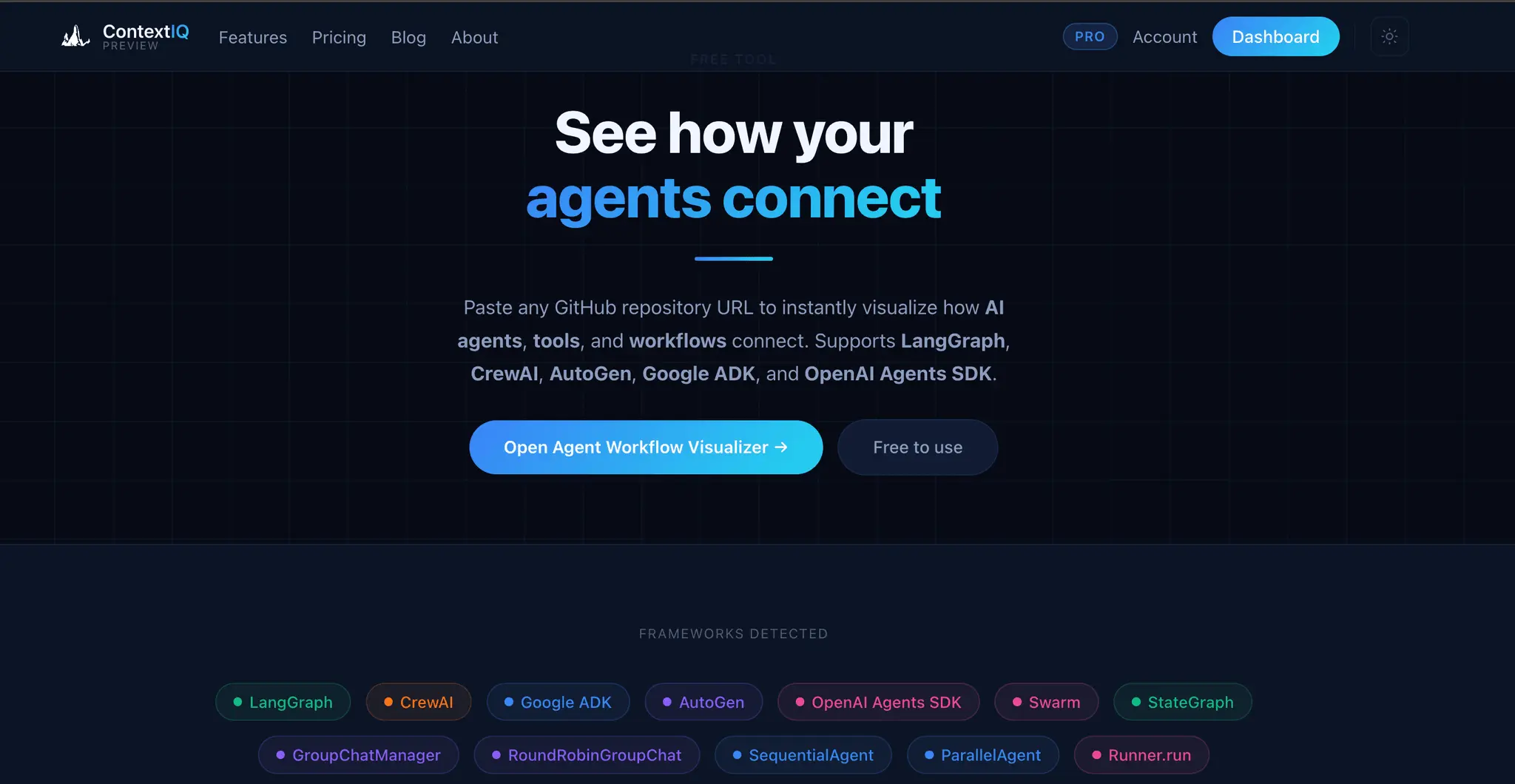
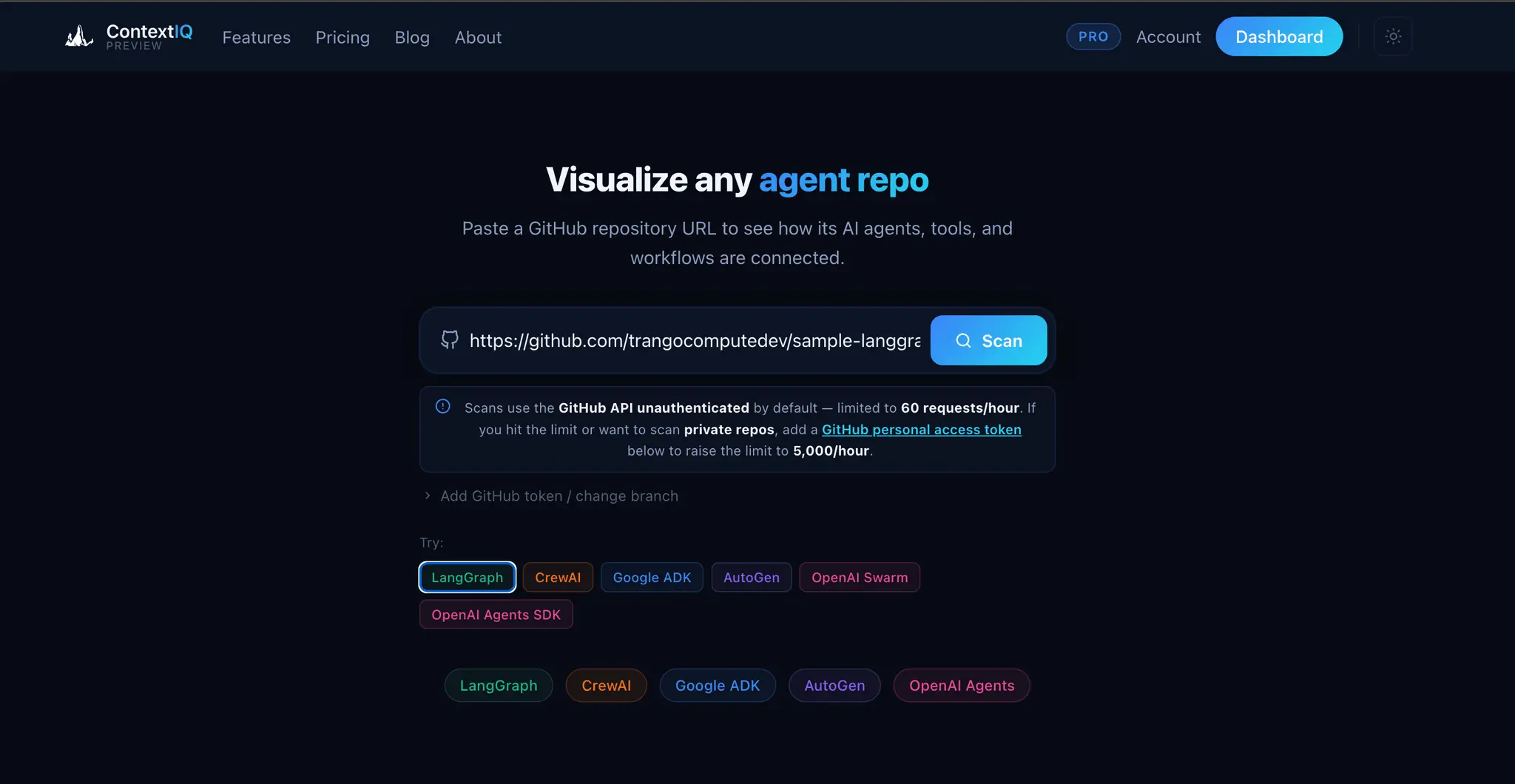
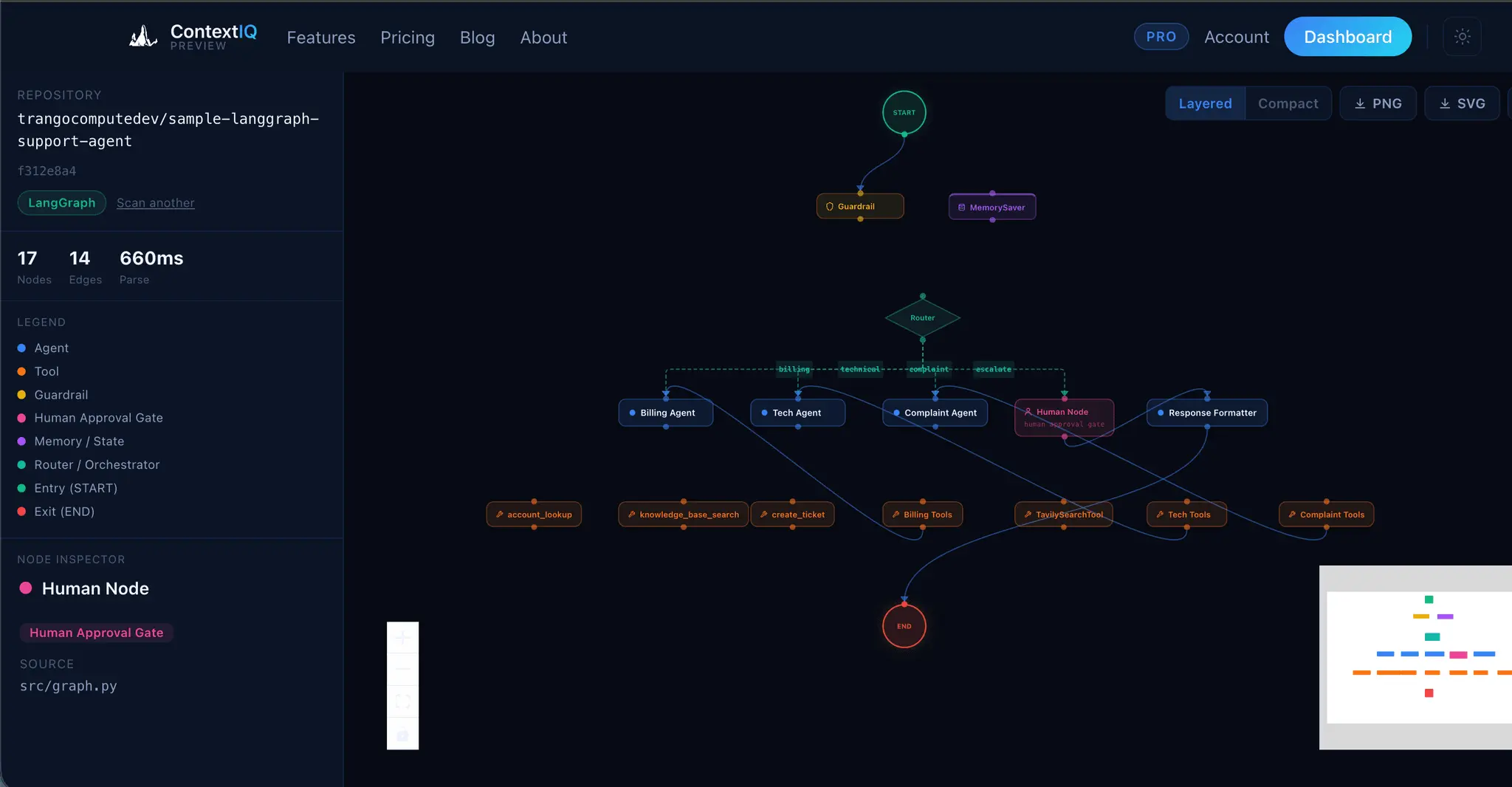
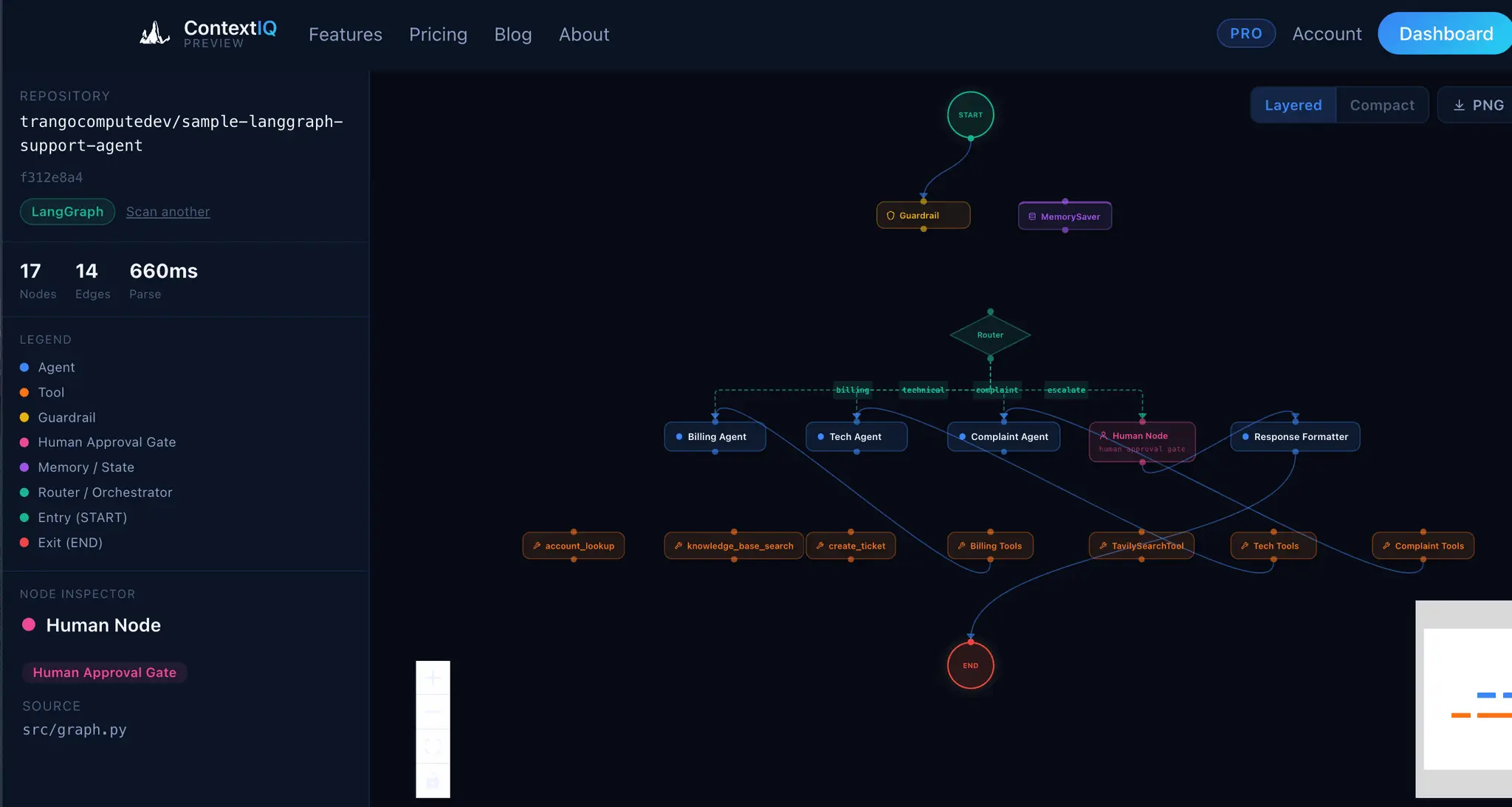
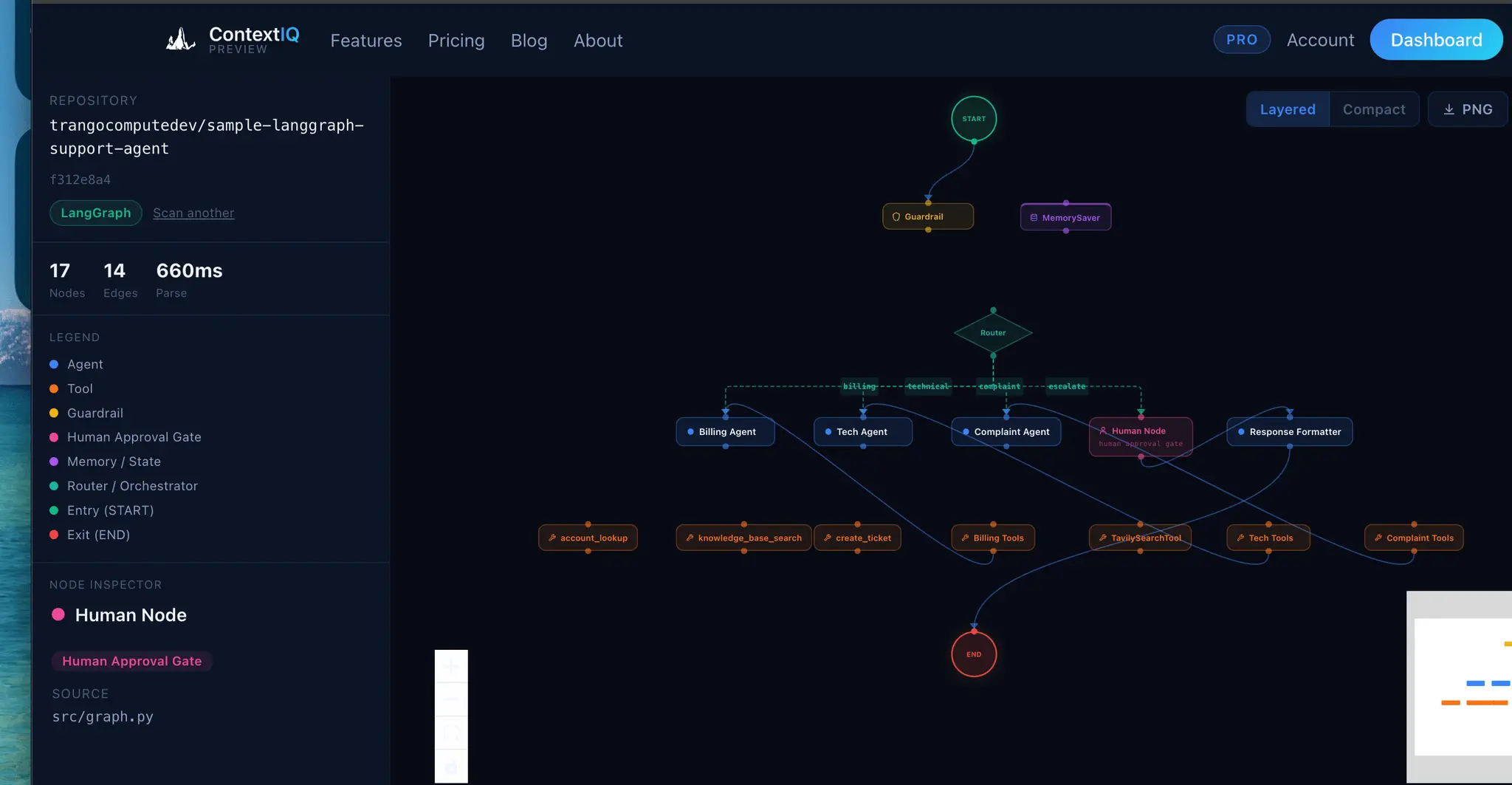
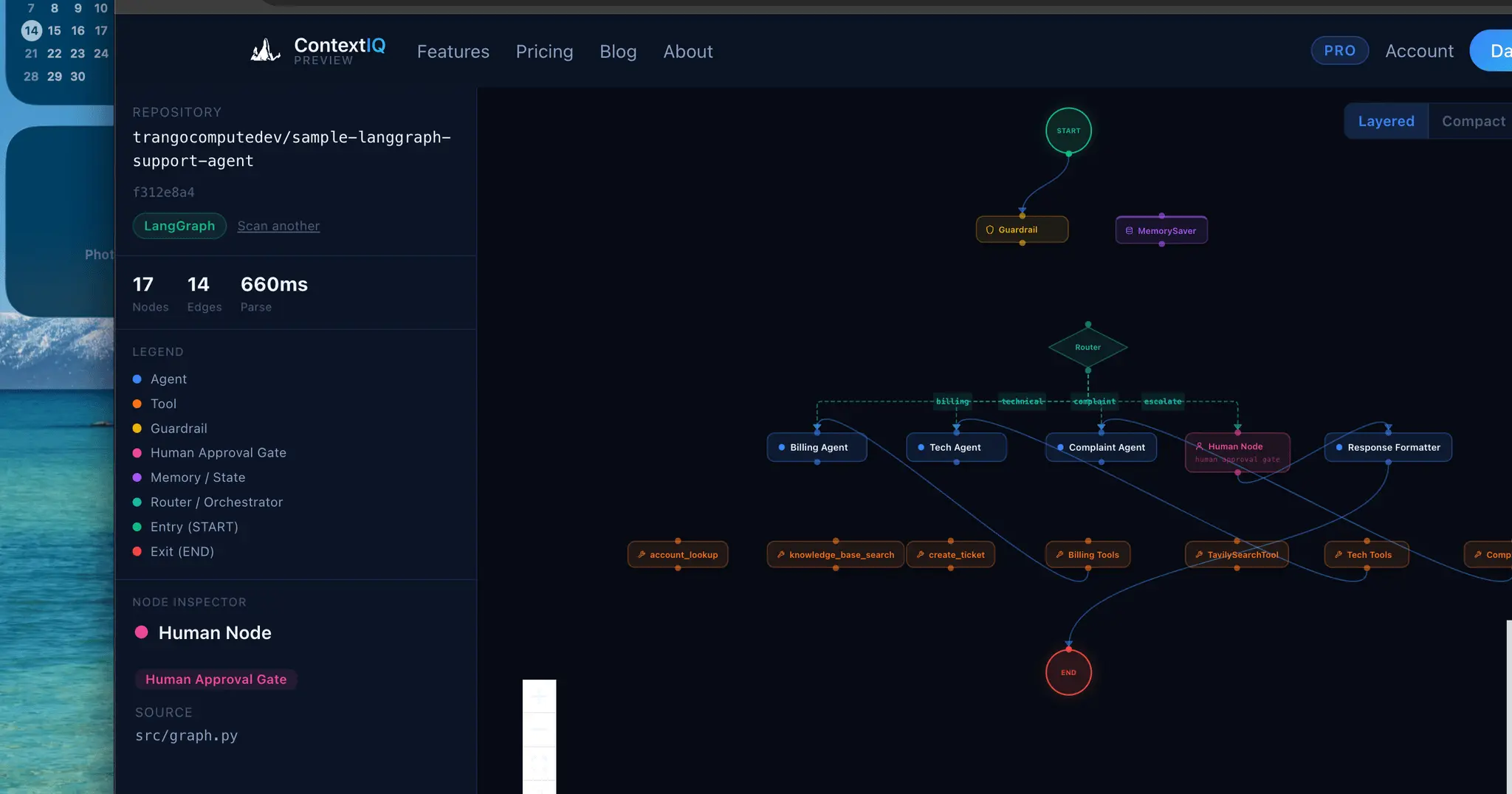
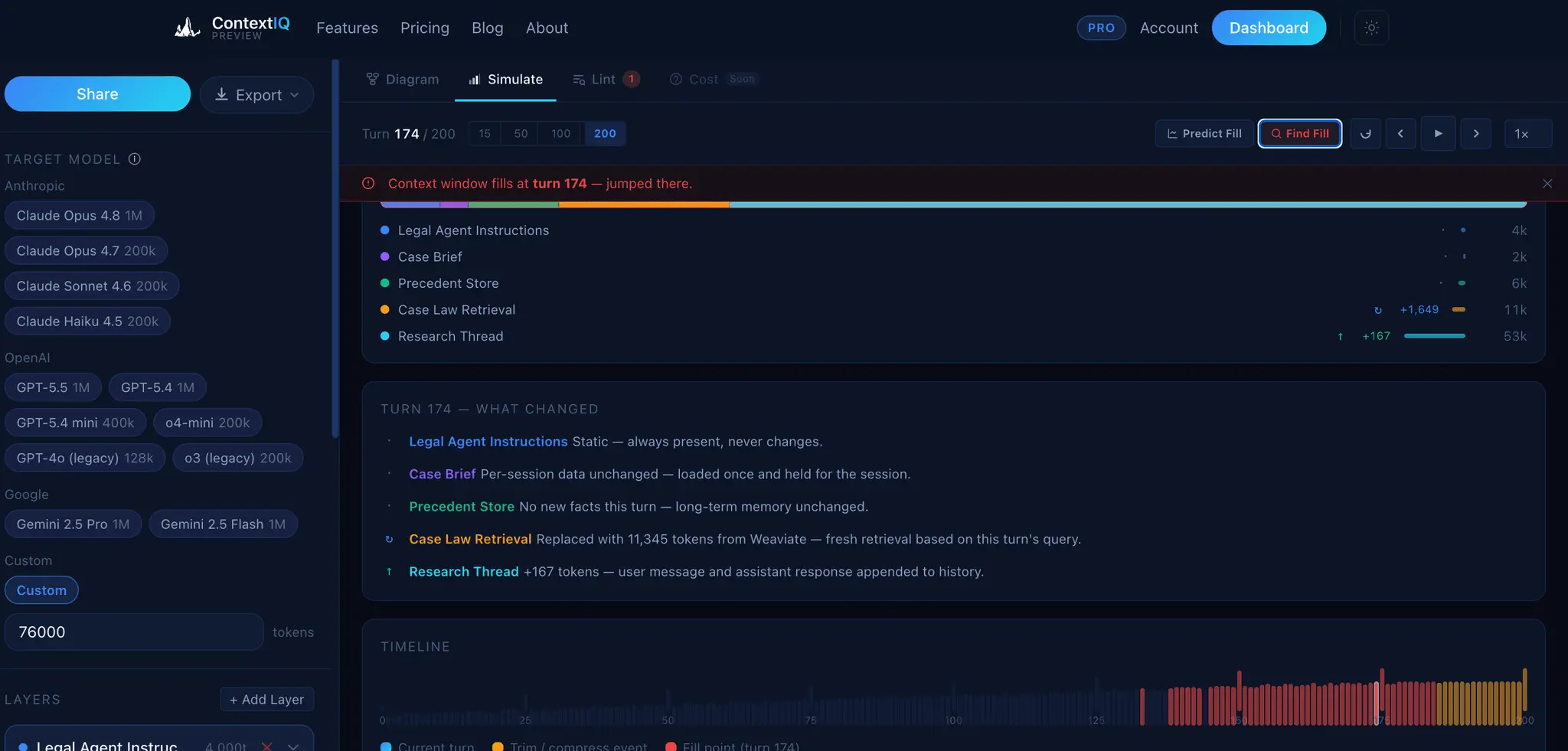
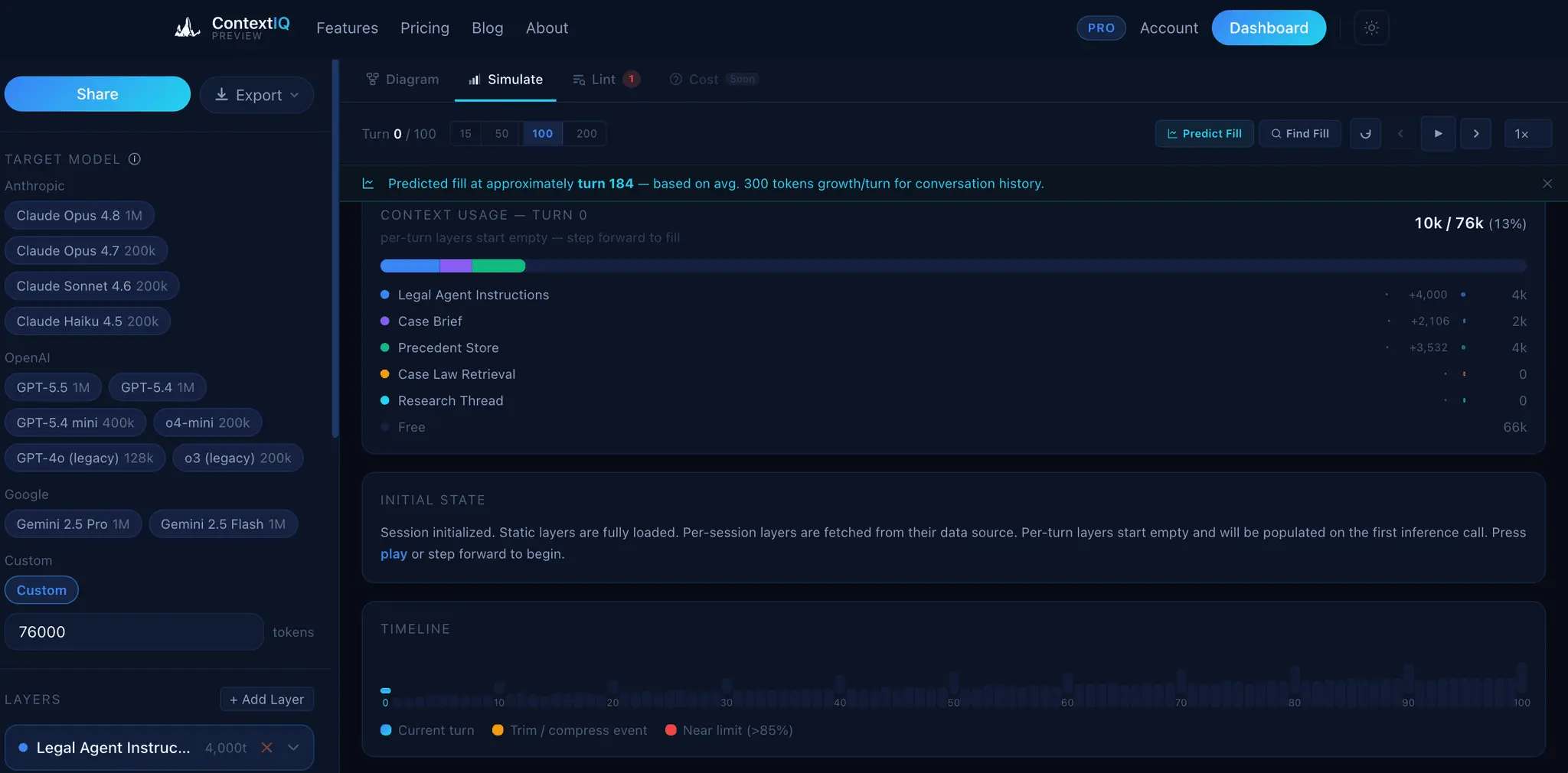
ContextIQ — Context Engineering for AI Engineers Building production AI systems means wrestling with invisible problems. You ship a RAG pipeline and retrieval quality is poor — but you can't see why. Your agent graph works in testing but you can't explain the token costs to your team. Your auth integration breaks in staging but the OpenID Connect config looks fine. These aren't model problems. They're context problems. ContextIQ is a suite of free tools built specifically for AI engineers who need to see inside their systems — not guess. --- RAG Chunk Inspector The single most common reason RAG pipelines underperform is bad chunking. When your chunks are too large, you flood the context window with noise. Too small, and the retrieved fragments lack enough meaning to be useful. The problem is that chunking strategies are invisible — you configure a splitter, run it, and hope. RAG Chunk Inspector lets you paste any document and instantly see exactly how it splits across three strategies: tiktoken-based, sentence-boundary, and paragraph-boundary. You see chunk sizes, token counts, and a live LLM context preview side by side. You stop guessing which strategy fits your corpus and start knowing. --- Agent Workflow Visualizer As agent systems grow — more nodes, more edges, more conditional branches — the code becomes the only authoritative map of the system, and reading it is slow and error-prone. Onboarding a new engineer or reviewing a pull request on a LangGraph workflow means mentally simulating a graph from source files. Agent Workflow Visualizer takes a GitHub URL and renders the full agent graph in seconds. It supports LangGraph, CrewAI, AutoGen, Google ADK, and OpenAI Agents SDK. The graph is the documentation. You can share it, review it, and reason about it without running the code. --- Agent Trace Inspector You ran your agent. Something went wrong — or something was slower and more expensive than expected — and now you need to understand what actually happened at runtime. Log output gives you lines. What you need is structure. Agent Trace Inspector takes an OTLP JSON trace exported from LangSmith, Langfuse, or any OpenTelemetry-compatible backend and renders the full execution graph with per-node token attribution. You can see which node consumed the most tokens, where latency concentrated, and how the graph actually executed versus how you designed it. It supports LangGraph, CrewAI, and OpenAI Agents. --- Memory Architecture Visualizer Agent memory is one of the hardest parts of AI system design to communicate and reason about. You might have episodic memory in a vector store, a semantic cache in a database, a procedural tool registry, and working memory assembled dynamically at inference time — all with different token budgets and retrieval paths. No existing tool makes this visible. Memory Architecture Visualizer lets you design agent memory layers as a directed acyclic graph. You assign token budgets, label data flows, and map the relationships between memory types. The output is a diagram you can share with your team, use in design reviews, or embed in technical documentation. It supports LangGraph, CrewAI, AutoGen, and OpenAI Agents SDK patterns. --- Token Inspector Token costs compound fast. A prompt that looks cheap at 1,000 requests per day becomes a significant line item at 1 million. The problem is that each provider counts tokens differently, prices input and output tokens asymmetrically, and updates pricing without much fanfare. Comparing costs across providers means juggling multiple pricing pages and doing arithmetic in your head. Token Inspector lets you paste your actual prompt and completion text, then shows you the exact token count and API cost across GPT-4o, Claude 3.5 Sonnet, Gemini 1.5 Pro, DeepSeek V3, and 20+ other models simultaneously. You see your monthly cost at your actual request volume before you commit to a model choice. --- HyDE Visualizer Hypothetical Document Embeddings (HyDE) is one of the most effective retrieval improvements for RAG systems, but it's also one of the hardest to evaluate. Instead of embedding the user's query directly, you generate a hypothetical answer and embed that — which often retrieves far more relevant chunks. The challenge is understanding when HyDE helps and by how much. HyDE Visualizer computes cosine similarity scores for both approaches — direct query embedding and HyDE — using all-MiniLM-L6-v2 and BGE-Small-en-v1.5, then shows the comparison across your corpus chunks. You see the score delta, understand where the method gains, and make an informed decision about whether HyDE belongs in your pipeline. Relevant for LangChain and LlamaIndex implementations.
Screenshots

Product Updates (1)
Agent Protocol Inspector
Agent Readiness Detector — is your site ready for AI agents? Link: https://contextiq.trango-compute.com/dashboard/agent-protocol-inspector AI agents built on Claude, ChatGPT, and Gemini find services through three open specs: MCP, A2A, and ARD. Scan your domain and see which ones you support today — and exactly what's missing for the rest.
Comments (0)
No comments yet. Be the first to share your thoughts!
Reviews (2)
Average 5.0 out of 5
Based on 2 reviews


Excellent tool for structuring context in AI projects. Makes it easy to manage and optimize prompts for different AI models and use cases.
Comments (0)
No comments yet. Be the first to share your thoughts!