
Editmamei
Unlock Photoshop with natural-language photo editing

npm install -g editmameiDetails
- Categories
- Target Audience
- Pricing
- Freemium from $12
Discovery signals
How AI and people discover Editmamei on PeerPush
By AI reads among AI tools
1,564 AI reads in the last 30 days, ranked against every AI tool listed.About Editmamei
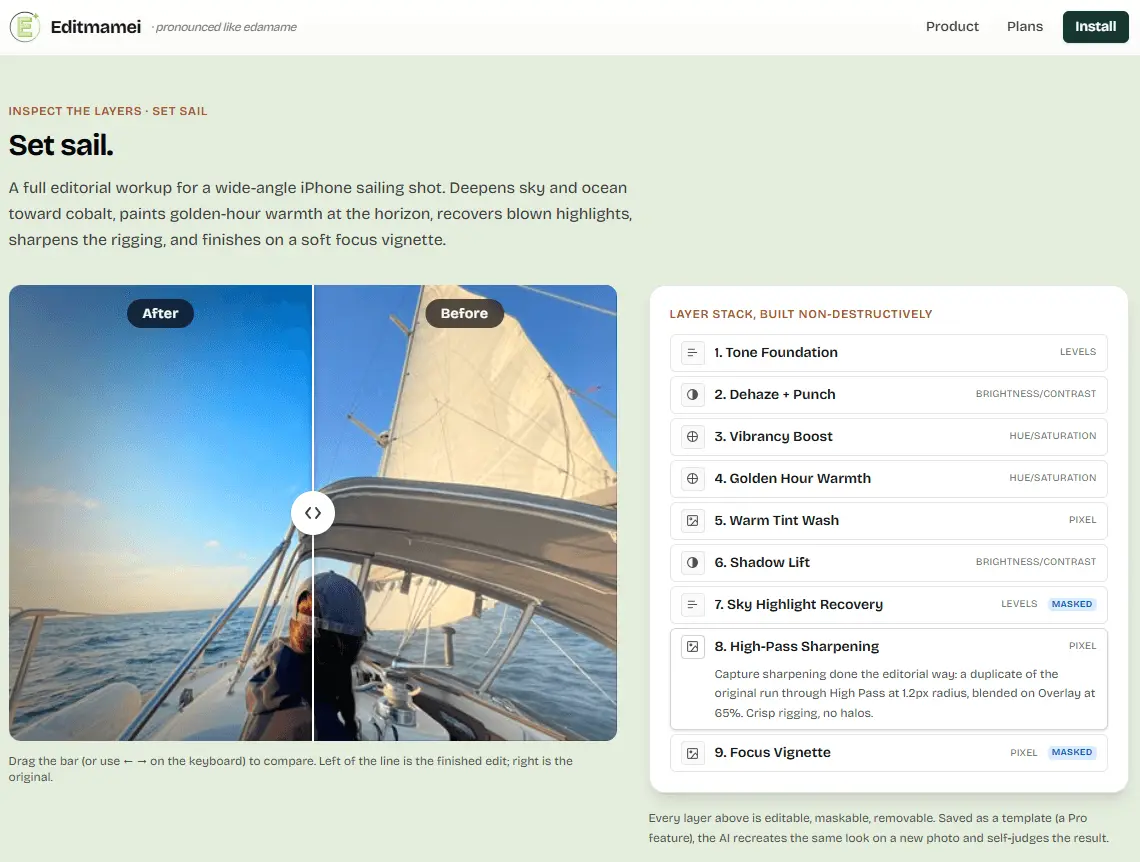
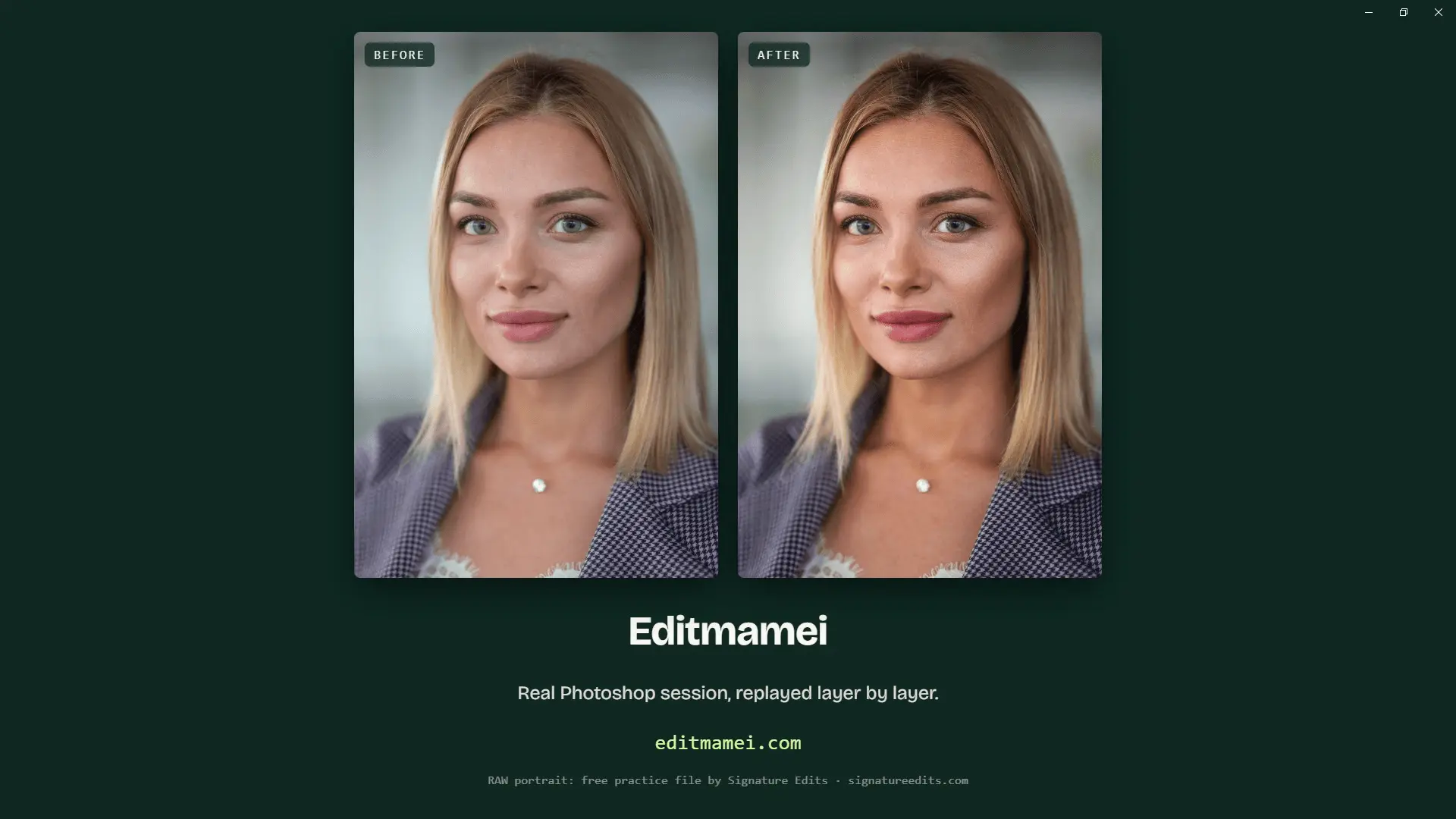
Editmamei provides a natural-language interface for Adobe Photoshop. Rather than focusing on generative AI, it functions as an AI orchestration layer that plans edits and executes them using native Photoshop tools. It allows users to control the software and perform complex image manipulation tasks using plain language commands. For years, getting the look in your head meant nudging sliders and hunting for a tutorial that matched your exact shot. Editmamei plugs your AI chat assistant straight into the desktop Photoshop you already have. You describe what you want, the way you'd tell a friend, and it builds the layers, makes the adjustments, and hands back the finished photo. Editmamei gives your AI assistant a working photographer's toolkit inside Photoshop: documents, layers, selections, adjustments, filters. Your AI calls them as building blocks in service of what you actually want done, instead of you hunting through menus. Community covers the everyday editing surface: documents, layers, the standard adjustments and filters, masks, selections (including Photoshop's AI Select Subject and Select Sky), shape layers and pen paths, on-device scene awareness, history, and visual verification with per-channel histograms. It also includes straightening and layer transforms, and content-aware retouch (Content-Aware Fill, Patch, Content-Aware Move). For most one-off photo edits, that is the full kit. Pro adds the develop-grade and precision toolkit, the upgrades that matter once you're doing detailed or repeatable work.
Product Video
Watch a video demo of Editmamei.
Screenshots
Product Updates (2)
Editmamei 1.5.0 Released
Raw files are now developed before Photoshop opens them. A filter cannot change a layer's dimensions, so Photoshop disables that whole panel for the Camera Raw Filter, which leaves Upright levelling, perspective correction, crop with straighten and lens profile correction out of reach. Working on the file rather than the opened pixels reaches all of them. That part is Pro. Quieter change: raw can also open straight to 16 bit, which is free in Community. It has to be decided at the open, because converting afterwards flattens the document.
Comments (0)
No comments yet. Be the first to share your thoughts!
Editmamei 1.1.0 Released
Two things you can do that you couldn't before. A filter applied to a Smart Object stays editable, so it can be listed, hidden, re-blended or removed without rasterizing the layer. And a clipped layer can now be unclipped, instead of the Photoshop menu being the only way out. Quieter change: several near-identical tools became one each, with the operation as an argument. An assistant reads the tool list at the start of every session, and two names differing by a word are exactly where it picks wrong.
Comments (0)
No comments yet. Be the first to share your thoughts!
Reviews (1)
Average 4.0 out of 5
Based on 1 review

Comments (0)
No comments yet. Be the first to share your thoughts!