
FileLumo
The only PDF tool that actually listens to you
Details
- Target Audience
- Pricing
- Freemium
- Platforms
- Alternatives
 ILovePDF alternatives
Discovery signals
How AI and people discover FileLumo on PeerPush
By AI reads among AI tools
2,402 AI reads in the last 30 days, ranked against every AI tool listed.About FileLumo
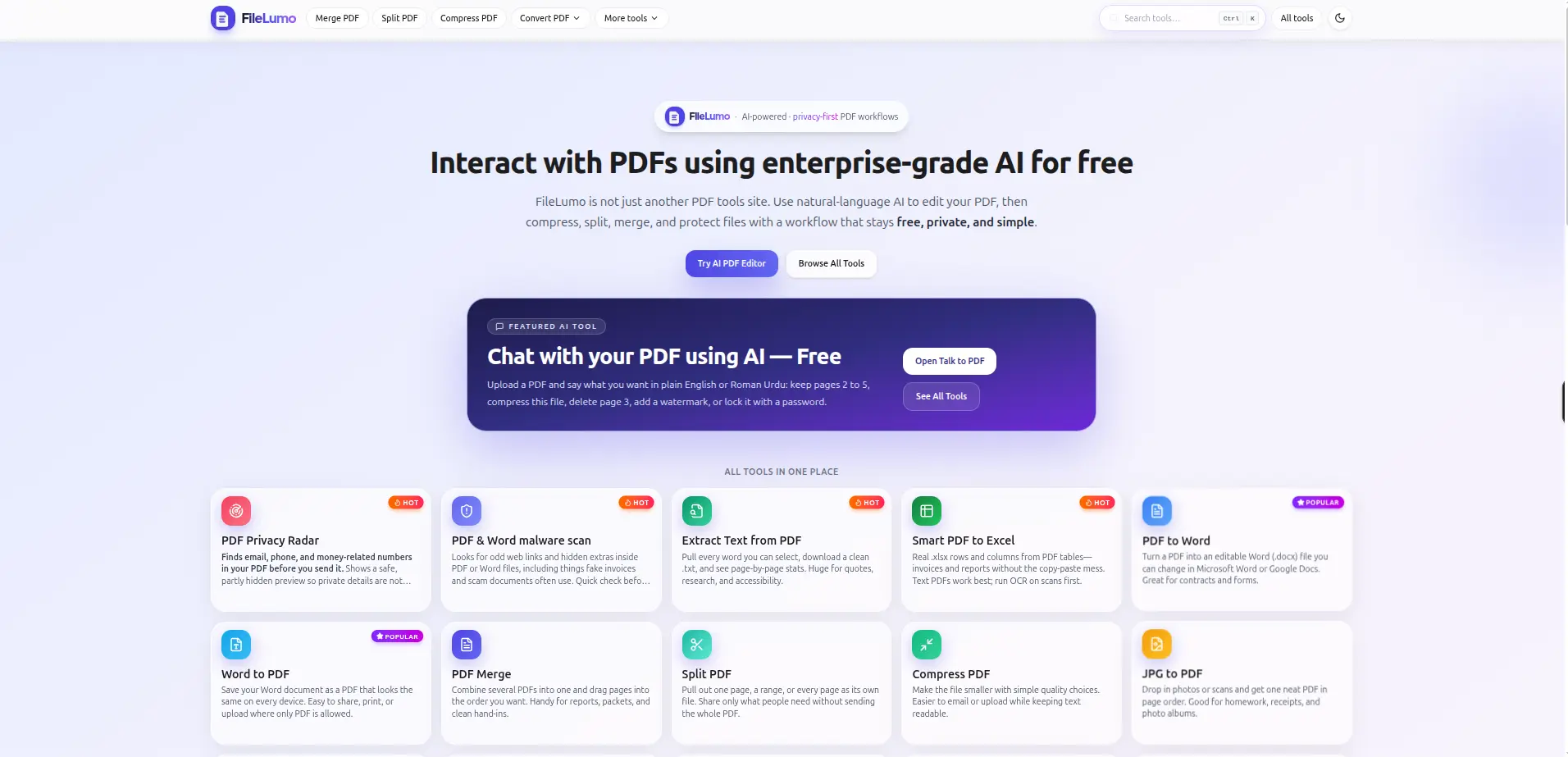
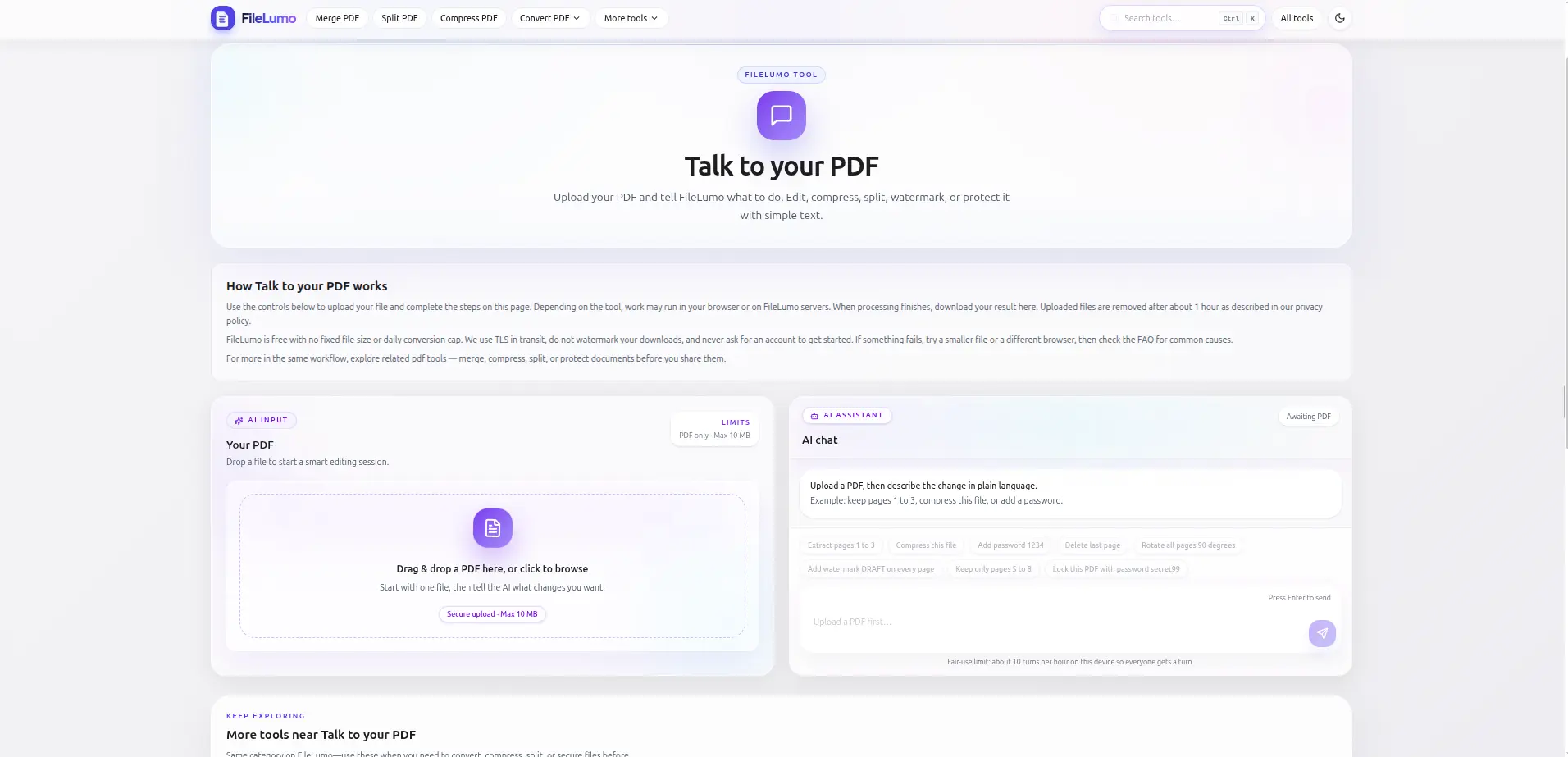
Everyone has wasted 20 minutes trying to do something simple with a PDF. You just needed to delete one page. Or compress a file. Or remove your phone number before sending it to someone. And somehow it turned into a nightmare. FileLumo fixes that. It has an AI built in. You upload your PDF and just type what you want in plain English. "Remove page 3." "Make this smaller." "Add a watermark." "Lock it with a password." Done. No instructions. No learning anything new. It also scans your PDF before you send it and flags anything that could embarrass you later. Phone numbers, emails, bank details hiding inside the file. Most people send those by mistake. FileLumo catches it first. There are 20+ tools on the site. Merge, split, compress, convert to Word or Excel, OCR for scanned files, eSign, rotate, unlock and more. All free. No account needed. No watermarks. Files delete themselves after an hour so nothing sits on a server. People who handle contracts, invoices, medical records or client documents use this because they actually care about what happens to their files. It works. It is free. And it does not spy on you.
Screenshots
Reviews (4)
Average 4.8 out of 5
Based on 4 reviews


Comments (1)
Plain English commands for PDF edits is a solid UX improvement. How does it handle ambiguous requests like 'make this look better'?