
Gbyte Recovery
iOS data recovery software with free scan and preview

Details
- Follow on
- @GbyteRecovery
- Categories
- Cybersecurity & Privacy
- Use Cases
- File ManagementSecurity Scanning
- Target Audience
- Home OwnersDigital Nomads
- Pricing
- Paid from $49.99
Discovery signals
How AI and people discover Gbyte Recovery on PeerPush
About Gbyte Recovery
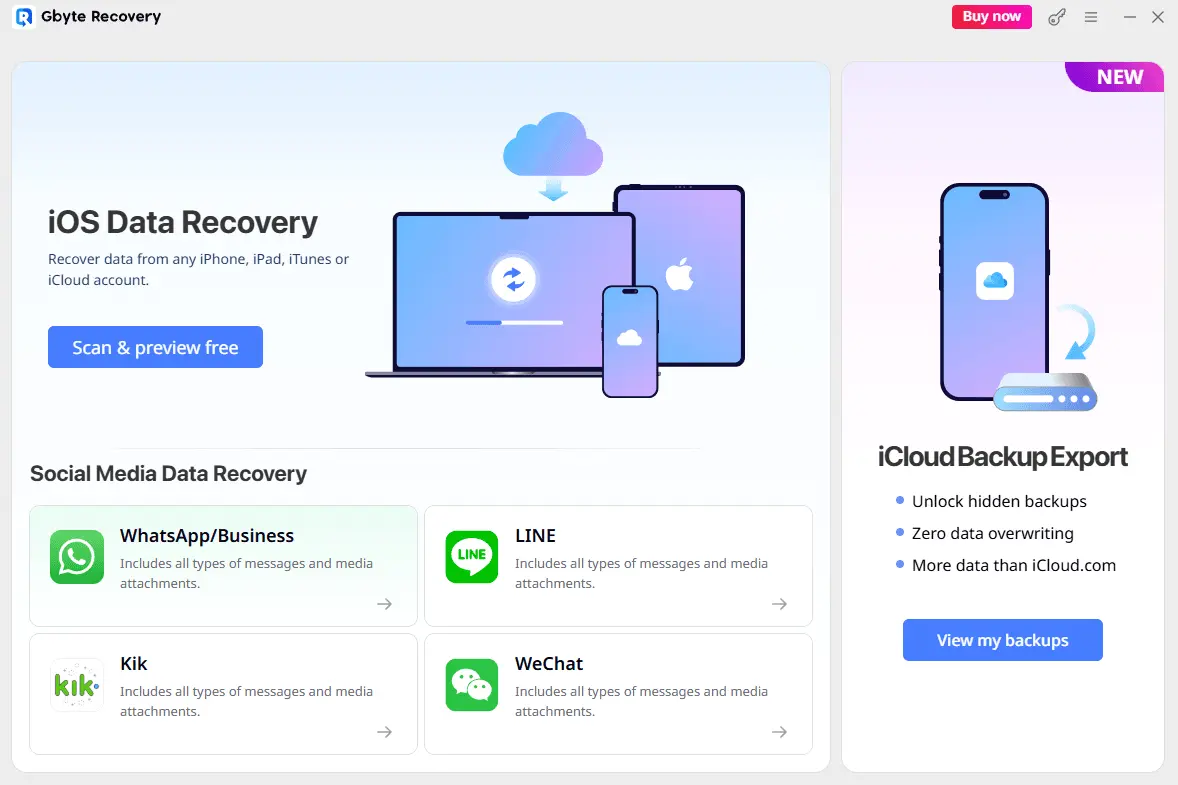
Introduction Data loss on iPhones is a common nightmare for users across all age groups. Mistaken deletion, system crashes, device damage, or factory resets can wipe out irreplaceable memories and work files. When searching for recovery solutions, most users find two mainstream choices: third-party tools based on iTunes backups or Apple’s official iCloud restore function. Both have obvious defects in actual use. This detailed review will introduce Gbyte Recovery, a differentiated iOS data recovery tool built around iCloud backup recovery, and break down its competitive strengths. Drawbacks of Mainstream iPhone Recovery Solutions 1. iTunes Backup Limitation: Competitors require local computer backups, while few users actively create iTunes backups, leading to failed recovery for most people. 2. Mandatory PC Connection: Conventional recovery software requires an iPhone-to-computer connection for scanning. However, Apple’s iOS security updates in the 2010s disabled deep storage scanning for connected devices. PC scans can only view existing files on the phone and cannot recover deleted data at all. Such PC-dependent scanning is ineffective for data recovery and limits flexible use cases. 3. Risk of Official iCloud Recovery: Apple’s official solution overwrites the whole phone to restore backup data, destroying newly generated data on the device. Core Competitive Strengths of Gbyte Recovery 1. iCloud Backup Centered Recovery Matches Real User Habits Around 40% of iPhone users activate iCloud+ paid cloud storage and enable automatic iCloud backup. Gbyte Recovery directly parses cloud backup files, utilizing users’ existing cloud backup resources to realize recovery without manual PC backup creation. This is the biggest difference separating it from competitors. 2. Mobile Terminal Independent Scanning Function Cancel the mandatory computer scanning requirement. Users can run full backup scanning and data preview operations on iPhone devices, realizing portable emergency data recovery for business trips, outdoor use and other scenarios. 3. Selective Data Extraction Avoids Secondary Data Loss Users can browse recoverable files selectively and restore only needed items such as photos, contact lists and chat history. The existing data on the mobile phone will not be covered or deleted, solving the biggest pain point of official iCloud recovery.
Screenshots
Reviews (0)
No reviews yet. Be the first to rate this product!
Comments (0)
No comments yet. Be the first to share your thoughts!