
Heimdall3D
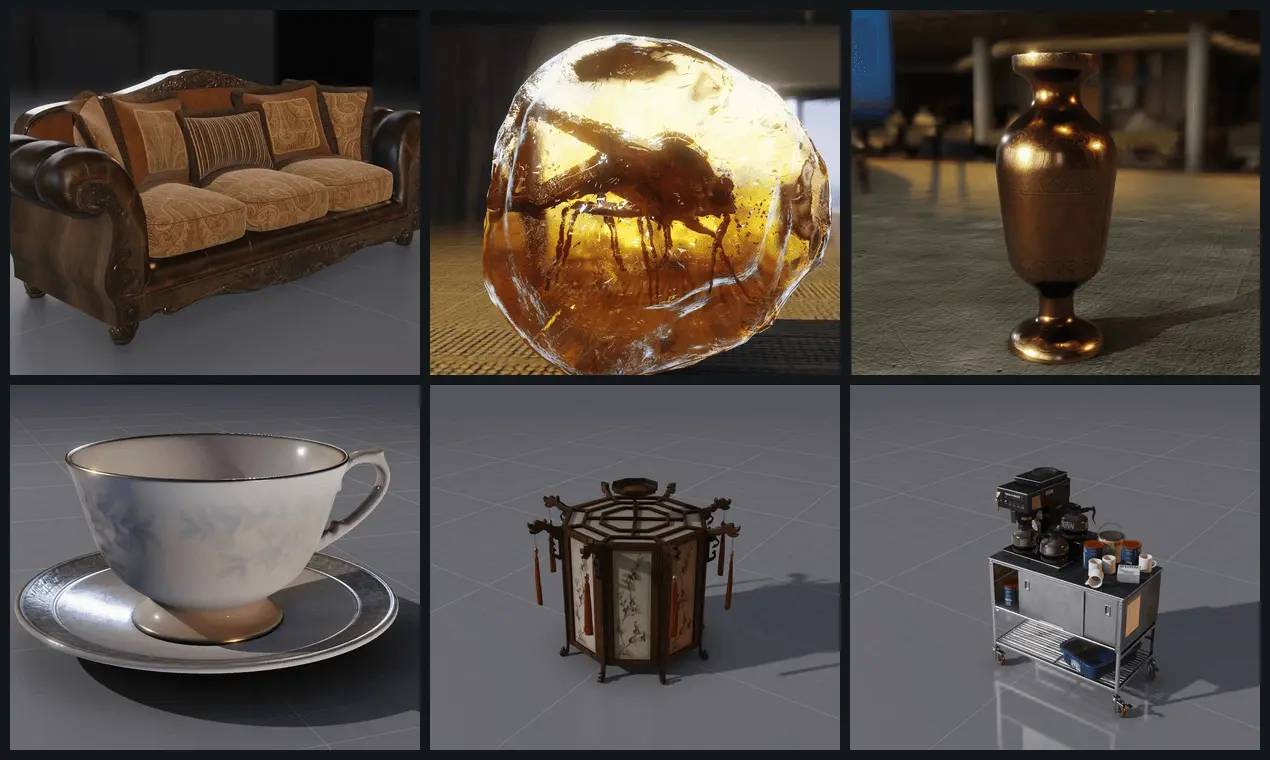
Select a 3D model in a folder. It renders, lit and turning.
Details
- Target Audience
- Pricing
- Freemium
- Platforms
Discovery signals
How AI and people discover Heimdall3D on PeerPush
About Heimdall3D
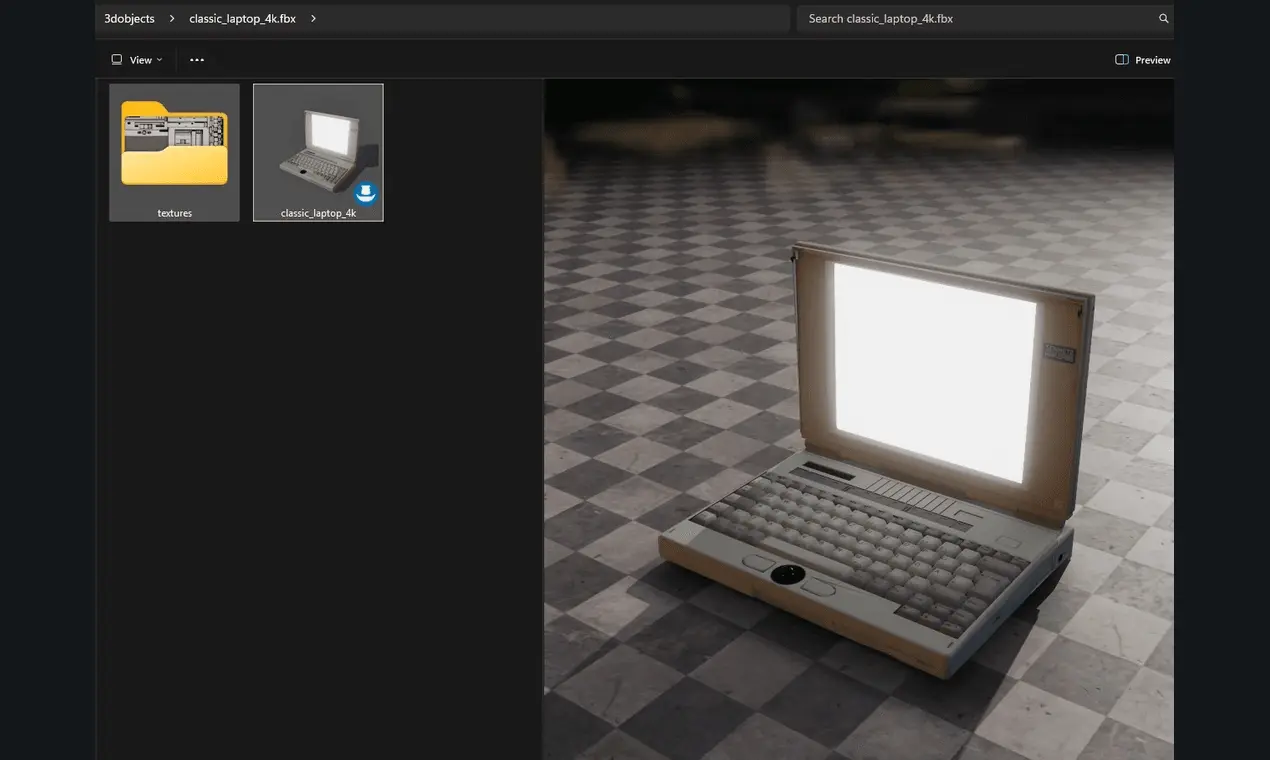
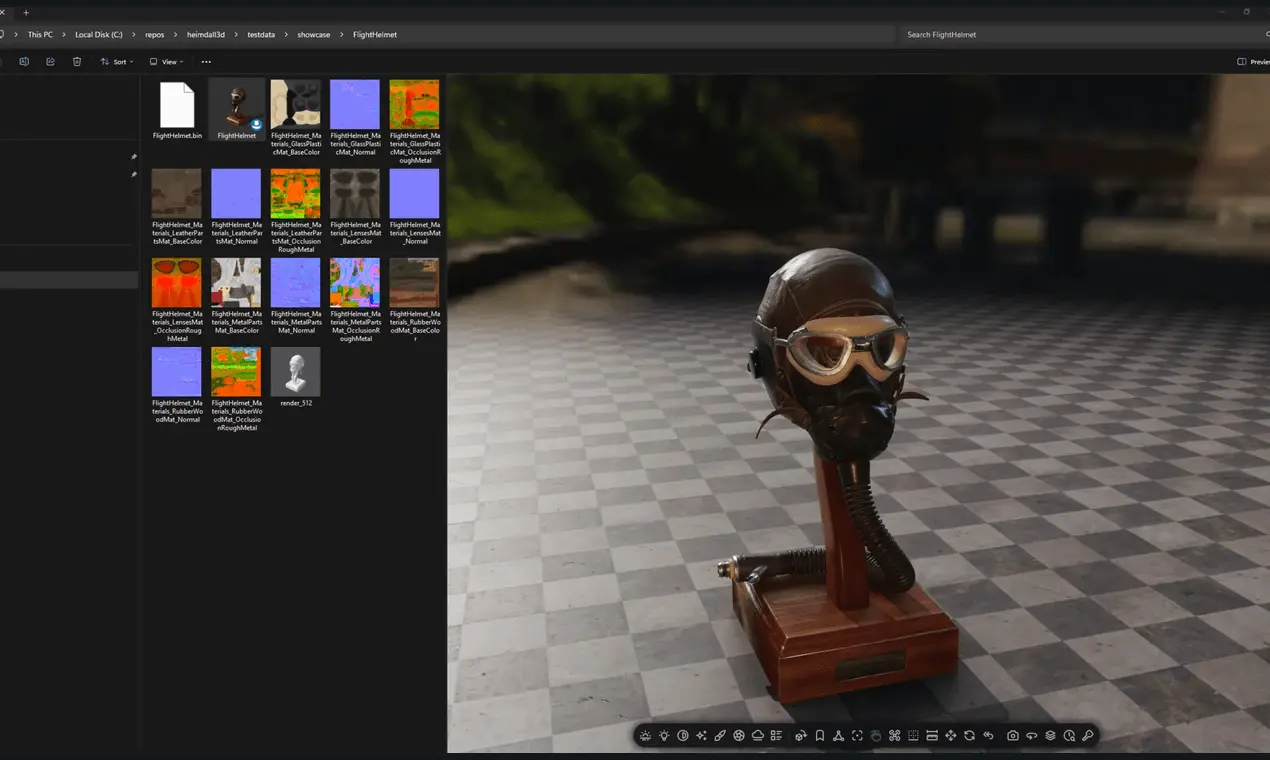
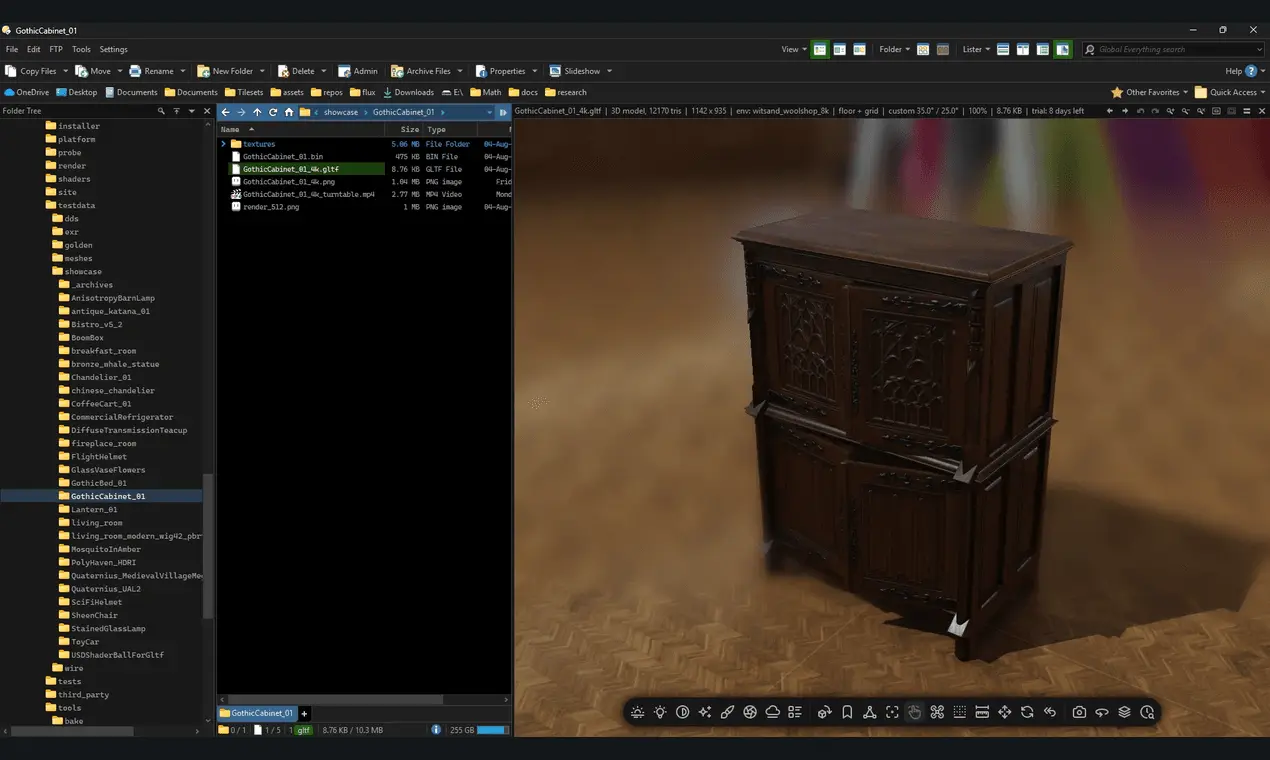
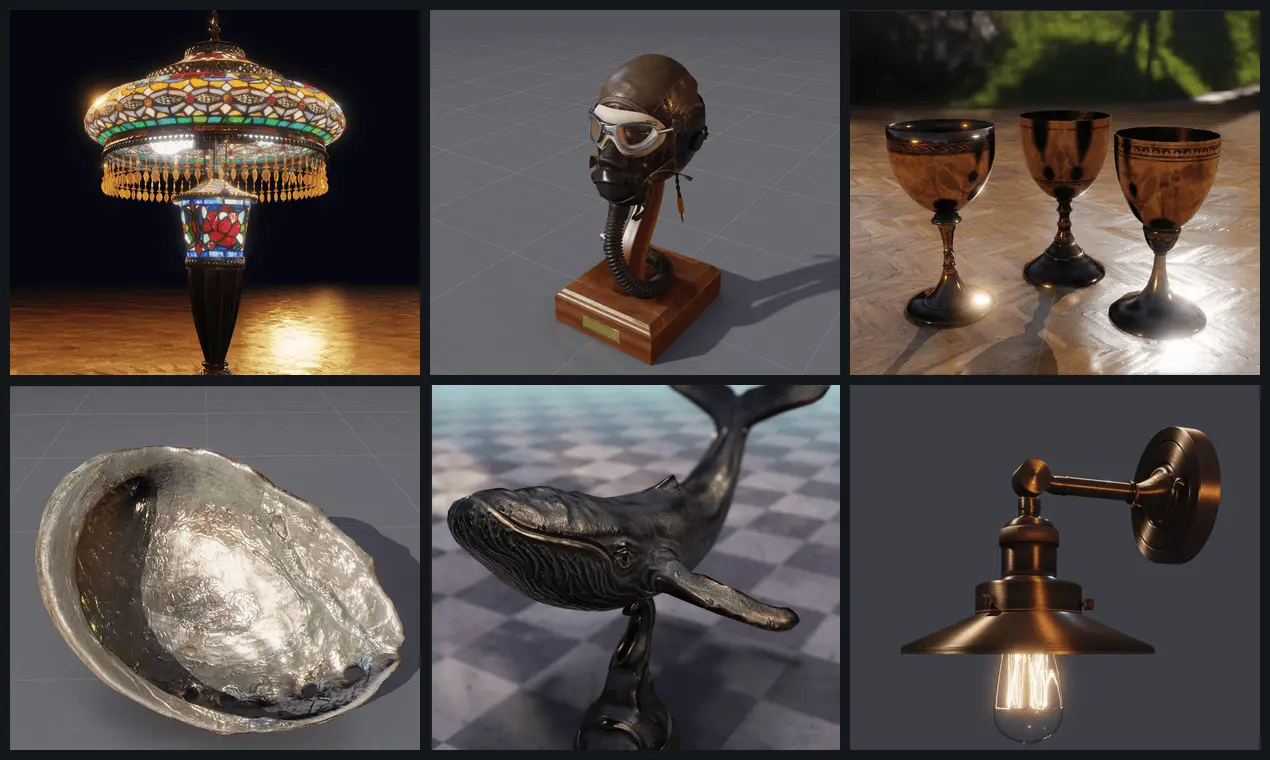
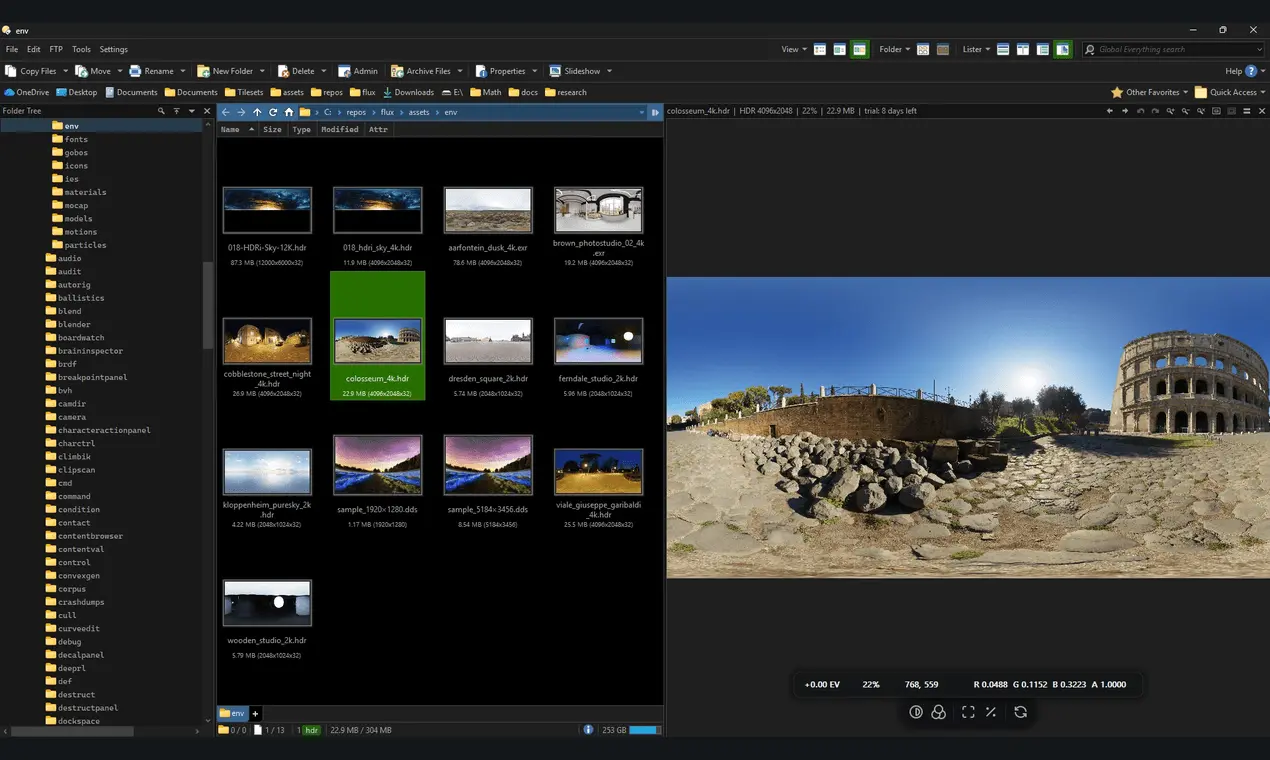
Heimdall3D turns the Windows Explorer preview pane into a 3D model viewer at AAA game quality, so a model is lit, shaded and turning in the folder where its file sits. Thumbnails in the file list, and EXR, HDR and TIFF images and BVH motion capture open the same way. It started in August as a plugin for Directory Opus 13. Windows Explorer was added as a second host three weeks later, and one installer now carries both. The file decoders and the renderer are ours. The renderer is a separate program, written in Odin, driving Vulkan on the graphics card. It runs as its own process, so a rendering crash costs one preview and the file manager stays open. It opens glTF, FBX, OBJ and STL among other model formats, EXR, HDR and TIFF images, and BVH motion capture. It changes nothing in the file it opens. Windows 10 or 11, 64-bit. The Directory Opus plugin needs Directory Opus 13, 64-bit. Looking is free and does not expire. A licence unlocks the four export actions: saving an image, copying a frame to the clipboard, saving a sprite sheet, and recording a turntable or animation clip.
Screenshots
Reviews (0)
No reviews yet. Be the first to rate this product!
Comments (1)
Hi, I'm the maker of Heimdall3D. Windows Explorer shows a photo as the photo. Heimdall3D gives a 3D model the same treatment. Select the file and the preview pane renders it lit, shaded and orbiting.