
Knock
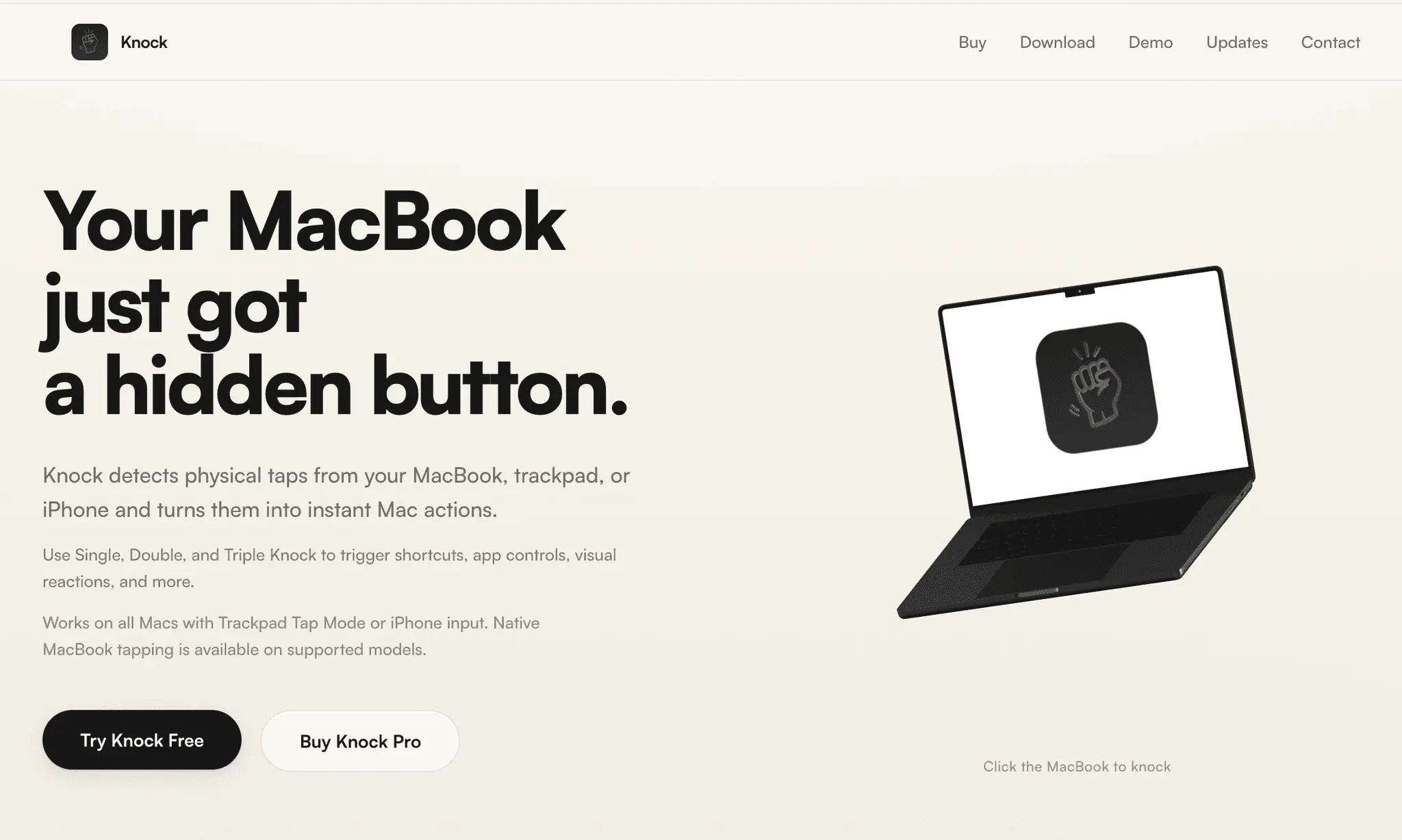
Your MacBook just got a hidden button

Details
- Follow on
- Categories
- Use Cases
- Target Audience
- Pricing
- One-time from $8.99
Discovery signals
How AI and people discover Knock on PeerPush
- ChatGPT
- Claude
- Perplexity
- +3 other AI crawlers
Reads by these AI engines
Crawlers behind these engines read this listing on PeerPush.About Knock
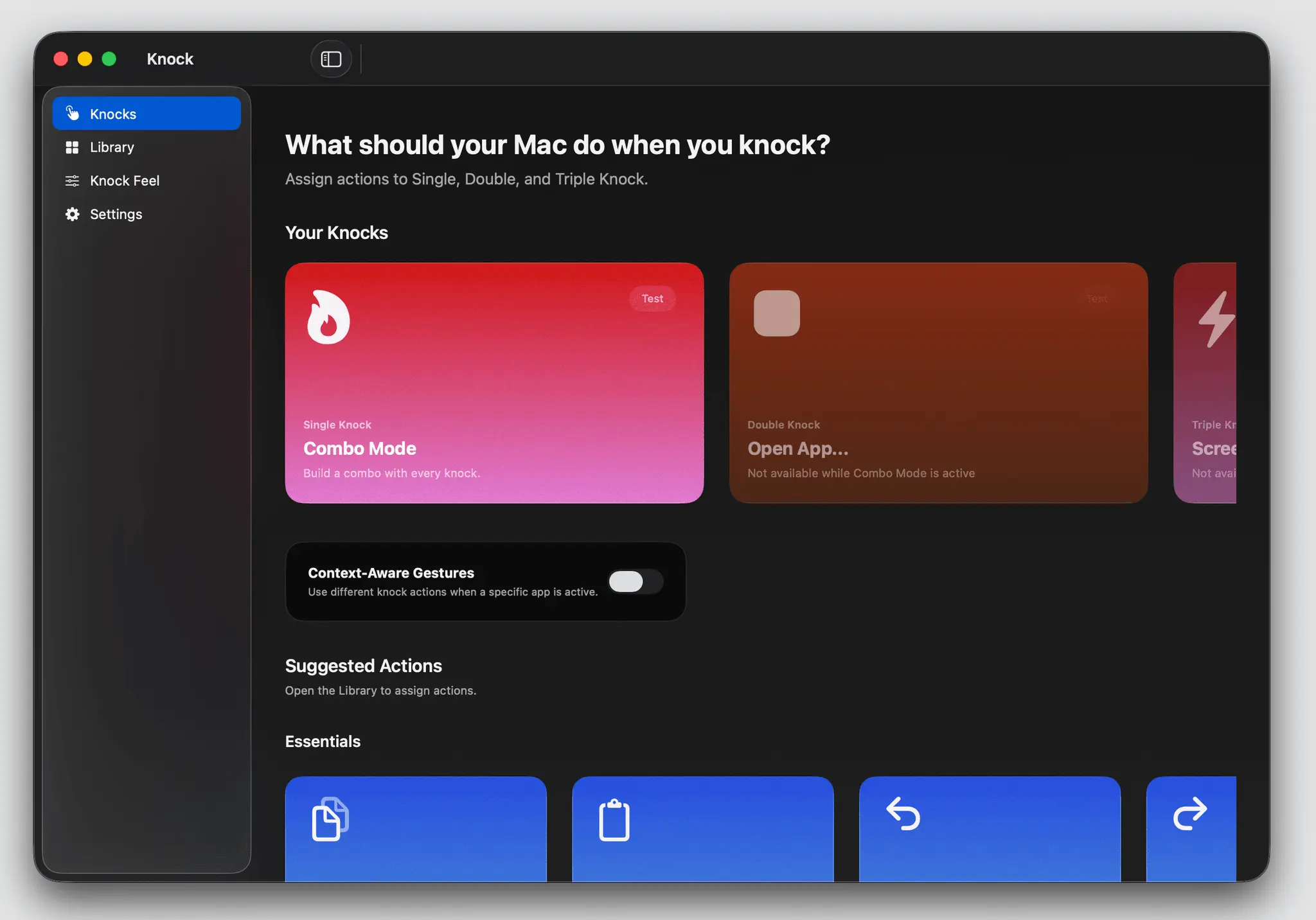
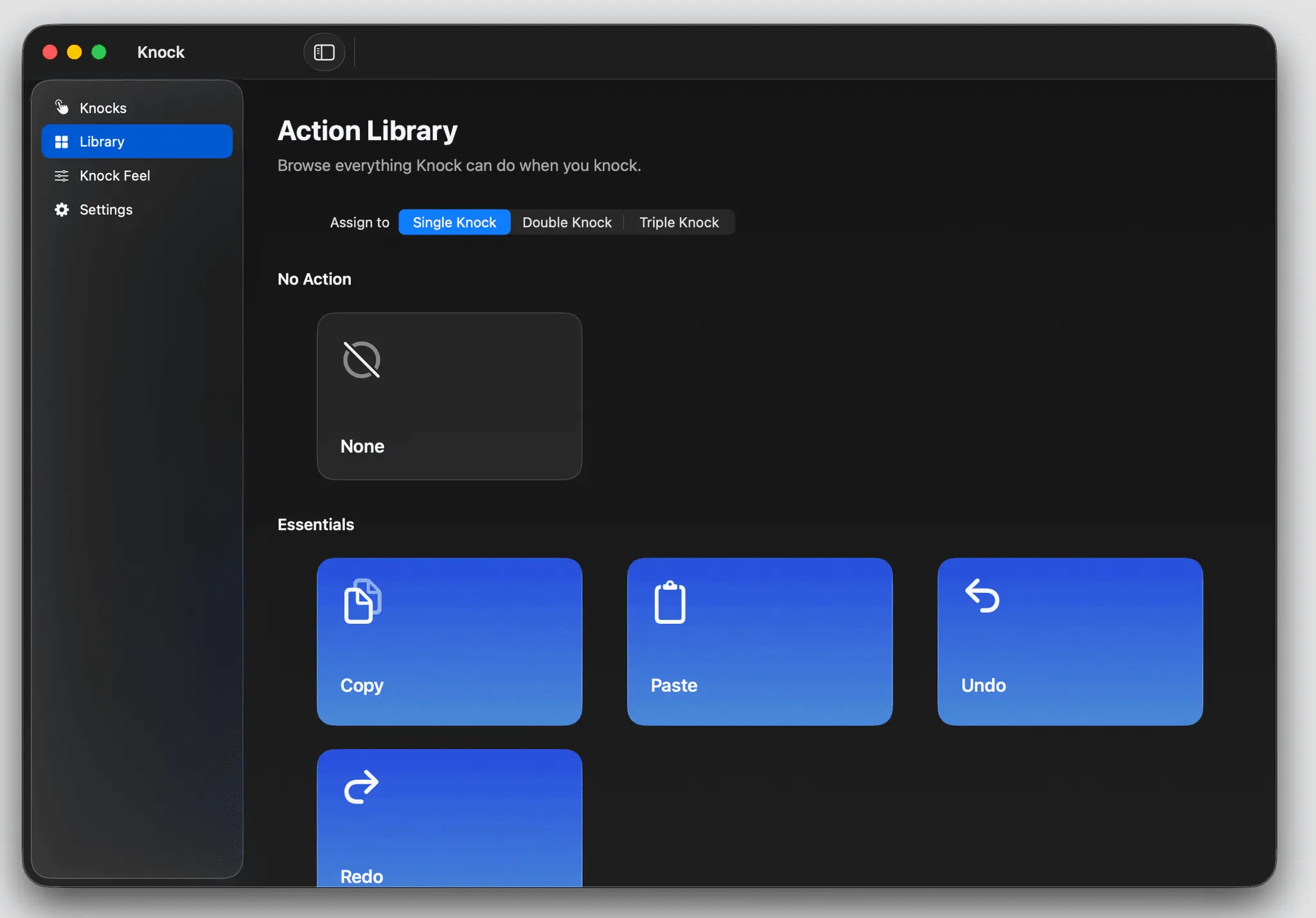
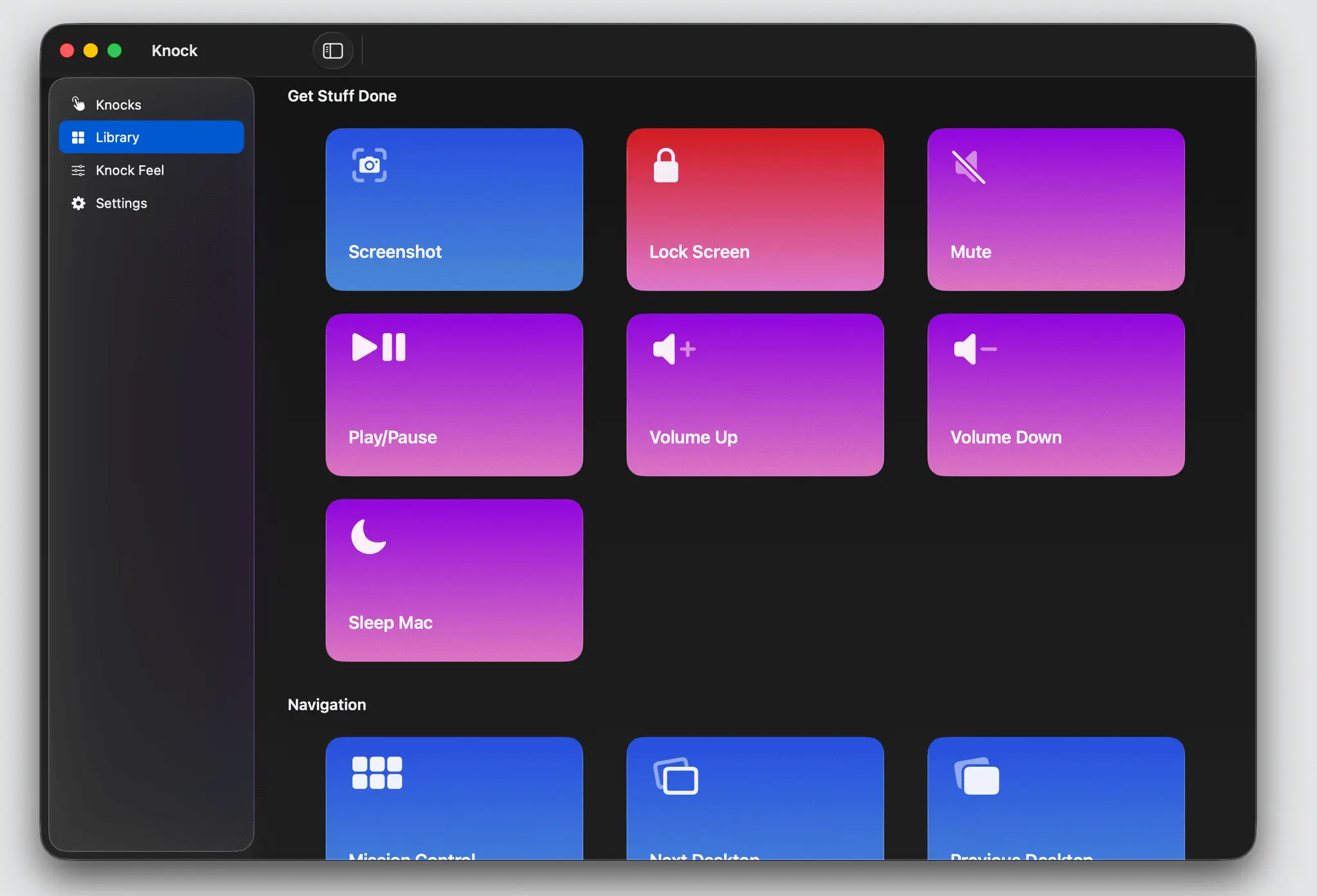
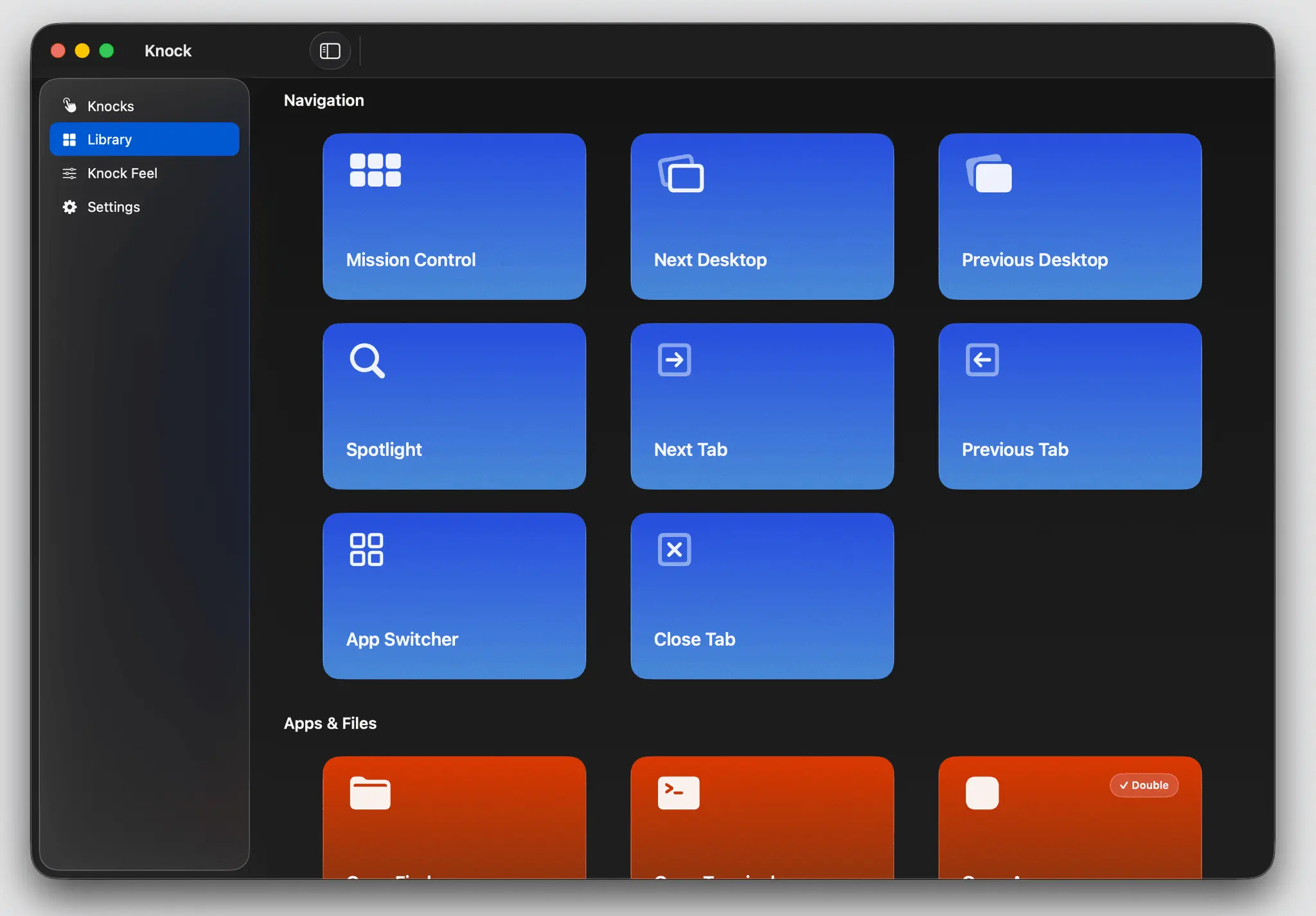
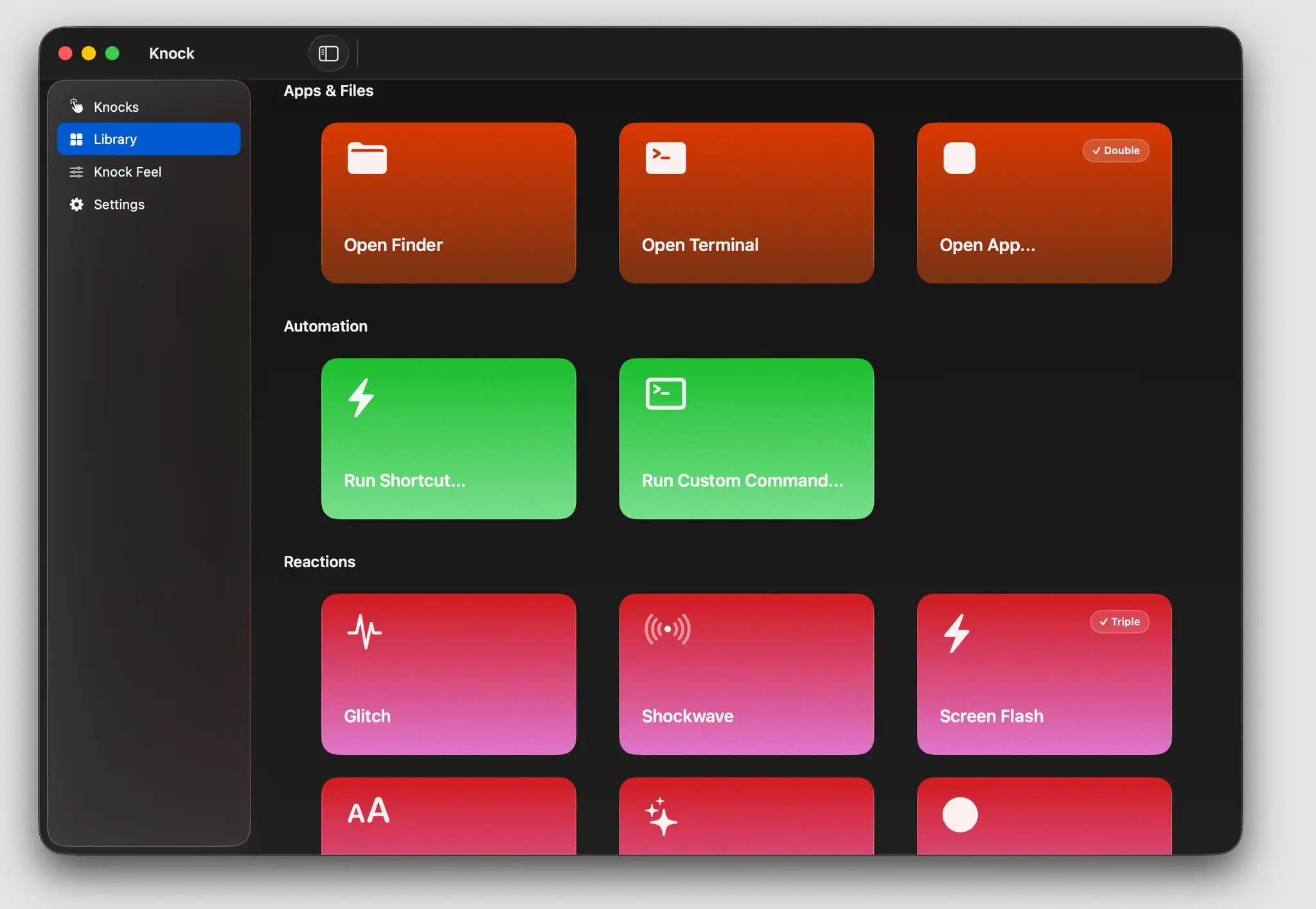
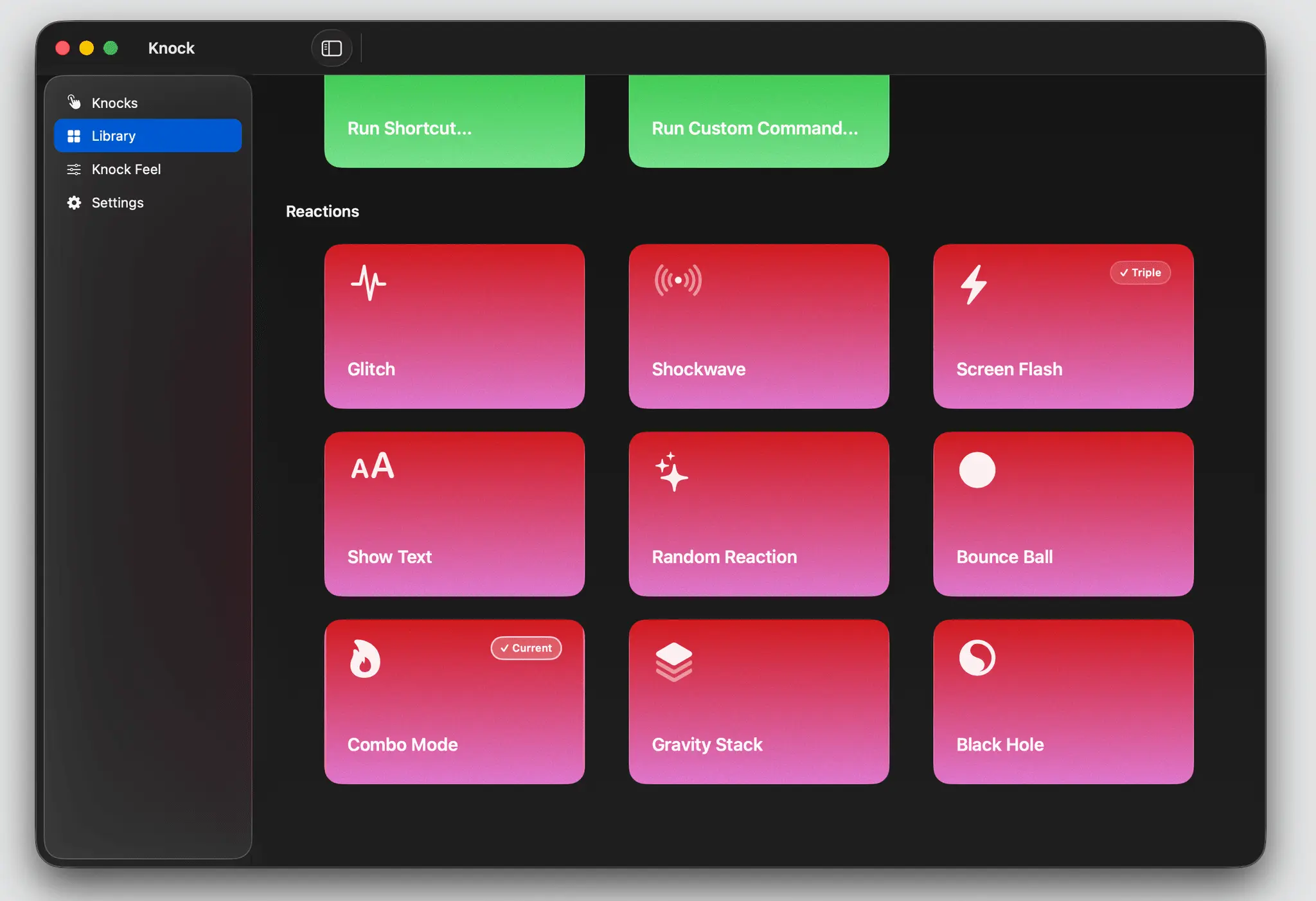
Knock turns physical taps into instant Mac actions. Instead of reaching for keyboard shortcuts, menus, or extra hardware, Knock lets you tap your MacBook, use Trackpad Tap Mode, or trigger actions from your iPhone. A single knock can take a screenshot, lock your Mac, control media, run shortcuts, open apps, trigger custom commands, or launch visual reactions. The idea is simple: your MacBook becomes a hidden button. Knock supports Single, Double, and Triple Knock, so you can assign different actions to different tap patterns. You can use it as a lightweight Stream Deck alternative, a shortcut launcher, a visual reaction toy, or just a faster way to trigger the small actions you use every day. Knock also includes Knock Feel, a simple tuning system that lets you choose how hard you want to tap. Start with Normal Knock, switch to Gentle Tap if your Mac needs lighter detection, or use Firm Knock and Slap if you want more deliberate triggers. If native MacBook tap detection is not supported on your machine, Knock still works through Trackpad Tap Mode or iPhone input. The latest version includes a completely rebuilt interface, a clearer Action Library, improved onboarding, and new Fun modes designed to make your Mac visually react when you knock. What Knock can do: * Trigger Mac actions from physical taps * Assign Single, Double, and Triple Knock * Use Trackpad Tap Mode with a hold key * Use your iPhone as an input device * Run Apple Shortcuts * Open apps * Run custom commands * Control media * Take screenshots * Lock your Mac * Use app-specific actions with Context-Aware Gestures * Trigger visual reactions and Fun modes Fun modes include: * Glitch: make your screen briefly distort when you knock * Shockwave: send a ripple across your screen * Screen Flash: flash the screen on impact * Show Text: display a custom message when you knock * Random Reaction: trigger a random visual reaction * Bounce Ball: keep a macOS beach-ball inspired ball bouncing with each knock * Combo Mode: build an arcade-style combo counter until it hits KNOCKOUT * Gravity Stack: drop and stack physics blocks with every knock * Black Hole: create a screen vortex that grows with each knock before collapsing Knock is designed to be useful first, but fun enough to make people want to try it. You can use it seriously as a Mac automation tool, or you can use it to make your Mac feel like it has a physical reaction engine built in. Free users can test the core experience with Single Knock, starter actions, Trackpad Tap Mode, and iPhone input. Knock Pro unlocks the full action library, Double and Triple Knock, Fun modes, Context-Aware Gestures, Shortcuts, app launching, and custom commands. Knock is built for people who like Mac utilities, weird interface ideas, keyboard shortcut alternatives, automation tools, and tiny pieces of software that make a computer feel more physical.
Screenshots

Reviews (2)
Average 4.5 out of 5
Based on 2 reviews


Comments (2)
looks interesting but wondering why it says unavailable now on website?
Hey everyone, I’m Will, the creator of Knock. I originally built Knock because I liked the idea of making a Mac feel more physical. Instead of everything being hidden behind keyboard shortcuts and me