
LibreDB Studio
Open-source SQL IDE that deploys next to your data

Details
- Target Audience
- Software DevelopersDevOps EngineersData Engineers
- Pricing
- Free
- Featured in
- Best Tools for Data Engineers
Discovery signals
How AI and people discover LibreDB Studio on PeerPush
About LibreDB Studio
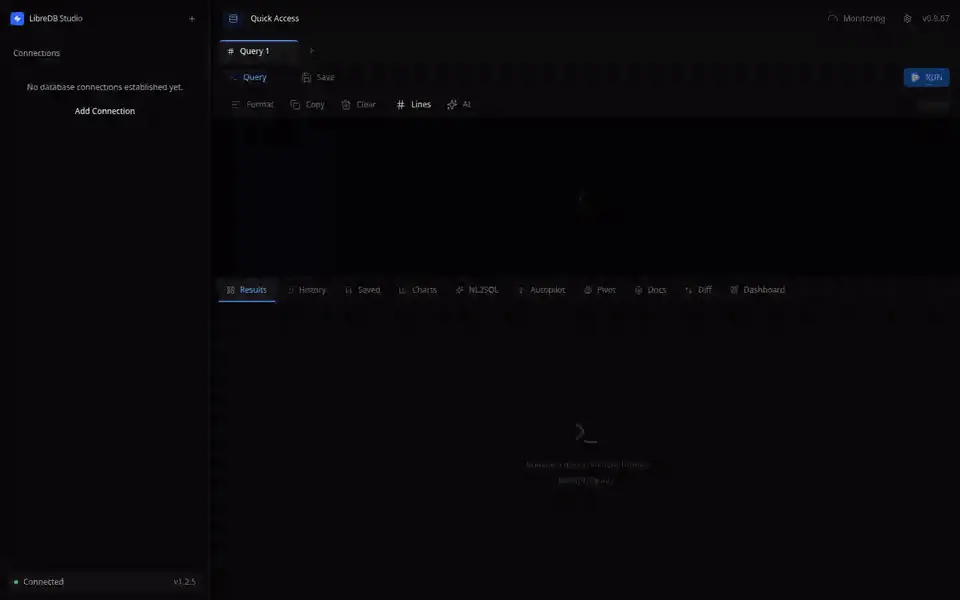
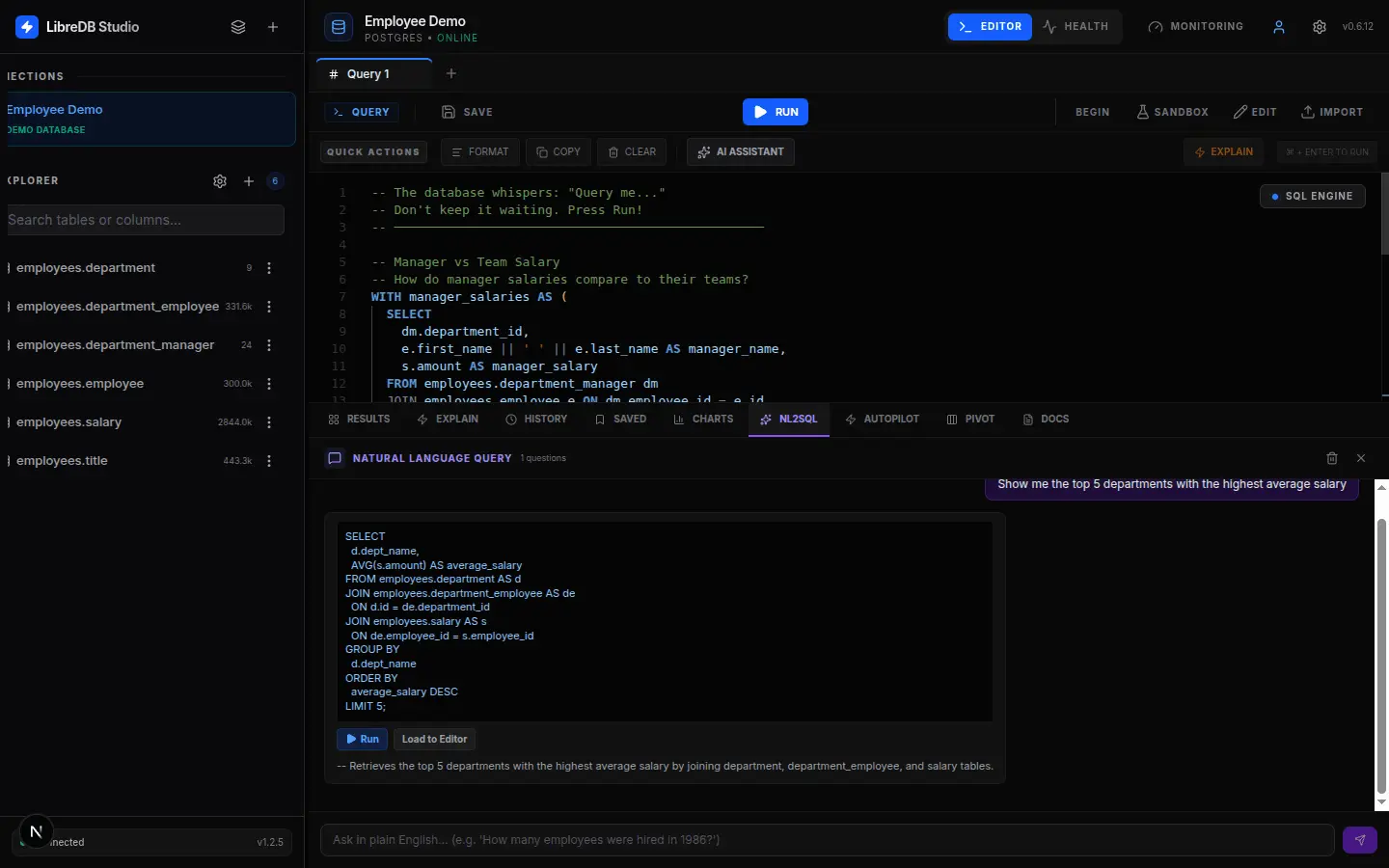
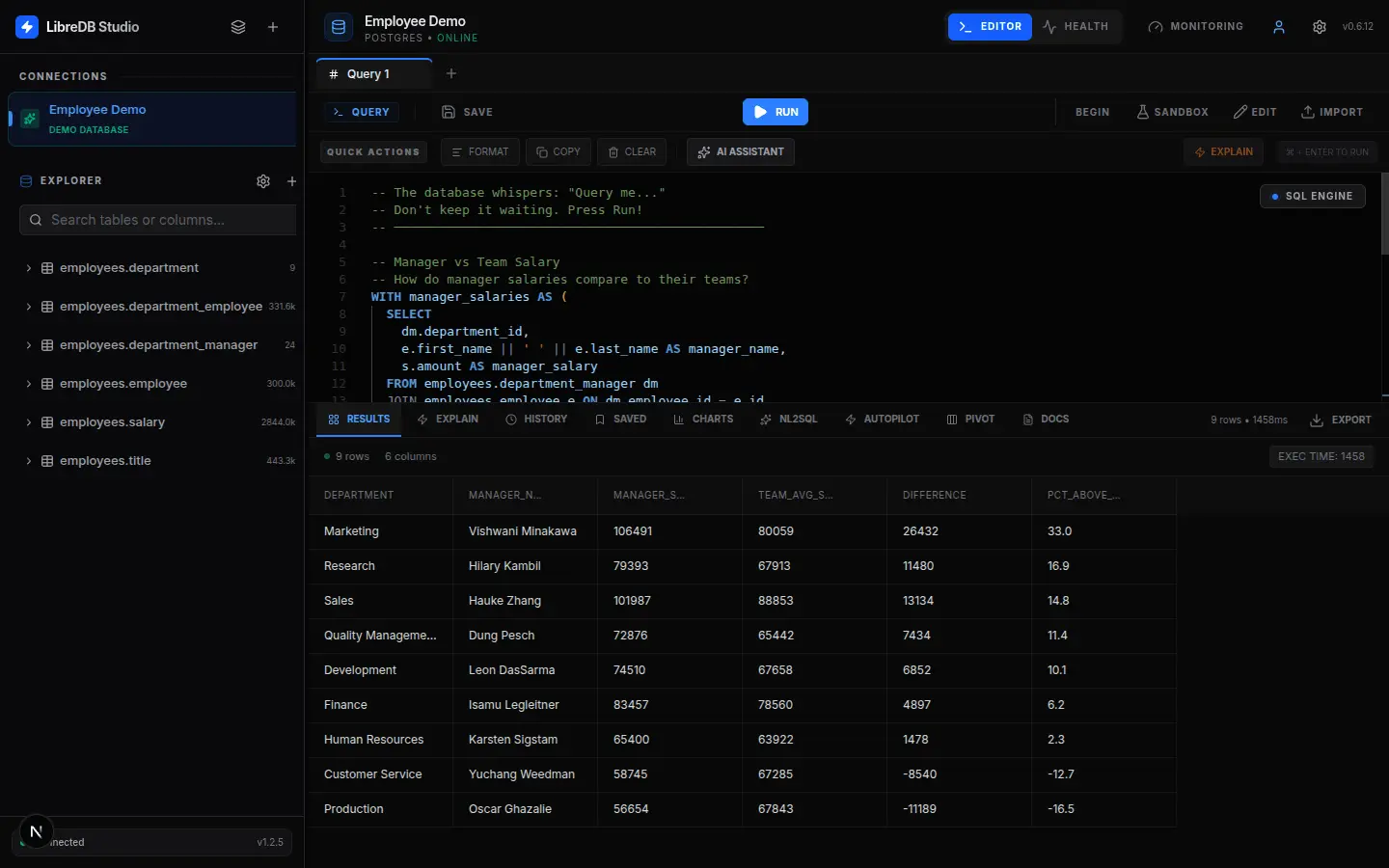
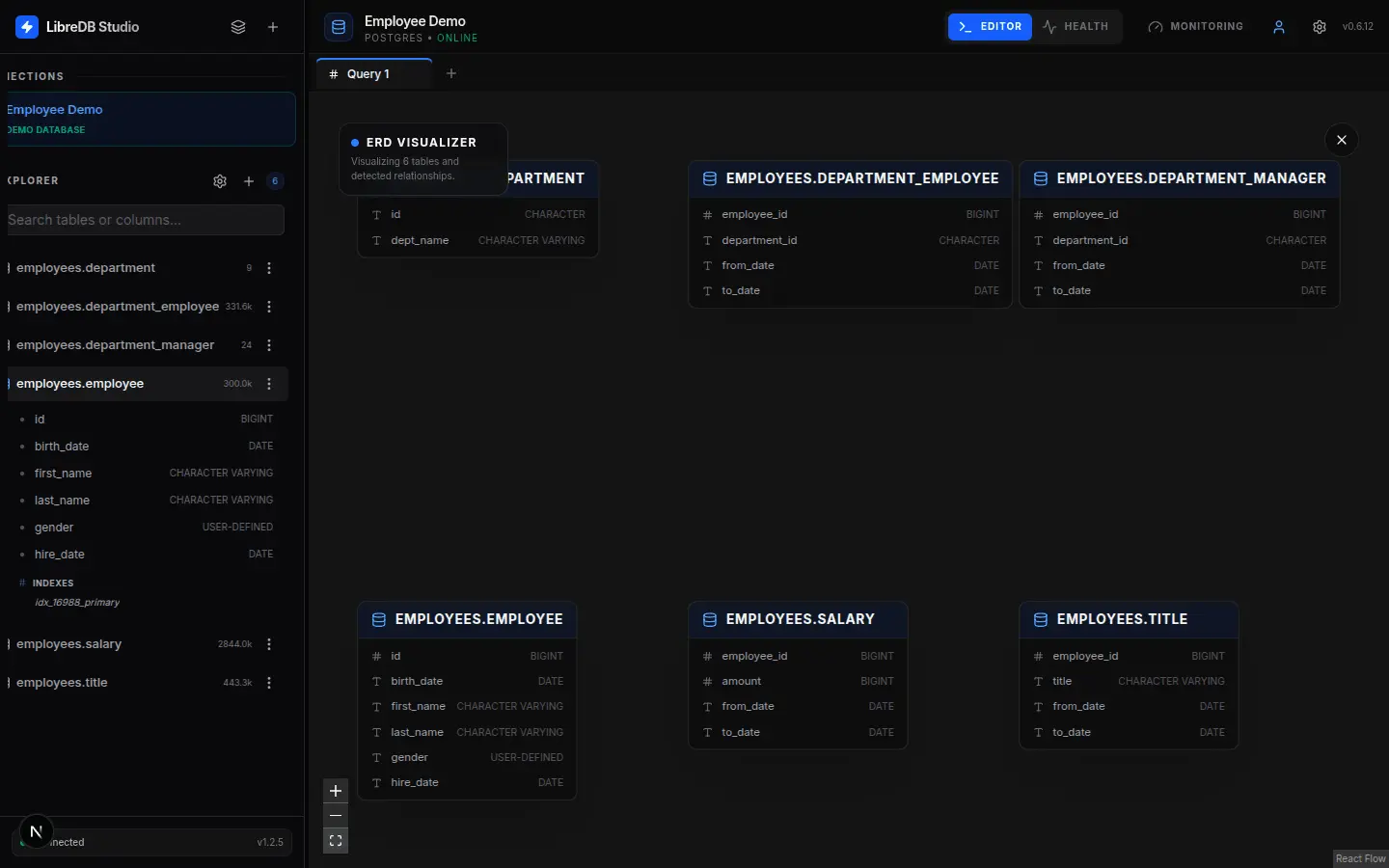
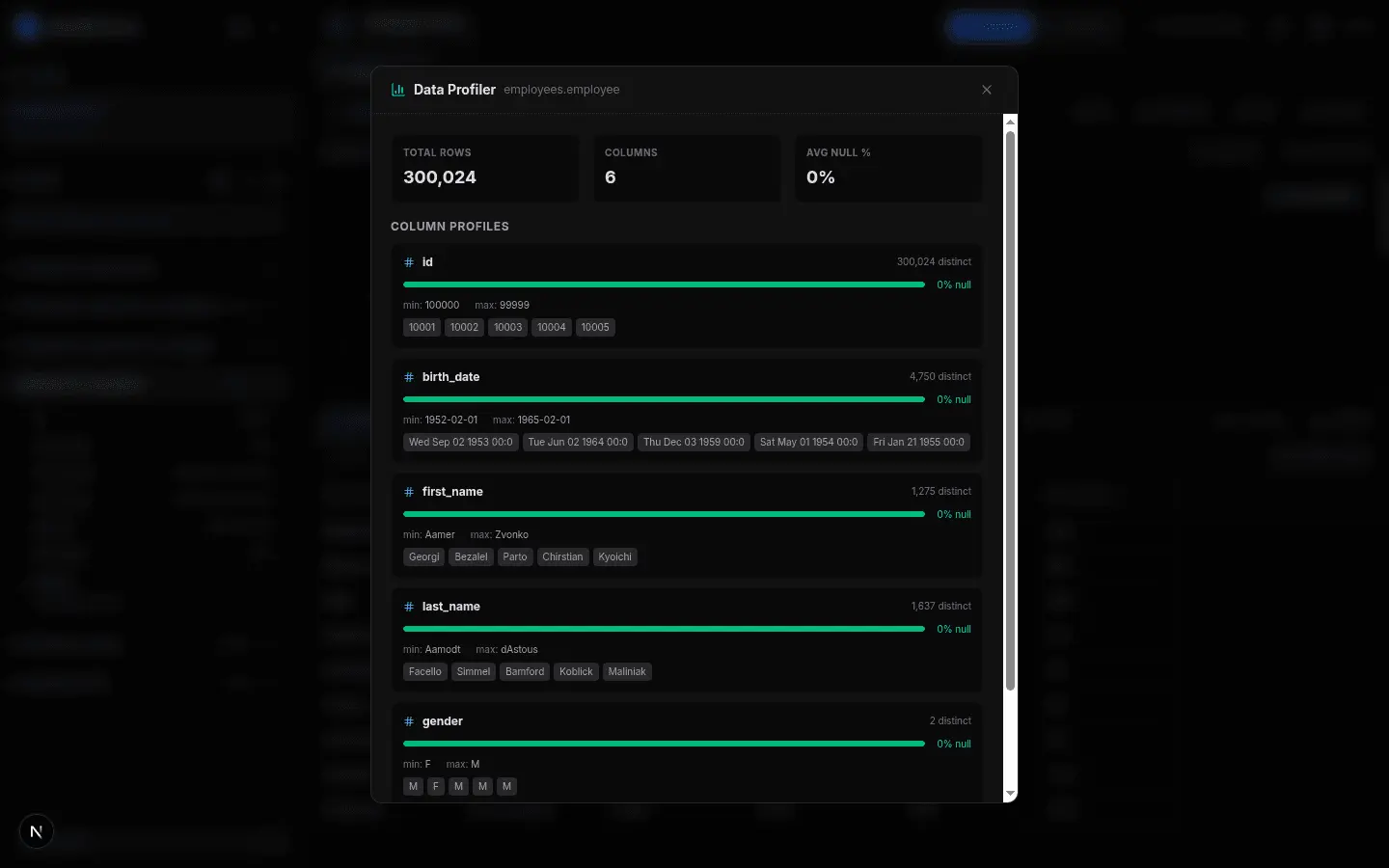
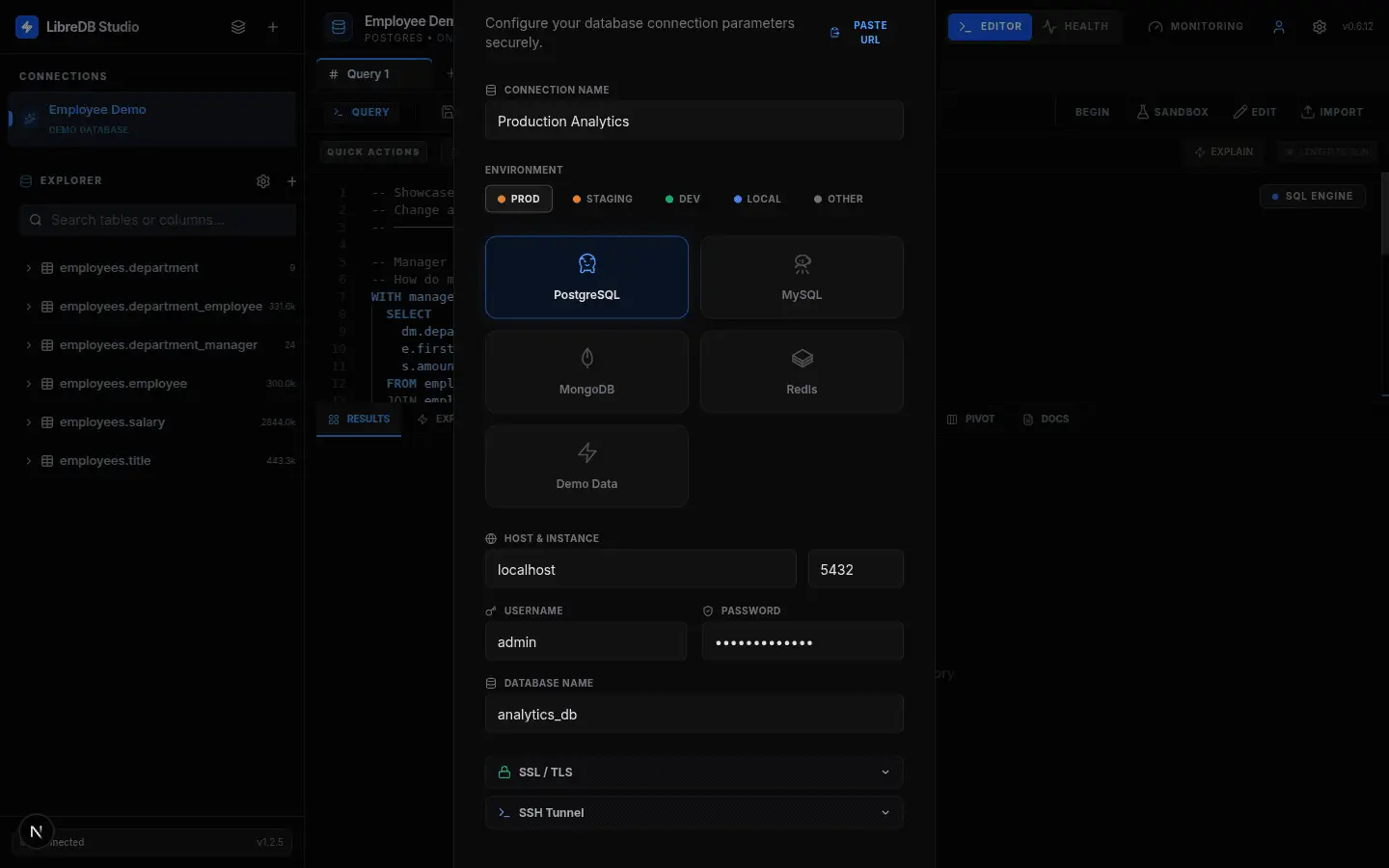
LibreDB Studio is an open source SQL IDE that runs in the browser and is installed next to the database rather than on each user's machine. Instead of putting a desktop client on every laptop and opening a route to every database, you run one container inside the same network as the database: docker run -p 3000:3000 ghcr.io/libredb/libredb-studio:latest The same build ships as a Helm chart, an OpenShift operator, native packages for Homebrew, Snap, deb, rpm and winget, a Linux desktop build, one click templates for DigitalOcean, Koyeb, Render, Railway, Sealos, CapRover and Dokploy, and as an npm package that embeds the workspace inside another product. One interface covers PostgreSQL, MySQL, Oracle, SQL Server, SQLite, MongoDB, Redis, Couchbase, ClickHouse, Apache Druid, Elasticsearch, OpenSearch and Apache Trino, and engines are still being added in new releases. The editor is Monaco, the same core as VS Code: schema aware autocomplete, tabs that keep independent execution state, visual EXPLAIN plans and a virtualised result grid. ER diagrams are generated from real foreign keys, schema snapshots sit on a timeline, and a diff between two snapshots or two connections produces the migration SQL for the difference. A read-only database agent sits beside the editor. You state an objective, and the run drafts SQL, reads the results and writes a report whose claims cite them. Writes are refused by the database itself rather than by a parser, and nothing is executed for you. Agent runs cover PostgreSQL and SQLite; on other connections the agent drafts a statement for you to run yourself. The model is yours: Gemini, OpenAI or a local Ollama. OIDC single sign on, role based access control, a query audit trail and column level masking are in the same build. Everything is MIT, with no paid tier and no feature gates.
Screenshots
Reviews (0)

Comments (0)
No comments yet. Be the first to share your thoughts!