
LocalEditor
A local Mac workspace for notes, sketches and code

Details
- Follow on
- Categories
- Target Audience
- Pricing
- One-time from $25
- Platforms
- Featured in
- Alternatives
 Obsidian alternatives
 Notion alternatives
Discovery signals
How AI and people discover LocalEditor on PeerPush
About LocalEditor
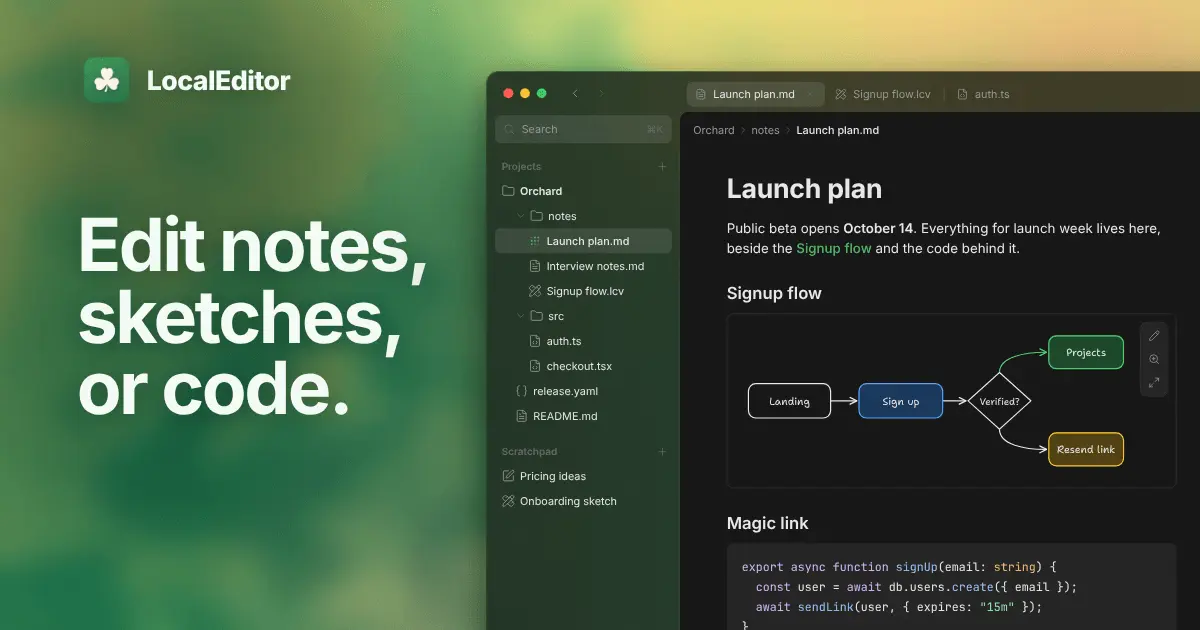
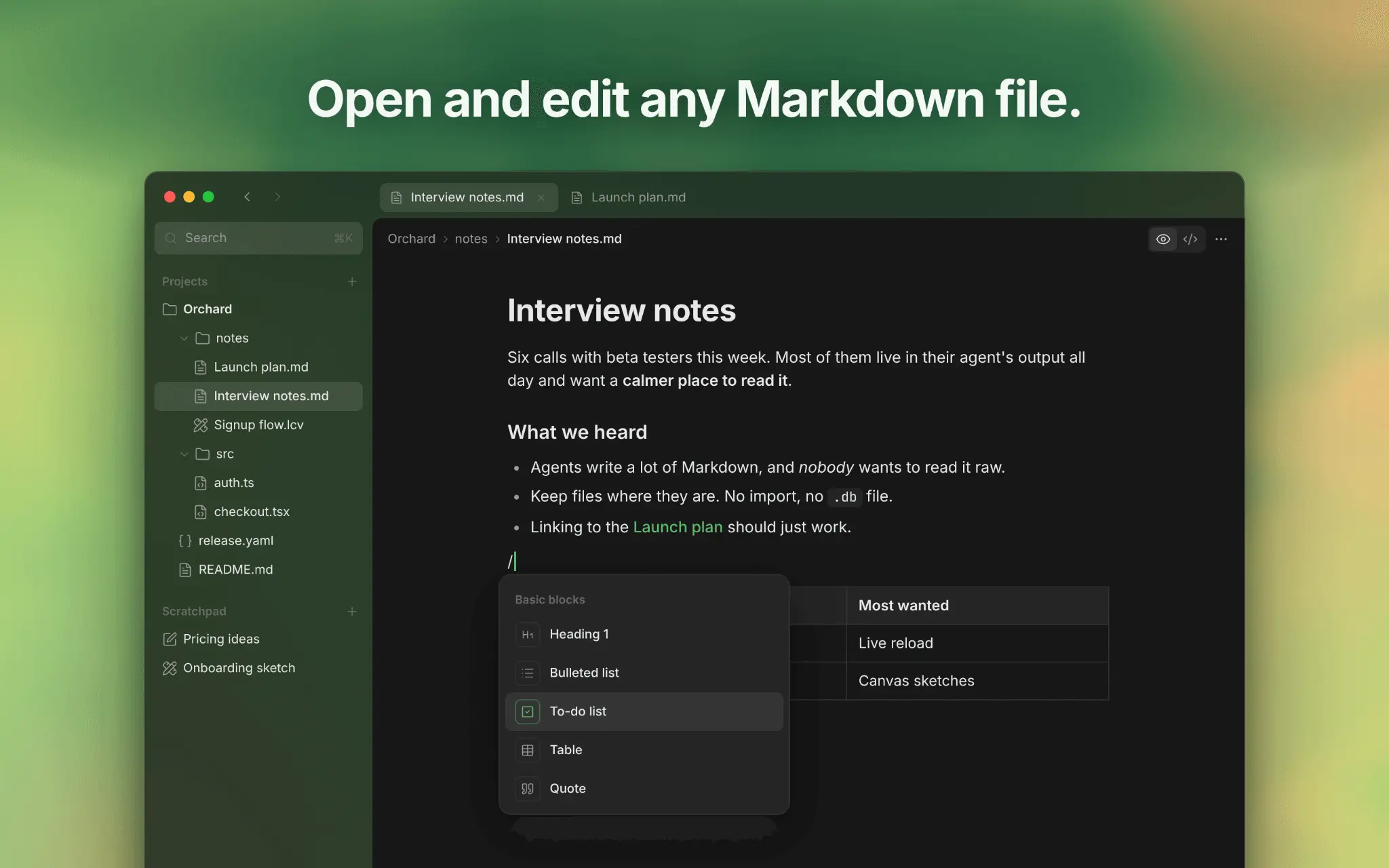
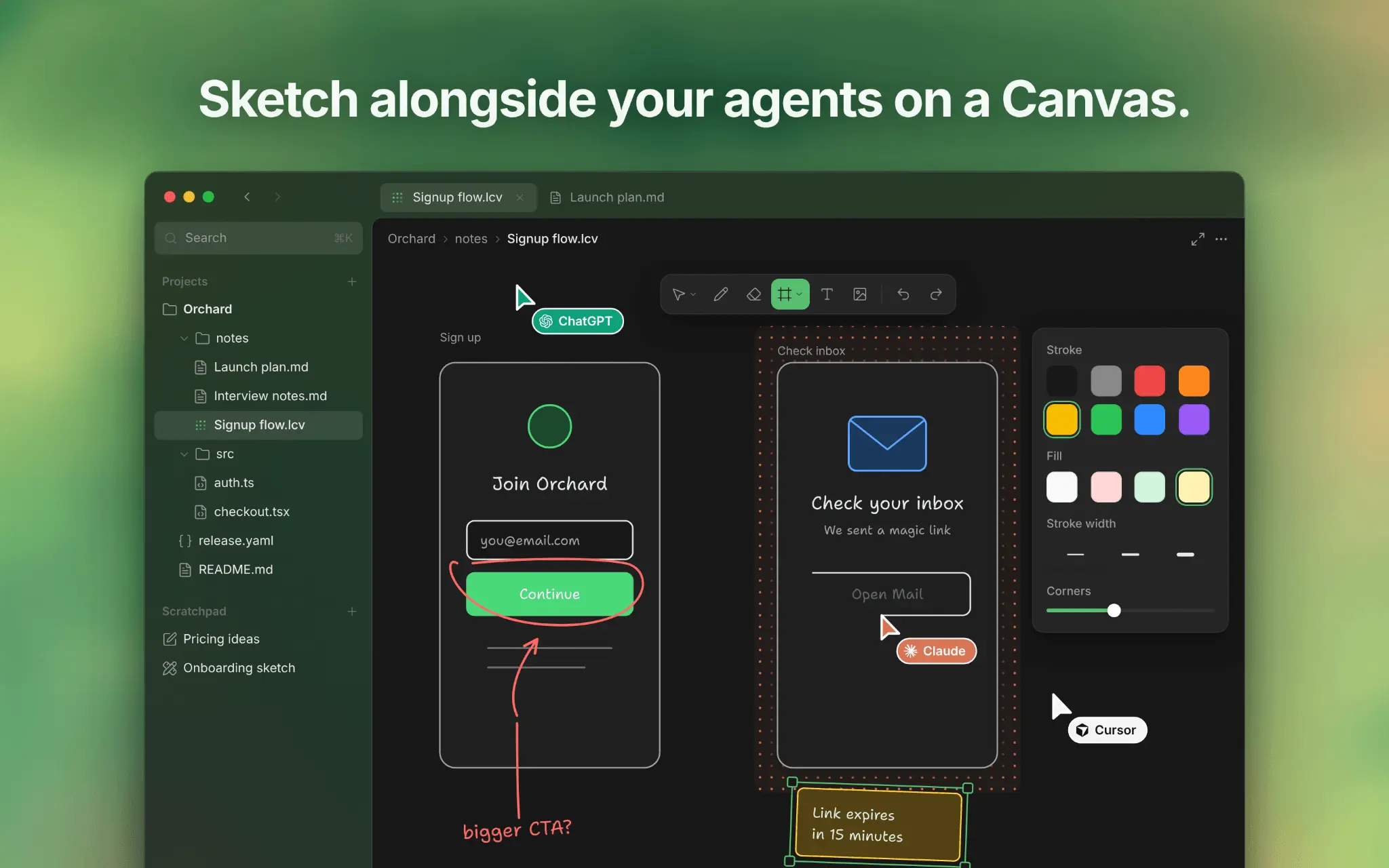
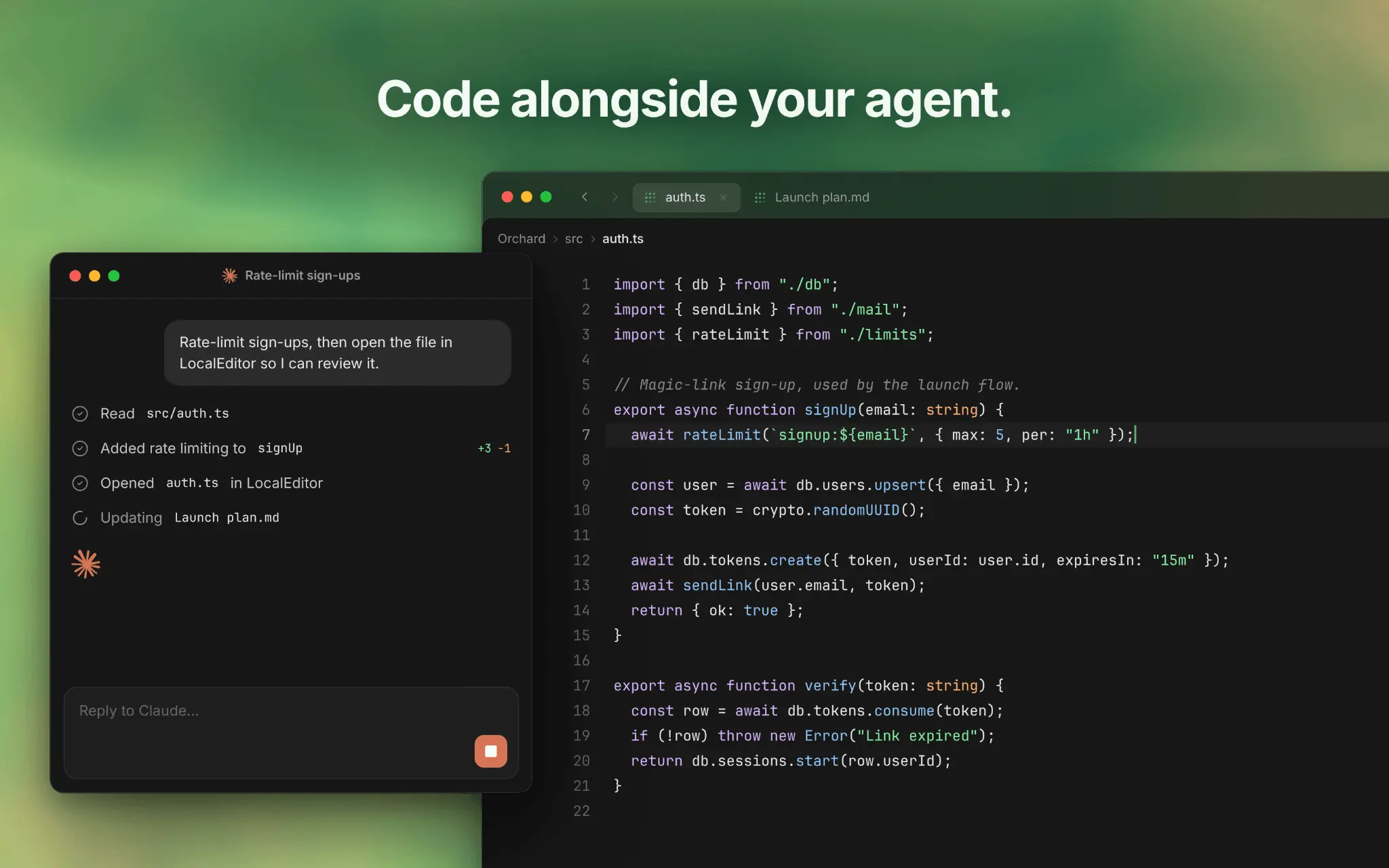
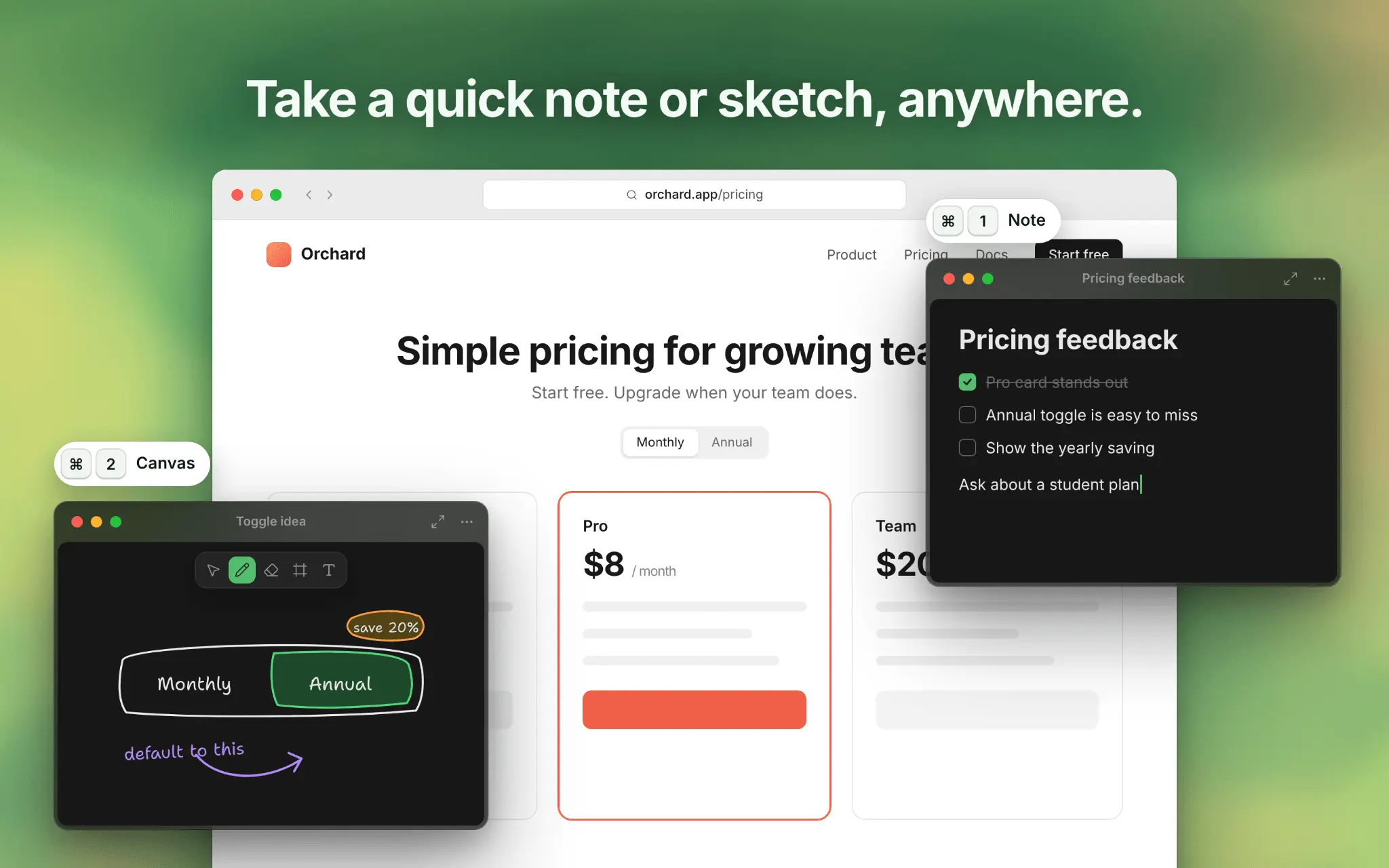
LocalEditor is a local workspace for macOS where you write notes, sketch and review code projects in your own folders, right alongside your AI coding agents. It opens existing folders and files without importing or moving anything. Files update live as your agents write to them, and nothing is ever synced to the cloud. Key Features: - Open any folder as a project, or a single file straight from Finder. Markdown, HTML, YAML, JSON, .env and .gitignore files each get a readable view you can edit. - Write Markdown as formatted pages using slash commands, with headings, checklists, tables, [[wikilinks]], backlinks and nested child pages. Everything saves as clean, standard Markdown. -Preview HTML files live inside the app, with no browser tab or server needed. Images, video, PDFs and CSVs preview inline, and code files get syntax highlighting. -Sketch flows and wireframes on Canvas with shapes, connected arrows and a freehand Pencil. You can embed a canvas in a page or export it as PNG, JPEG, SVG or PDF. -Press ⌘1 from any app to capture a quick Scratchpad note, or ⌘2 for a blank Canvas. Then drag the file to your agent or move it into a project. -Connect Claude Code, Codex, Cursor and other agents through the built-in MCP helper. You choose which projects and Scratchpads they can read and edit, and secret files always stay off-limits. -Search across every open folder with ⌘K, see changes across your Git branches, and preview LocalEditor files in Finder with Quick Look. -When you and an agent edit the same file, changes merge automatically and any conflicts wait for your review. Saving rewrites only the lines you changed. Requires macOS. A 14-day free trial starts when you sign in with Apple, Google or GitHub, and no card is needed. A one-time purchase gives you permanent access and lifetime desktop updates, with no subscription. The account is used only for licensing. LocalEditor never reads, stores or syncs your files, so you can keep using iCloud Drive, Git or Dropbox as you do now.
Product Video
Watch a video demo of LocalEditor.
Screenshots
Reviews (0)
No reviews yet. Be the first to rate this product!
Comments (1)
Notes, sketches and code in one local file is the part I'd buy it for. When I sketch next to a snippet, does the drawing stay pinned to that spot if the code above it grows, or does it float on its own layer?
@support6714 glad you liked the idea. You can either insert a canvas in a markdown page or create a canvas file separately. When nested, it will stay pinned to the spot. (I am not sure if I get your question right)