
odio
Turn any Raspberry Pi into an audio streamer

Details
- Use Cases
- Target Audience
- Pricing
- Free
Discovery signals
How AI and people discover odio on PeerPush
About odio
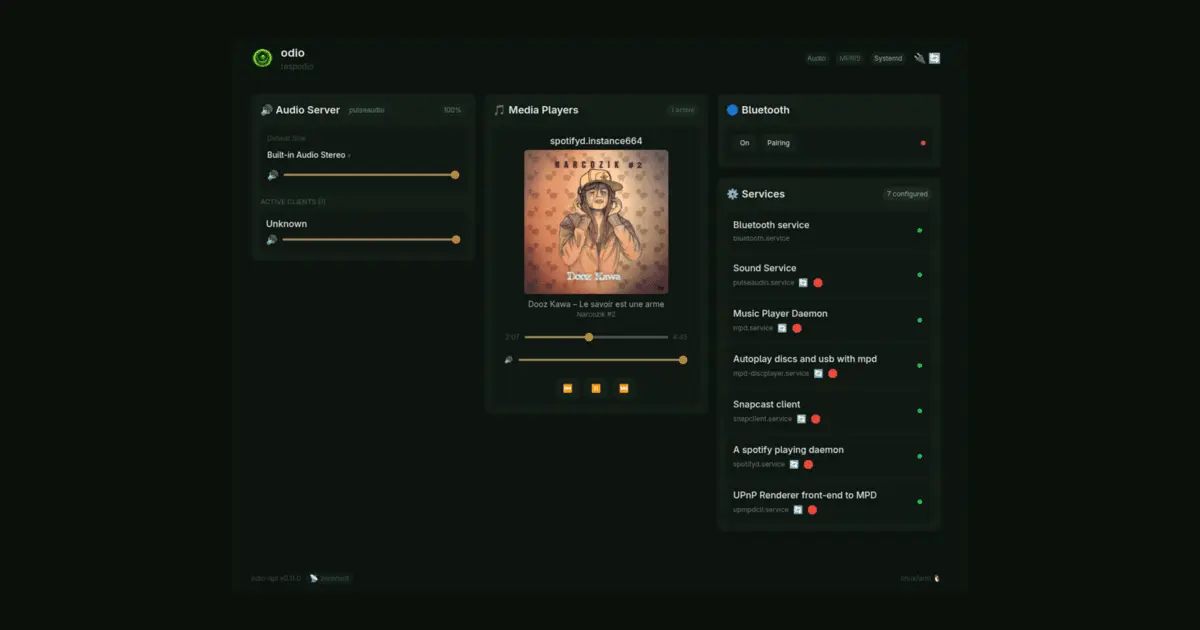
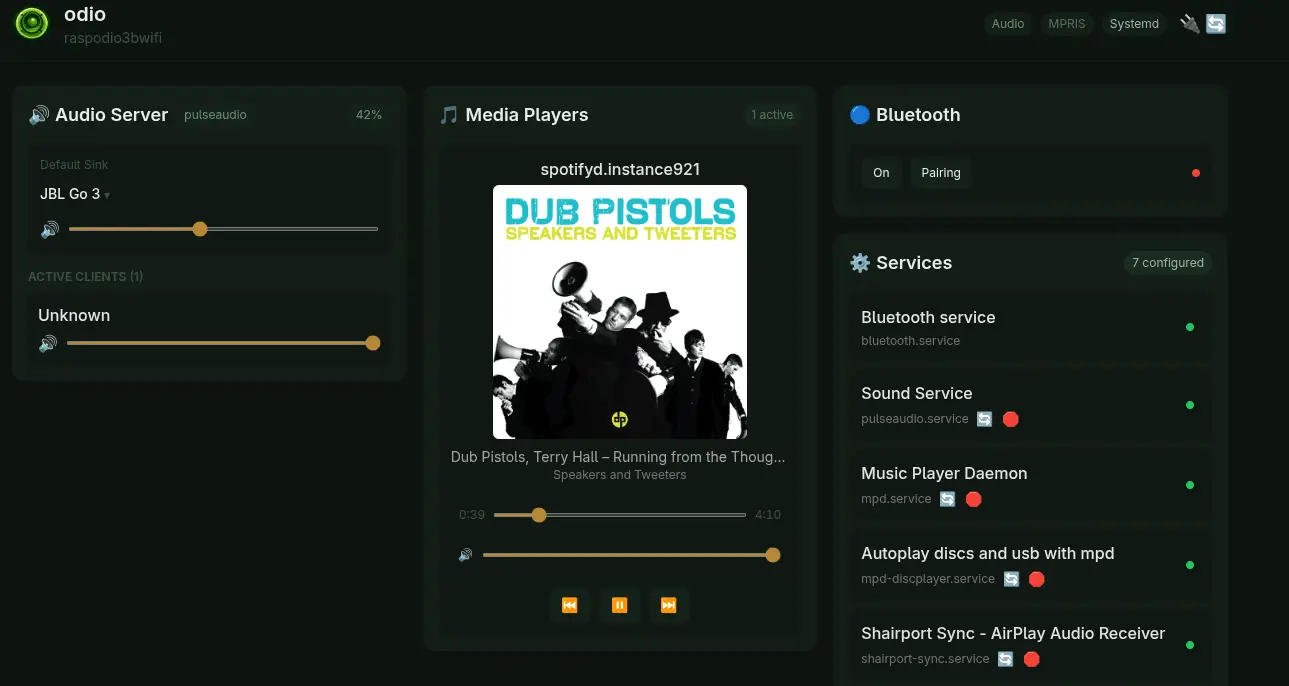
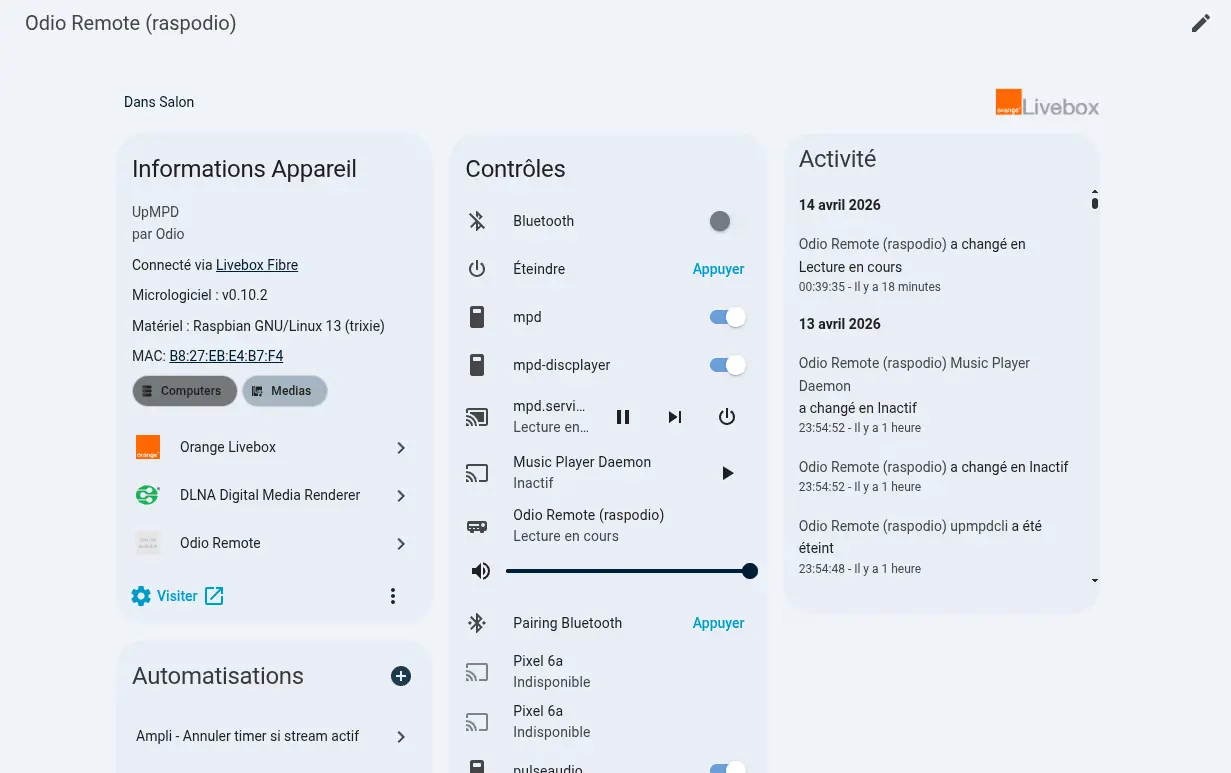
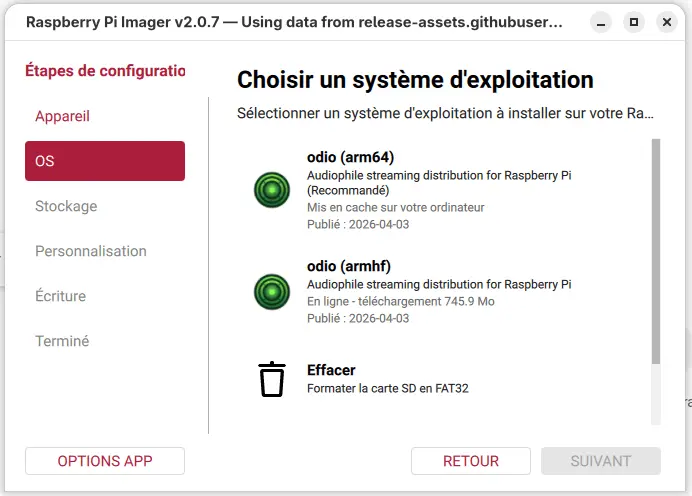
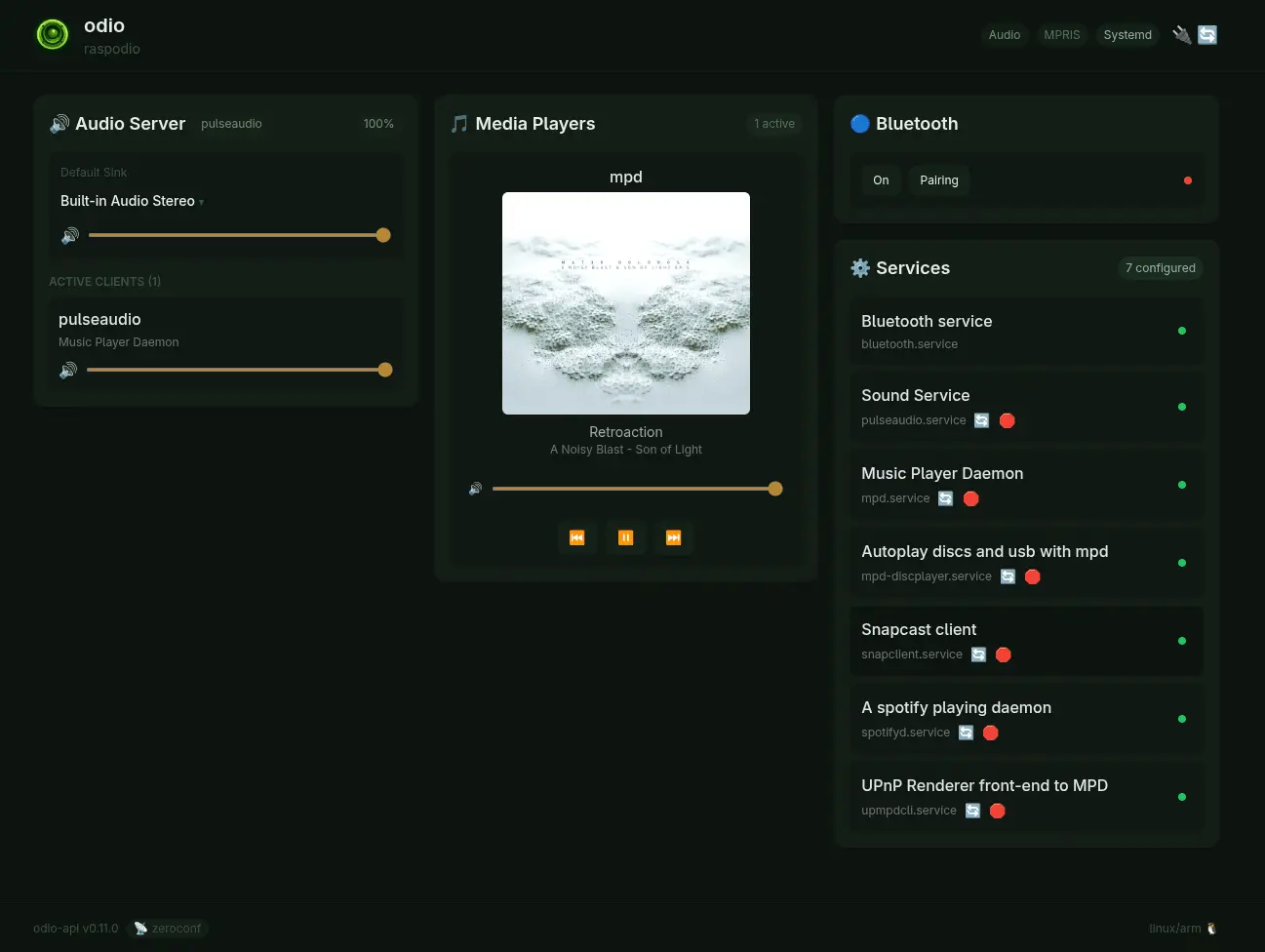
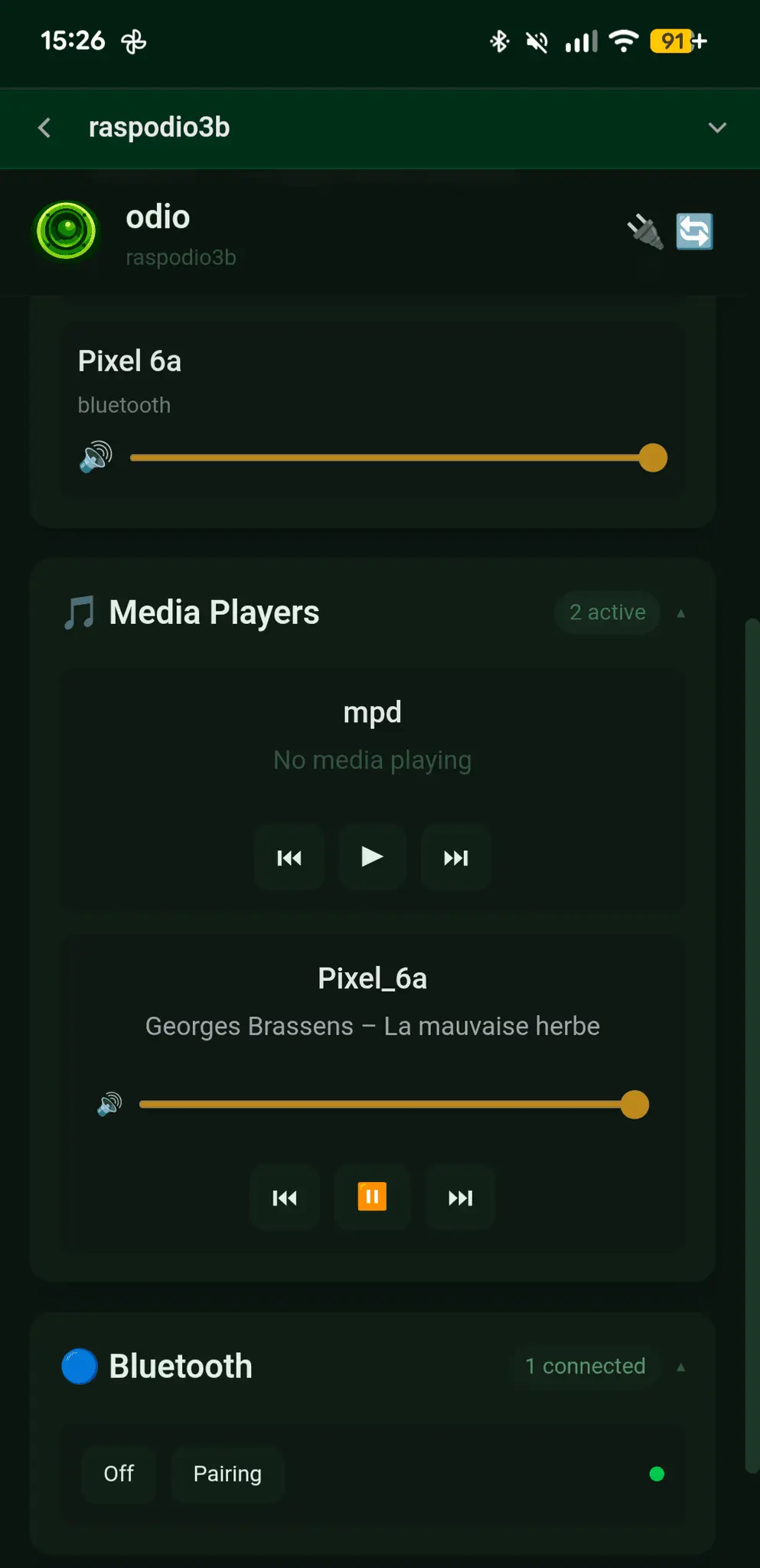
odio turns any Raspberry Pi into a self-hosted, open-source audio streamer. It is not a custom distribution: it installs as a stack of services on top of an existing Raspberry Pi OS Lite (or Debian 13 / Ubuntu), with near-zero system changes. The same install runs on every Pi from the original 2012 Model B (armv6l) to the Pi 5, and on x86-64 desktops or NAS. A single node speaks every modern audio source at once, with no source switching: AirPlay 2, Spotify Connect, Bluetooth A2DP, UPnP/DLNA, MPD, and PulseAudio/PipeWire network streaming. It plays inserted CDs and USB drives automatically with cover art and metadata (MusicBrainz, GnuDB), handles thousands of web radios, and reaches the Qobuz and Tidal catalogs (hi-res / lossless) through upmpdcli. Snapcast provides perfectly synchronized multi-room playback. Every node exposes a documented REST API (go-odio-api): playback, volume, sources, Bluetooth and services are all programmable over HTTP, so you can build your own clients, automations, parental controls, or voice control (Piper, Whisper via Home Assistant). A native Home Assistant integration exposes the full stack (power, outputs, Bluetooth, services) as HA entities, not just a media-player card. A PWA gives a native-feeling control interface on any device. odio is free and fully open source under BSD-2-Clause, with no account, no cloud dependency, and no telemetry. Installation is a one-line curl command or a pre-built image flashed via Raspberry Pi Imager (armhf and arm64). Upgrades happen in place via odio-upgrade, and SD images ship continuous unattended security updates. A free, self-hosted alternative to Volumio, moOde and commercial network streamers, built for makers and developers who want to own their setup. Currently in beta: daily use is solid.
Screenshots
Product Updates (1)
Updates now install from the UI
odio turns a Raspberry Pi into an audio streamer. Until now, updating one meant SSH and a command line. As of 2026.7.0rc1, an available update shows up in the odio web UI and in Home Assistant and applies itself from there. That was the last routine task that still required a terminal. The other visible change is the queue. The player card can swap the cover art for the track list, tap a row to jump, remove tracks inline. It goes through MPRIS, so that means MPD today plus any bluetooth source whose app exposes its tracklist. Underneath, the REST API serves the queue and pushes an SSE event on every change, so anything built on the API sees it live. Still free, still no cloud and no telemetry, still no paid tier. The contributor table went from 2 names to 16 since the previous release, almost all of it bug reports and ideas coming from Reddit and the Home Assistant forum. It's tagged rc because a final is close, and I'm collecting what's still missing before that: https://github.com/b0bbywan/odios/discussions/79
Comments (0)
No comments yet. Be the first to share your thoughts!
Reviews (2)
Average 5.0 out of 5
Based on 2 reviews


Comments (1)
Sounds very cool! Maybe I should finally dust off my old Pi 😆