
VideoPad Video Editor
Edit video as easily as editing text
Details
- Follow on
- Categories
- Use Cases
- Target Audience
- Pricing
- Freemium
Discovery signals
How AI and people discover VideoPad Video Editor on PeerPush
- ChatGPT
- Perplexity
- Claude
- +3 other AI crawlers
Reads by these AI engines
Crawlers behind these engines read this listing on PeerPush.About VideoPad Video Editor
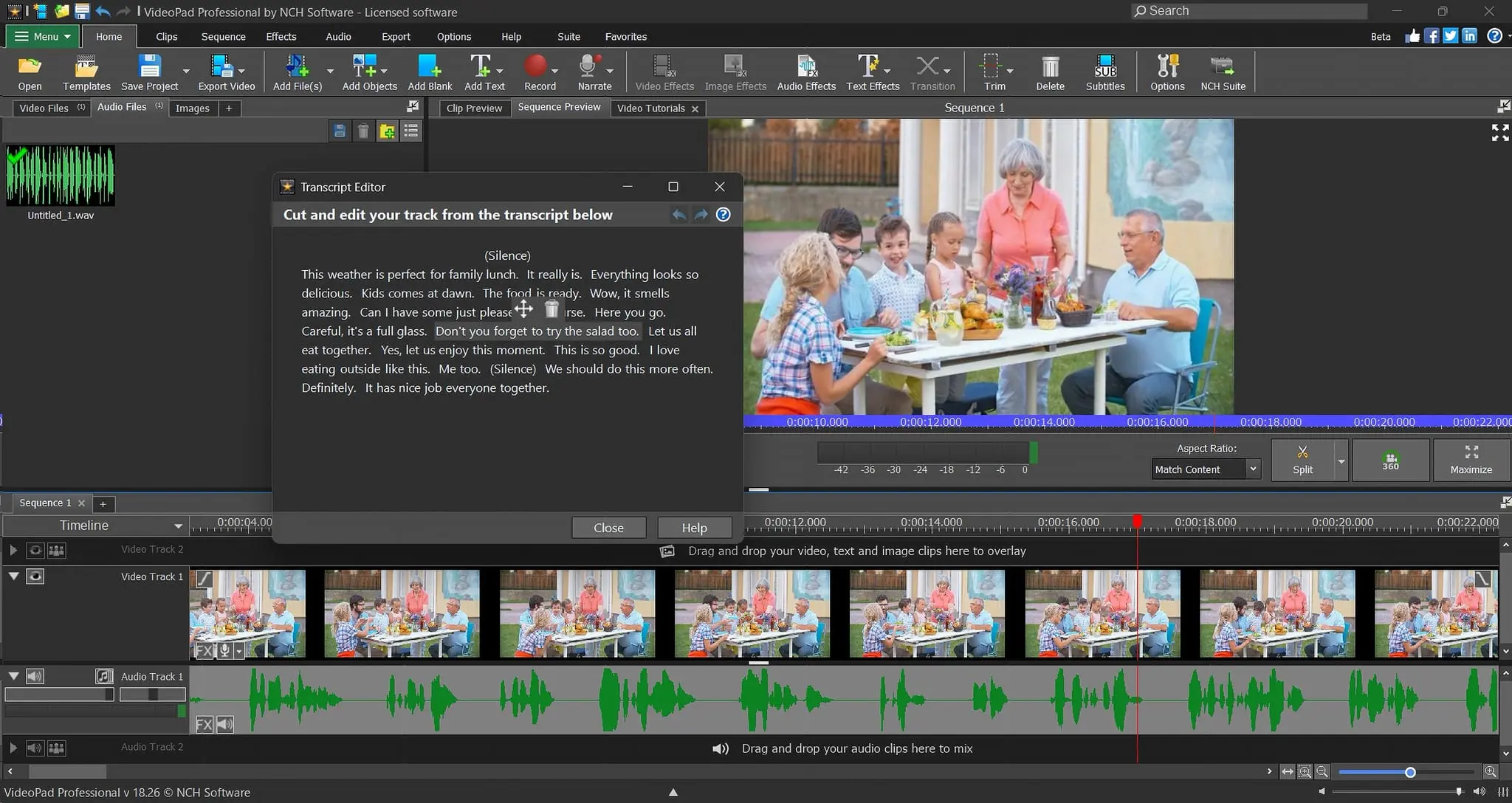
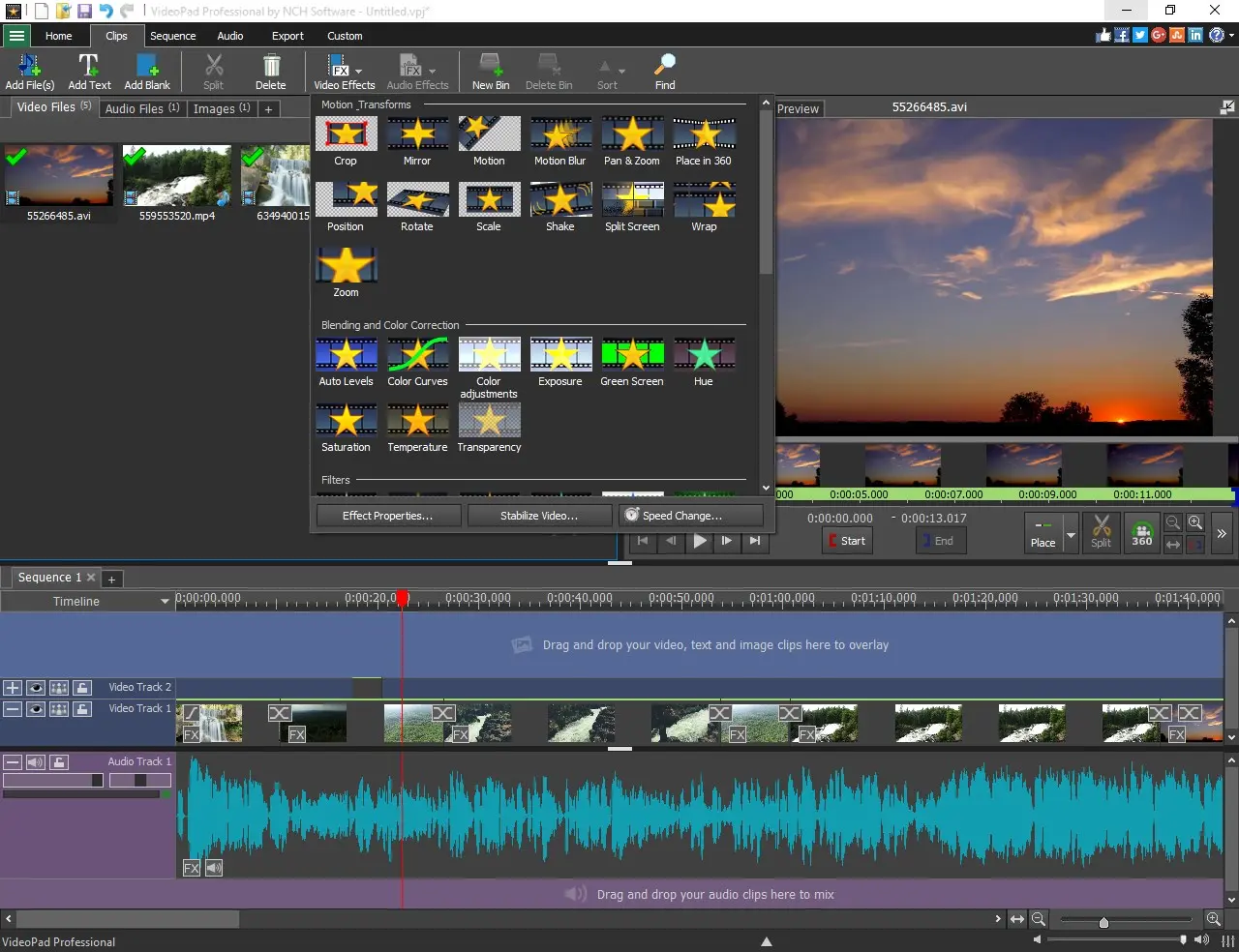
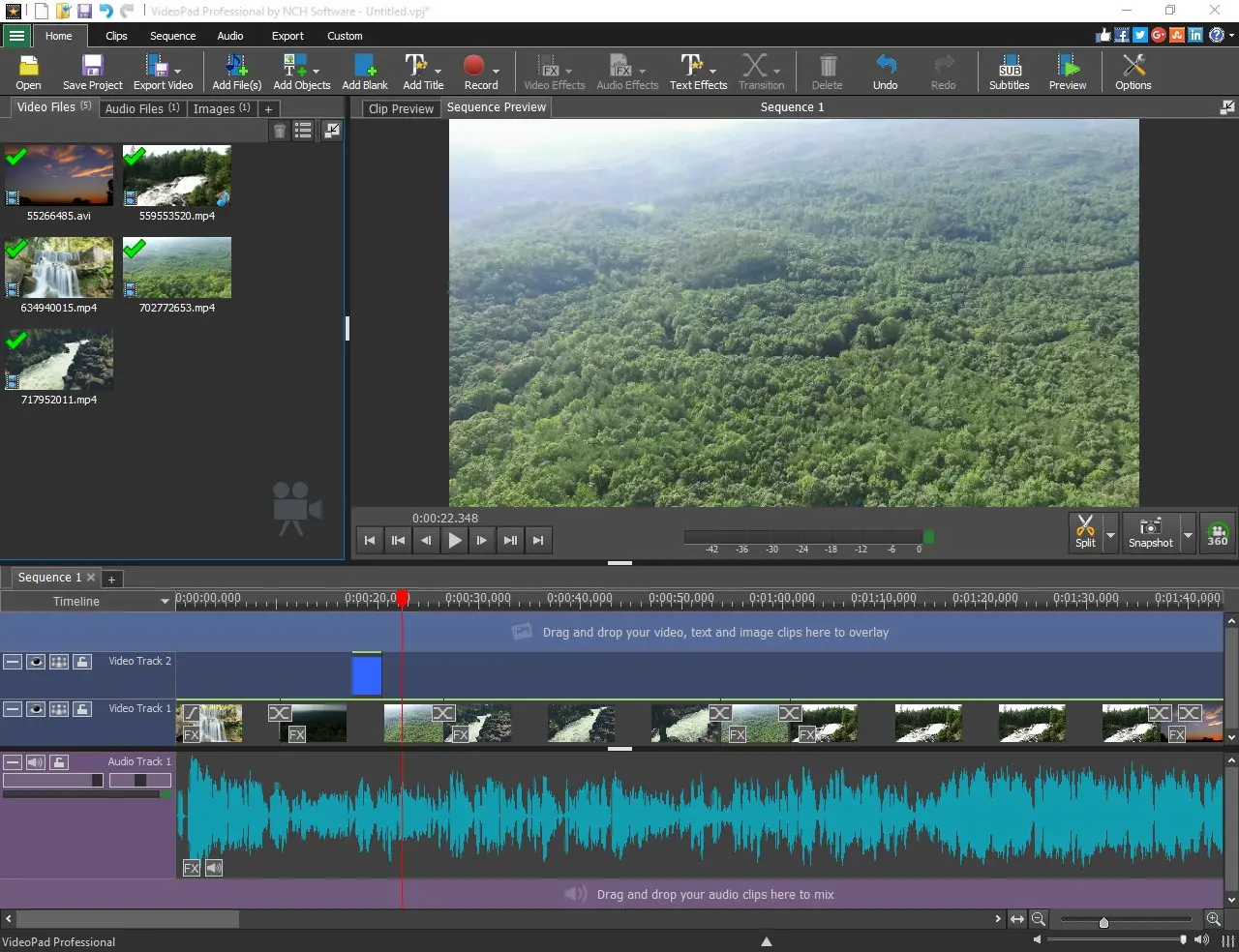
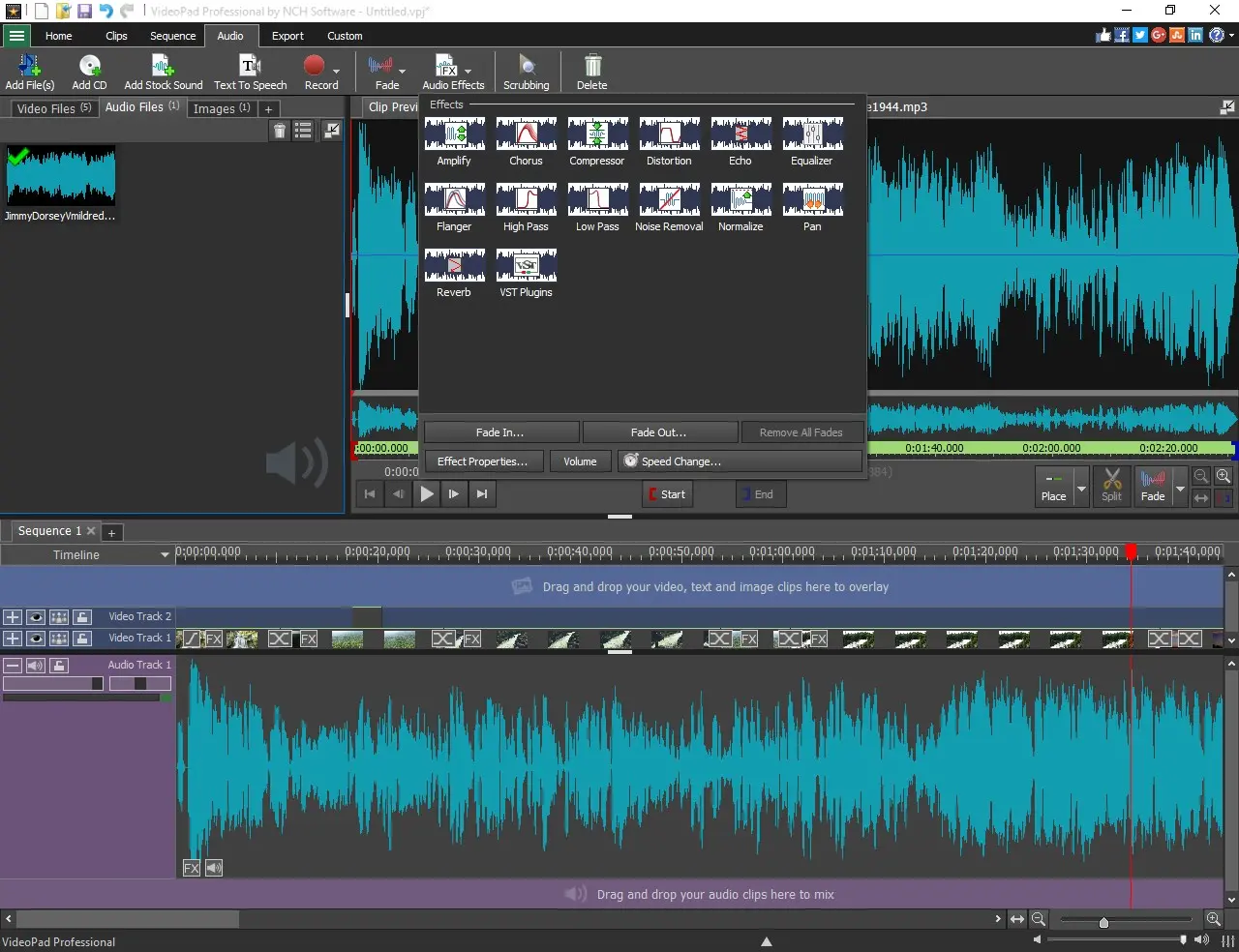
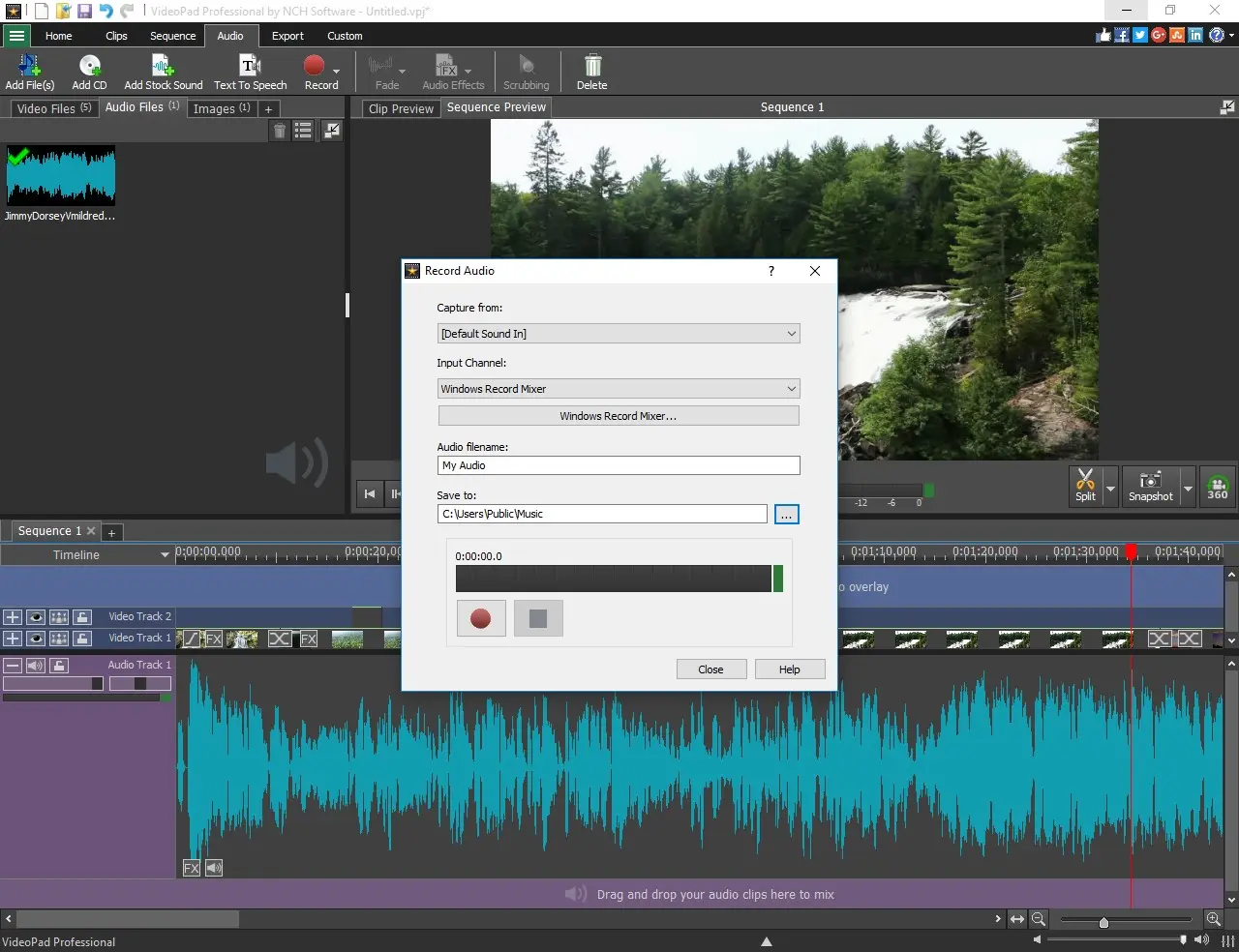
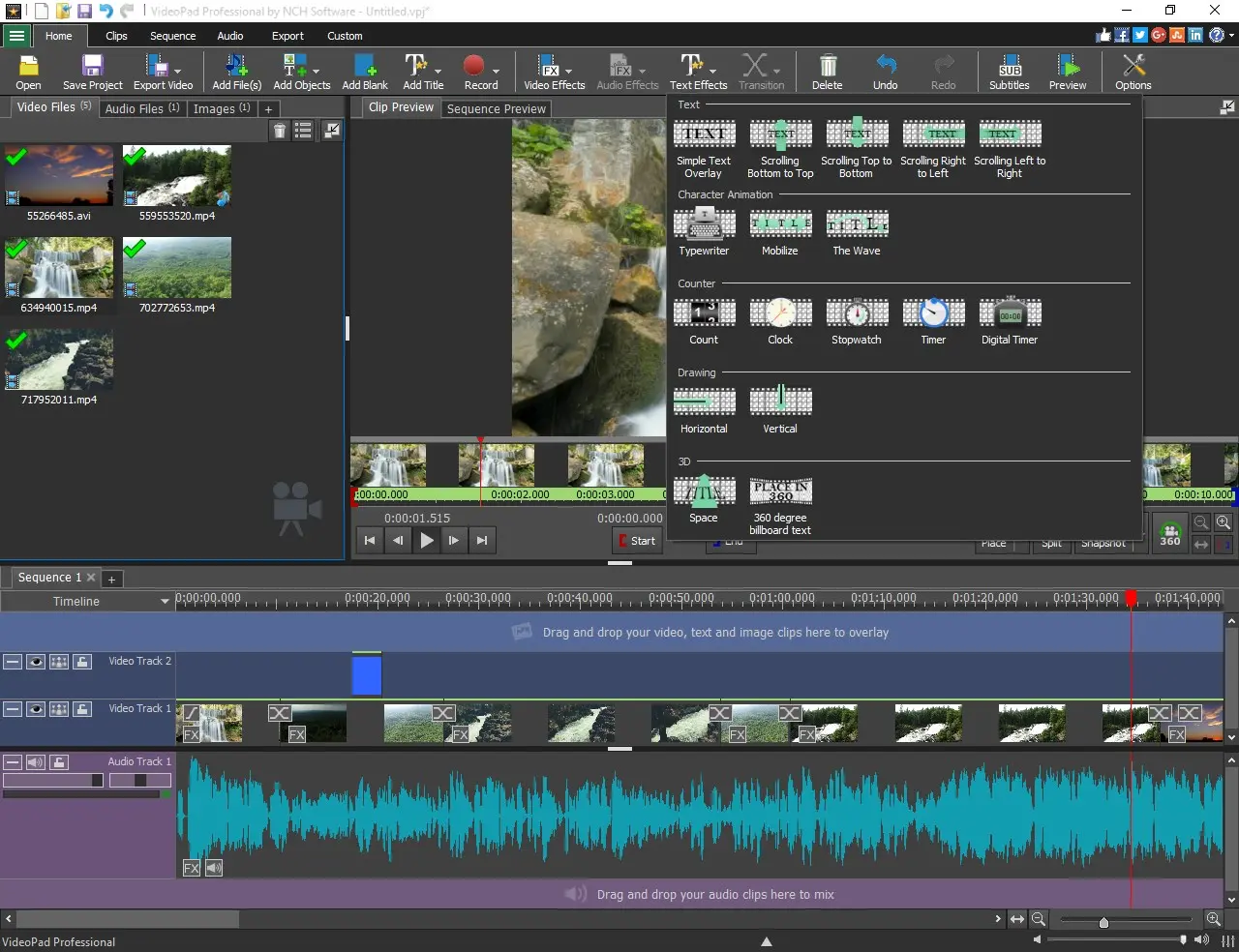
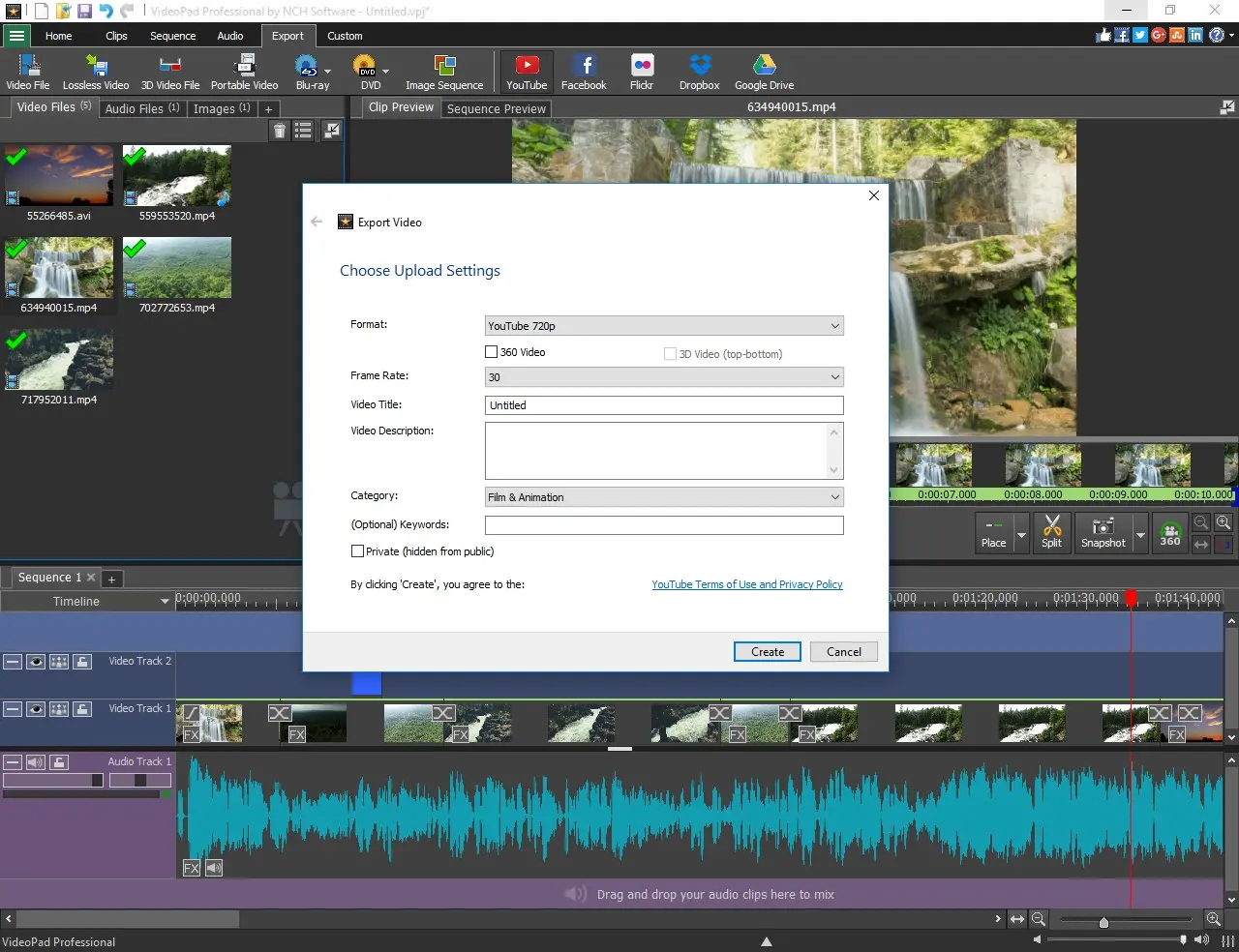
VideoPad Video Editor is a long-established video editing software used by creators worldwide. It is designed for creators who need fast, structured video editing for content such as interviews, tutorials, podcasts, and dialogue-heavy videos. Clear editing workflow (Fast) VideoPad introduces transcript-based editing, allowing you to convert speech into text and edit video by modifying words instead of manually cutting clips. All-in-one production tool (Scope) It combines the full video production process in a single application. Users can trim clips, arrange sequences, add effects, edit audio, and export finished videos without switching tools. Easy to use (Accessibility) A drag-and-drop interface keeps editing simple and fast, while still supporting detailed control over timing, structure, and visual output. Broad compatibility (Input) Supports a wide range of formats including MP4, AVI, MOV, and footage from cameras, webcams, and screen recordings. Built-in creative tools (Features) Includes 50+ transitions and effects, color correction, speed adjustment, green screen, picture-in-picture, motion graphics, and more. Audio editing included (Audio) Record voiceovers, mix multiple tracks, and apply effects such as normalization and echo directly inside the editor. Export and publishing (Output) Export in HD, 2K, or 4K, burn to DVD, or upload directly to online platforms such as YouTube. Templates and extensions (Acceleration) Includes templates for intros, outros, subtitles, and full projects, plus plugin support for extended functionality. VideoPad is available on Windows, Mac, iOS, and Android.
Screenshots
Reviews (2)
Average 4.5 out of 5
Based on 2 reviews

Comments (3)
I like the focus on accessibility without stripping away core editing functionality. Support for HD to 4K exports and built-in audio tools makes it a solid option for creators who want simplicity with enough depth to grow into.
@conrad Thanks! We really appreciate that feedback. Striking the right balance between ease of use and editing power is something we've worked hard on.
Interesting. I will give it a try soon.
@marketingayadnexus Thanks! Looking forward to hearing your feedback.
Hi everyone 👋 VideoPad has been trusted by creators worldwide, now offering Transcript-based editing to help you edit even faster! What’s one feature that would make video editing easier for you?