
Vidrick AI Transcriber
Private offline AI transcription for Windows
Details
- Use Cases
- Target Audience
- Pricing
- Subscription from $6.99
- Platforms
- Featured in
Discovery signals
How AI and people discover Vidrick AI Transcriber on PeerPush
- ChatGPT
- Perplexity
- +3 other AI crawlers
Reads by these AI engines
Crawlers behind these engines read this listing on PeerPush.About Vidrick AI Transcriber
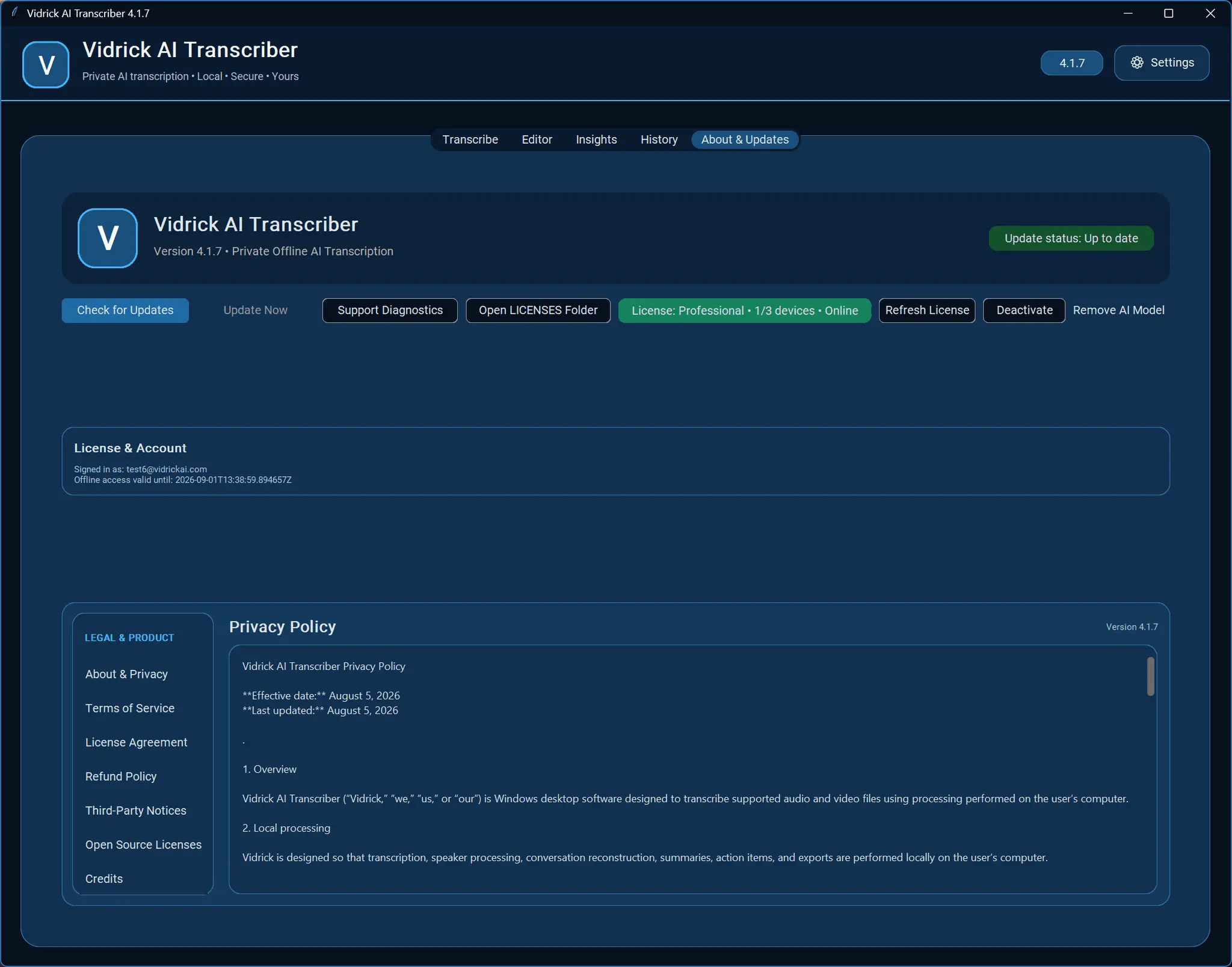
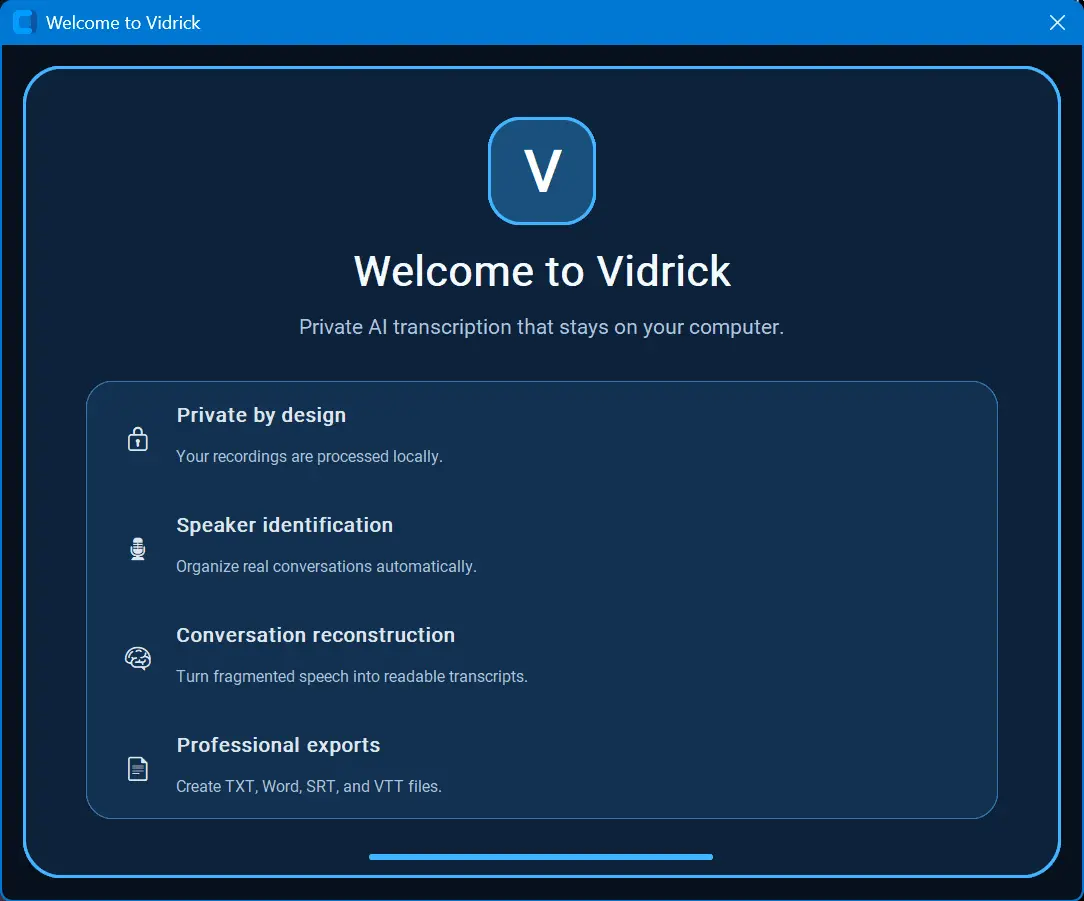
Vidrick AI Transcriber turns recorded audio and video into editable transcripts locally on a Windows PC, without uploading recordings for transcription. It supports 57 selectable languages plus auto-detect, speaker separation, transcript editing, local AI insights, and TXT, DOCX, SRT and VTT exports. Designed for interviews, podcasts, meetings and research. Personal is $6.99/month with CPU processing; Professional is $13.99/month with supported NVIDIA GPU acceleration and commercial use. A seven-day Professional trial requires no credit card and does not charge automatically. Processing speed and accuracy depend on hardware and recording quality; transcripts and speaker labels should be reviewed. Internet access is needed for account setup, downloads and license checks.
Product Video
Watch a video demo of Vidrick AI Transcriber.
Screenshots
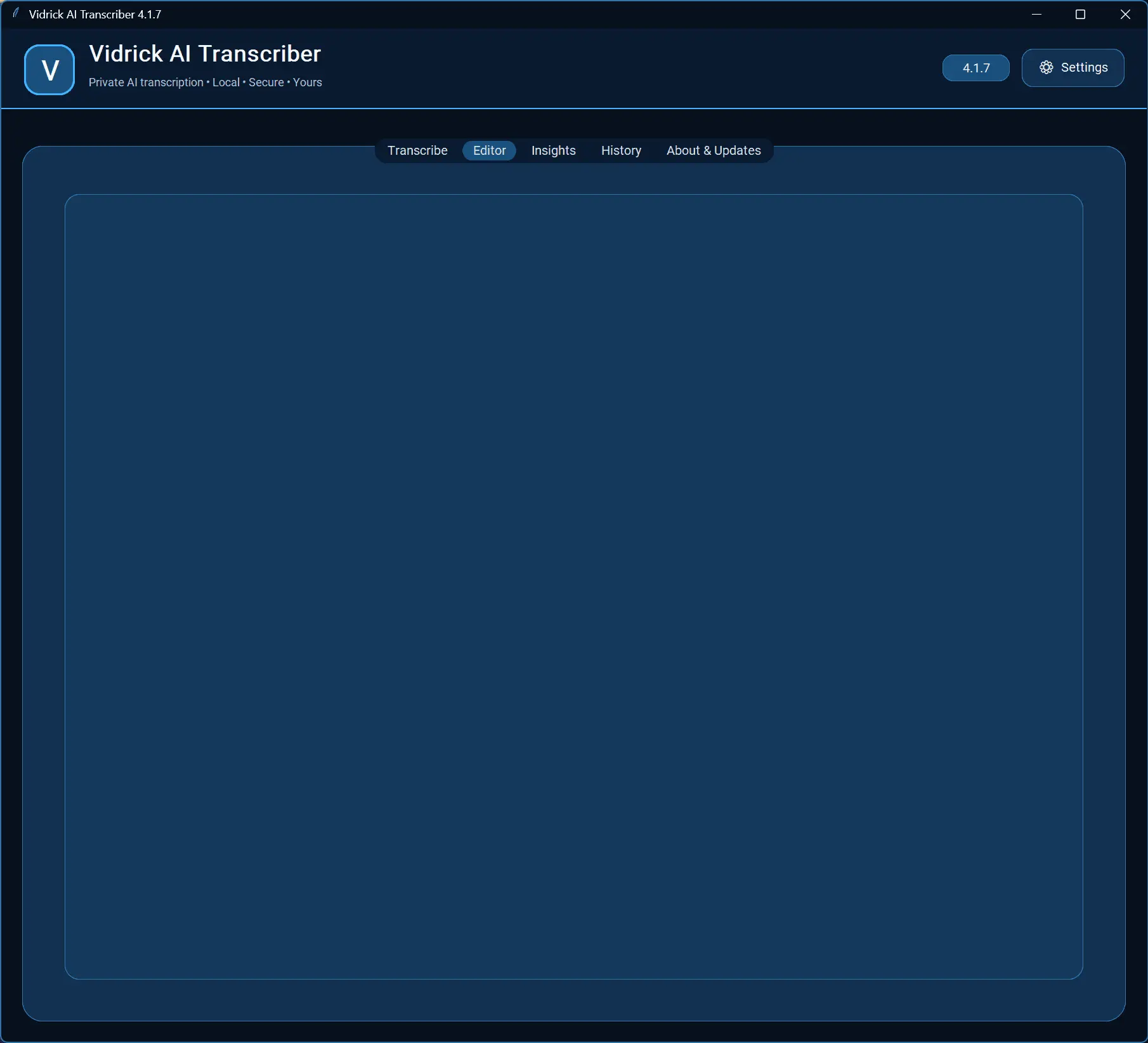
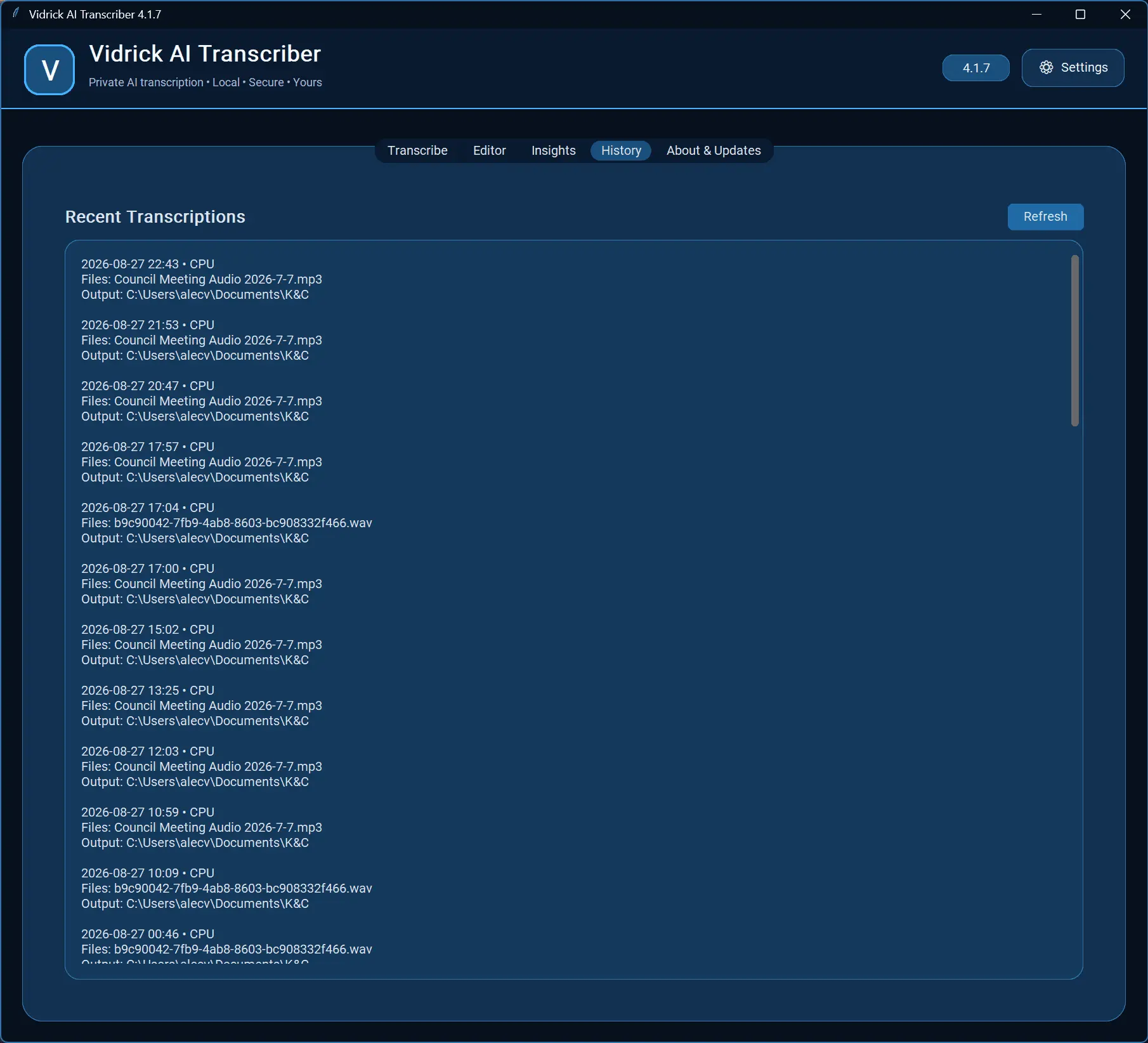
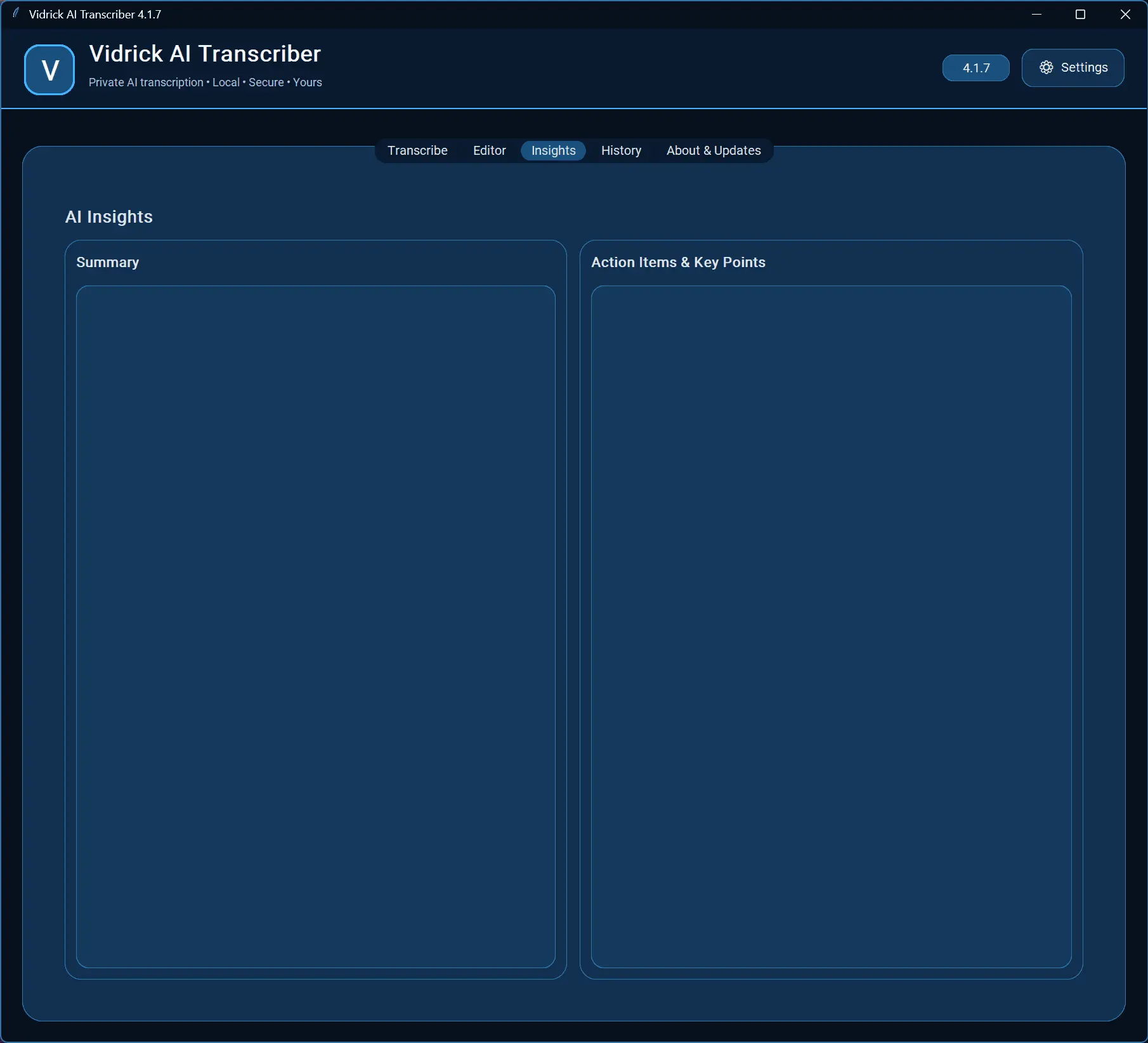
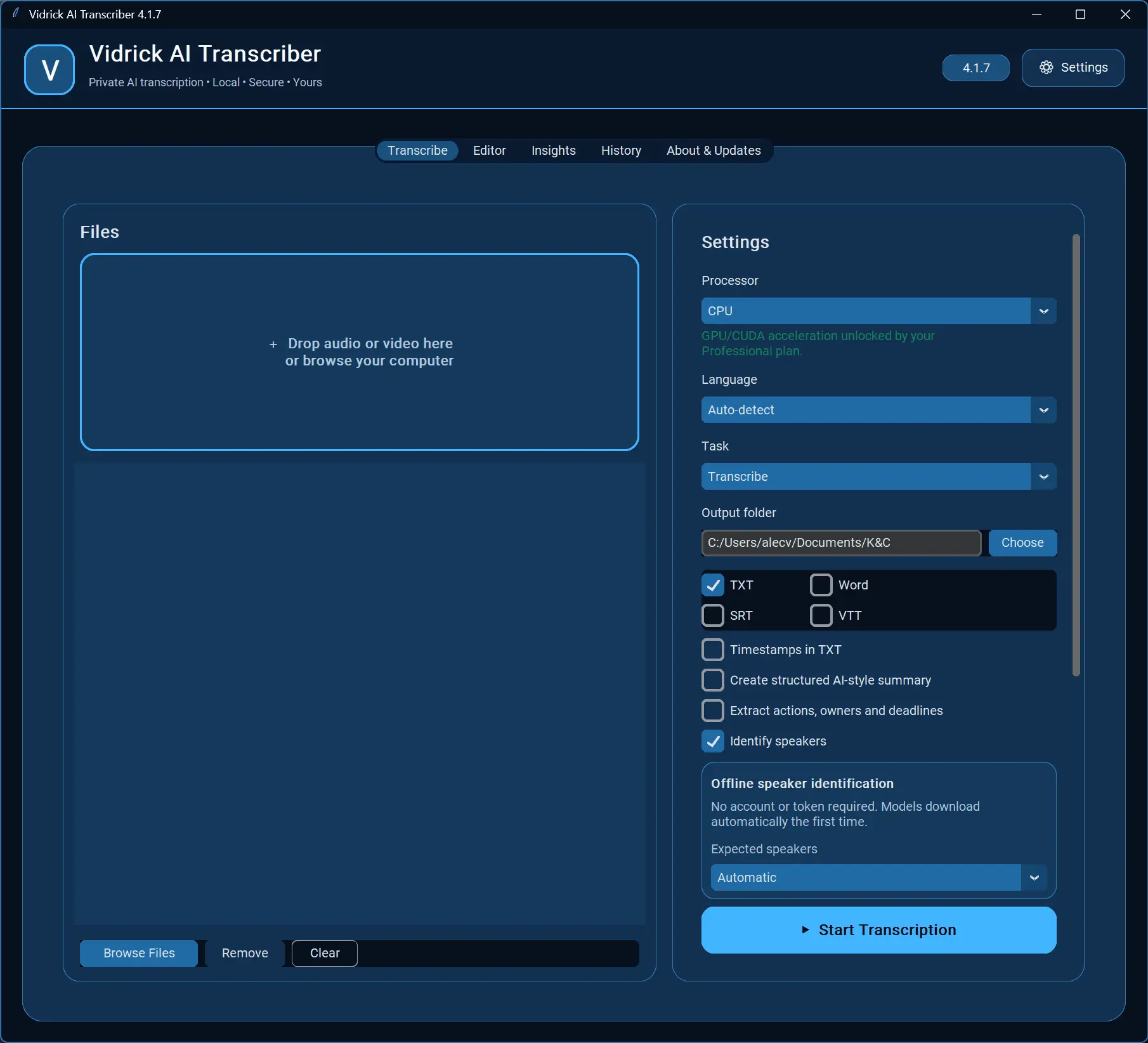
Product Updates (1)
A quick Vidrick 4.3 update: longer recordings, clearer progress
Hey everyone, Alec here — I build Vidrick. I've been working on the less flashy stuff that matters when you're transcribing a long interview or podcast: memory use, keeping track of who's speaking, and knowing what the app is doing. Version 4.3 brings smaller processing steps to help manage memory, improved voice matching across longer recordings, and separate progress for transcription and speaker analysis. Transcripts and speaker labels still need a human review. Privacy is a big thing in today's world. Your audio and video recordings are transcribed locally on your Windows PC; nothing from those recordings is uploaded to the cloud for transcription. Account setup, downloads and license checks still need internet access. If you work with long recordings, what's the most frustrating part of getting a transcript you can actually use? I'd love to hear it. https://vidrickai.com
Comments (0)
No comments yet. Be the first to share your thoughts!
Reviews (1)
Average 5.0 out of 5
Based on 1 review

Comments (1)
Local transcription on the PC is what makes this usable for interviews and research, where the recording is often not yours to upload. SRT and VTT next to DOCX covers the writer and the video editor from one export menu.