
EqualTune
Free system-wide audio equalizer for Windows

Details
- Categories
- Use Cases
- Target Audience
- Pricing
- Free
- Platforms
Discovery signals
How AI and people discover EqualTune on PeerPush
Nov 5, 2026
About EqualTune
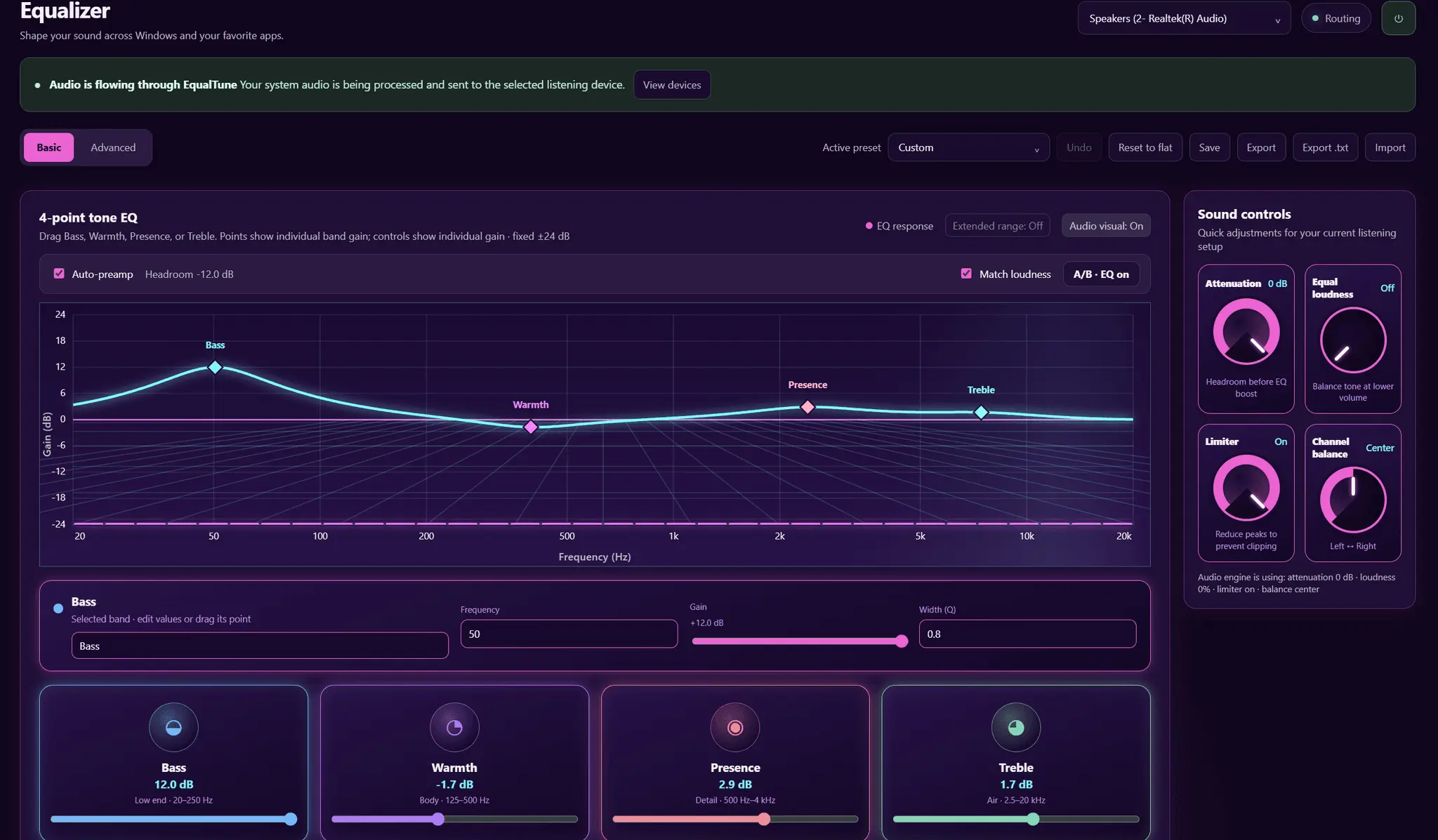
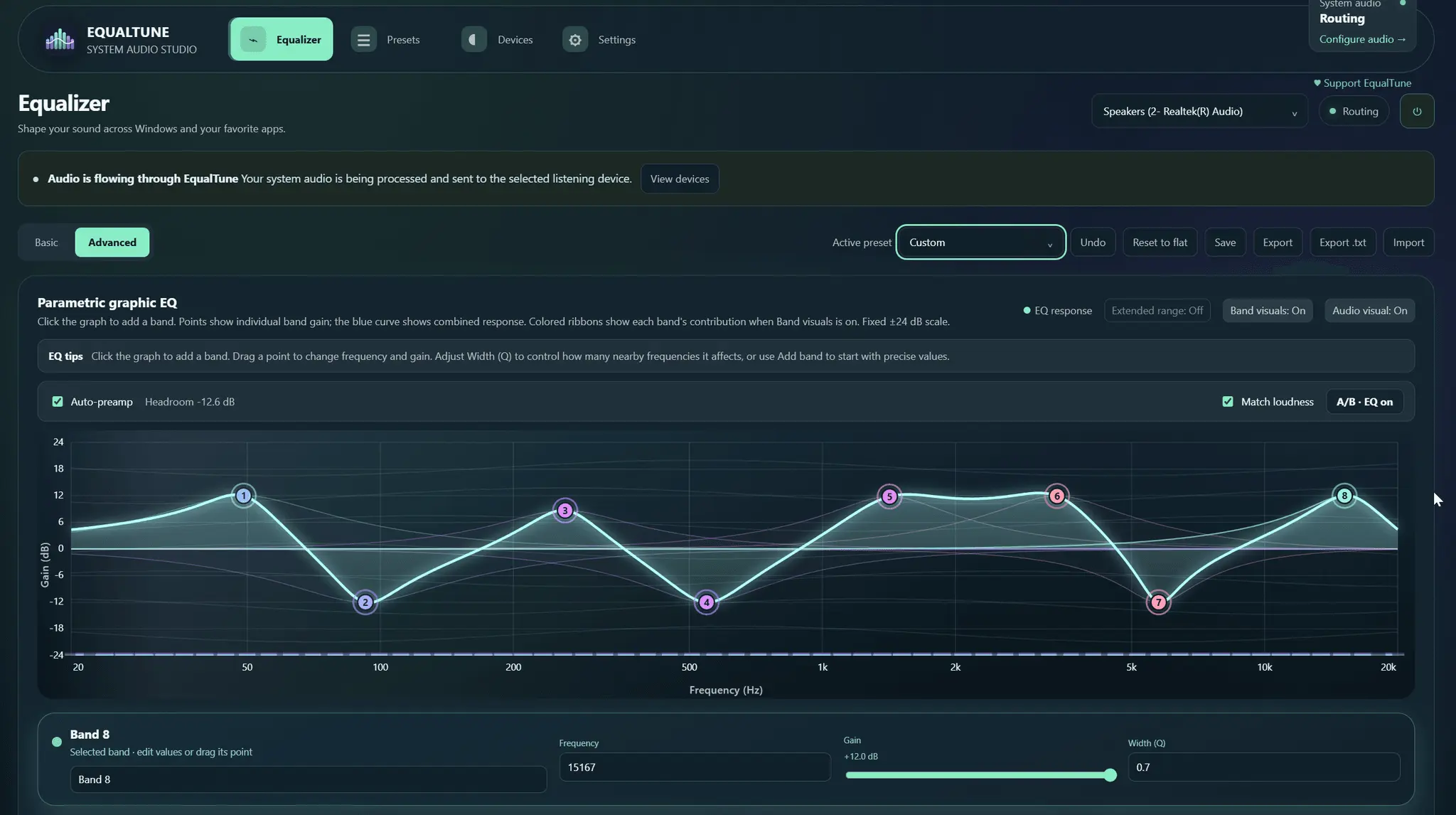
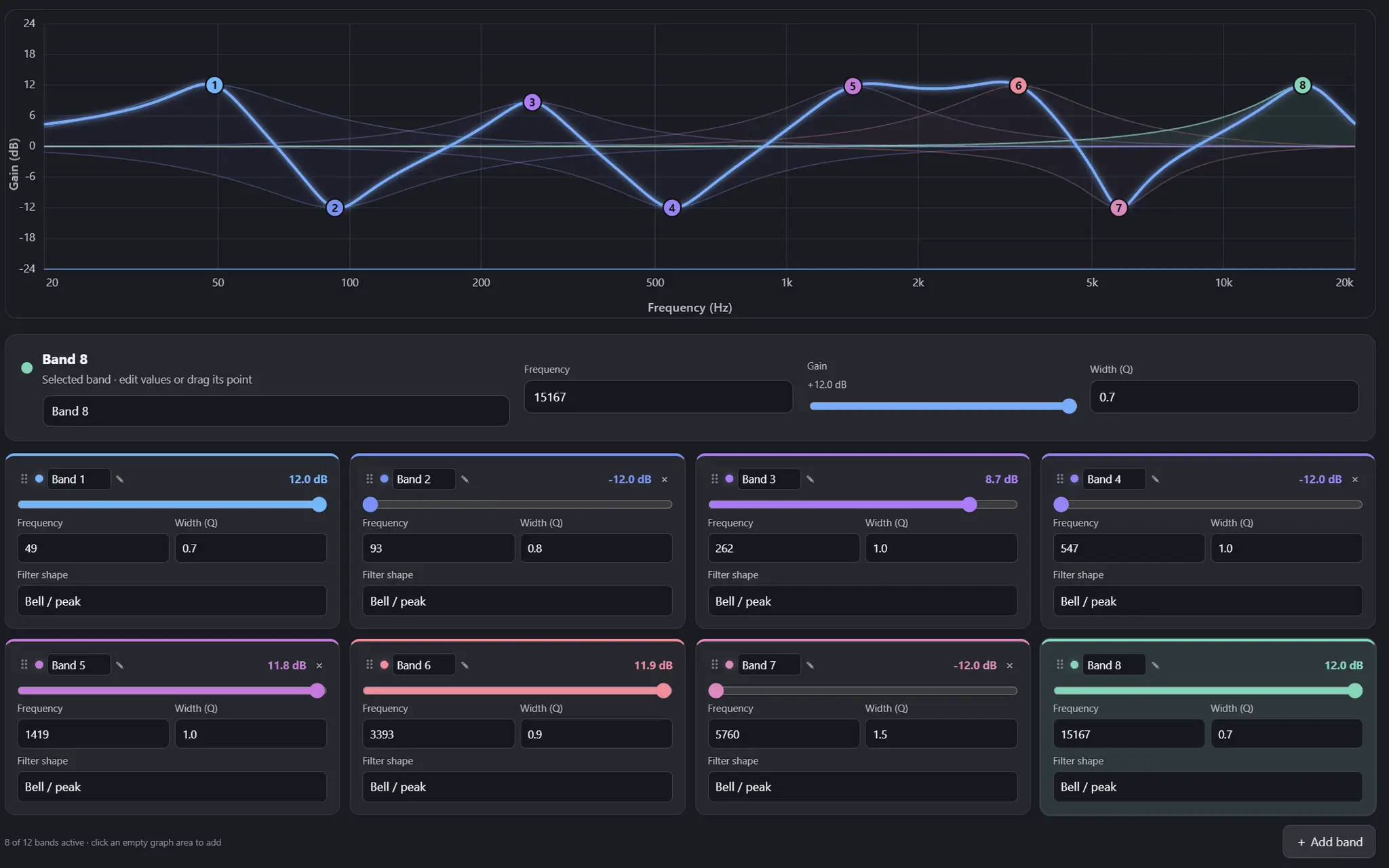
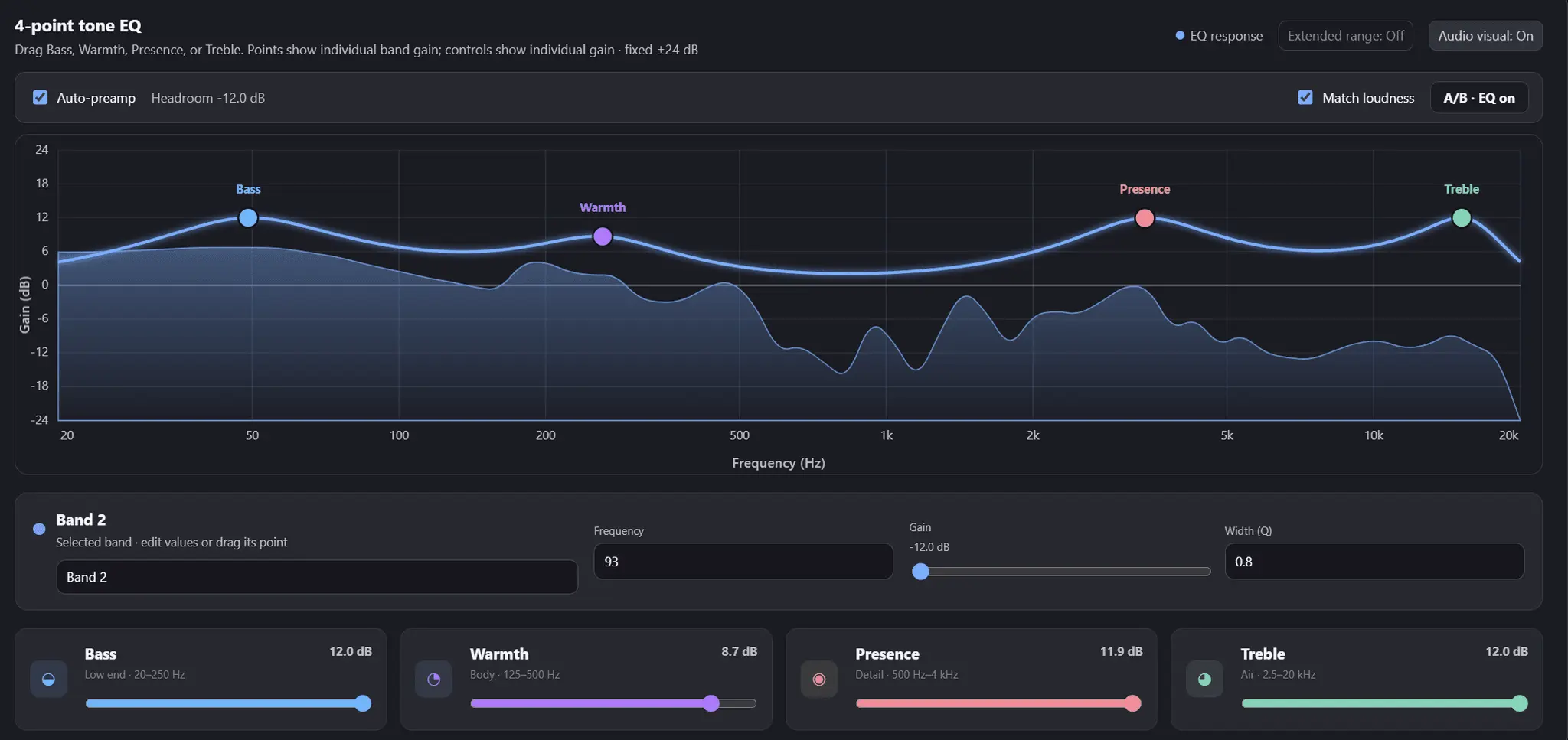
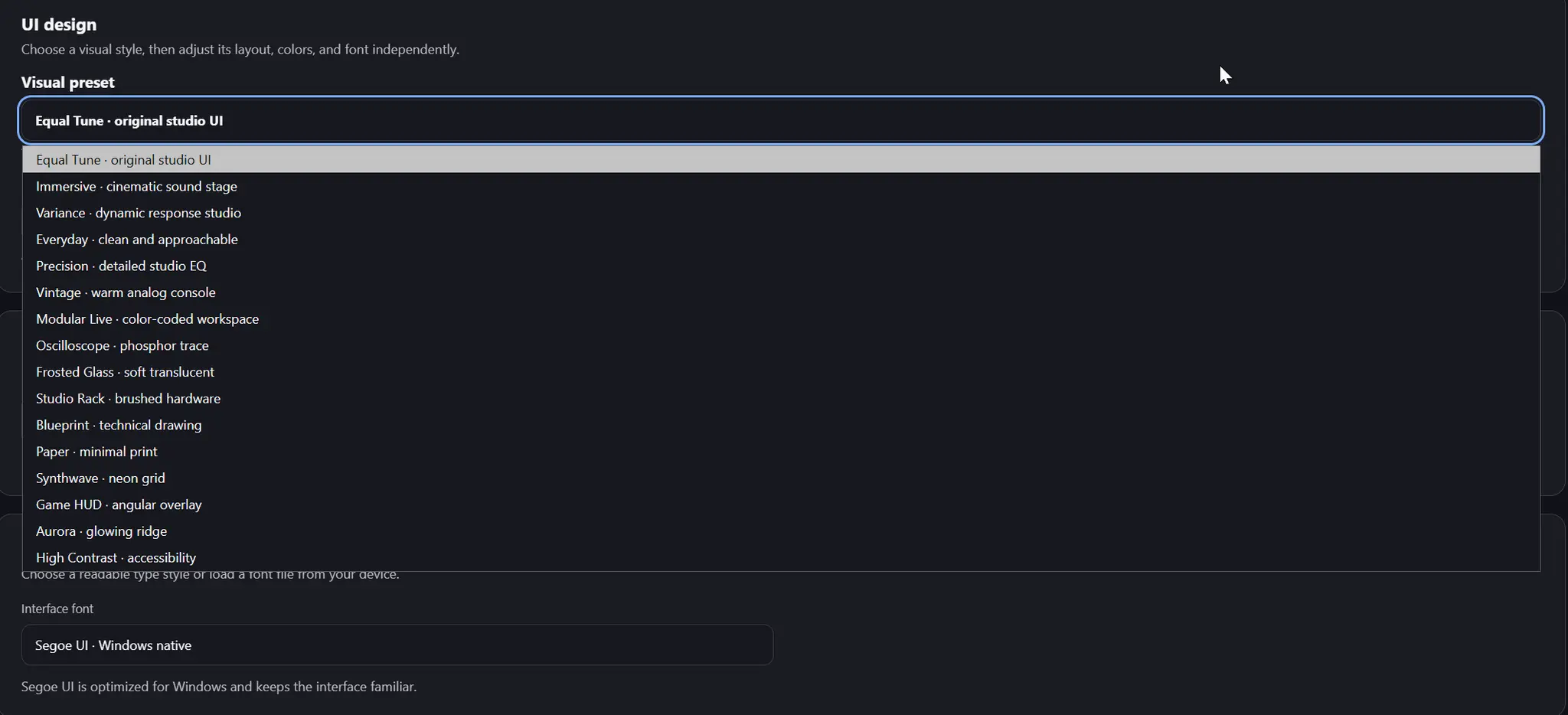
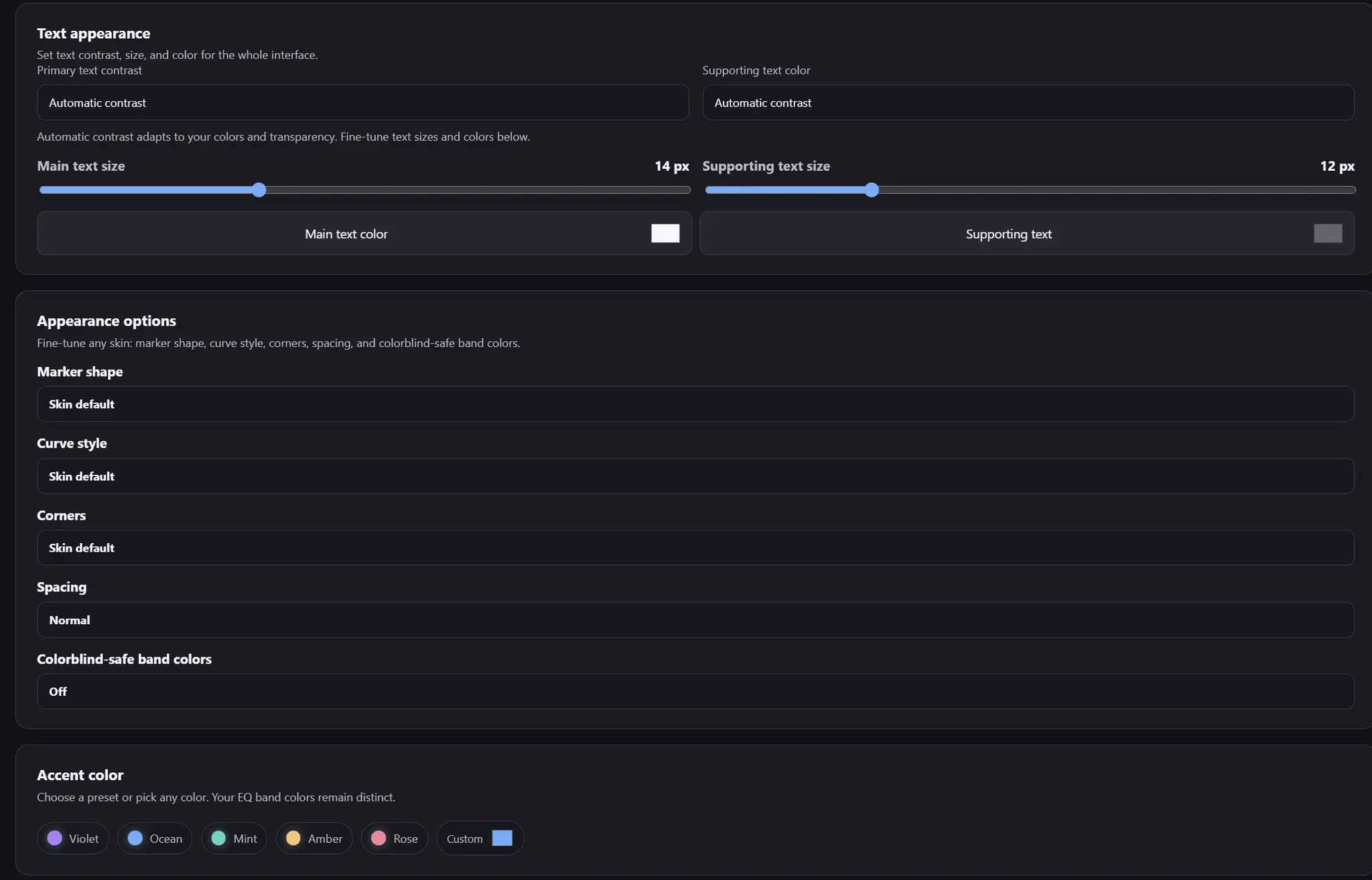
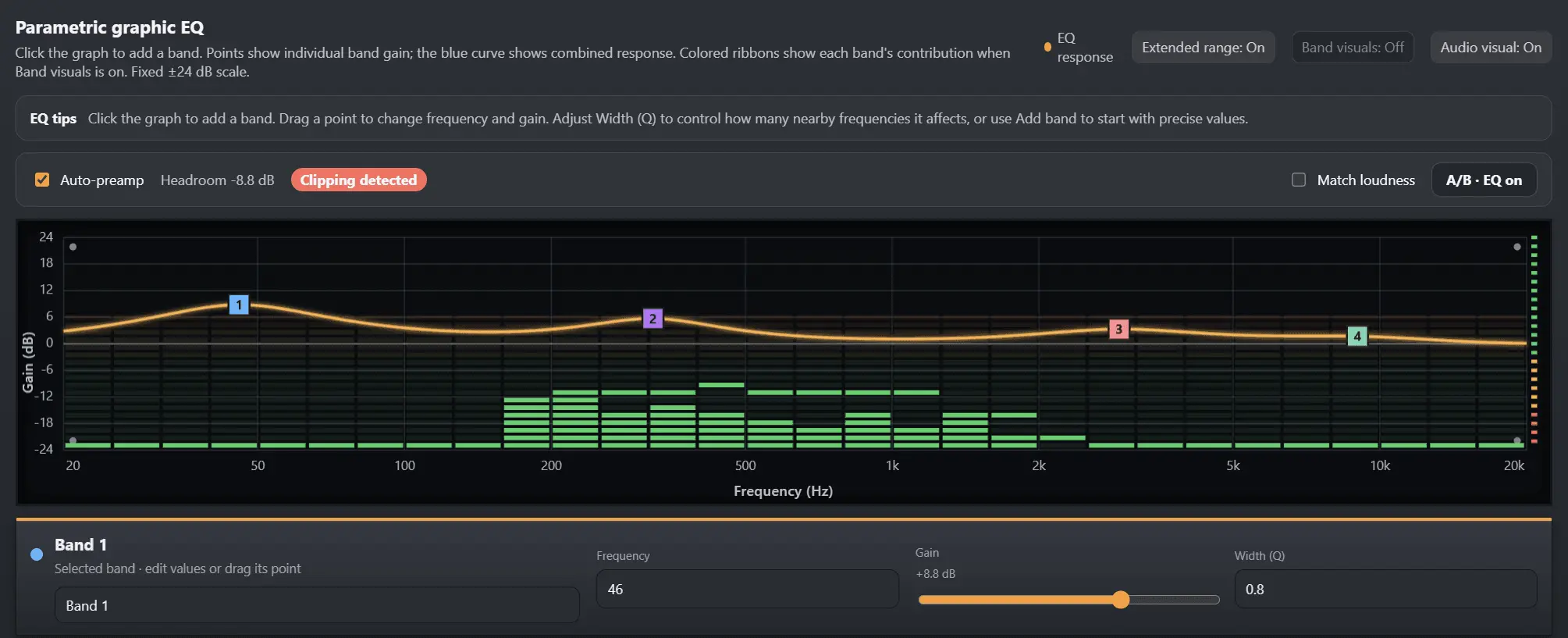
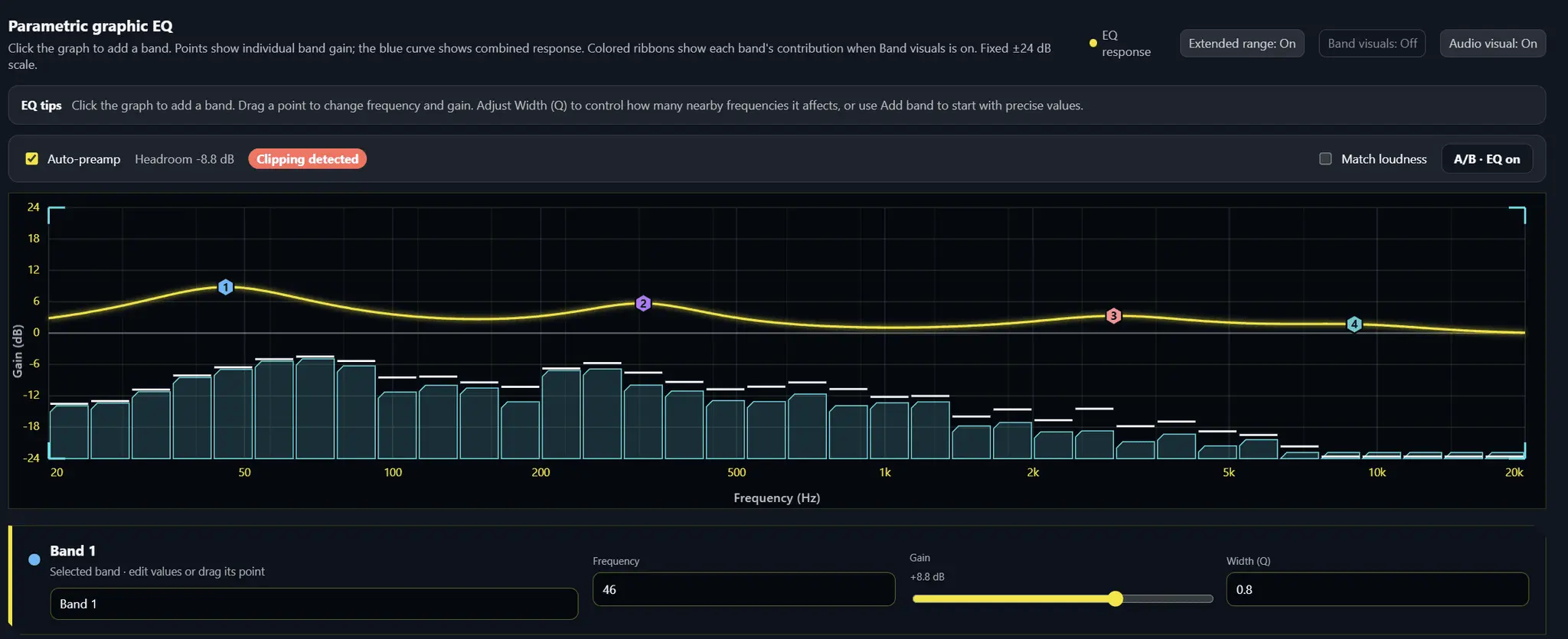
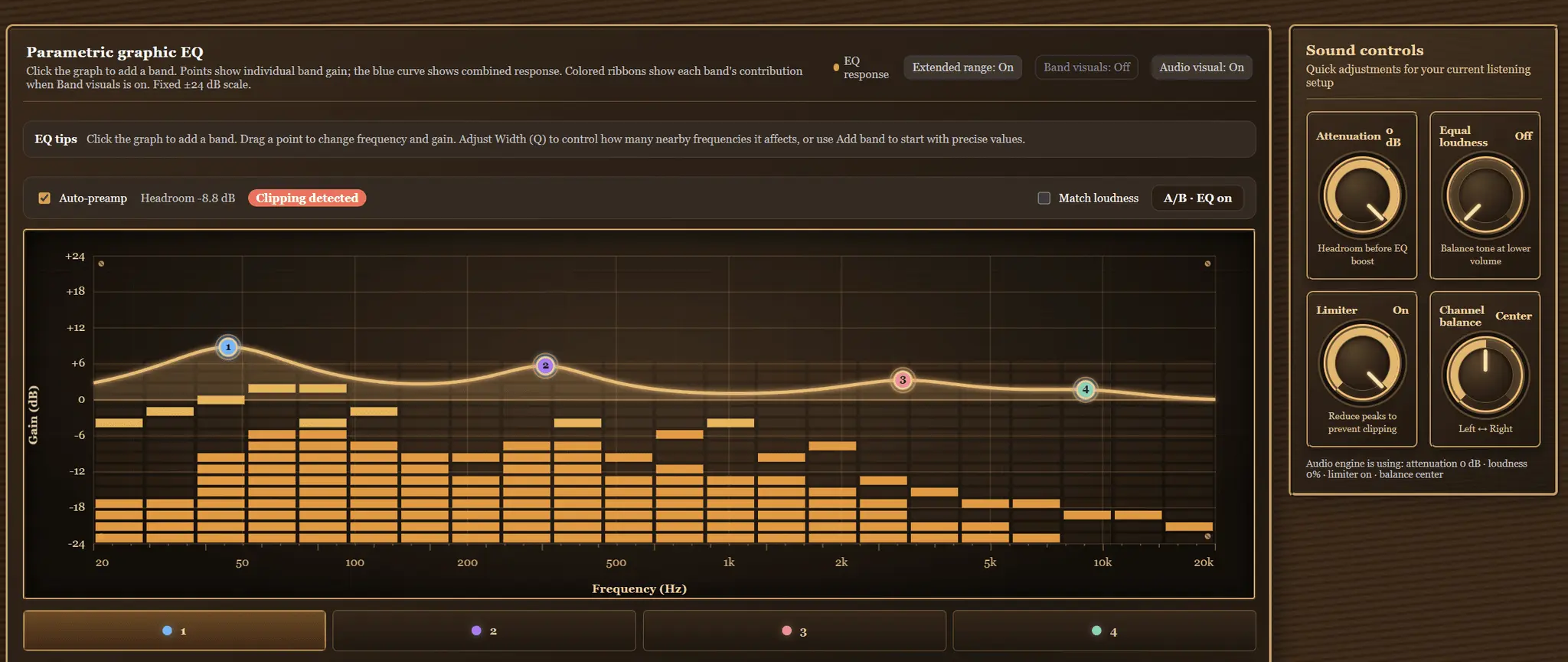
EqualTune is a free, open-source, system-wide audio equalizer for Windows. It processes everything your PC plays, so one EQ works across all your apps, headphones and speakers. System-wide routing uses the free VB-CABLE virtual audio device, and the installer can set it up for you. Features - Basic mode with four tone controls, or Advanced mode with up to 12 parametric bands (frequency, gain, Q and filter shape per band) - Live spectrum behind the EQ curve - 14 built-in presets, plus save, export and share your own - Import and export of Equalizer APO / AutoEq text files, so community headphone profiles work - A separate EQ profile for each output device, and automatic profile switching per app - Auto-preamp, level-matched A/B compare, limiter, channel balance and equal loudness - Global hotkeys, system tray, start with Windows, and Windows volume stays in sync - If EqualTune closes or crashes, Windows sound switches back to your normal output - Built-in update checker Customization - 16 UI skins with adjustable accent color, text, marker shape, curve style, corners and spacing, plus colorblind-safe band colors - Your own background image, built-in fonts or your own font file - Save your look as a custom skin and share it as a file Notes - Windows only for now. A Linux version is planned. - It doesn't affect apps that send audio in exclusive mode or through ASIO. - The installer isn't code-signed yet, so Windows SmartScreen may show a warning. - EqualTune was built almost entirely with AI tools (ChatGPT and Claude), directed and tested by its maintainer. Community: reddit.com/r/EqualTune
Product Video
Watch a video demo of EqualTune.
Screenshots

Reviews (2)
Average 5.0 out of 5
Based on 2 reviews


Comments (2)
Does the built-in update checker download and install new versions itself, or only tell you one is available?
@galdayan1895 Hello, currently the update checker will notify you that an update is available. When you click the Install option, it will take you to the download section of the repository, so you can download it yourself.
A free system-wide equalizer for Windows fills a real gap for gamers and music listeners. Simple, useful pitch.