
MicroNotch
On-device dictation and Utilities for Mac

Details
- Follow on
- Target Audience
- Pricing
- Freemium from $14.99
- Platforms
Discovery signals
How AI and people discover MicroNotch on PeerPush
About MicroNotch
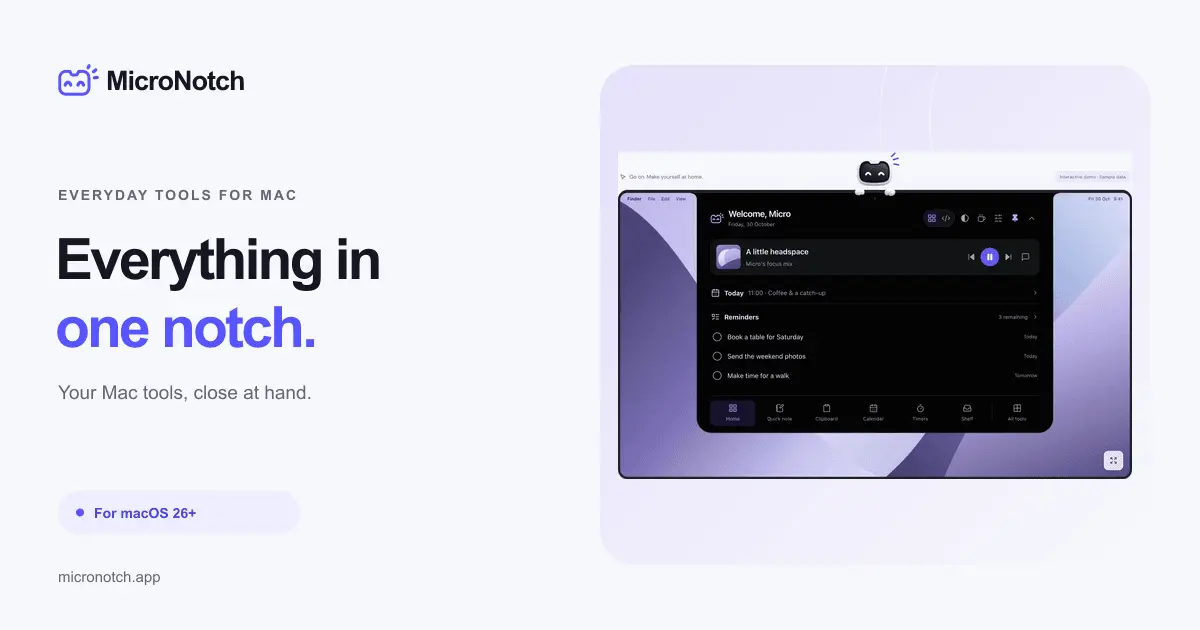
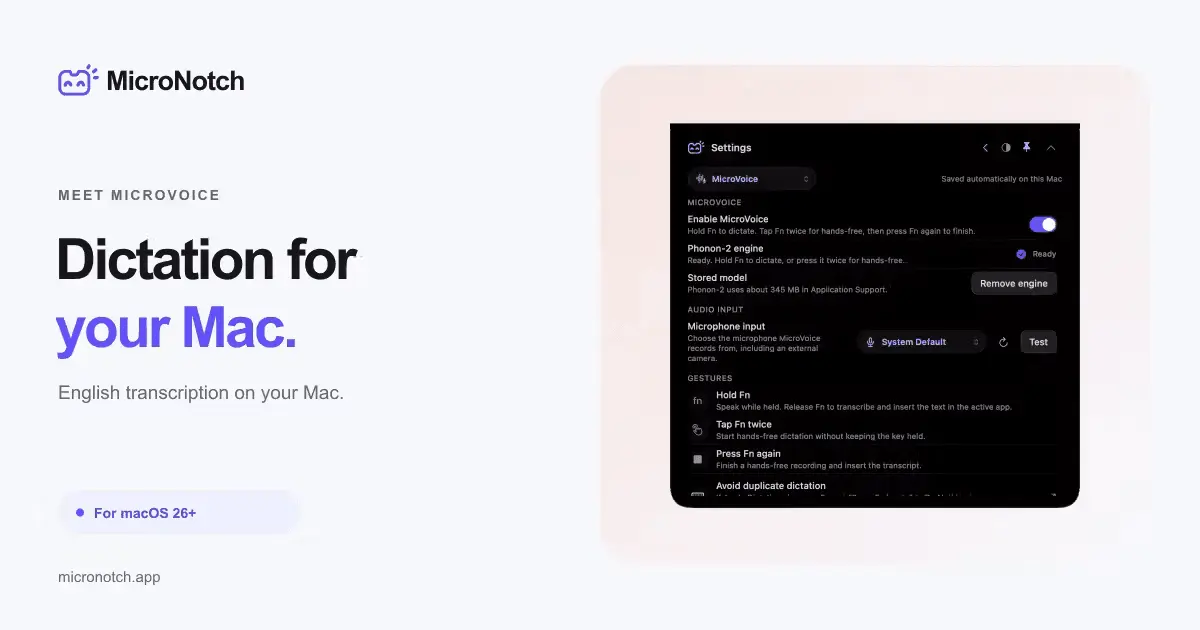
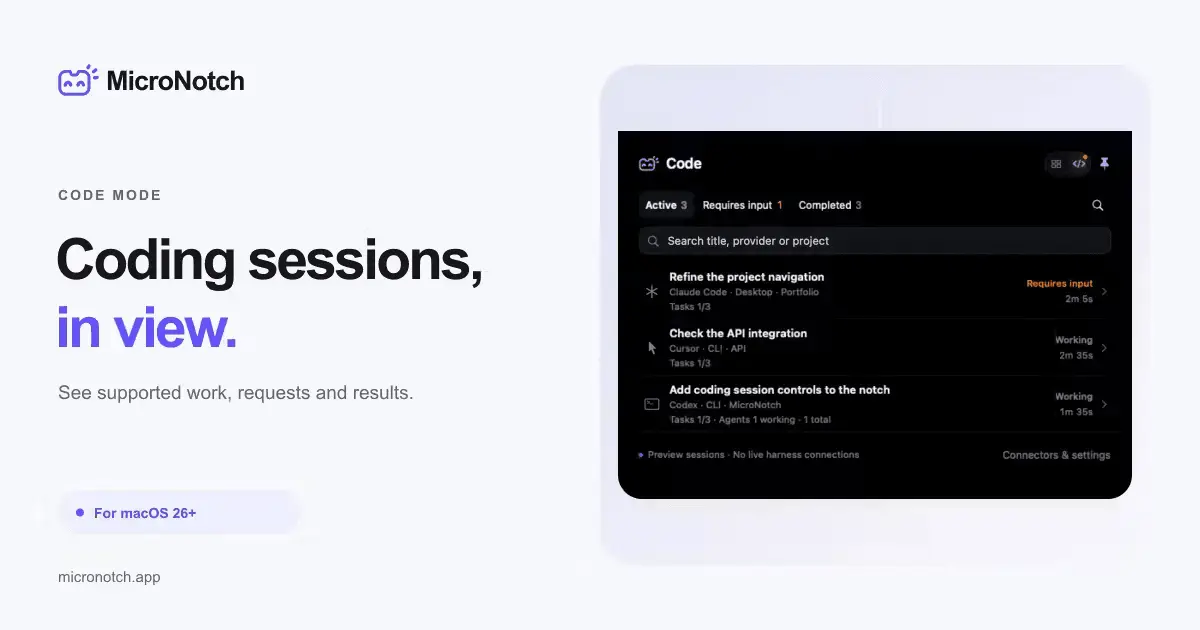
MicroNotch brings on device dictation, clipboard history, and file tools to the notch of your Mac. Its voice-to-text runs fully on-device, with no cloud transcription and no API keys to configure. A free three-day trial is available. Key features • Clipboard history: Search previous copies and pin frequently used items. Optional history stays on your Mac. • File shelf: Gather files, drag them into another app or share them using AirDrop. • Music controls: Pause, skip and see what’s playing in Apple Music or Spotify. • Timers and quick notes: Start a Pomodoro or capture a thought in a locally saved scratch note. • Calendar and reminders: View upcoming events and manage Apple Reminders with the relevant permissions. • MicroVoice dictation: Hold Fn to dictate, then release to insert your words into the app you’re using. English transcription runs on your Mac and requires a model download. • Code mode: Monitor supported sessions from Codex, Claude Code, Cursor and Antigravity. See what’s working, what needs your answer and what has finished. Available controls depend on the provider and connection. • AI usage monitoring: Check supported provider allowances, local activity and connected API balances. Available readings vary by provider. • Additional utilities: Access tools including a teleprompter, converter, system statistics and Apple Shortcuts. Platform: macOS 26 or later. Works with or without a notch.
Product Video
Watch a video demo of MicroNotch.
Screenshots
Reviews (0)
No reviews yet. Be the first to rate this product!
Comments (1)
Hi I'm Adam, I developed MicroNotch as an alternative to clunky or over inflated notch apps I have used in the past. MicroNotch stays right where you need it, tucked away. It small on the outside.