
Ufish
From folder chaos to Visual Library | Now on your pocket too

Details
- Categories
- Target Audience
- Pricing
- Free
Discovery signals
How AI and people discover Ufish on PeerPush
By AI reads among Design Tools tools
1,785 AI reads in the last 30 days, ranked against every Design Tools tool listed.About Ufish
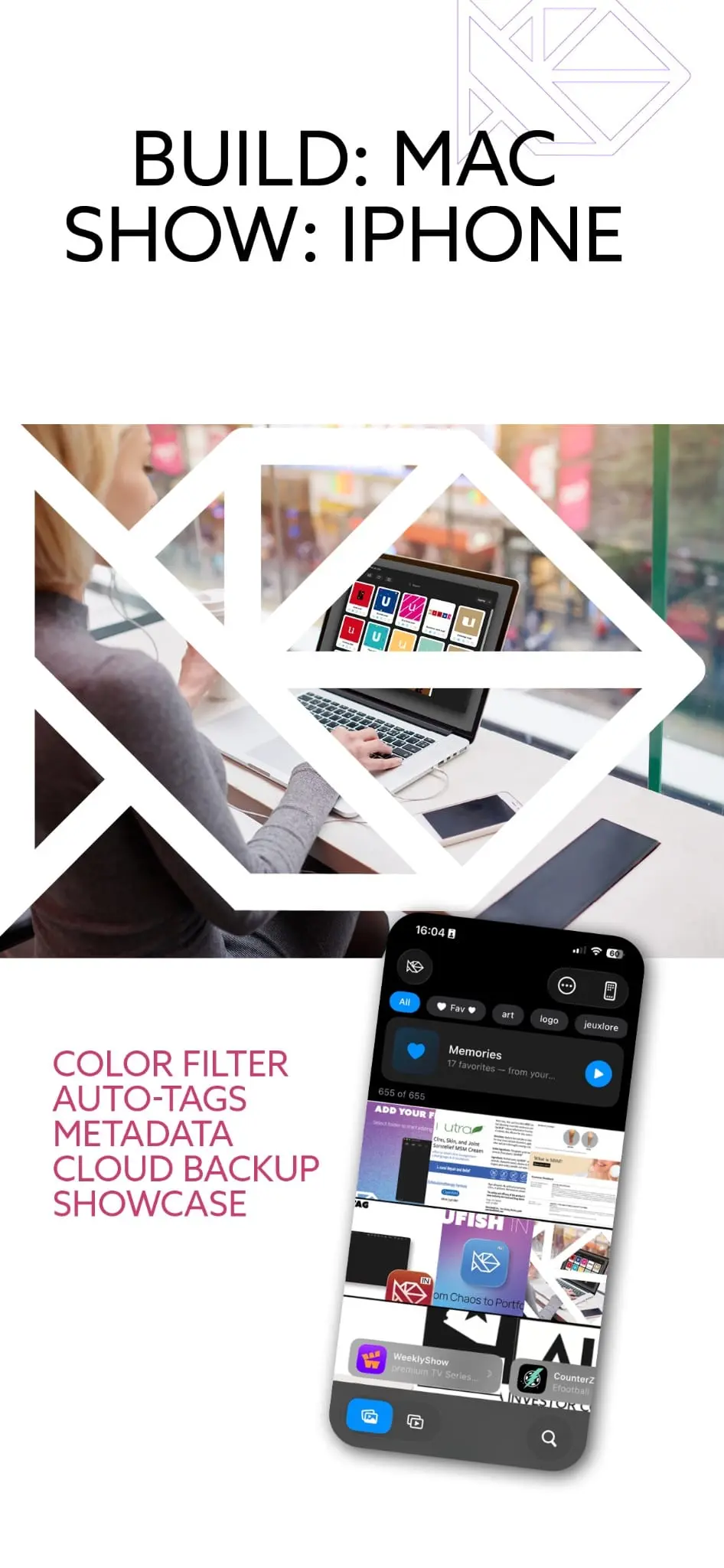
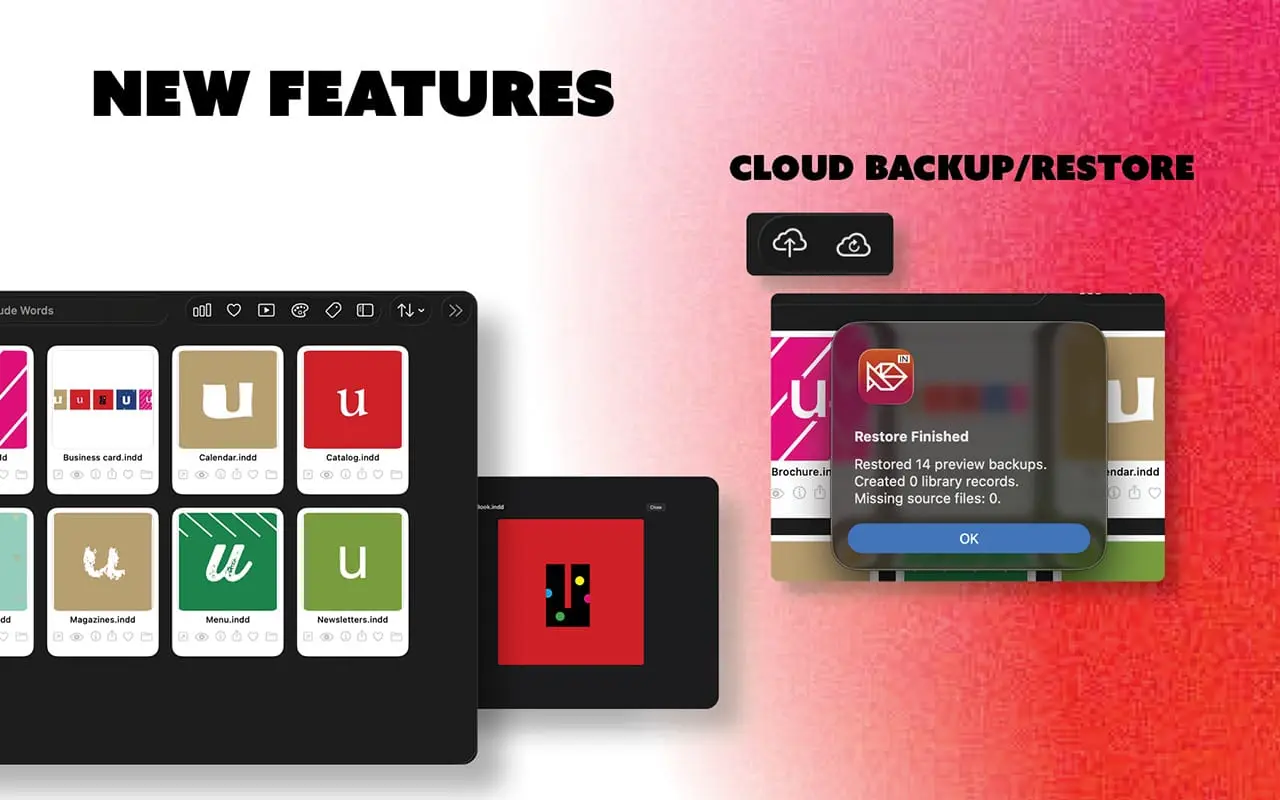
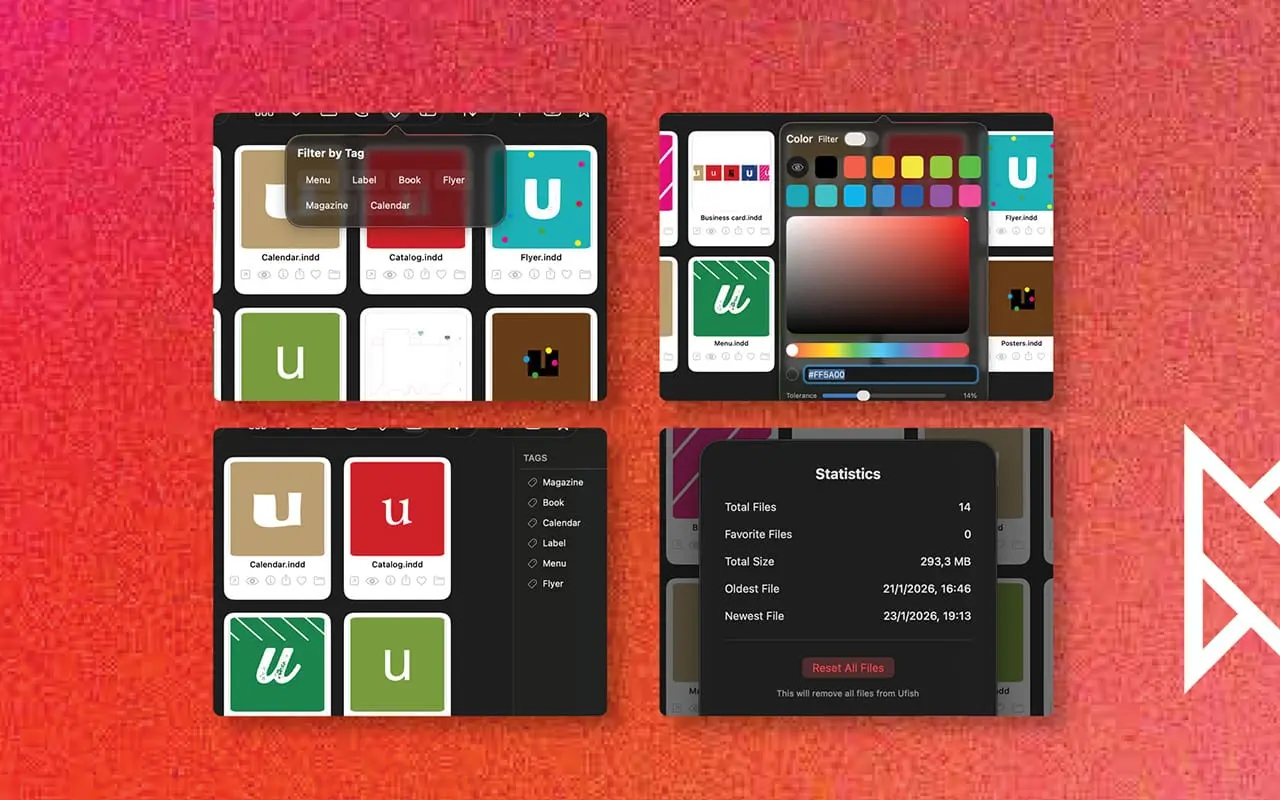
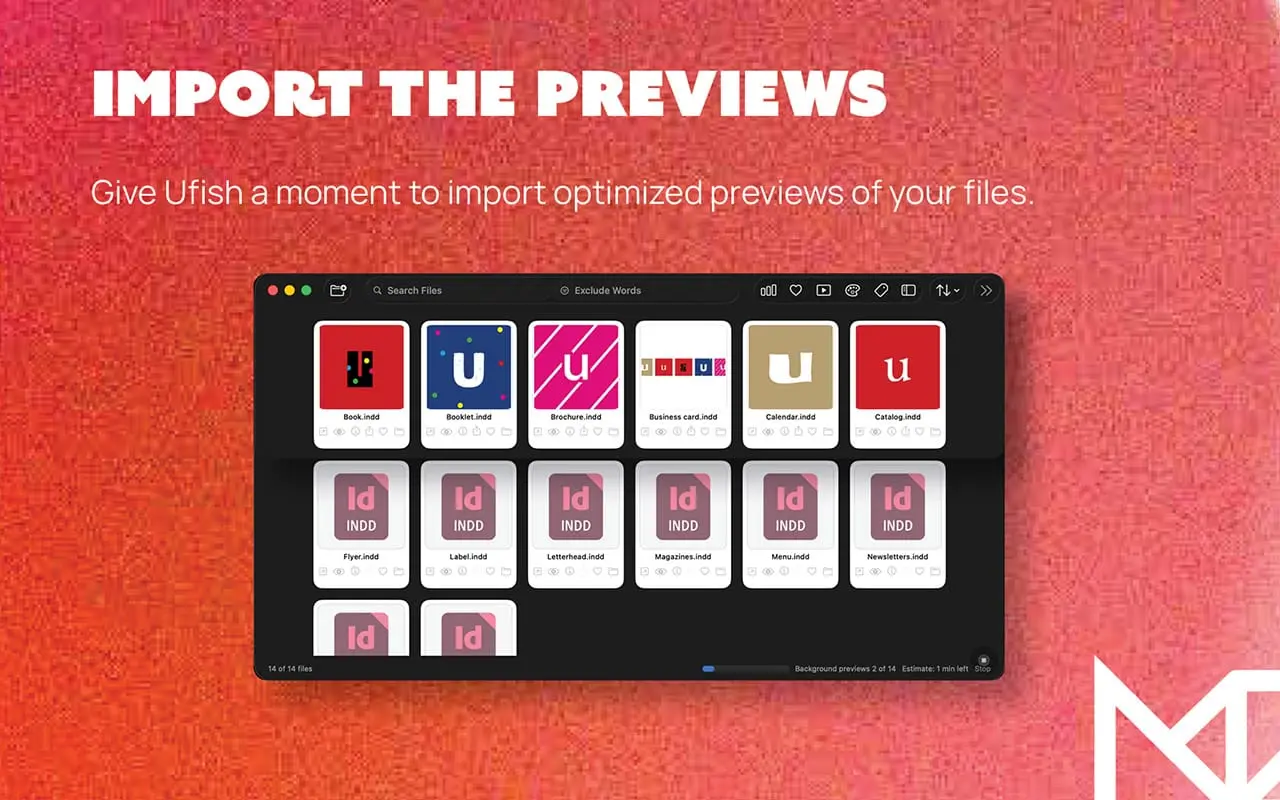
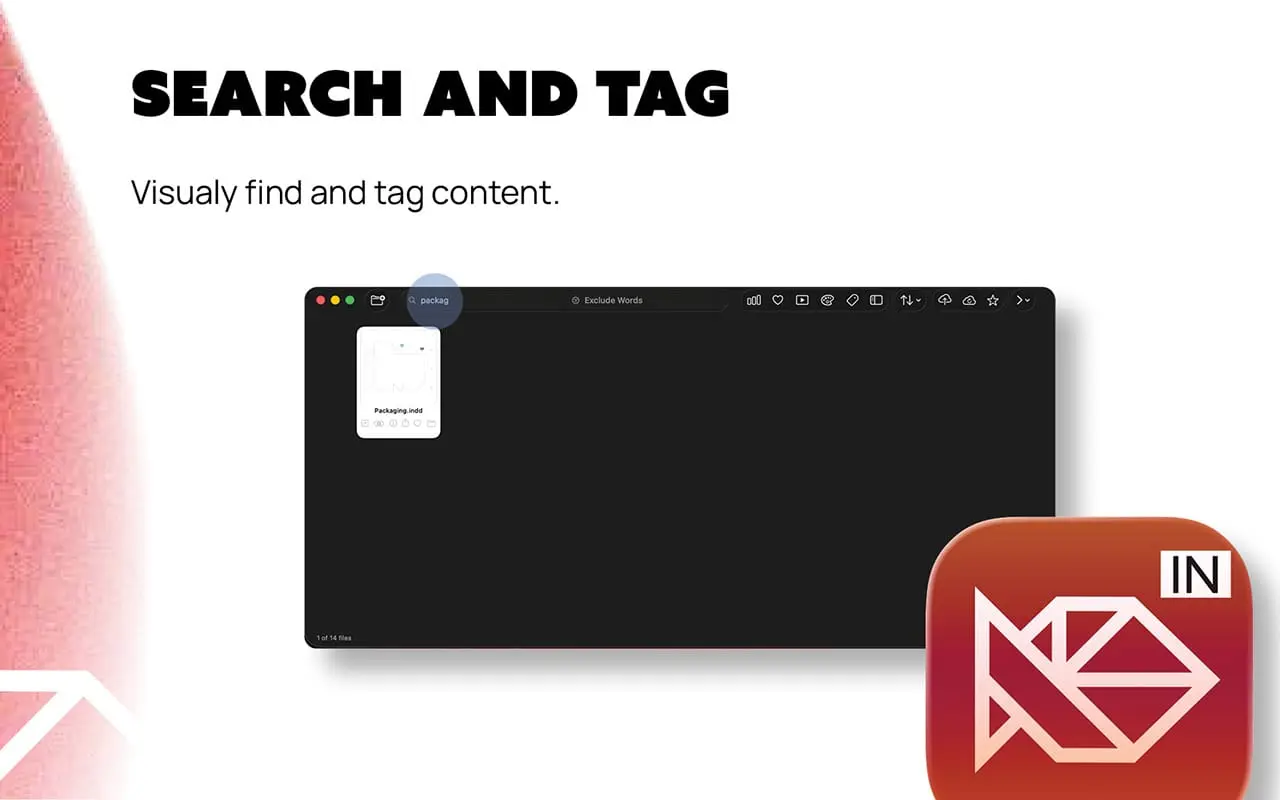
Stop opening files just to remember what's inside. Ufish turns your folder chaos into a visual library. Every InDesign/Illustrator file gets an instant thumbnail preview, so you can browse your work like a gallery instead of guessing from filenames — and find exactly what you need in seconds. WHAT IT DOES - View — Automatic visual previews and instant thumbnails for every file, organized as a browsable library - Find — Search by name, date, tag, or dominant color, and filter your favourites instantly - Open — Jump straight into the host app, or reveal the file in Finder - Preview — Full-size preview or slideshow mode, perfect for client reviews - Share — Send clean, lightweight bitmap previews to clients or your team — no need to make them open the full file, or install Acrobat 100% PRIVATE, 100% LOCAL Your files never leave your Mac. Ufish doesn't see, store, or share your data — and it's never used to train AI models. No cloud uploads, no external access, ever. BUILT FOR HOW DESIGNERS ACTUALLY WORK Ufish is made for graphic designers, art directors, and studios working in InDesign every day, who need a fast, visual way to navigate large project libraries — without opening files one by one just to remember what's inside them. CONVENIENT FEATURES - Color filter — browse your library by the dominant color in each preview - Auto-tags — a simple, automatic way to organize your file library - Tag sidebar — a clean, Finder-style panel to browse and filter by tag - Metadata at a glance — file size, date, fonts, colour mode, and dimensions - Cloud backup — back up your previews to iCloud or your preferred provider - Slideshow — select multiple files and launch a quick client-ready slideshow WORKS WITH YOUR EXISTING SETUP Ufish indexes external drives, Time Machine backups, and NAS storage seamlessly — wherever your archive already lives, Ufish can see it. Fully compatible with current macOS and the latest InDesign versions. NOW with a new companion app for iOS coming up. Independent since 2013. Built and maintained by a solo founder in the EU — not a big team, not a big company. Turn years of scattered project files into a library you can actually use.
Product Video
Watch a video demo of Ufish.
Screenshots

Reviews (2)
Average 5.0 out of 5
Based on 2 reviews

Comments (0)
No comments yet. Be the first to share your thoughts!